
Shut The Noise Up!
Automatically disables loud menu music and the narrator on startup.
截图

介绍
Shut The Noise Up! 🔇
Tired of Minecraft blasting loud music or enabling the narrator when starting the game?
Shut The Noise Up! automatically disables menu music and turns off the narrator on startup, giving you a cleaner and quieter experience every time you launch Minecraft.
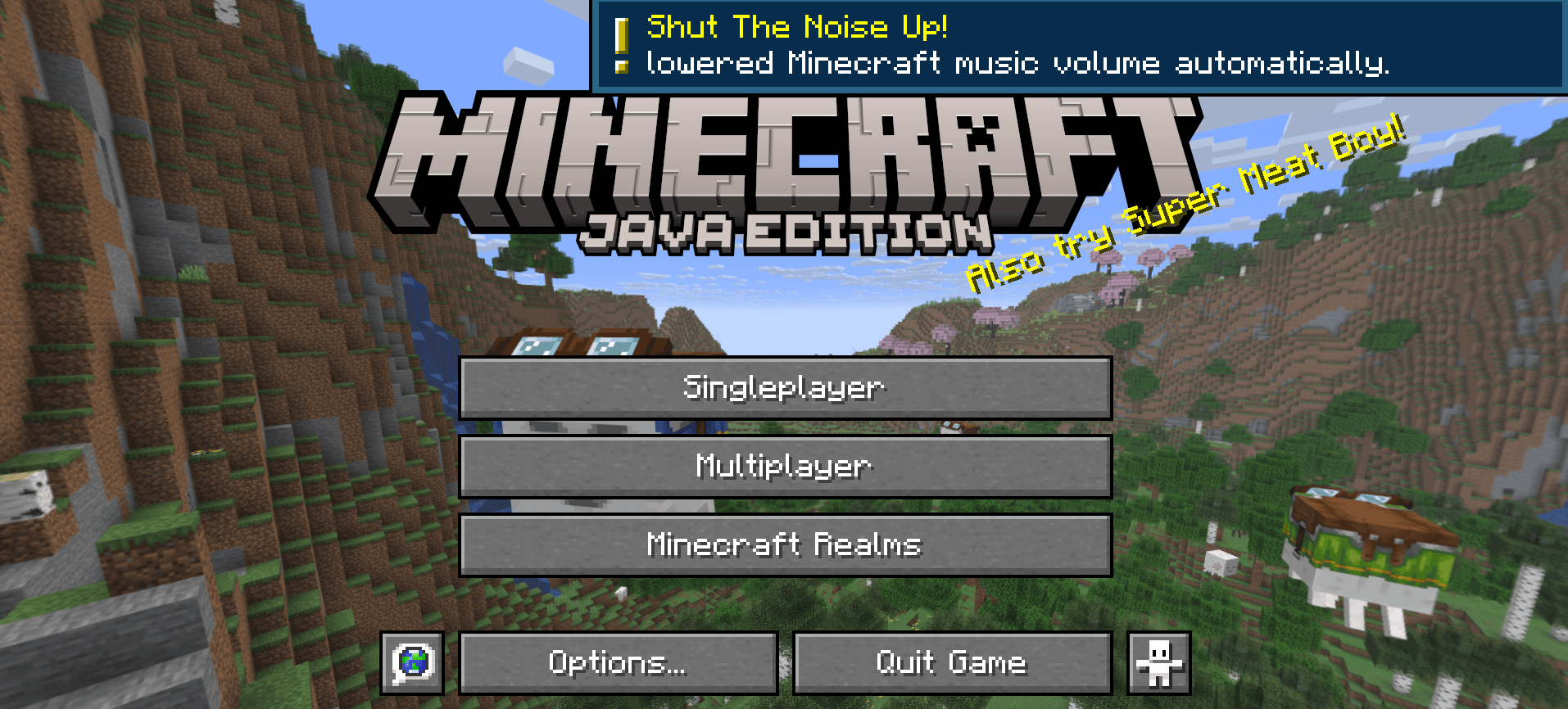
Client-side only.

Perfect for:
🎮 Modpacks
🛠️ Mod creators & developers
🎧 Players using voice chat or music
⚡ Faster and less annoying startups
✨ Features
Automatically disables menu music
Automatically turns off the narrator
Lightweight and simple
Great for modpacks and development environments
No complicated setup required
🛠️ Why?
Many players and mod creators repeatedly disable the music or narrator while testing mods and modpacks. This mod does it automatically every time you launch the game.

This mod have been created with IntelliJ
❗ NOT AN OFFICIAL MINECRAFT PRODUCT
NOT APPROVED BY OR ASSOCIATED WITH MOJANG OR MICROSOFT
常见问题
Shut The Noise Up! 支持哪些 Minecraft 版本?
Shut The Noise Up! 支持 Minecraft Java 版 1.20.1–26.2,共 9 个版本,可用的加载器:Fabric / Forge / NeoForge。下载时注意选择和你游戏版本一致的文件。
Shut The Noise Up! 怎么安装?
先用 PCL2 或 HMCL 启动器安装对应版本的 Fabric / Forge / NeoForge,再把下载的 .jar 文件放进游戏目录的 mods 文件夹,重新启动游戏即可。开启了版本隔离的,mods 文件夹在 versions/版本名 下面。运行环境:仅客户端。
SmartStreamLabs 的其他作品
查看全部 →
Create: Structures Arise
这个模组为你的Minecraft世界添加了28个新的机械动力结构。

AnvilCore 🔨 [DISCONTINUED]
AnvilCore 是所有 SmartStreamLabs 模组的前置库,负责处理共享代码和核心功能。

Create: Pillager Arise
游戏内新增10种建筑!(有掠夺者把守)需要机械动力。

Echoes of The End ( Structures)
Adds 9 New Structures To The End. Is This The End? ( Vanilla Blocks Only )
评论
登录后评论和评分