
截图
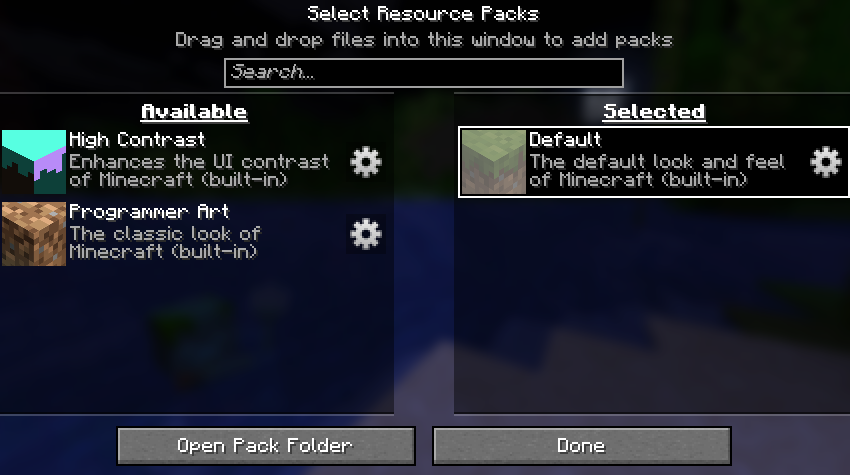
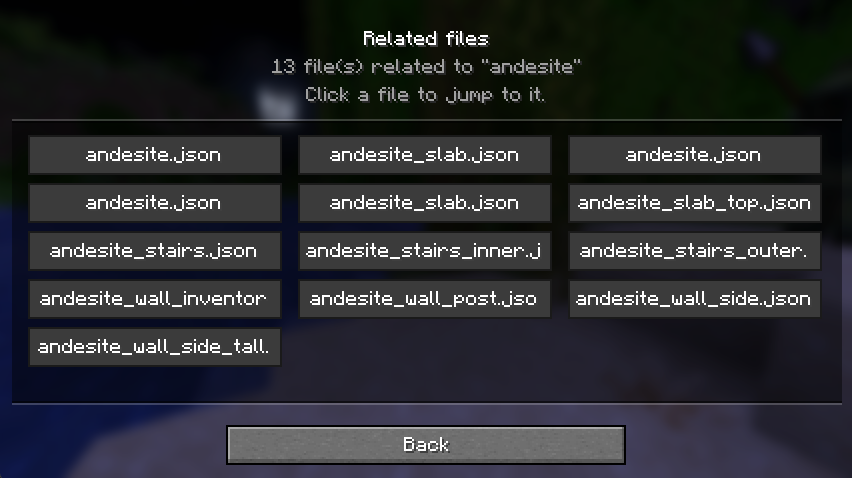
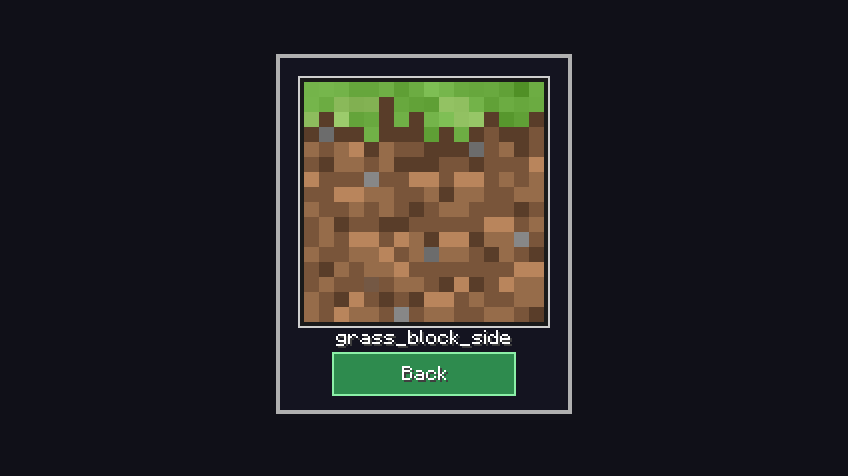
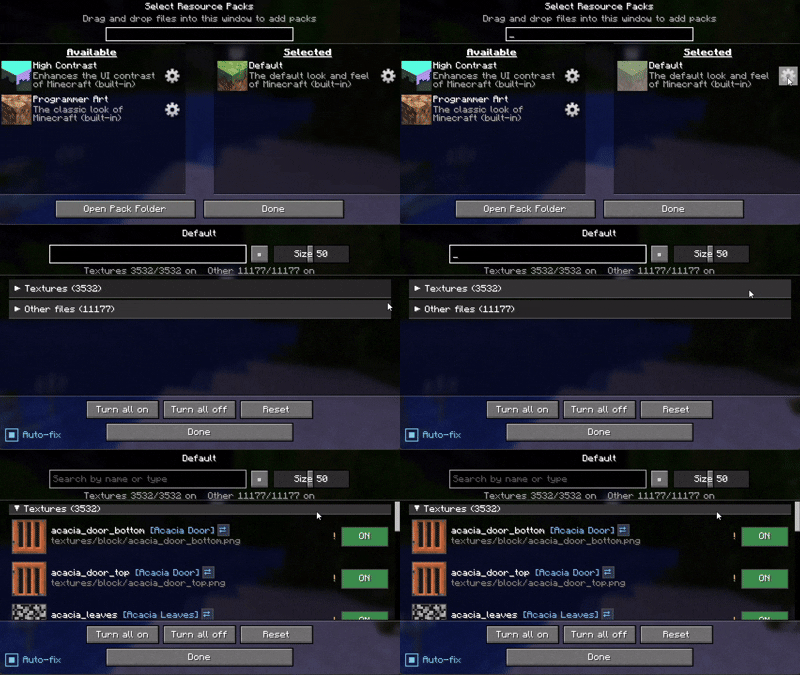
介绍
Resource Pack Settings
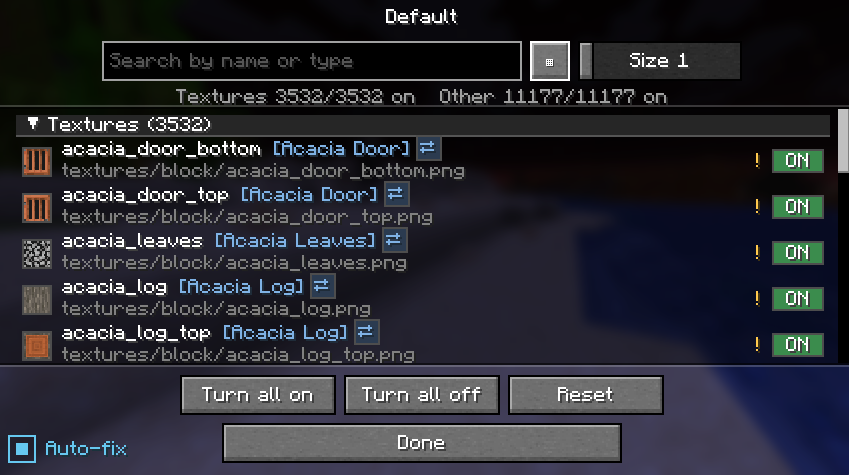
Brief description: You can use only the specific parts of the resource pack that you want.
without editing or unzipping the pack.
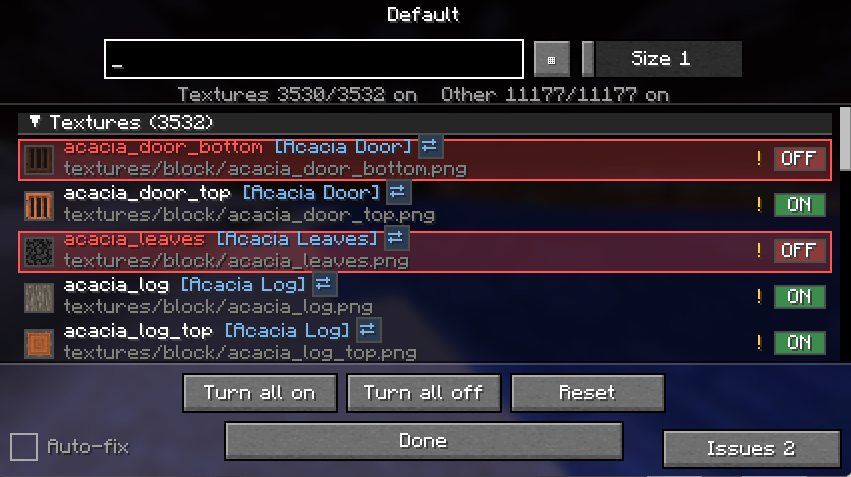
Usage example
An example of applying the setting only to the specific blocks you want to target.An example of applying the setting only to the specific blocks you want to target.(All gaming textures used in this image)
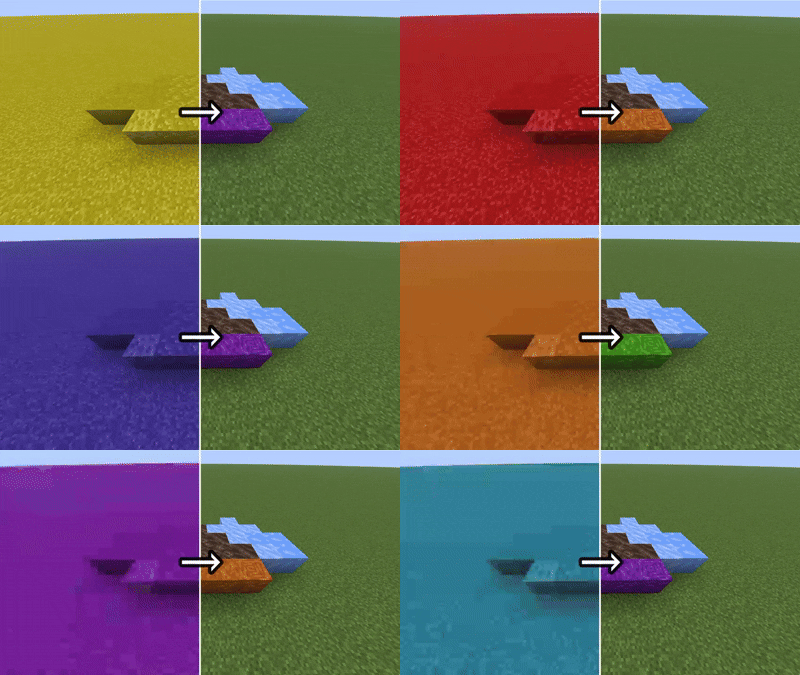
If possible, I recommend using a mod such as Remove Reloading Screen alongside it.
ーーーーーーーーーーーーーーーーーーーーーーーーーーーーーーー
Others
Features (click to expand)
- 📁 All Supported — It can handle more than just textures
- ⚙️ Gear button on every resource pack (available and selected lists alike)
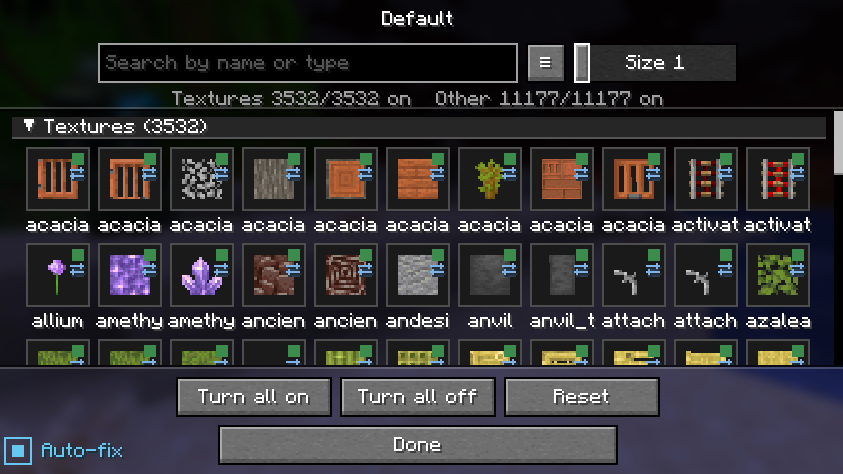
- 🖼️ Per-file ON / OFF with a live thumbnail and the file name
- 🔎 Search by file name
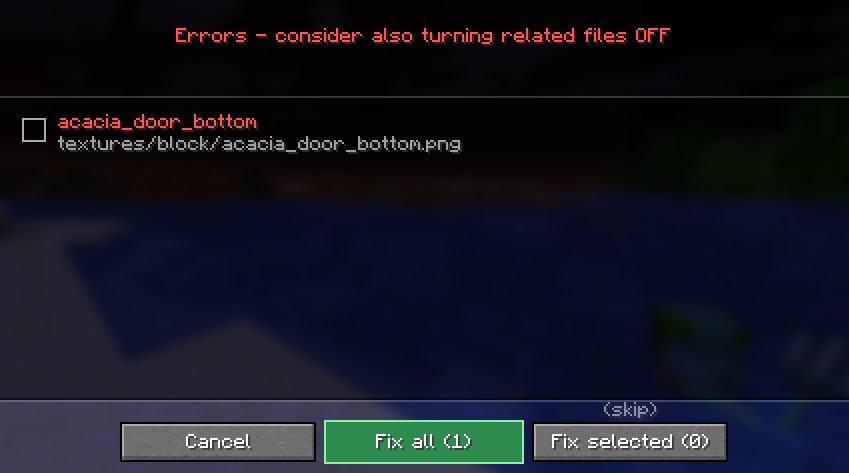
- ⚠️ warnings — it reads how textures and JSON files reference each other, and only warns you when a change would actually break rendering (the purple-and-black missing texture)
- 🔗 Jump between related files, review all current warnings, and reset with a confirmation step
How it works (click to expand)
Disabling a file never modifies the pack. The mod hides that file so the game falls back to the pack below it (or vanilla). Changes apply on the next resource reload.
Available languages (click to expand)
Follows your game language automatically, with translations in English, 日本語, Deutsch, Français, Português, हिन्दी and 中文. Any other language falls back to English.
License (click to expand)
All Rights Reserved. Personal use and unmodified inclusion in modpacks (with credit and a link back) are allowed. Re-uploading elsewhere or distributing modified versions is not permitted.
常见问题
ResourcePackSettings 支持哪些 Minecraft 版本?
ResourcePackSettings 支持 Minecraft Java 版 1.19–26.3,共 29 个版本,可用的加载器:Fabric。下载时注意选择和你游戏版本一致的文件。
ResourcePackSettings 怎么安装?
先用 PCL2 或 HMCL 启动器安装对应版本的 Fabric,再把下载的 .jar 文件放进游戏目录的 mods 文件夹,重新启动游戏即可。开启了版本隔离的,mods 文件夹在 versions/版本名 下面。运行环境:仅客户端。
Block1215 的其他作品
查看全部 →
featherIME
A Fabric mod that enables smooth IME input for Japanese and other languages, compatible with Feather Client.

FabricSimpleAFK
A simple fabric mod that lets you indicate you're AFK

FabricSharedInventory
Share inventory across multiple servers

All Gaming Texture
Textures that make everything "gaming"
评论
登录后评论和评分