
EvergreenHUD (FPS / CPS / Keystrokes HUD)
作者:Polyfrost
改进你的游戏界面显示。由 Polyfrost 制作,搭配 OneClient 使用效果更佳。
截图


介绍
中文介绍正在准备中,下面暂时显示原文。
EvergreenHUD


EvergreenHUD adds around 40 HUD elements to the OneConfig HUD editor. Place, scale and style whichever ones you want.
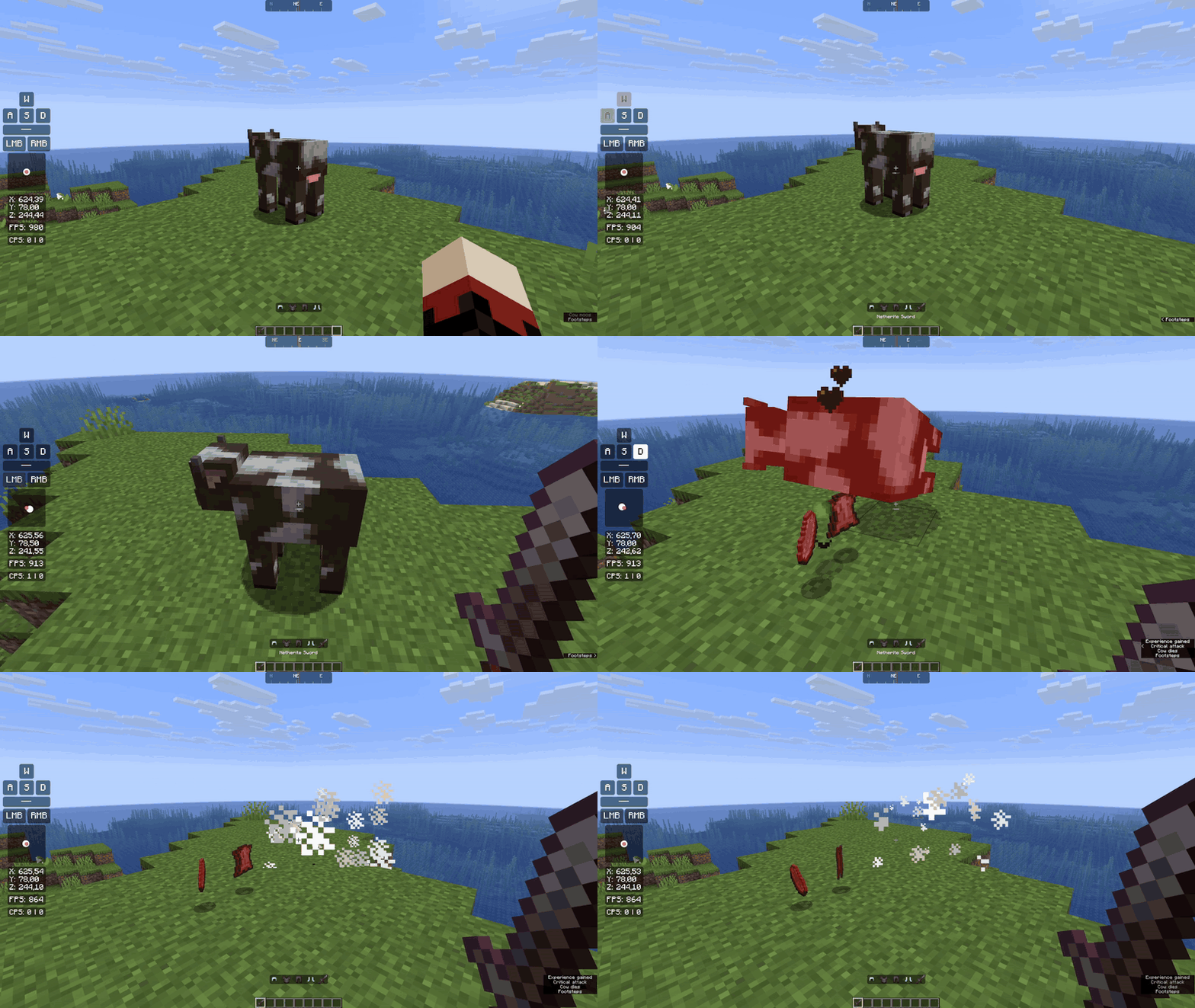
Elements
- Combat: CPS, Keystrokes, Mouse Strokes, Combo, Reach, Block Place Count
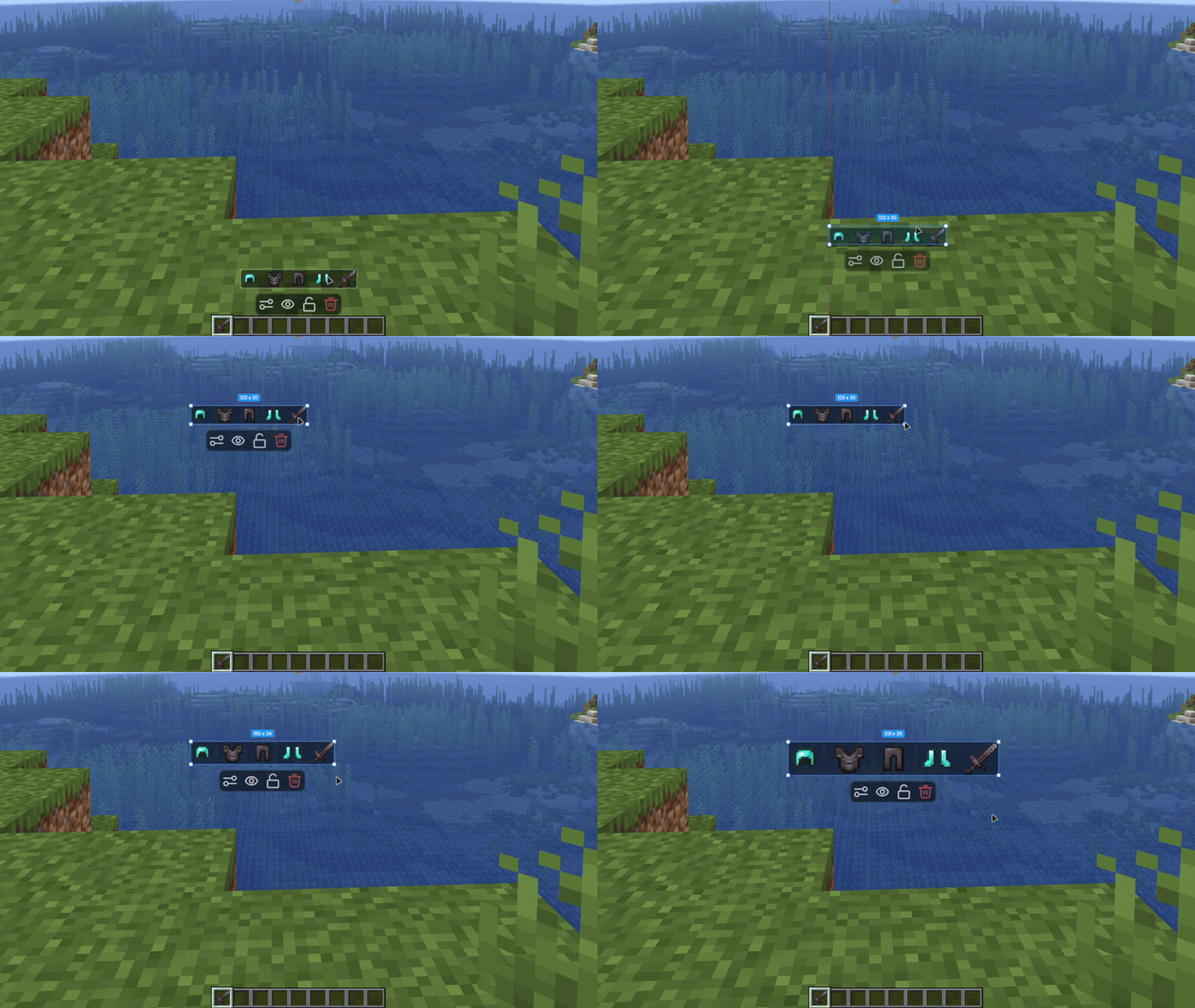
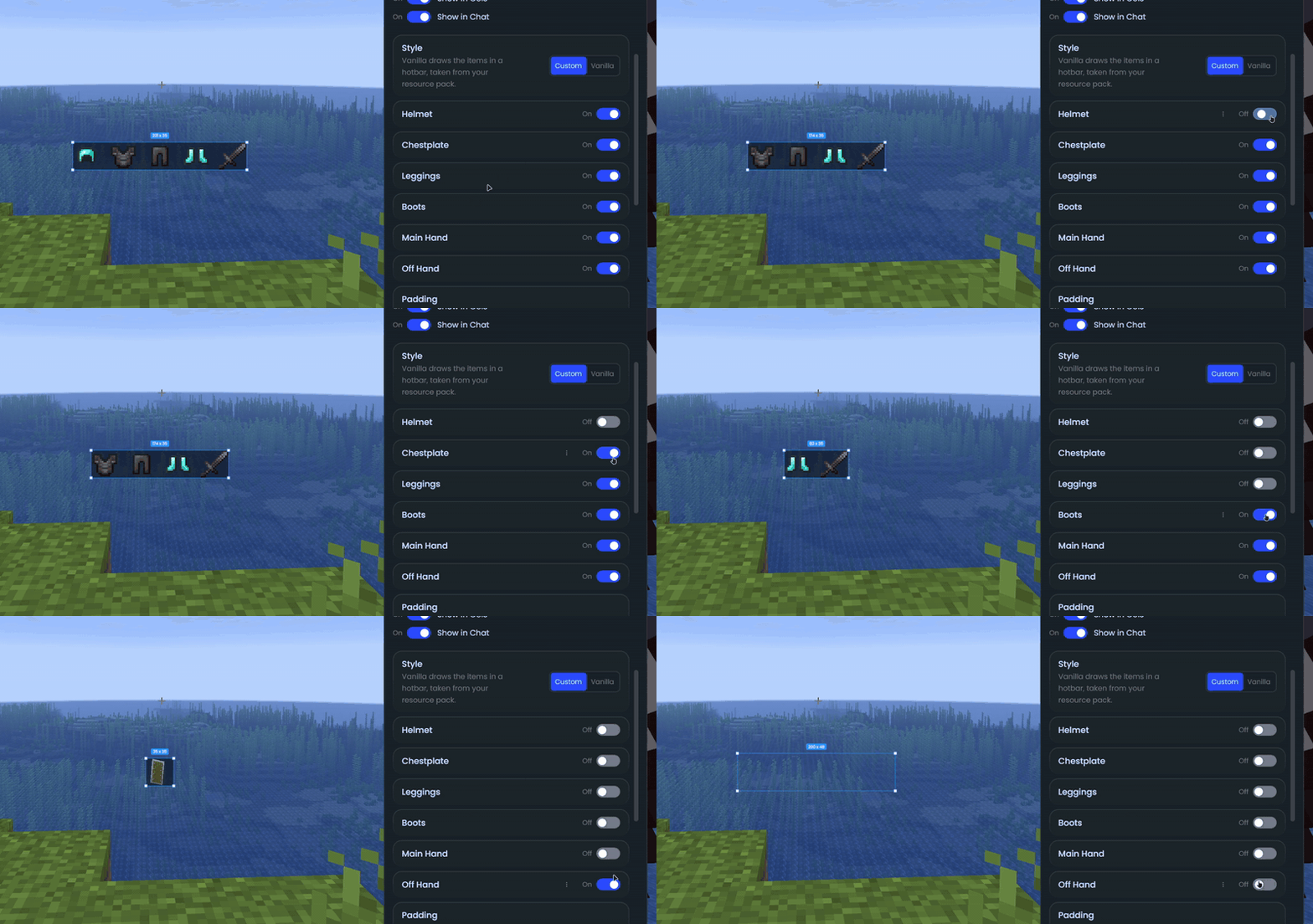
- Player: Armor Status, Potion Effects, Inventory, Item Counter, Item Tracker, Item Lore, Saturation, Player Preview, Player Head
- World: Position, Facing, Direction, Speed, Biome, Block Above, Day, In Game Time, Entity Counter
- Performance: FPS, Ping, TPS, Memory, Server Address, Play Time, Resource Pack
- Clocks: Clock, Digital Clock
- Custom: Custom Text, Custom Image, Shape
- Online: Weather, Social Media Stats
- Battery (Windows laptops) and Shaders (with Iris)
Some highlights
- Keystrokes with custom rows, colors and fade times, plus a trail for your mouse movement
- Armor Status with durability, percentage, item name or count next to each piece
- Inventory can show your ender chest, or the shulker box you’re holding
- FPS with average, median and percentile values
- Combo and Reach for your last hits
- A compass strip that scrolls as you turn
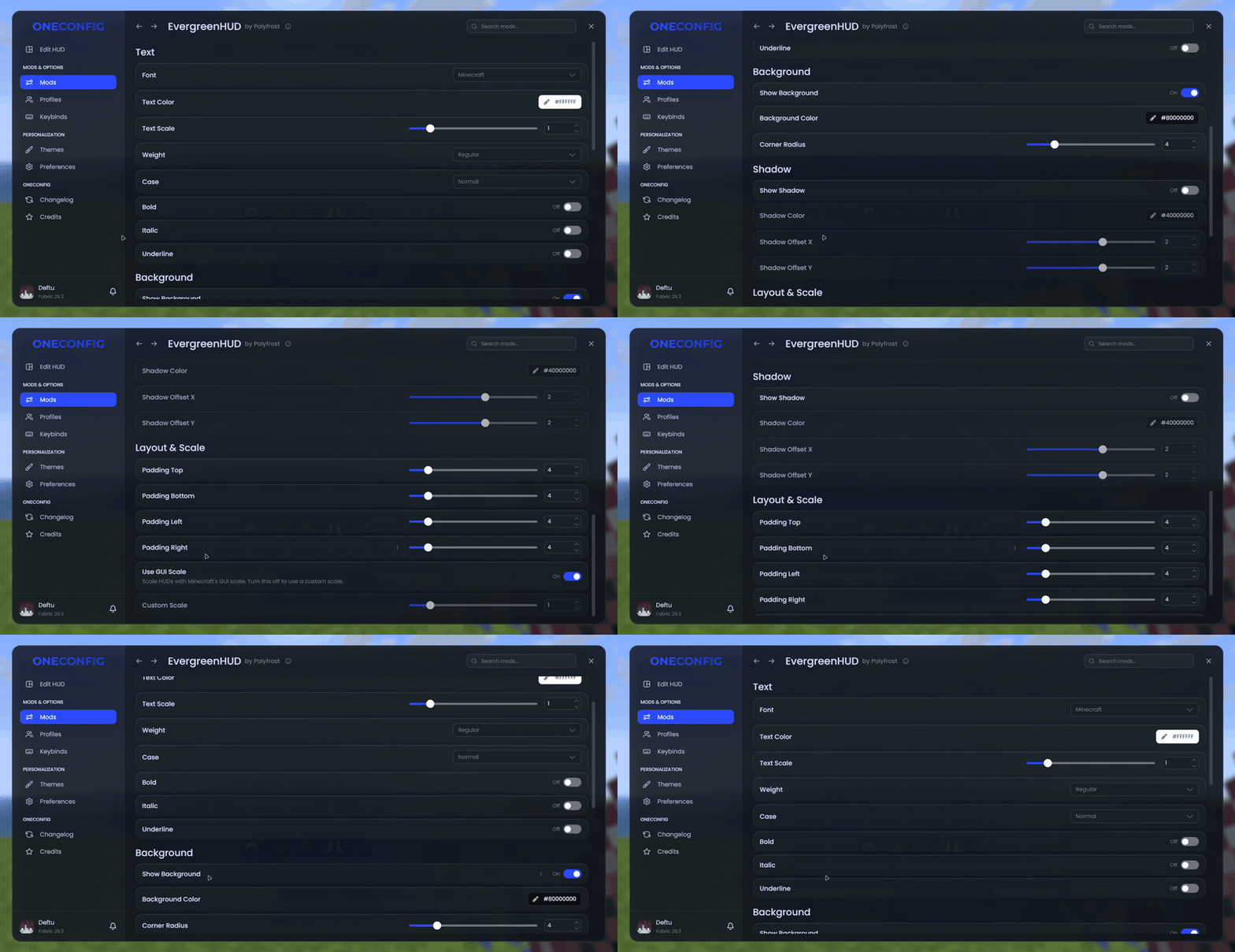
Font, colors, background, corner radius, shadow and padding can be set for every element at once from the EvergreenHUD settings page.
Compatibility
If you also use VanillaHUD, the Potion Effects element can hide VanillaHUD’s status effects so the two do not overlap.
Supported versions
- Minecraft 1.8.9 on Ornithe.
- Minecraft 1.21.1-26.3 on Fabric.
EvergreenHUD needs OneConfig and Fabric Language Kotlin. The Fabric builds also need Fabric API.
Support
- Report bugs and ask questions on the Polyfrost Discord.
- Check Polyfrost Status if a Polyfrost service is down.
Polyfrost 的其他作品
查看全部 →
Chatting (Chat Animations + More)
by Polyfrost
Chatting 是一款聊天模组,提供高度可自定义的聊天标签页、聊天快捷键、聊天截图和消息复制等实用功能。作者:Polyfrost,搭配 OneClient 使用效果更佳。
202万
10 天前
Modrinth

VanillaHUD (Scoreboard / Hotbar / More)
by Polyfrost
一个修改多种原版 HUD 元素的模组,例如 Boss 血条、动作栏、侧边栏/计分板、快捷栏、标题/副标题等。作者 Polyfrost,搭配 OneClient 使用效果最佳。
194.3万
10 天前
Modrinth

PolySprint (Toggle Sprint / Sneak)
by Polyfrost
冲刺与潜行切换模组。作者:Polyfrost,搭配 OneClient 使用效果最佳。
178.6万
11 天前
Modrinth

Hytils Reborn
by Polyfrost
专注于 Hypixel 的便捷性模组。
169.8万
1 个月前
Modrinth
评论
登录后评论和评分