
Hyper Login
A simple yet powerful data pack that allows every player to protect their account with a password.
截图
介绍
💡 How does this work?
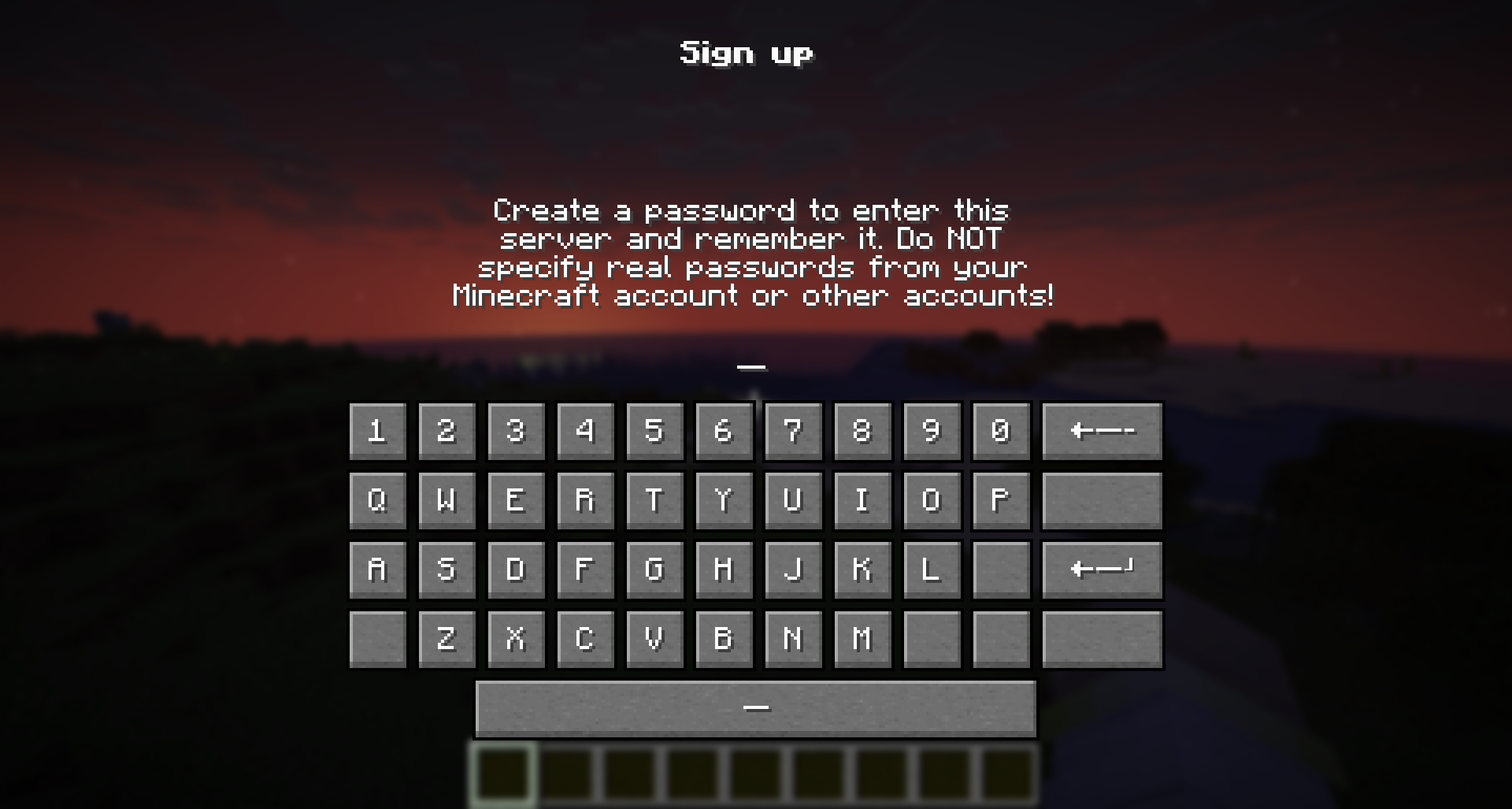
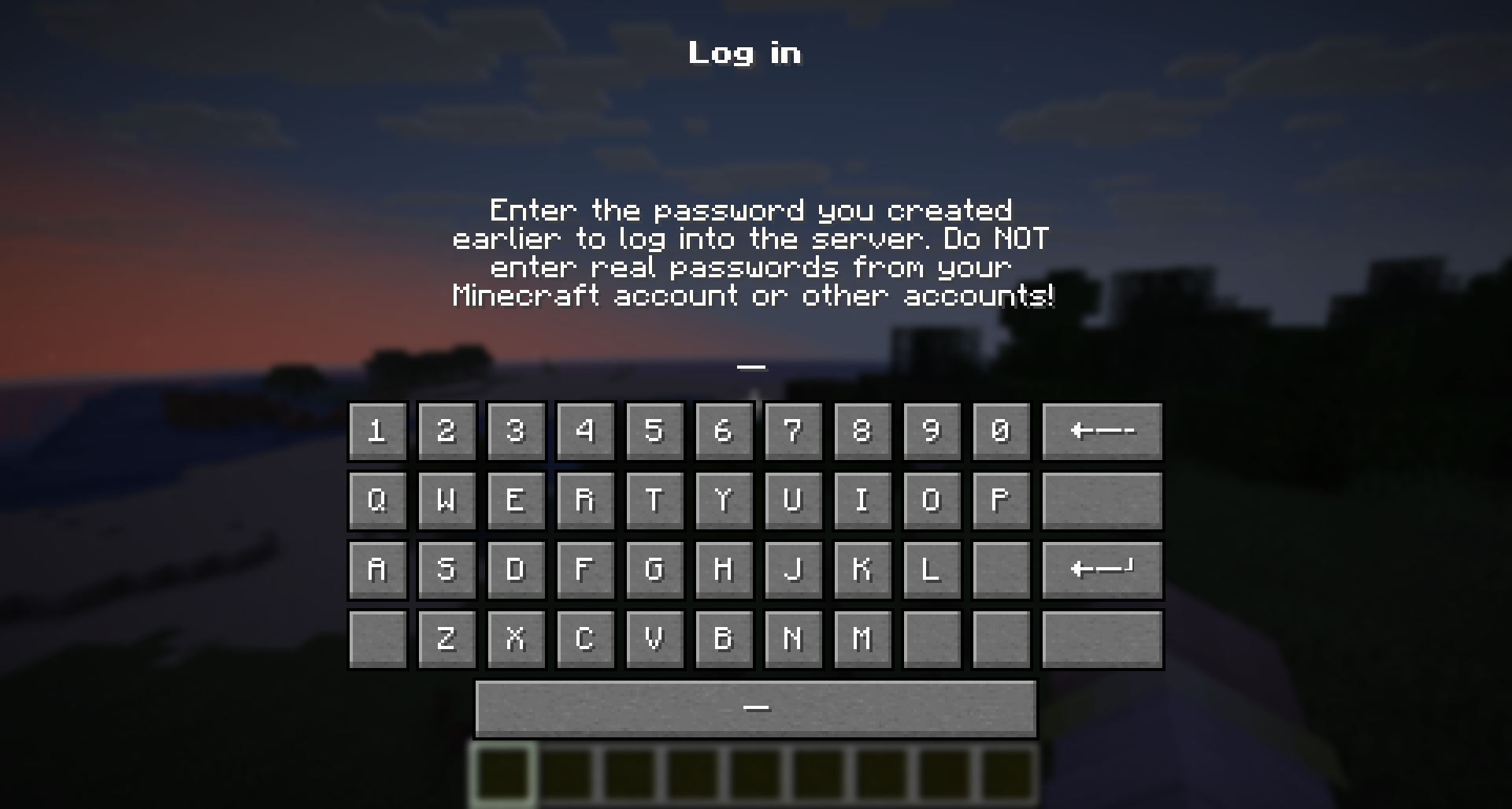
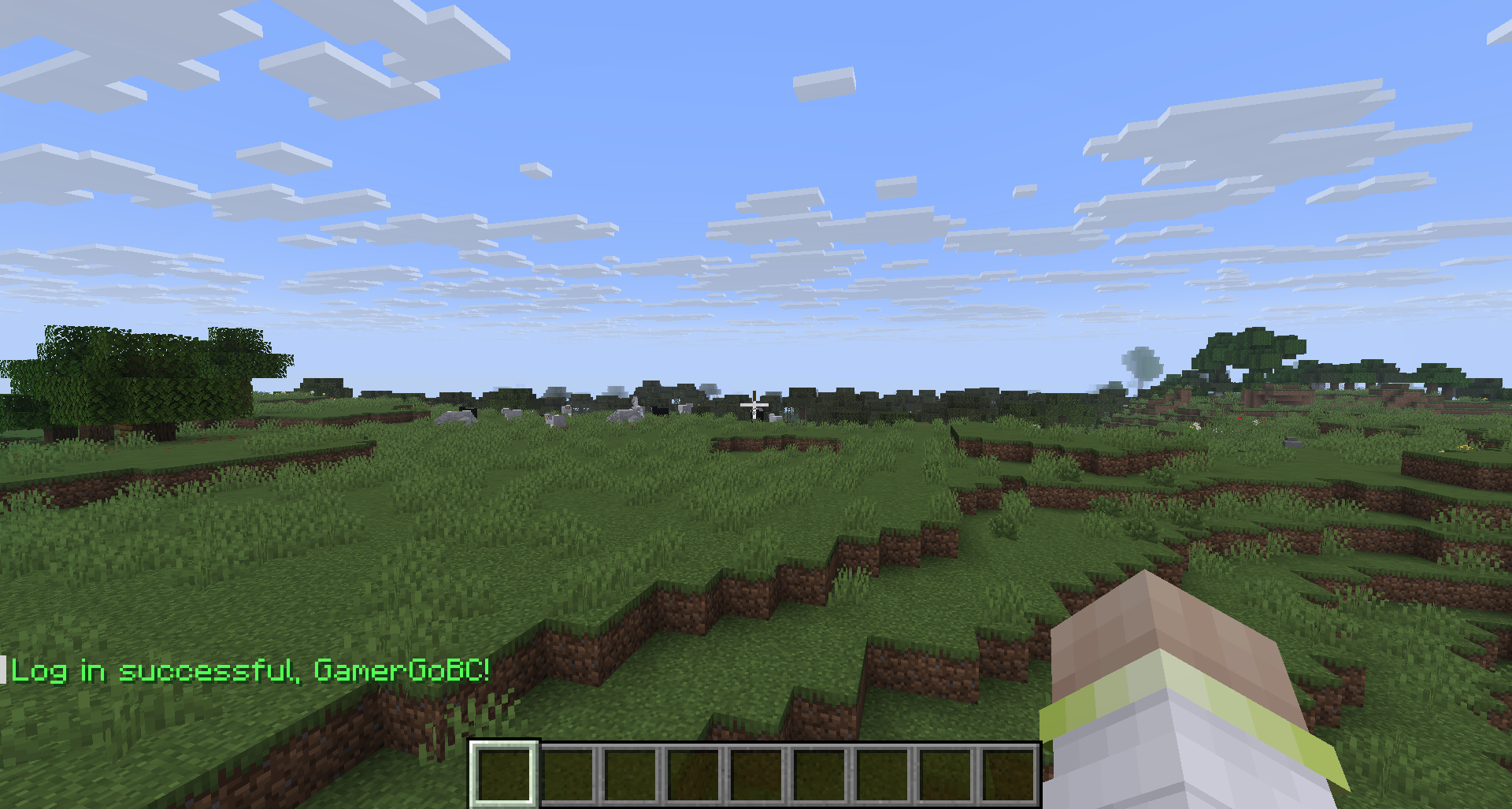
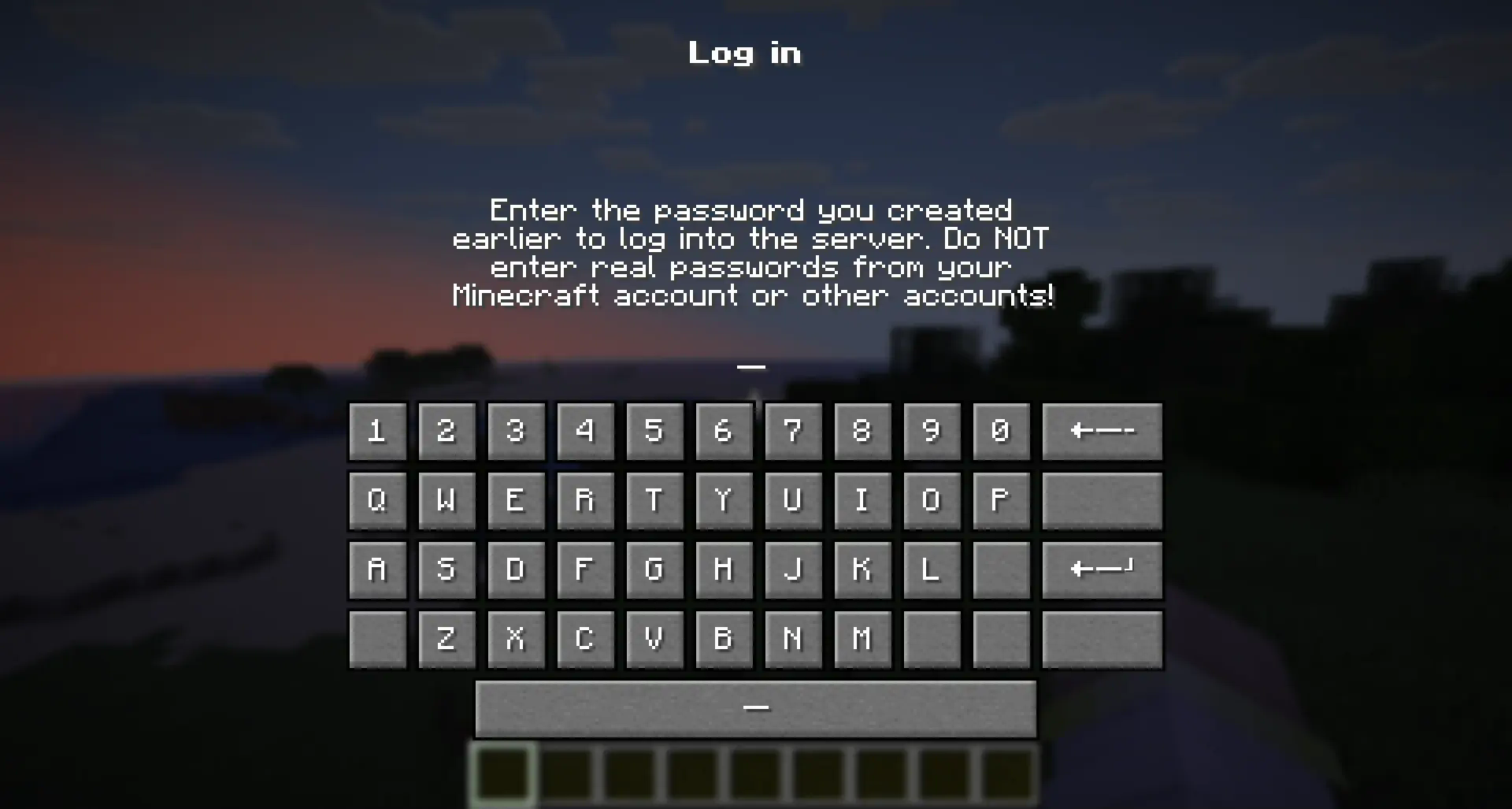
“Hyper Login” uses a forced dialogue system to ensure the safety of each player entering the server.
When you first enter, you will need to come up with a unique alphanumeric combination, which you will use later to enter the server under the same nickname.
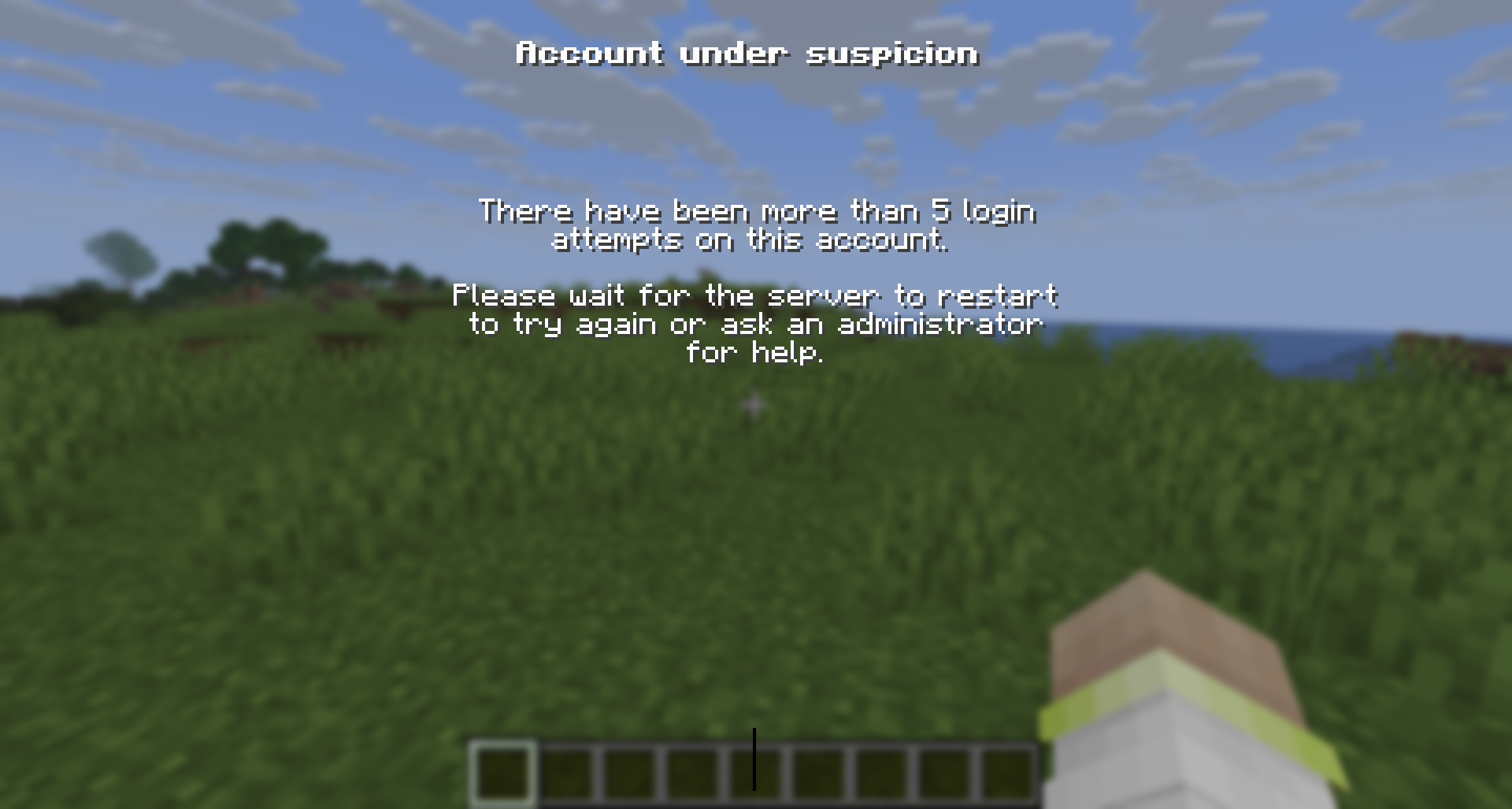
If a player enters an incorrect password several times in a row, he can try again after the server restart (or re-enter the world if it is a single-player game)
🔐 Is this safe to use?
All players’ passwords are stored offline and no player can find out the other player’s password.
At the moment of registration or entering a password, the player is not vulnerable and is not subject to gravity, which will not allow him to be deliberately harmed until he has entered the correct password.
The datapack does not change anything in the world it is installed in. If you decide to stop using the mod/datapack, then after deleting it, the world/server will be available without entering a password.
❓ What happens if I forget my password?
If a player has forgotten their password, server operators can reset it with the command:
“`
/tag remove xhl_signed_in
“`
If it is necessary to force a player to log in again, server operators can do this with the command:
“`
/tag remove xhl_logged_in
“`
🖥 Where should I install the mod (OR) datapack?
- The datapack must be installed in the “datapacks” folder of a world or a server you want to password protect.
- The mod must be installed in the “mods” folder on the server you want to password protect.
- Installing a mod on the client only makes sense if you want to protect all your singleplayer worlds from another person using your pc
常见问题
Hyper Login 支持哪些 Minecraft 版本?
Hyper Login 支持 Minecraft Java 版 1.21.6–26.3,共 10 个版本,可用的加载器:Fabric / Forge / NeoForge / Quilt。下载时注意选择和你游戏版本一致的文件。
Hyper Login 怎么安装?
先用 PCL2 或 HMCL 启动器安装对应版本的 Fabric / Forge / NeoForge / Quilt,再把下载的 .jar 文件放进游戏目录的 mods 文件夹,重新启动游戏即可。开启了版本隔离的,mods 文件夹在 versions/版本名 下面。运行环境:客户端 / 服务端。
G4bc 的其他作品
查看全部 →
Axis World Editor
Vanilla WorldEdit: 1 Tool, ∞ Features.

Survival Displays
Create display models directly in survival without mods and resource packs

Mini Lighters
Adds many unique lighter models via renaming. No OptiFine required!
评论
登录后评论和评分