
Guilded
Adds the ability to create Guilds, large organized groups with an API for in-game interactions
截图


介绍
Guilded

Status
Integration Update (Adds integrations with other mods)
Integration Update is almost ready for 1.21.1 & 1.21.3. Porting it to 1.20.1 will begin after release. You can find a document showing it’s progress and contents here
Docs
Developer and user documents will be worked on alongside 1.20.1’s Integration Update port
Contributions
- Poke097 for logo
Introduction
Guilded is a Fabric mod that aims to fill in the absence of faction mods that allow for the creation of Factions from modpack, mod dev, and player standpoints, while also providing a API that developers can hook on-to for ingame interactions.
User Guide
To start using the mod, simply load a world and press G (Keybind can be changed to user preference). This will take you to the main menu of Guilded.
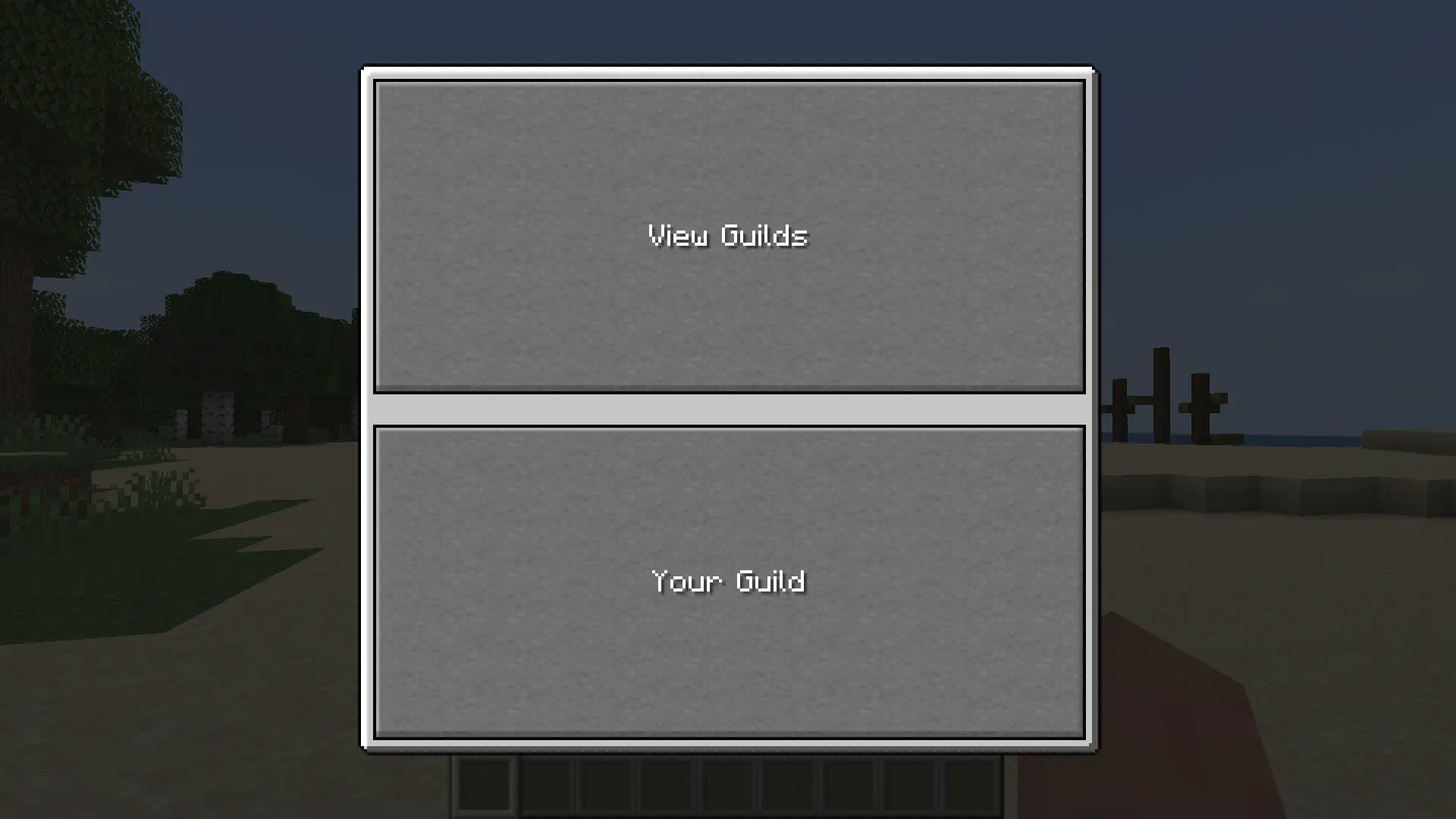
Here, you can either view and join other guilds, or make your own! If you want to make your own, simply press “Your Guild” to be taken to the Create Guild Menu, where you can put your guild’s name (Cannot have a , in it) and the name of the leader rank (AKA the rank you will have).
Once your guild is made, simply re-open the Your Guild menu, to be taken to, well, your guild’s menu!
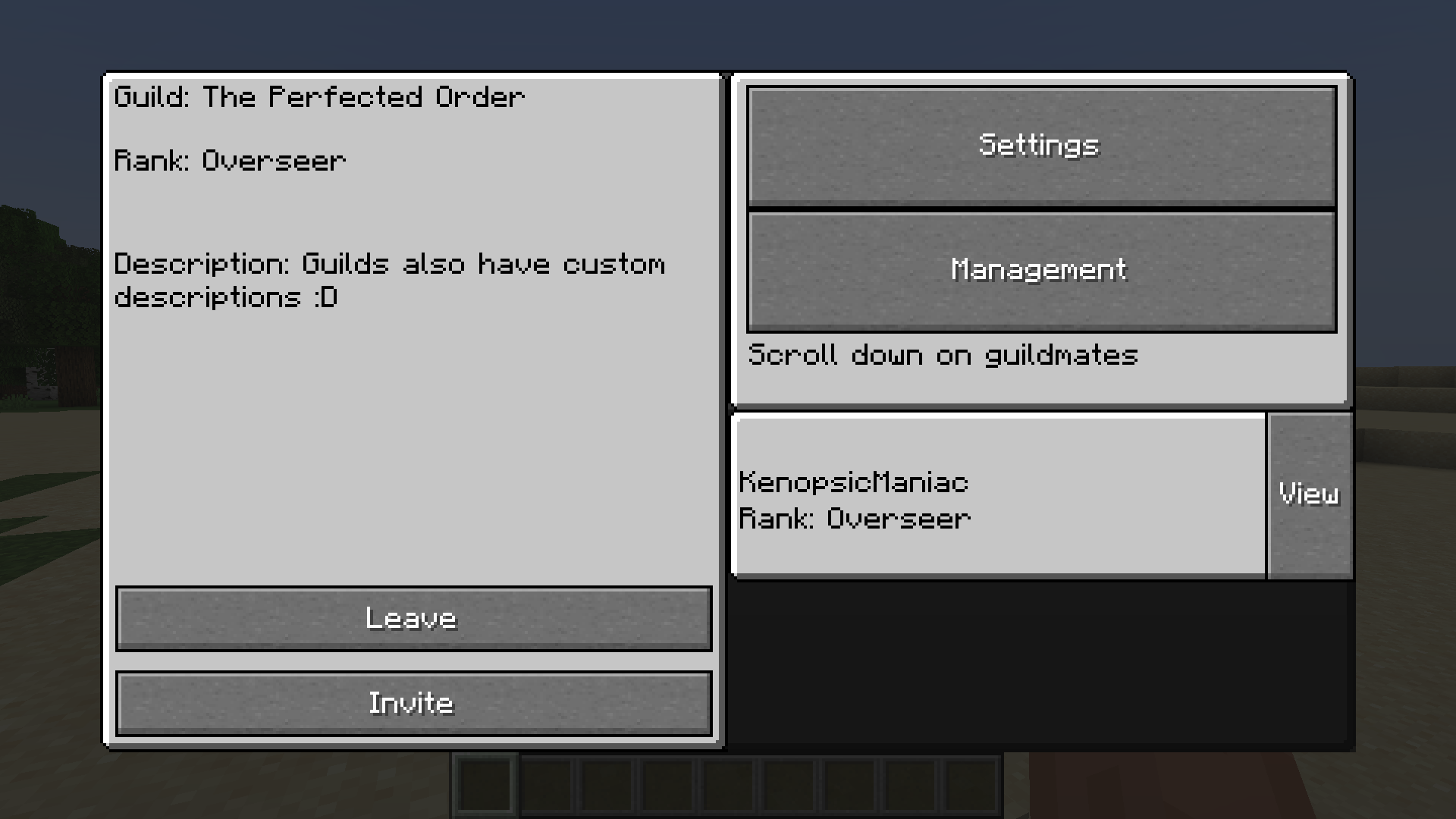
Here, you can see your guild’s name, rank, and description (Latter is editable in Management).
I’ll let you figure out the rest of the menu, but there are some important things to note:
- The leader and “Recruit” ranks are mandatory; this is due to hard-coded logic (Might be changed in the future)
- The actions a rank can do in a guild are defined by the guild’s settings and the rank’s “Priority”. A higher priority number means less permissions, and a lower priority number means more permissions. You can change the maximum number needed for a action via Settings
Modpack and datapack guide
Coming soon
Mod developer guide
Coming soon
常见问题
Guilded 支持哪些 Minecraft 版本?
Guilded 支持 Minecraft Java 版 1.20.1–1.21.3,共 3 个版本,可用的加载器:Fabric。下载时注意选择和你游戏版本一致的文件。
Guilded 怎么安装?
先用 PCL2 或 HMCL 启动器安装对应版本的 Fabric,再把下载的 .jar 文件放进游戏目录的 mods 文件夹,重新启动游戏即可。开启了版本隔离的,mods 文件夹在 versions/版本名 下面。运行环境:客户端和服务端都要装。
评论
登录后评论和评分