
截图

介绍
Command Modification 指令修改
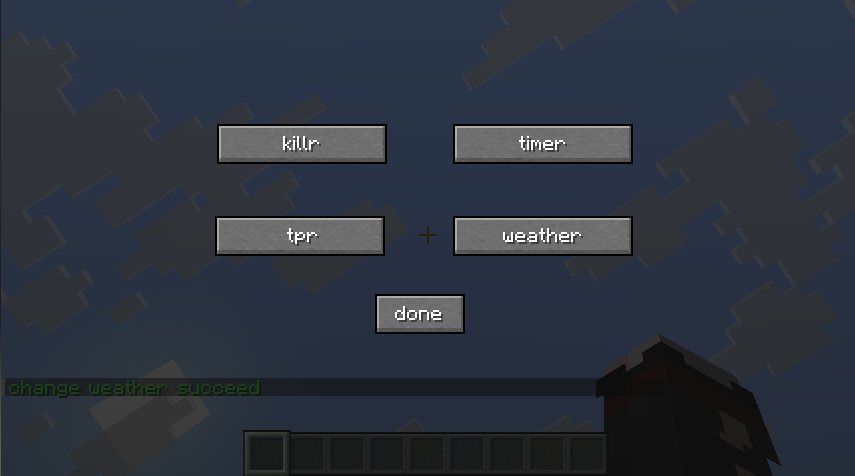
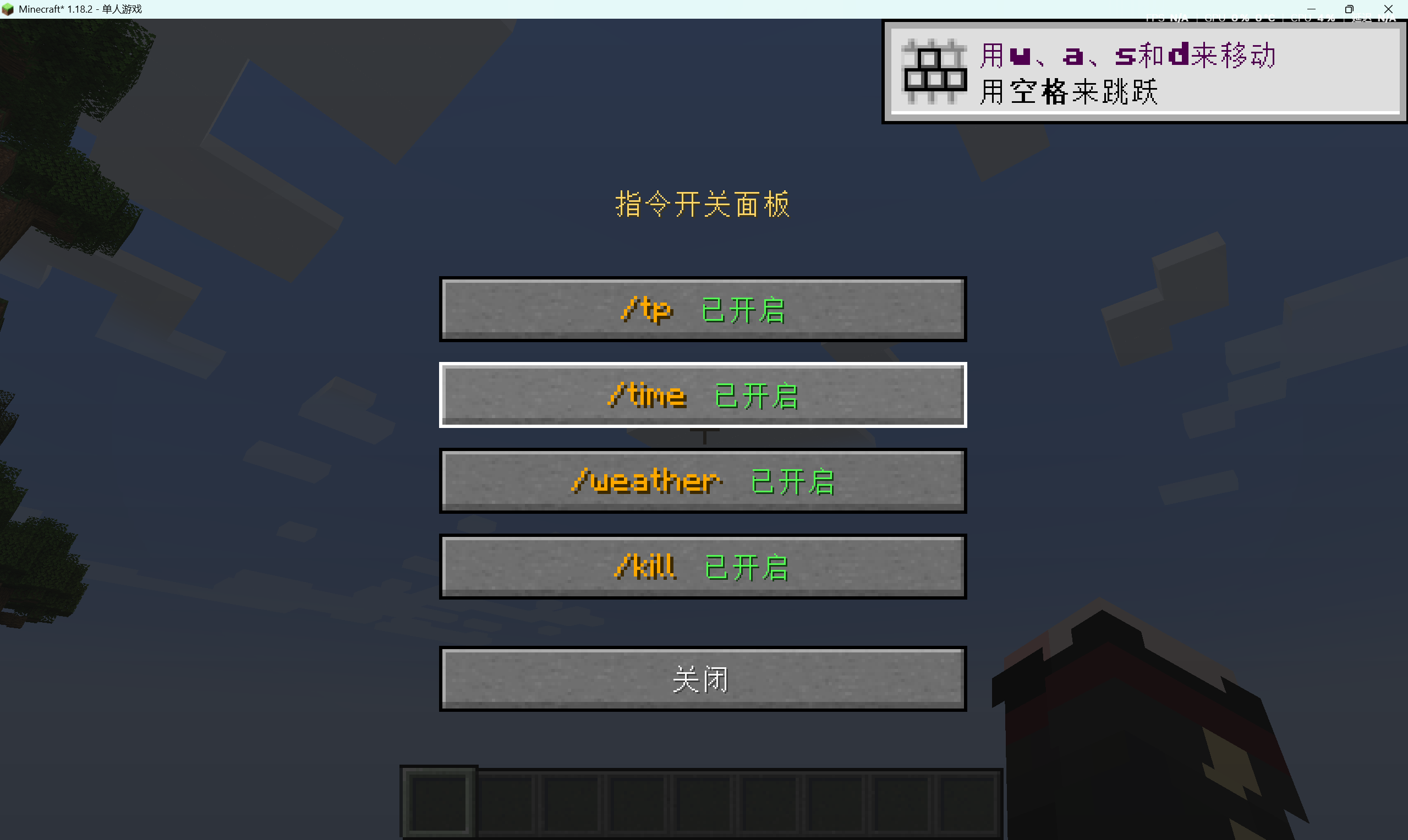
Originally /kill /tp /time /weather had the right to use by OP players, but now ordinary players can also use this module to achieve. In 1.2.0+version,You can turn functions on or off in the GUI.The default key is K.Only the first person to enter the room has permission to change it.
| 原版指令Original Command | 修改后的指令Modified Command | 用法use |
|:——————————–:|:———————————–:|:————————:|
| /kill @s | /killr | 自杀Suicide |
| /time set day/noon/night/midnight|/timer set day/noon/night/midnight|修改游戏时间Modify the game time|
| /tp | /tpr |传送玩家Teleport the player|
| /weather rain/clear | /weatherr rain/clear |更改天气Change the weather|
本来 /kill /tp /time /weather 具有op玩家有权利使用,但现在一般玩家也能够通过本模组来实现。在1.2.0版本中你可以在GUI中开启或关闭功能,默认键为K,只有第一个进入房间的才有权限修改。
常见问题
Command Modification 支持哪些 Minecraft 版本?
Command Modification 支持 Minecraft Java 版 1.7.10–26.3,共 45 个版本,可用的加载器:Fabric / Forge / NeoForge。下载时注意选择和你游戏版本一致的文件。
Command Modification 怎么安装?
先用 PCL2 或 HMCL 启动器安装对应版本的 Fabric / Forge / NeoForge,再把下载的 .jar 文件放进游戏目录的 mods 文件夹,重新启动游戏即可。开启了版本隔离的,mods 文件夹在 versions/版本名 下面。运行环境:客户端和服务端都要装。

评论
登录后评论和评分