
BBS Structure Addon
BBS StructureForm Addon, as its name suggests, allows the use of structures in the official BBS. This form can also be found in BBS CML EDITION, from which this addon is based.
介绍
🌳 BBS StructureForm Addon
Bring back a fan-favorite feature! Highly requested by the community—especially by those who remember Blockbuster (1.12)—the beloved Structure Form from the BBS CML EDITION fork is now available as a standalone addon.
You can now enjoy this powerful tool on the Official BBS and other forks!
✨ What It Does
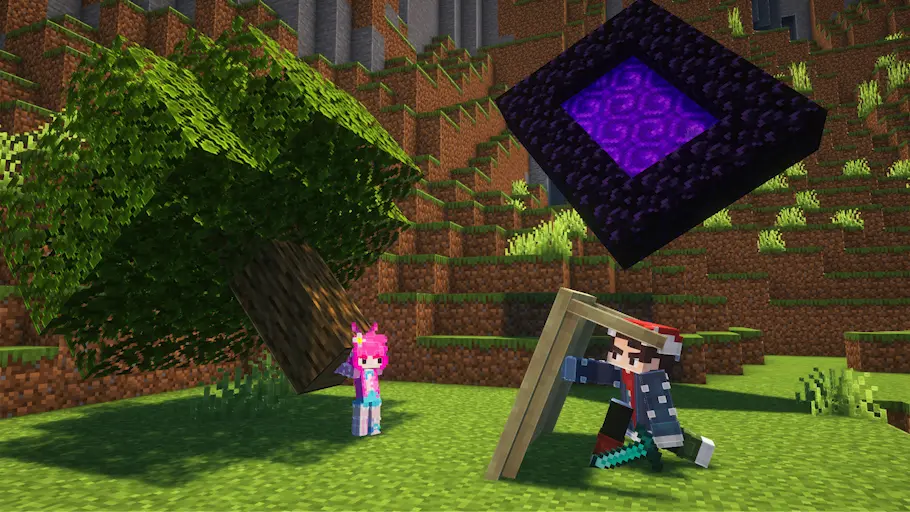
With this addon, you can use any saved Minecraft structure as a replay element for your animations. Whenever your scene requires an entire structure to be animated or manipulated, this addon has you covered.
🛠️ How to Use
Getting started is quick and easy:
- Create and save your desired structure using a standard Minecraft Structure Block.
- Open the Forms Selection Menu and look for the Tree icon.
- Select the tree, which will take you to the Forms Editor.
- Use the new option to select the structure you saved, and you are ready to animate!
⚠️ Support & Limitations
Please note that due to underlying technical limitations, it is unlikely this addon will receive new features or major performance improvements in the future.
💡 Looking for the ultimate experience?
If you want a fully optimized environment with the most complete set of tools, we highly recommend using the full BBS: CML EDITION fork instead!
常见问题
BBS Structure Addon 支持哪些 Minecraft 版本?
BBS Structure Addon 支持 Minecraft Java 版 1.20.1–1.20.4,共 2 个版本,可用的加载器:Fabric。下载时注意选择和你游戏版本一致的文件。
BBS Structure Addon 怎么安装?
先用 PCL2 或 HMCL 启动器安装对应版本的 Fabric,再把下载的 .jar 文件放进游戏目录的 mods 文件夹,重新启动游戏即可。开启了版本隔离的,mods 文件夹在 versions/版本名 下面。运行环境:客户端和服务端都要装。
ElGatoPro300 的其他作品
查看全部 →
BBS CML
A different view of what the BBS mod is.

BBS Photon Addon
Integration between BBS CML EDITION and Photon Editor.
BBS Photon Addon
Integration between BBS CML EDITION and Photon Editor.

BBS Fbx Addon
Compatibility with models that use the FBX format for BBS CML EDITION
评论
登录后评论和评分