
截图



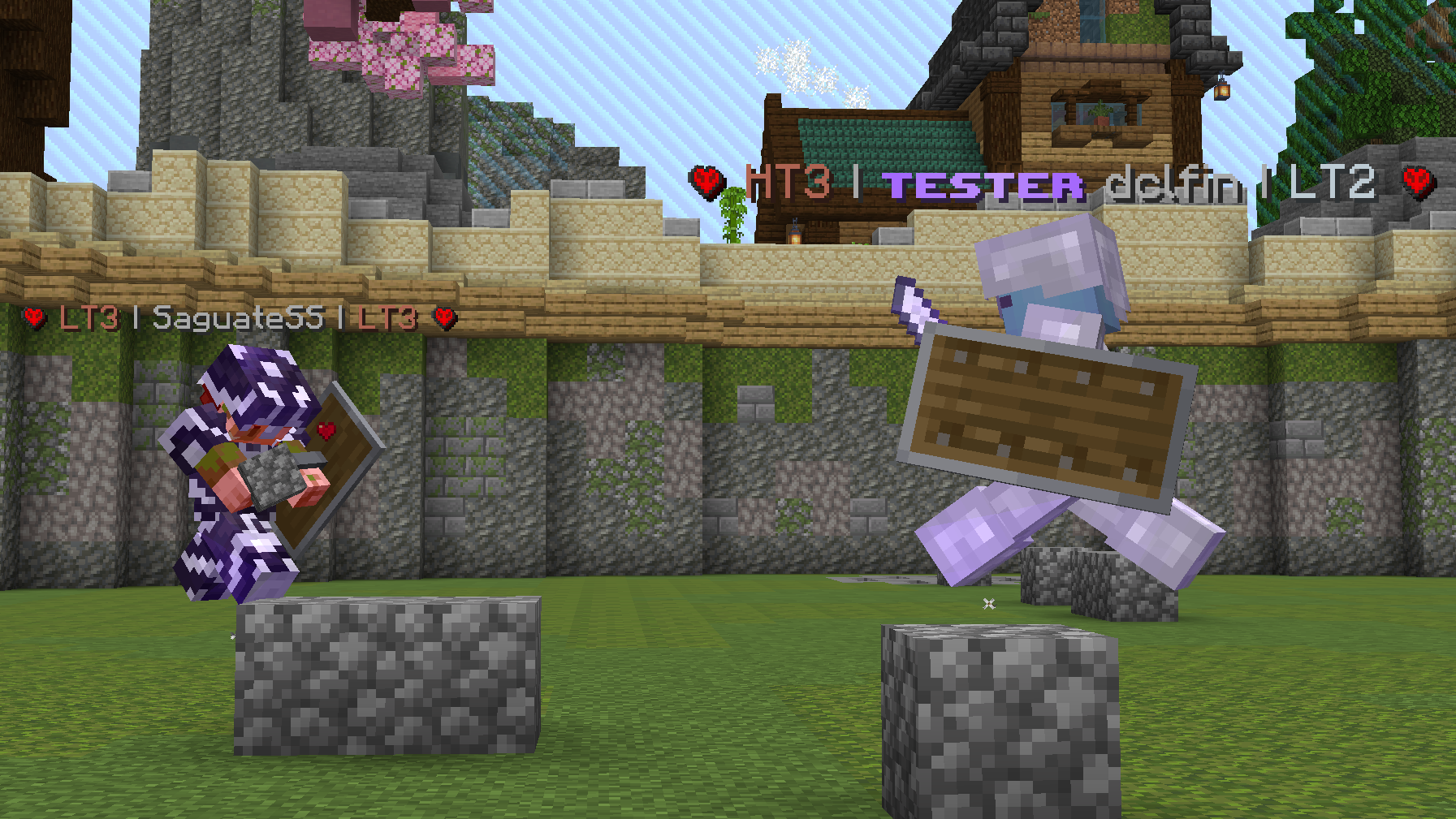
介绍
介绍由机器翻译自 Modrinth 原页面,仅供参考。

Tiers,
适用于 PvPTiers 的官方段位显示模组
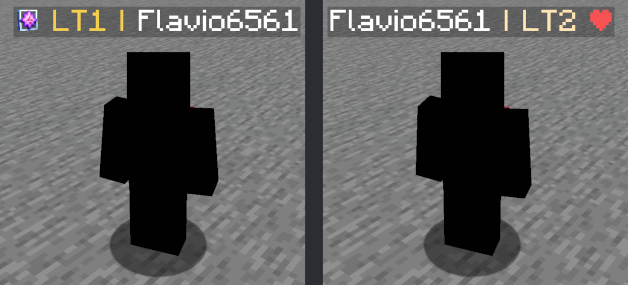
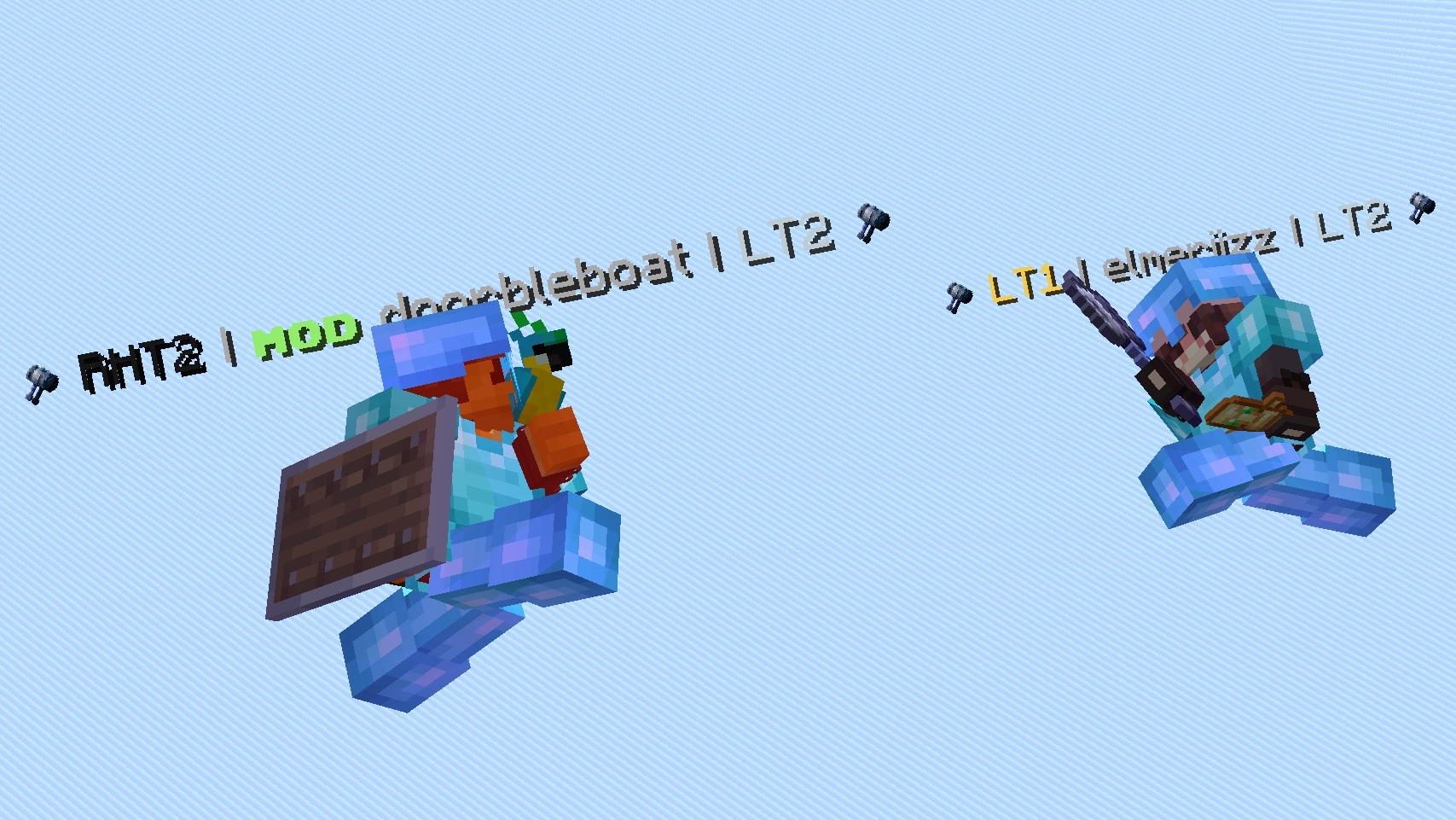
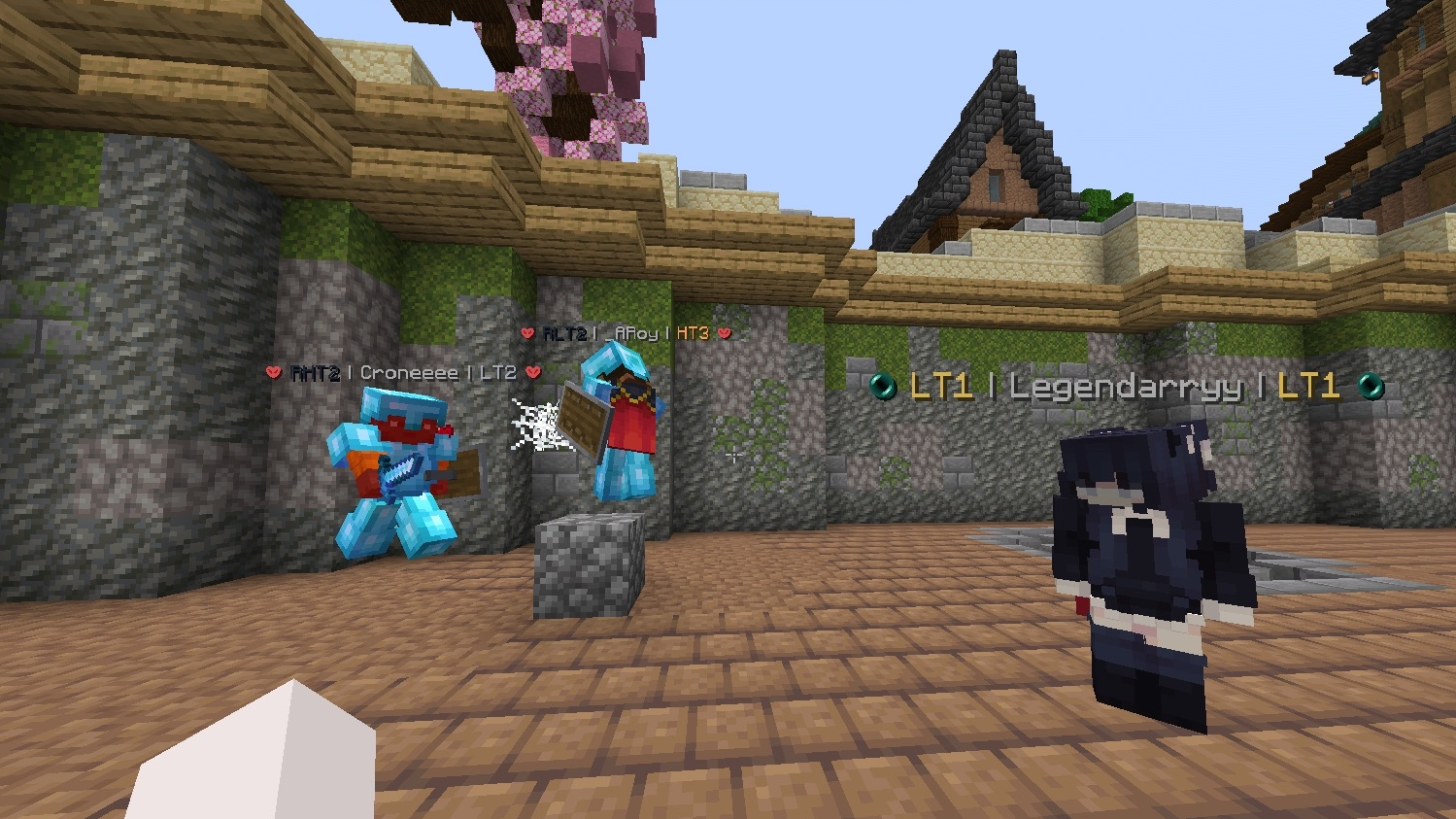
模组展示:
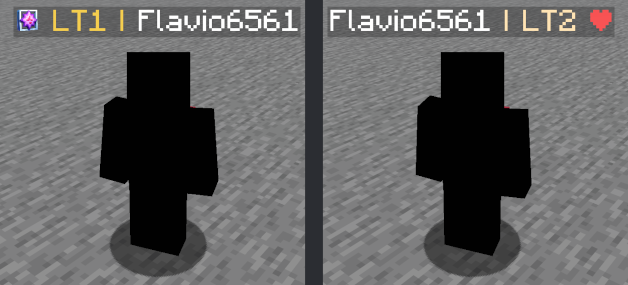
Switchable PvPTiers, classic and legacy icons and colors
Auto detect kit: press 'Y' to autodetect the current gamemode
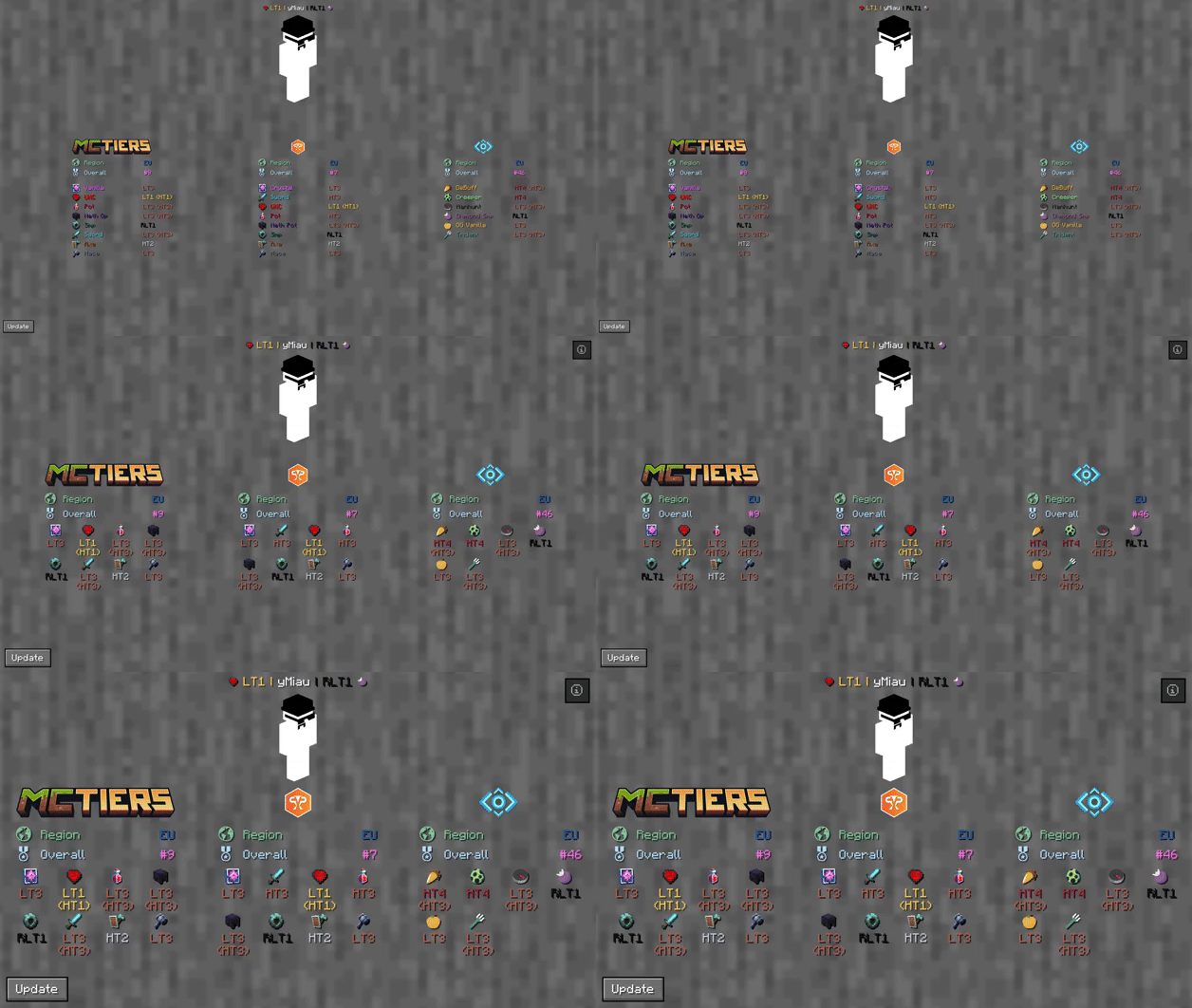
The profile search result screen with PvPTiers icons on different GUI scales
Tiers 目前仍处于测试阶段。报告问题
模组功能:
Auto detect kit:按下 Y(可编辑)即可自动检测你正在游玩的游戏模式,方便切换并查看该模式下对手的段位See nearest player stats:按下 H(可编辑)即可打开距离最近玩家的搜索结果界面Search screen:使用 /tiers name 查看所有段位、历史最高段位、地区、积分、全球排名和皮肤Change gamemodes and their position:为每个排名站点选择游戏模式,并决定将其显示在左侧还是右侧Cycle keybinds:按下 U 和 I(可编辑),即可轻松切换左右两侧显示的游戏模式Change preset styles:你可以在配置界面中更改图标和颜色预设Display gamemodes:决定显示所选模式、自适应最高段位还是绝对最高段位
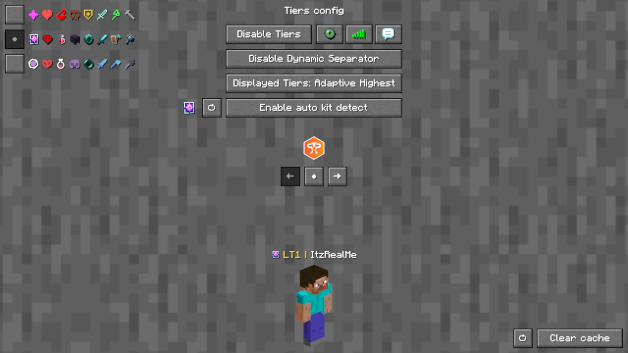
界面配置(ModMenu 或 /tiers -config):
Toggle Tiers开关 TiersToggle Icons开关段位旁的图标Toggle Tab开关玩家列表中的 TiersToggle Chat开关聊天栏中的 TiersToggle Dynamic Separator决定分隔符 | 是否与段位使用相同颜色,或显示为灰色Displayed Tier决定显示所选模式、自适应最高段位还是绝对最高段位Preview Switcher决定预览默认个人资料(ItzRealMe)还是你的角色Left and Right gamemode switcher在所选提供方的游戏模式之间切换Position Settings决定特定提供方的游戏模式显示在右侧、左侧,还是不显示Icon and color presets:可以在经典风格、PvPTiers 风格和 MCTiers 风格的图标之间切换
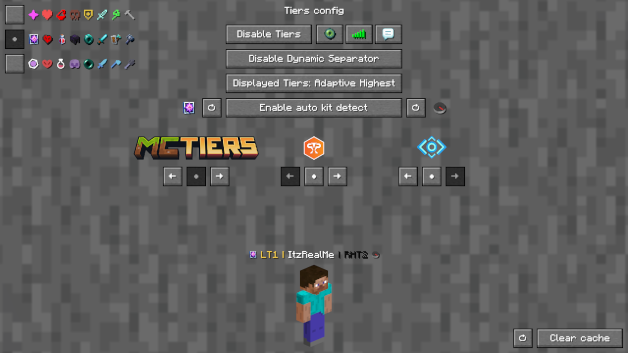
The config screen on 3 GUI scale
其他:
你可以自定义游戏模式图标和文本颜色,还可以选择显示位置以及要显示的游戏模式;想要手动修改图标或等级颜色?请在你的整合包文件夹中编辑并添加默认资源包
设置将保存到你的配置文件夹中,并在运行时更新
该模组为客户端模组(支持多人游戏)
链接:
– 更新日志
– 报告问题
评论
登录后评论和评分