
Roleplay chat
This mod allows players to communicate in a roleplay (RP) setting with different ranges for various types of messages.
截图
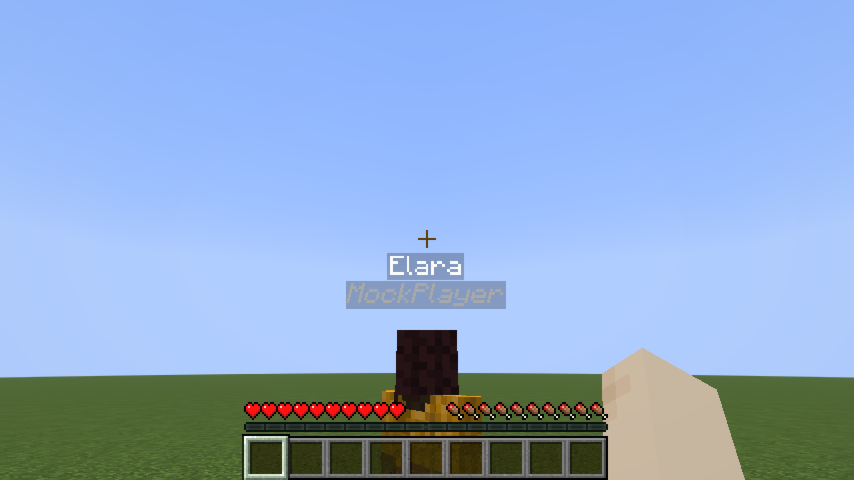
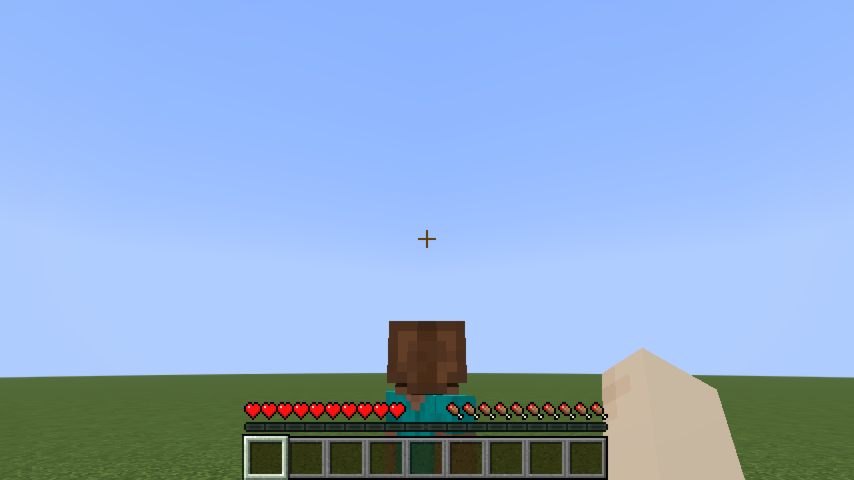
介绍
Roleplay Chat
[!WARNING]
Most features described below (RP identity system, nametag visibility, introduction system) require version 2.0 or later and Minecraft 1.21.6. Earlier versions only include the proximity chat system.
A Minecraft Fabric mod (1.21.6) for roleplay servers. It replaces the vanilla chat with a proximity-based system, assigns each player an anonymous hex code identity, and gives them an RP name visible only to players they’ve been introduced to.
Proximity Chat
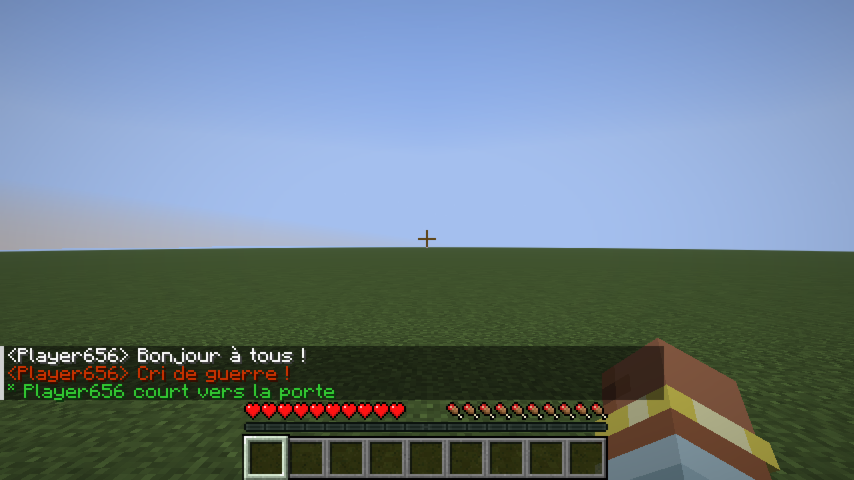
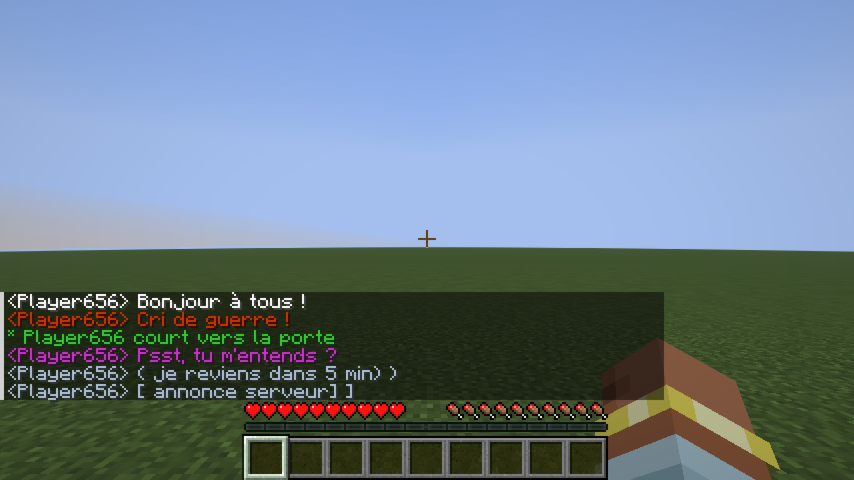
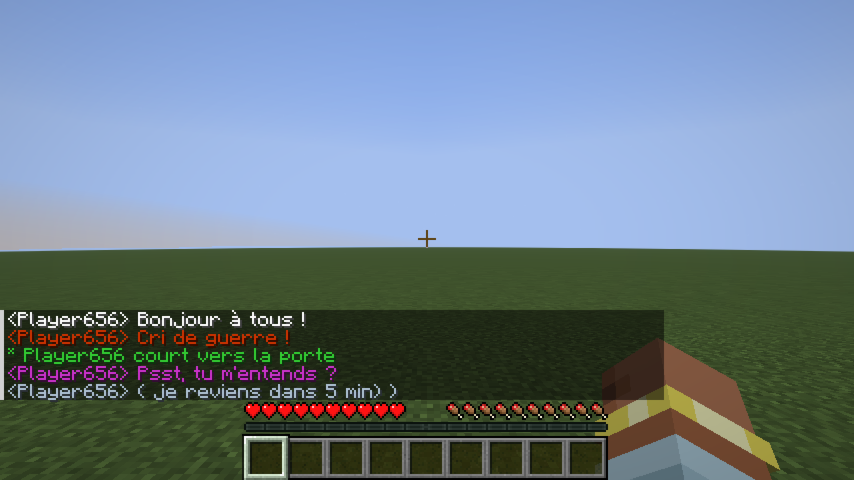
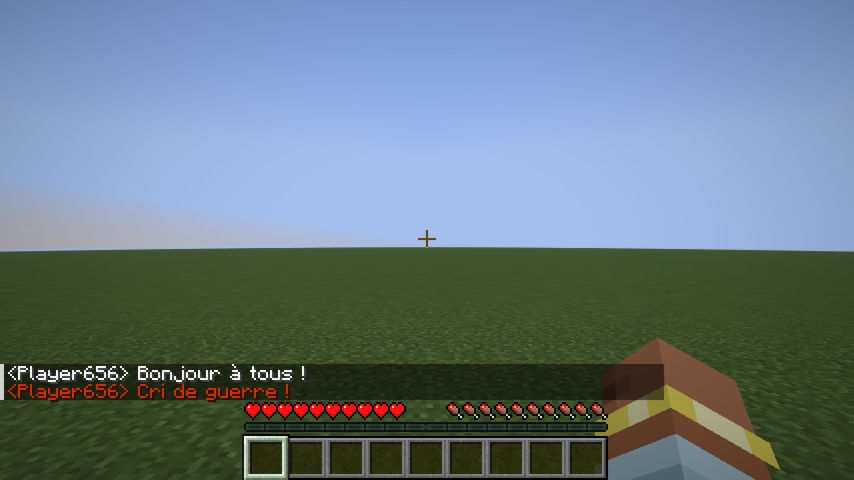
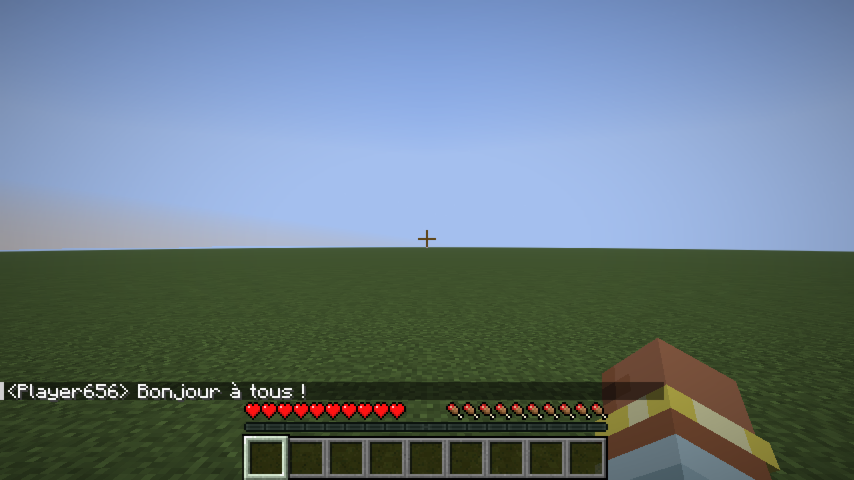
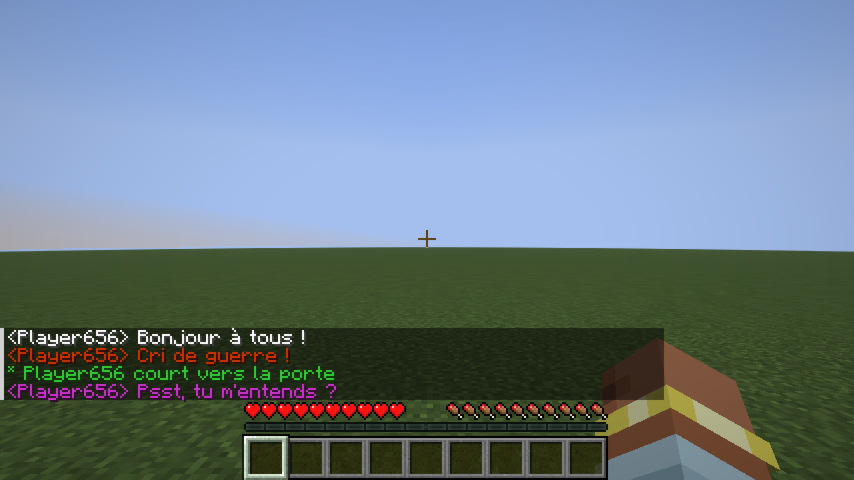
Every chat message is delivered only to players within a configured range. The range depends on the type of message, triggered by a prefix character or a slash command.
| Type | Color | Range | Prefix | Command |
|——|——-|——-|——–|———|
| Whisper | 🟪 Violet #CC33CC | 4 blocks | « or " | /whisper <message> |
| Action | 🟩 Green #33CC33 | 25 blocks | * | /action <message> |
| Roll | 🟩 Green #33CC33 | 25 blocks | — | /roll [notation] |
| Speak | ⬜ White #FFFFFF | 30 blocks | _(default)_ | /speak <message> |
| OOC | 🩶 Gray #AEC1D5 | 60 blocks | ( | /ooc <message> |
| Shout | 🟥 Red #CC3300 | 80 blocks | ! | /shout <message> |
| Global OOC | 🩶 Gray #AEC1D5 | Unlimited | [ | /globalOoc <message> |
| Support | 🩷 Pink #FF99CC | Unlimited | ? | /support <message> |
Support messages are only visible to server operators (permission level ≥ 2) and the sender.
Colors, ranges, and prefix characters are all configurable — see Configuration.
Color fade with distance
Messages fade toward black as the receiver moves away from the sender, reaching full black at maximum range. Players outside range receive nothing.
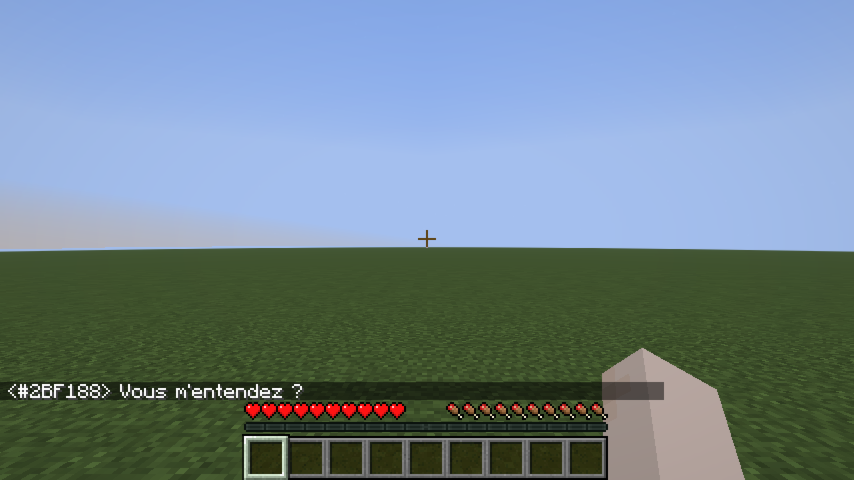
Chat message examples
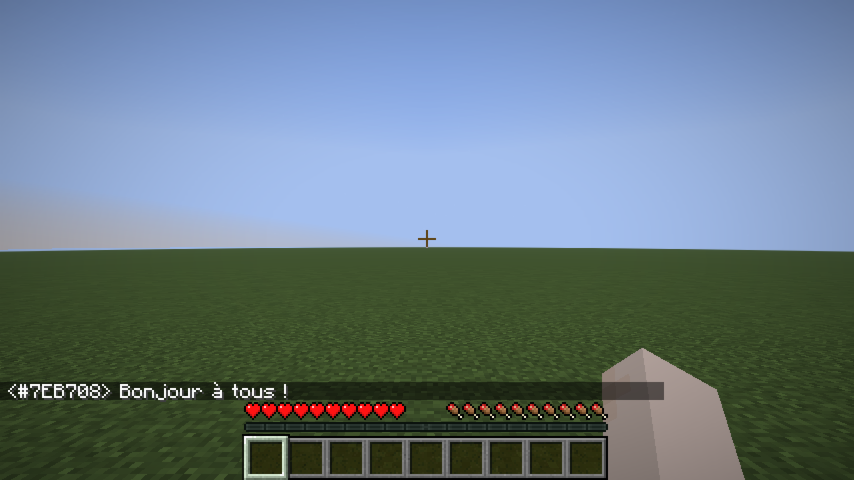 Speak |
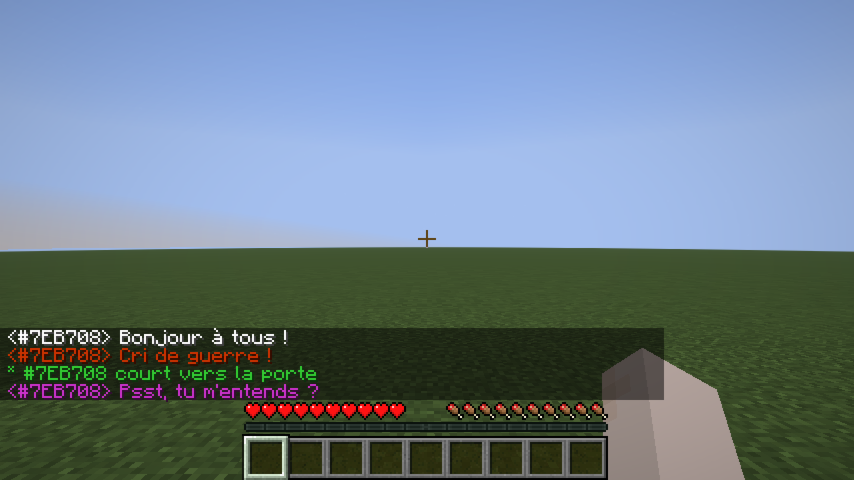 Whisper |
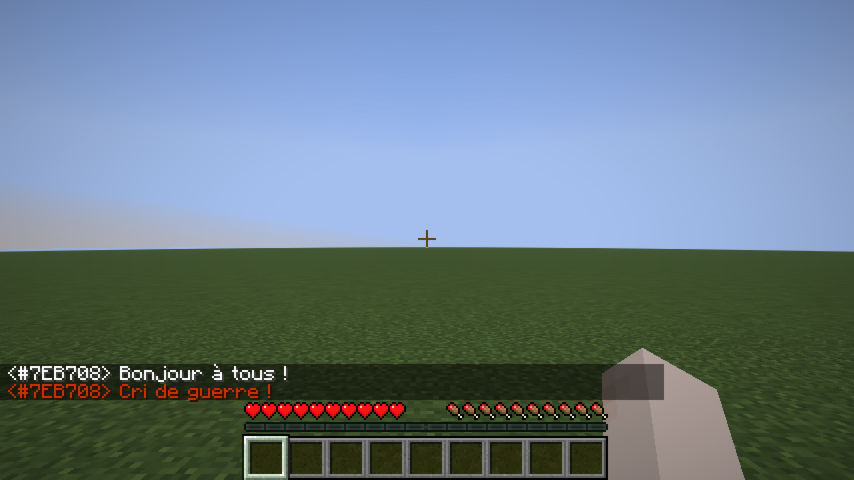 Shout |
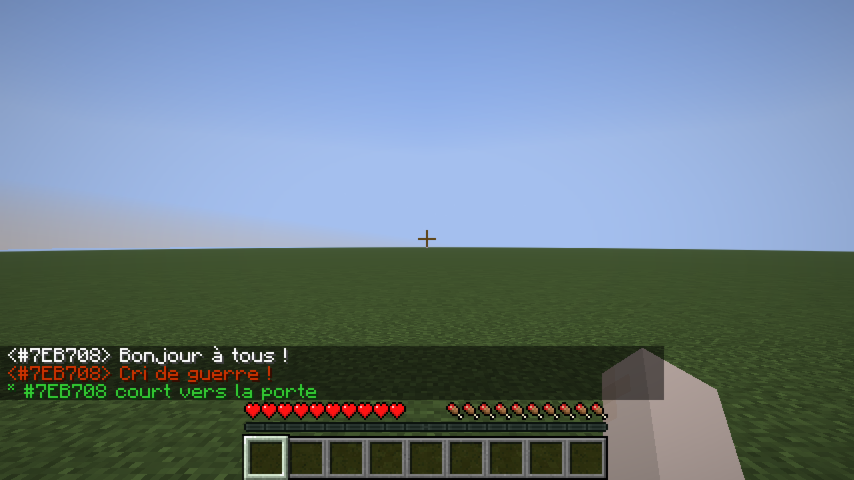 Action |
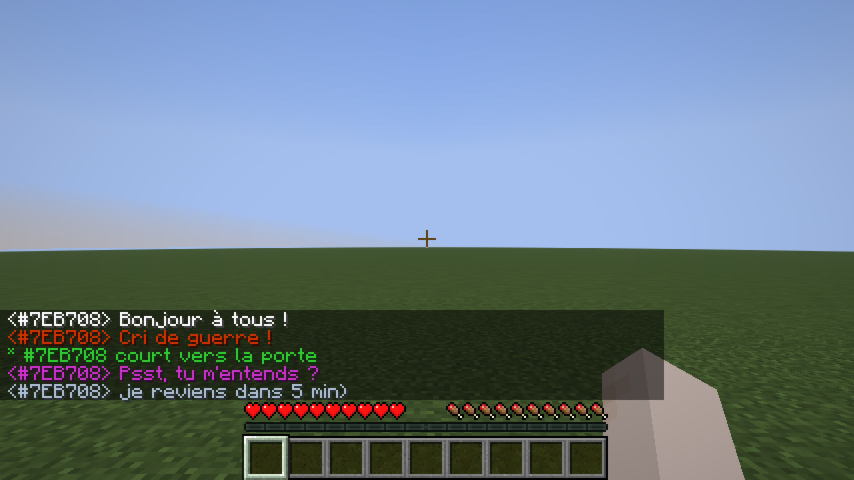 OOC |
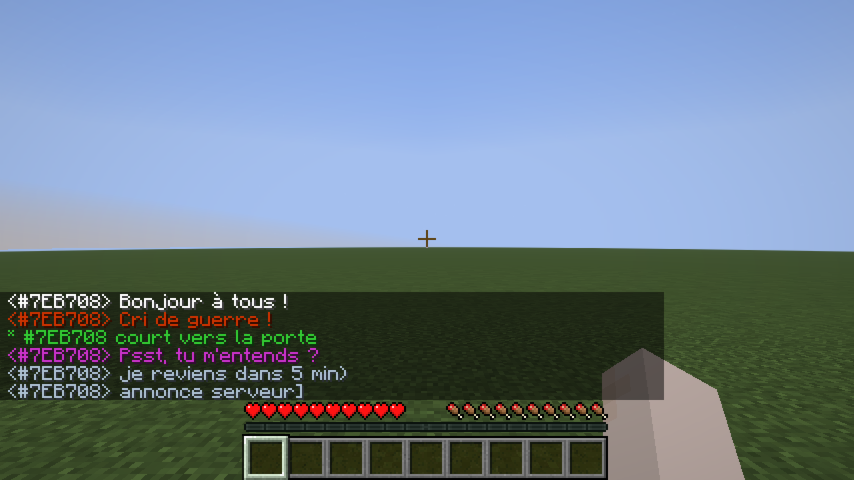 Global OOC |
Dice Roll
/roll broadcasts a dice result to nearby players (same range as Action, 25 blocks by default).
Syntax: /roll [NdF[±bonus]]
| Example | Meaning |
|———|———|
| /roll | Rolls 1d20 (default) |
| /roll d6 | Rolls 1d6 |
| /roll 1d20+3 | Rolls 1d20, adds 3 |
| /roll d8-1 | Rolls 1d8, subtracts 1 |
* Alice [1d20+3] → 17  (14+3)
* Bob [1d6] → 4  (Critical Failure)
Rolling the maximum value shows (Critical Success) in bold; rolling 1 shows (Critical Failure) in bold.
RP Identity System
Anonymous hex code
Every player is assigned a unique 6-digit hex code at their first connection (e.g. #15AACF). This code:
- Appears on their nametag (gray italic, below their RP name).
- Replaces their Minecraft username in chat until they have an RP name.
- Shows as a hover tooltip on their name in chat once they have an RP name.
- Works as a target in all vanilla commands (
/kick,/ban,/op,/tp,/give,/kill,/damage, …) — type#and autocomplete will suggest codes.
RP name
On first connection, players are shown a screen to choose their RP name:
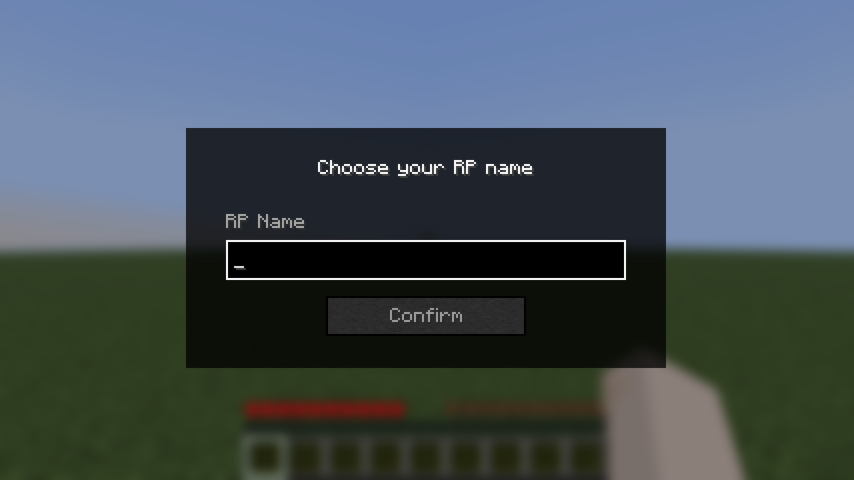 Name input |
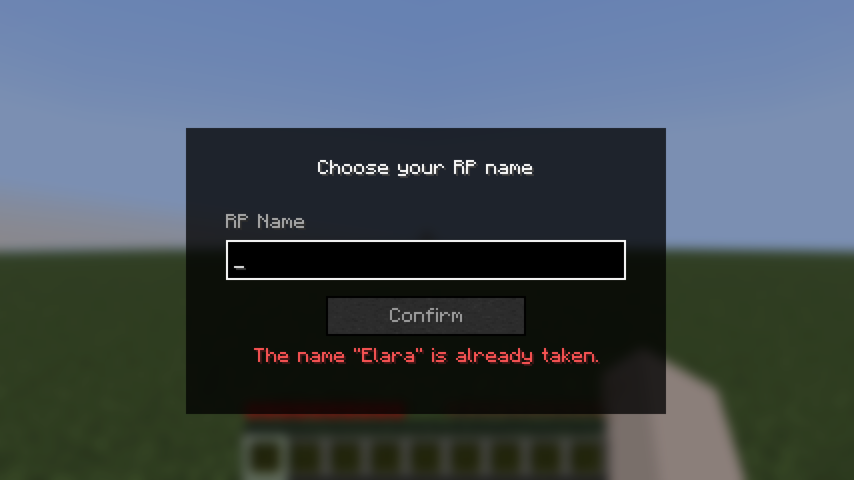 Validation error |
The screen cannot be bypassed with Escape — pressing Escape opens the pause menu, and the screen reappears when the player returns to the game.
Rules:
- Must be non-empty.
- Must be 32 characters or fewer.
- Must be unique (case-insensitive).
Once set, the RP name can be changed at any time with /rpname <name>.
RP name chat example
Once a player has an RP name, it appears in chat instead of their hex code:
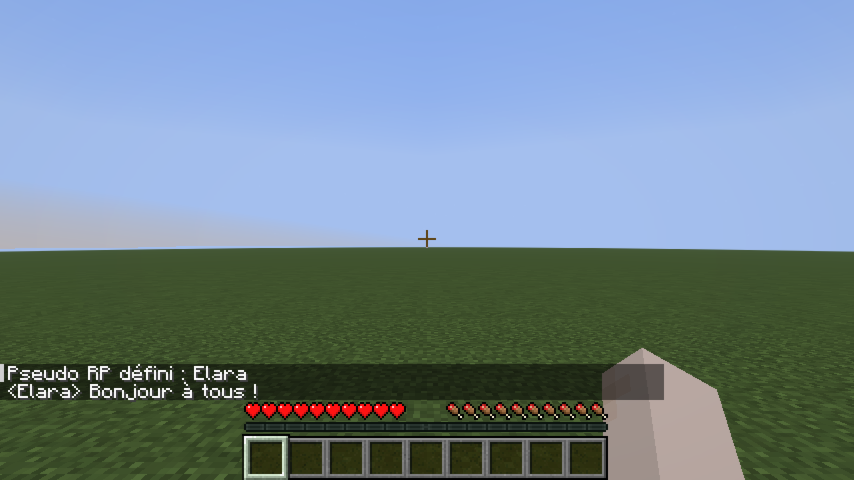
Nametag Visibility
Introduction system
By default, other players’ RP names are hidden — their nametag shows ?. To reveal your identity to a specific player:
/rp present #15AACFThis sends a notification to that player and permanently records the introduction. After a reconnect, introductions are restored automatically.
Nametag states
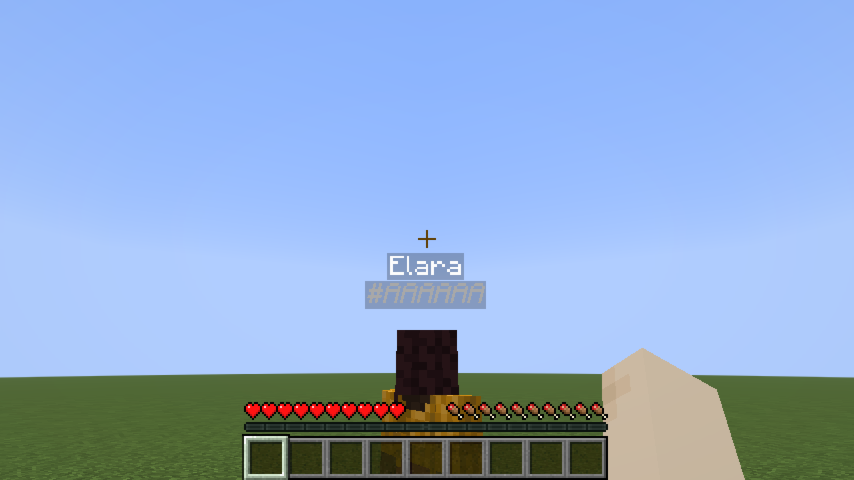 Known player |
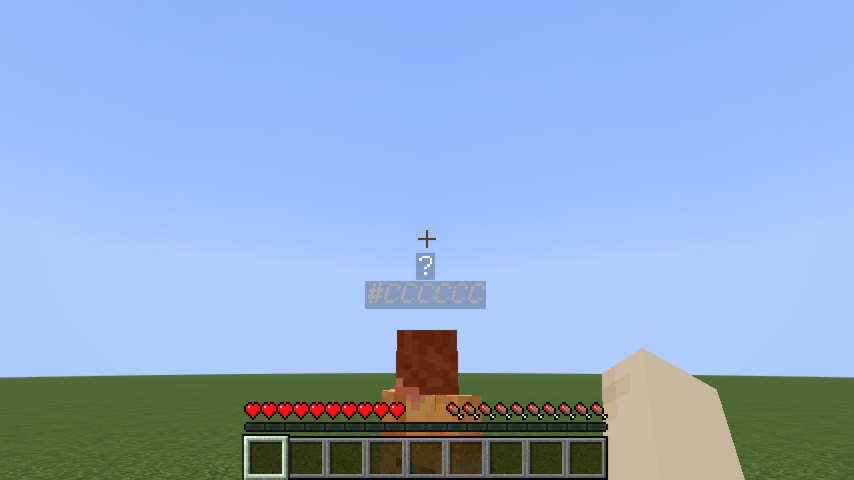 Not yet introduced |
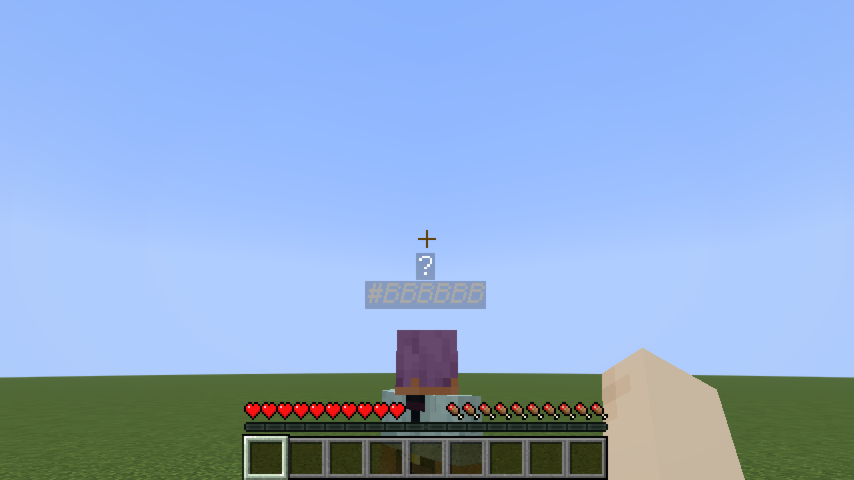 No RP name yet |
Line-of-sight occlusion
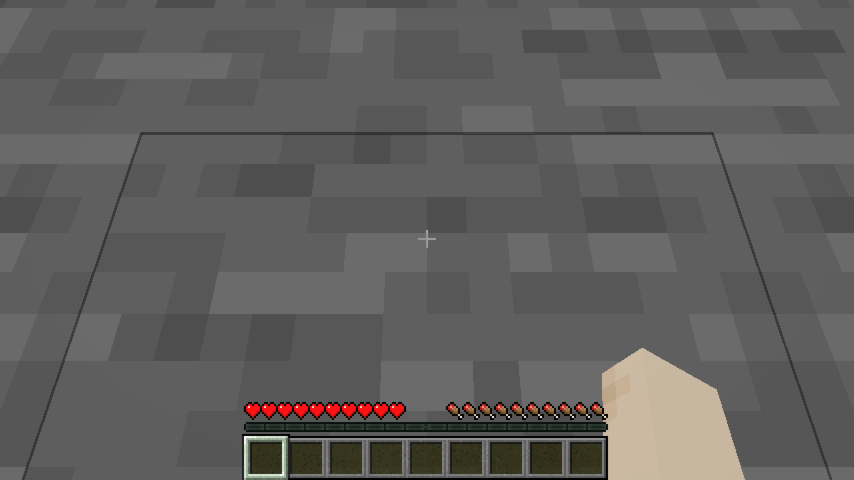
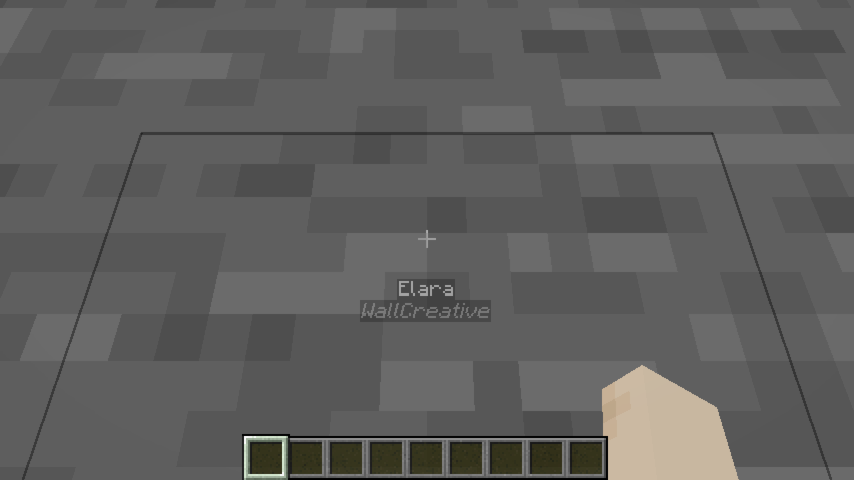
RP names are not visible through walls. If a solid block stands between your camera and another player, their entire nametag disappears — even if they have introduced themselves to you. Creative mode bypasses this check.
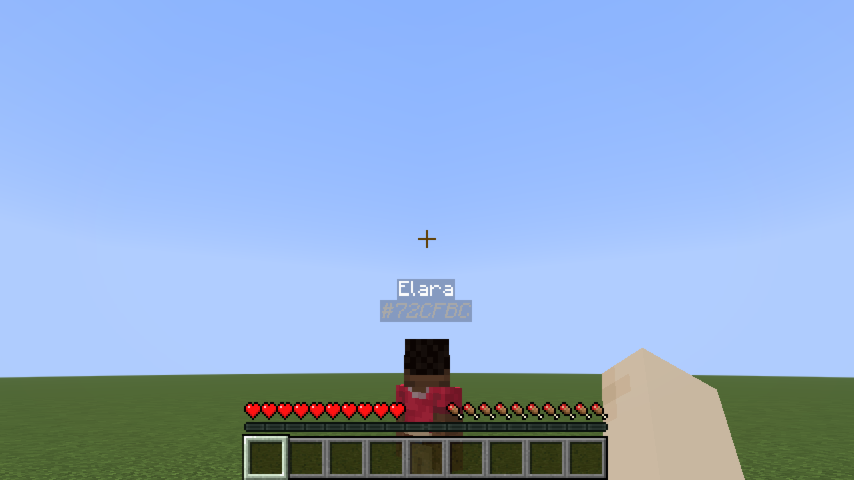 Clear line of sight |
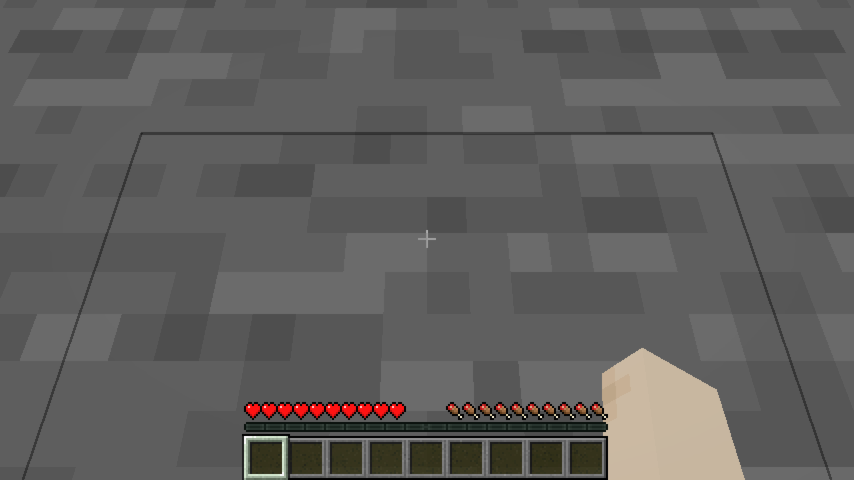 Wall between players |
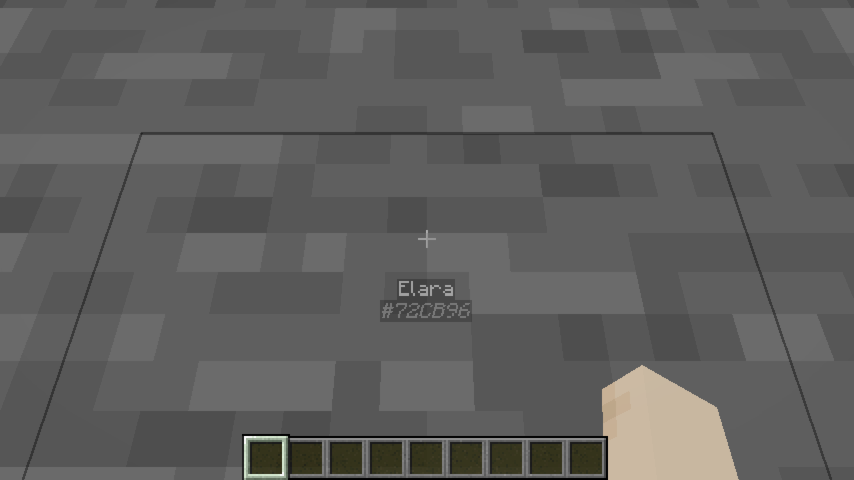 Creative mode — wall ignored |
Identity-concealing headgear
A player wearing an item tagged roleplay-chat:conceals_identity in the helmet slot appears as ? to everyone — even players they’ve introduced themselves to. Their hex code remains visible so staff can still identify them.
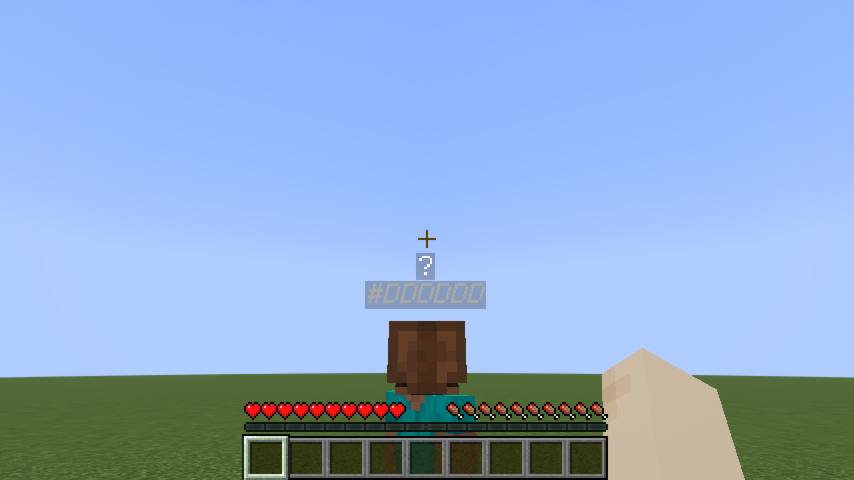 Concealing helmet worn |
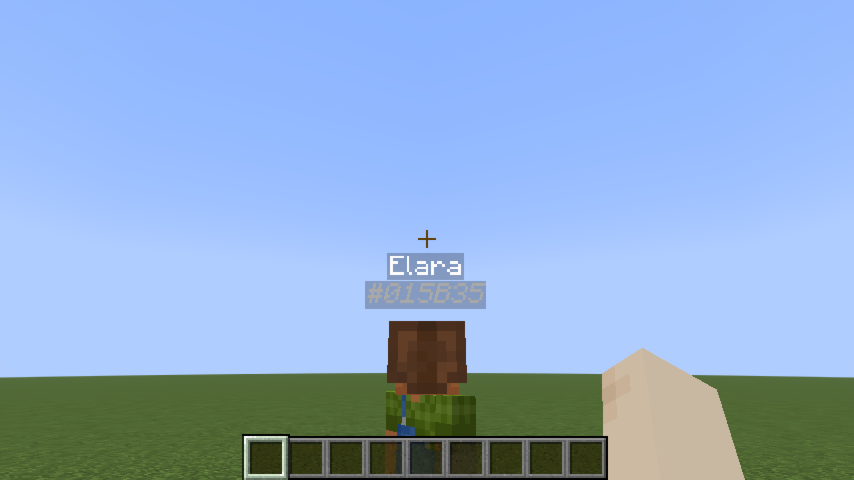 Creative mode — concealment ignored |
The mod ships with minecraft:leather_helmet in this tag by default. To add more items, create a datapack file:
data/roleplay-chat/tags/items/conceals_identity.json
{
  "replace": false,
  "values": [
    "minecraft:leather_helmet",
    "yourmod:hood",
    "yourmod:balaclava"
  ]
}
"replace": falsemerges your list with the mod’s defaults instead of replacing them.
Configuration (server admins)
Settings live in config/roleplay-chat.json (next to your server or .minecraft folder). The file is created with defaults on first run. Edit it as UTF-8 to preserve special prefix characters (e.g. «).
Each message type has three fields:
| Field | Meaning |
|——-|———|
| radius | Range in blocks. 0 = unlimited (delivered to all online players). |
| color | RGB color as a decimal integer (16777215) or hex string ("#FFFFFF"). |
| characters | Prefix strings that trigger this type. speak uses [] (no prefix). |
Reload without restart: /roleplaychat reload (operator level 4) re-reads the file while the server is running. If the file is invalid, the current settings are kept and an error is logged.
Supported keys: speak, whisper, shout, action, ooc, globalOoc, support, roll.
Example (excerpt):
{
  "speak": {
    "radius": 30,
    "color": 16777215,
    "characters": []
  },
  "whisper": {
    "radius": 4,
    "color": "#CC33CC",
    "characters": ["«", "\""]
  },
  "shout": {
    "radius": 80,
    "color": 13369344,
    "characters": ["!"]
  }
}
常见问题
Roleplay chat 支持哪些 Minecraft 版本?
Roleplay chat 支持 Minecraft Java 版 1.21.1–1.21.11,共 4 个版本,可用的加载器:Fabric。下载时注意选择和你游戏版本一致的文件。
Roleplay chat 怎么安装?
先用 PCL2 或 HMCL 启动器安装对应版本的 Fabric,再把下载的 .jar 文件放进游戏目录的 mods 文件夹,重新启动游戏即可。开启了版本隔离的,mods 文件夹在 versions/版本名 下面。运行环境:客户端和服务端都要装。
cprodhomme 的其他作品
查看全部 →
Ninja armor
Add Ninja armor and weapons (Katana) with Fabric.

Ninja armor
Add Ninja armor and weapons (Katana) with Fabric.

Wolf Armor
Add Wolf armor and weapons with Fabric
Helmet overlay
This mod adds an overlay when a player wears a helmet, creating a visual effect that simulates the experience of actually wearing a helmet. This immersive feature enhances realism by displaying the helmet's perspective on the screen.
评论
登录后评论和评分