
Smart Sorter
Lightweight Auto-Sorter and Storage Network for 500+ chests. Features automated smelting, XP collection, and smart routing for Fabric 1.21.1+.
截图
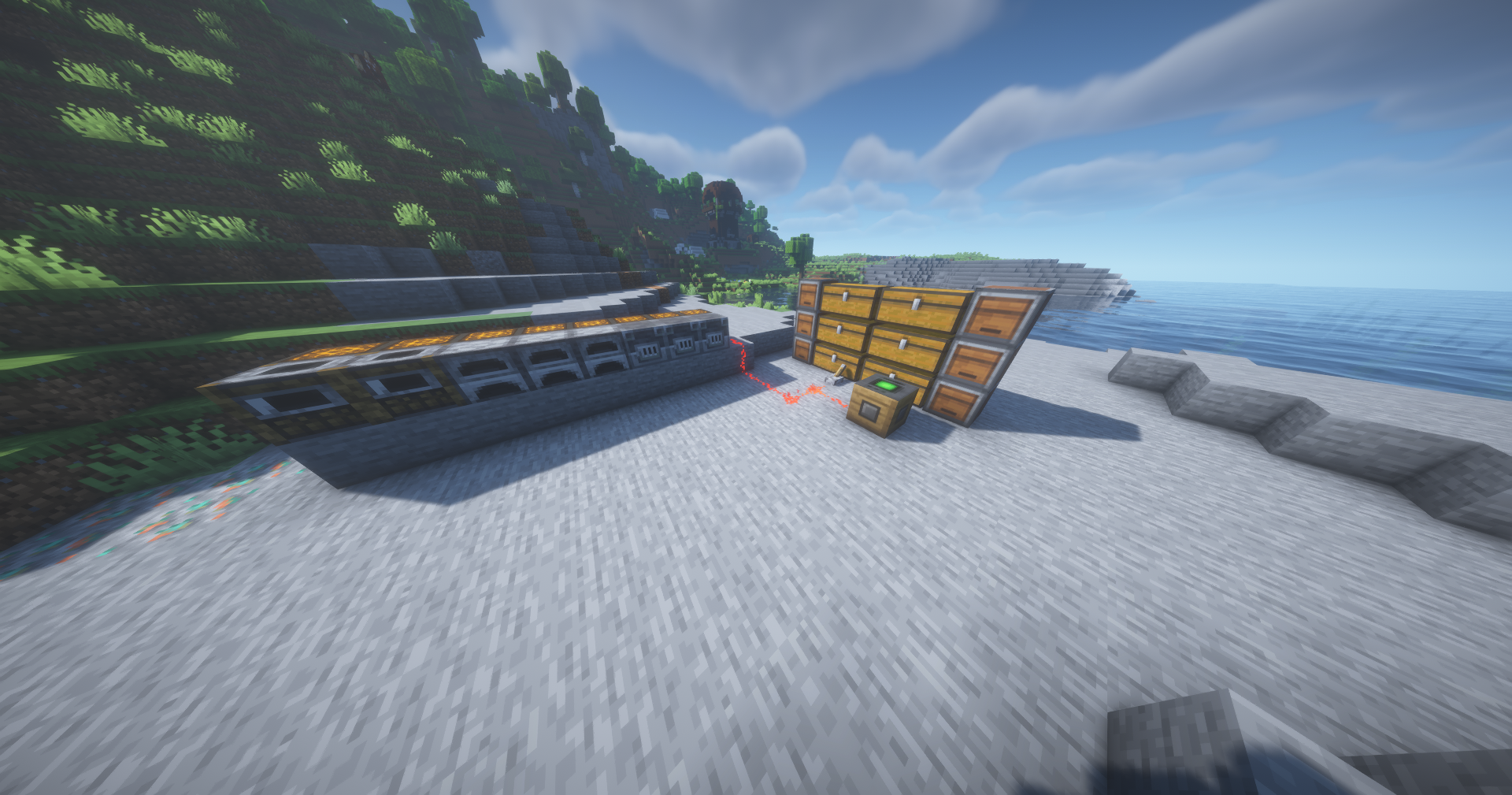
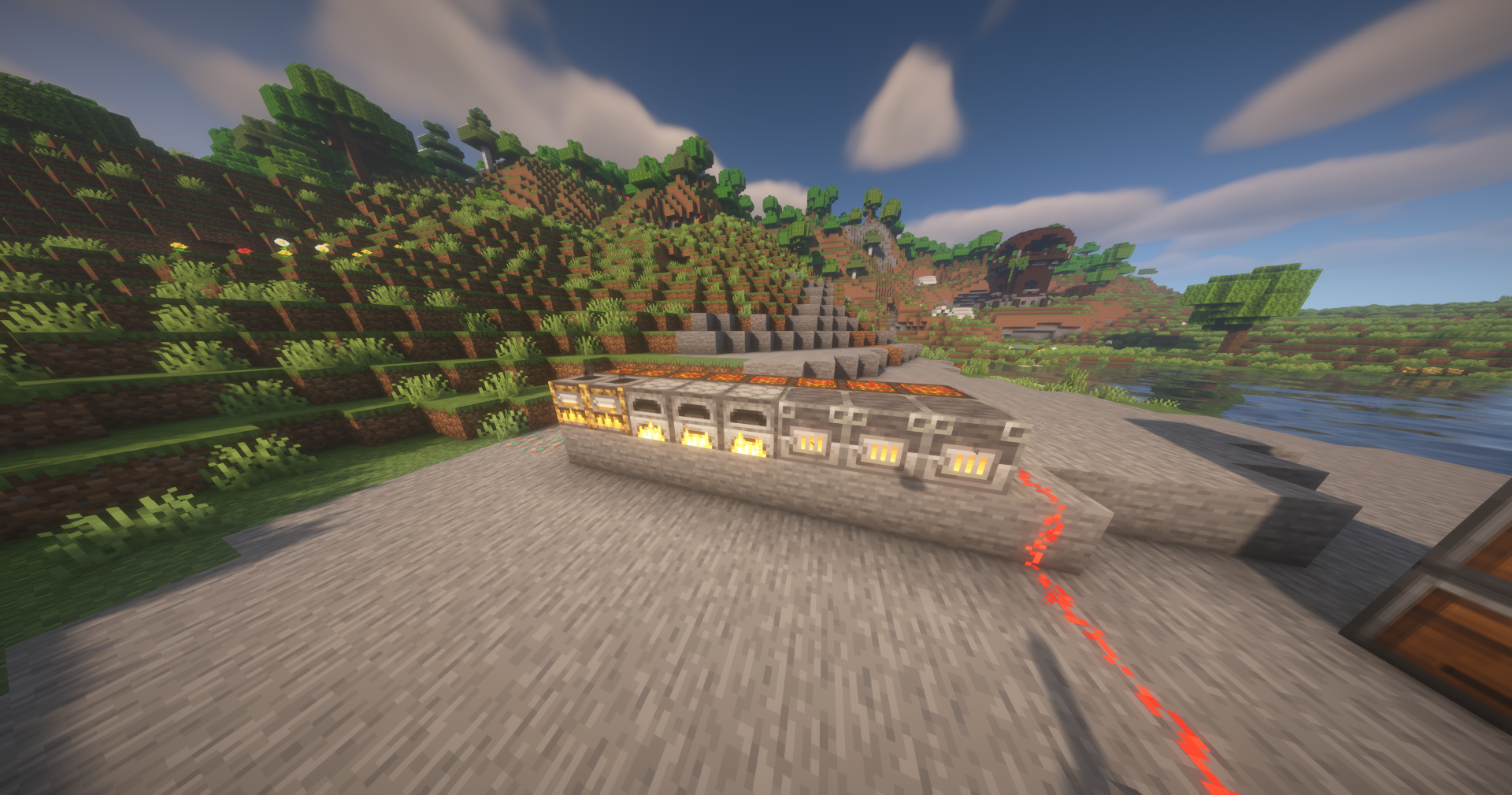
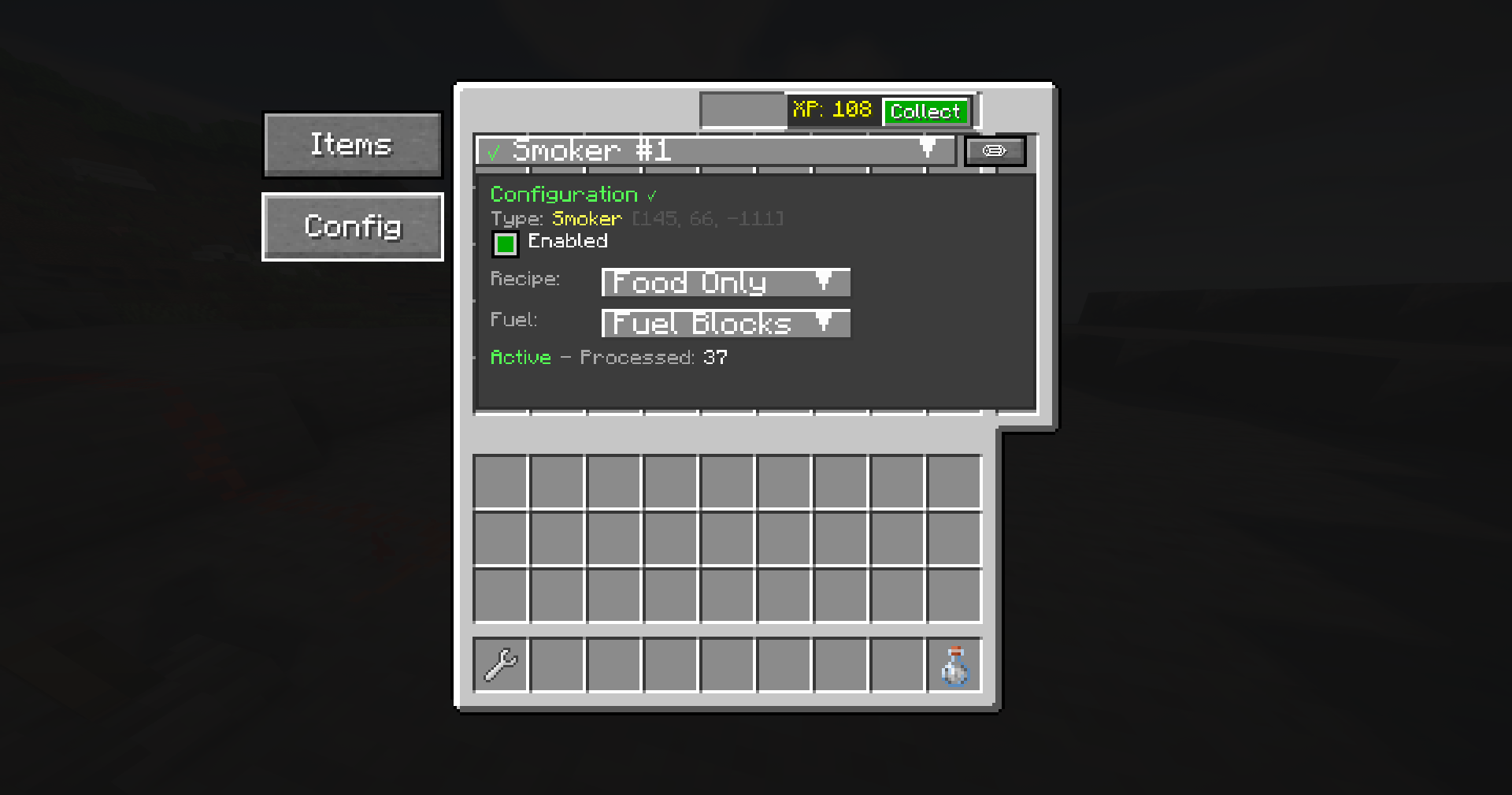
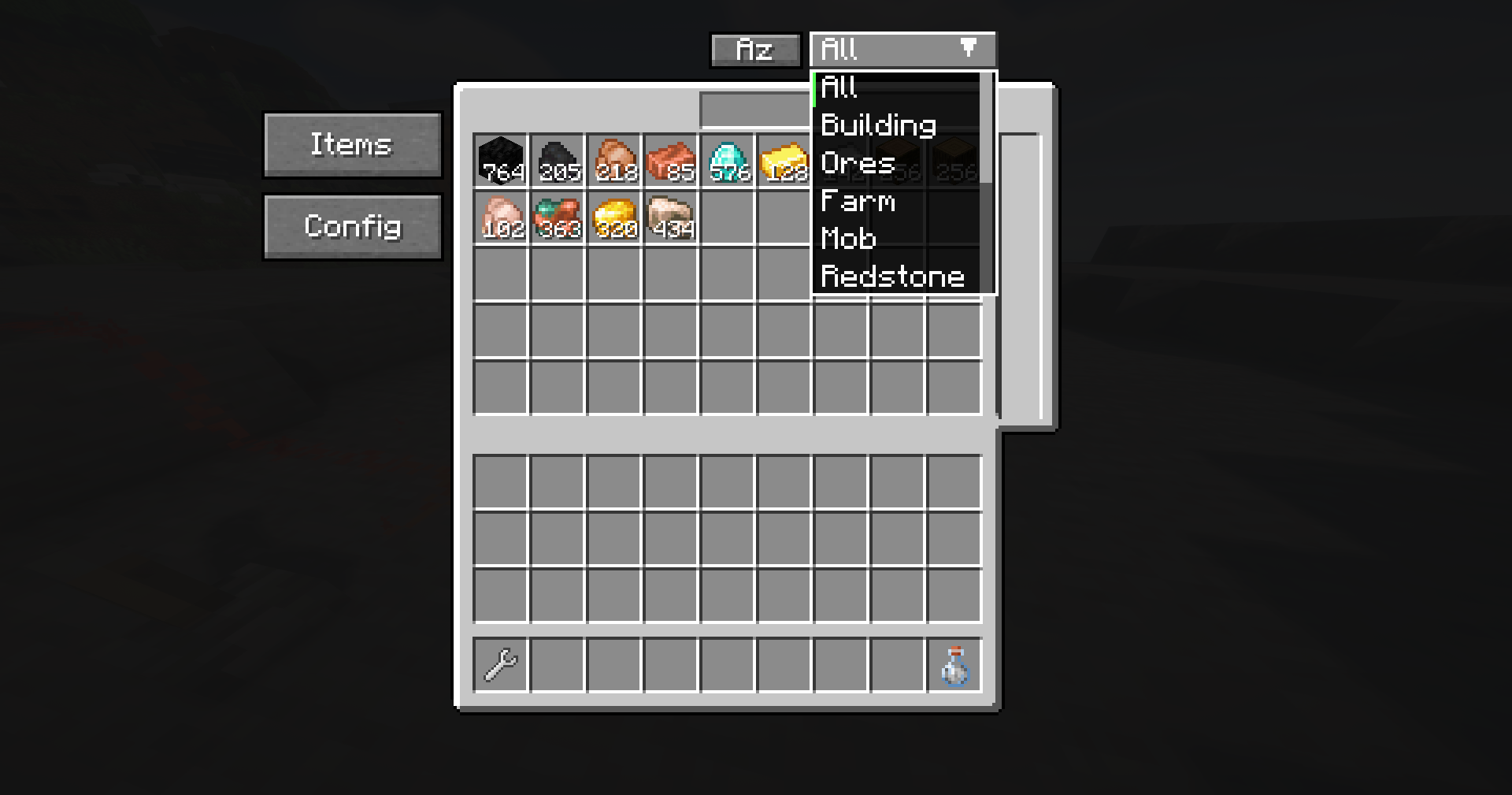
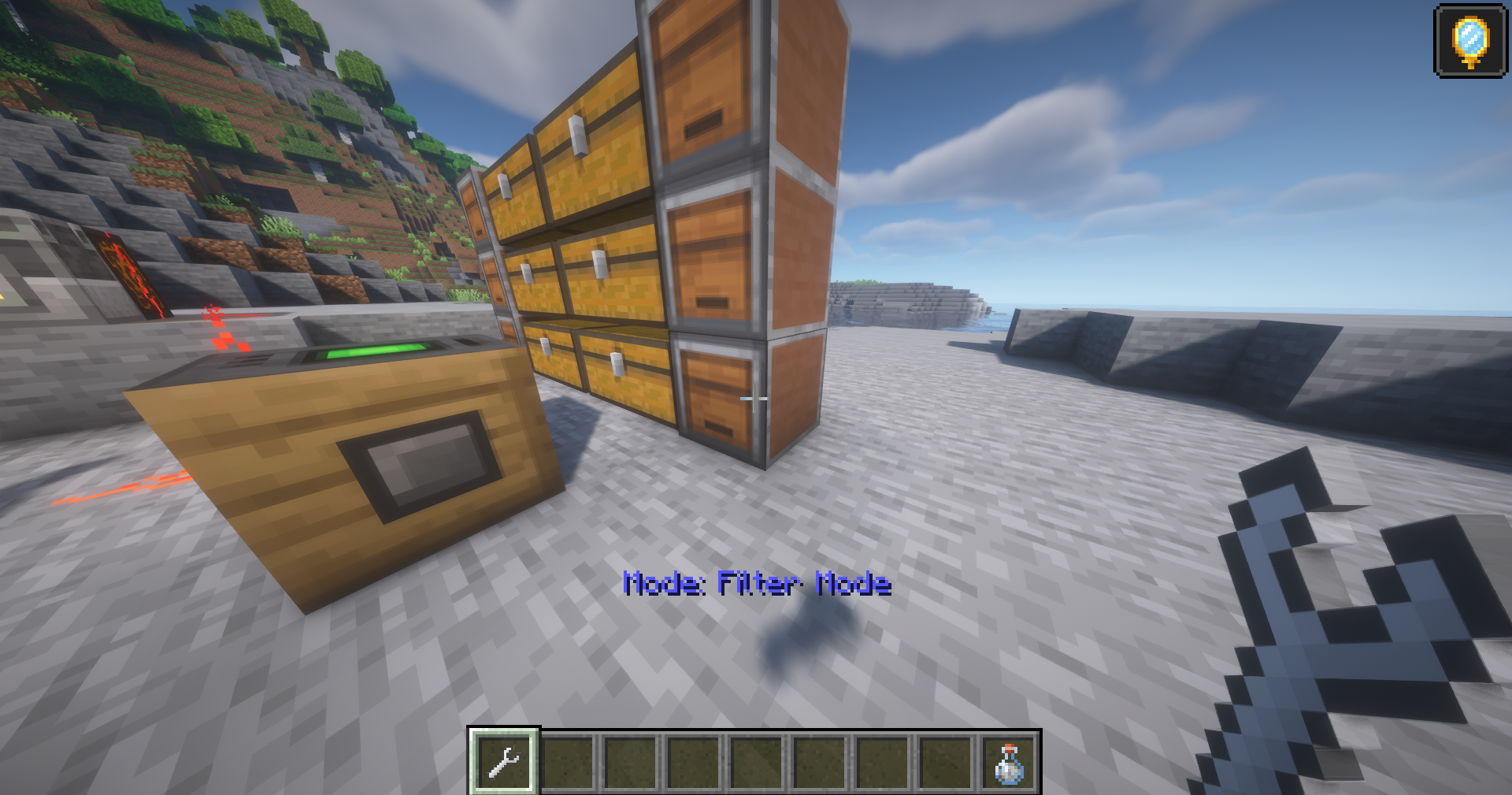
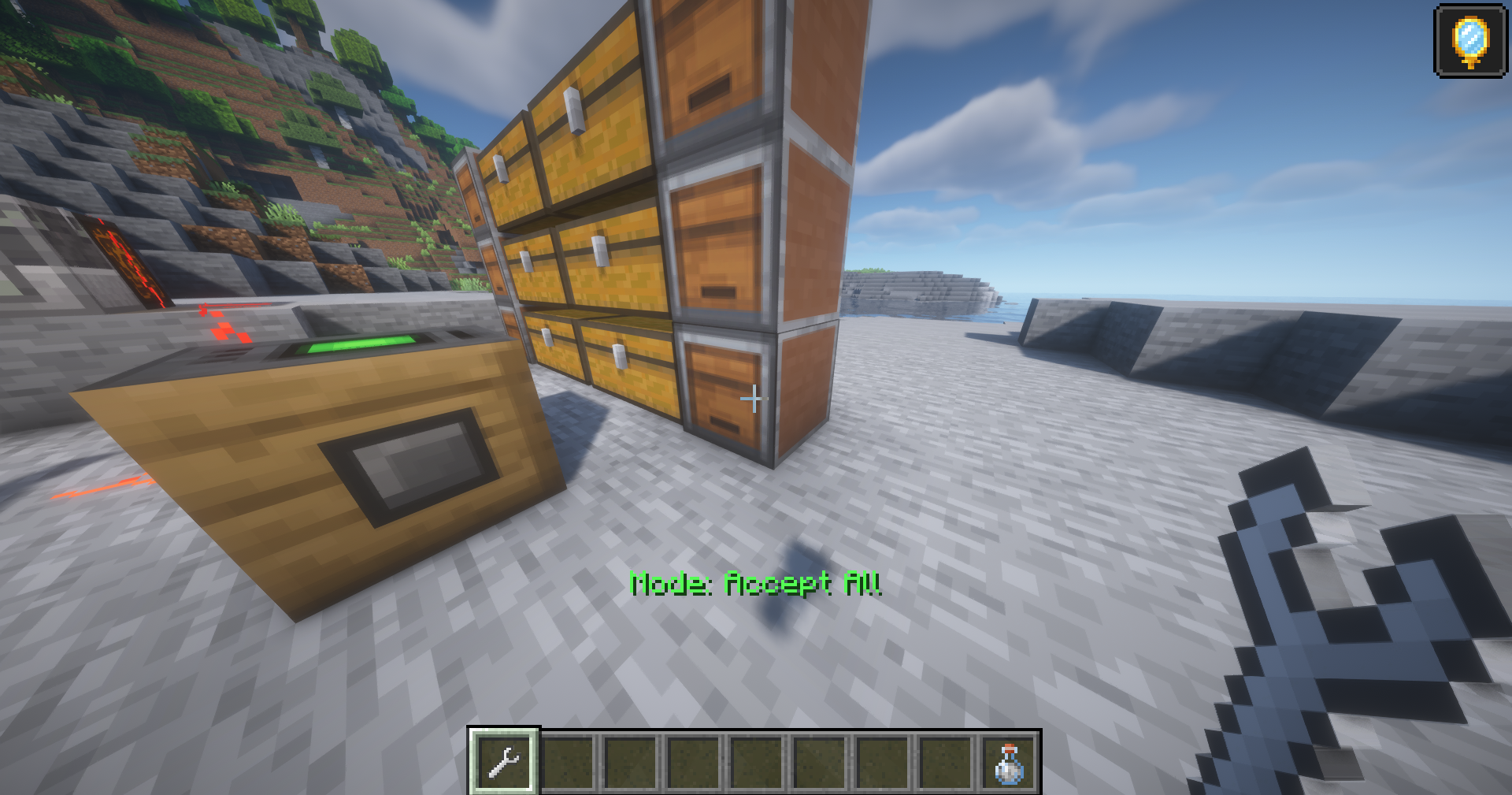
介绍

🧠 Smart Sorter: Industrial Logistics & XP Hub
Transform your messy storage into an intelligent, automated network!
Smart Sorter brings modular, data-driven sorting to Minecraft with a sleek, intuitive design. Whether you are managing a small survival base or an industrial complex with 500+ chests, Smart Sorter handles routing, smelting, and XP collection with zero TPS lag.
📖 SmartSorter Player Tutorial
A complete guide on how to use SmartSorter to automate your storage!
🎮 Getting Started – The Basics
Smart Sorter automatically moves and sorts items from chests into organized storage – like hoppers but WAY smarter!
The 5 Main Blocks:
- 🟦 Intake Block – Pulls items FROM chests or farm hoppers.
- 🟨 Output Probe – Pushes items INTO specific chests.
- 🟥 Storage Controller – The “brain” that manages the network, search GUI, and XP bank.
- 🟩 Process Probe – Controls furnaces/machines with Redstone logic.
- 🔧 Linking Tool – Connects all components together.
🎯 What Makes It Unique?
🚀 Industrial Scale (500+ Chests)
Built for efficiency, Smart Sorter handles 500+ connected inventories with ease. It is the perfect performance-friendly choice for technical mega-bases and massive modpacks.
💎 The XP Reservoir
The Storage Controller automatically accumulates all XP generated by your connected furnaces. Collect your entire base’s XP bank with a single button press in the Controller GUI.
🔥 Redstone-Powered Automation
Using the Process Probe, you can build advanced factory lines:
- The Connection: Place a Process Probe on your furnace/machine and link it to the Controller.
- The Power: Apply a Redstone signal (Redstone Dust + a Lever) to activate the probe.
- The Result: It automatically pulls fuel and raw materials from your storage and returns the finished products to your prioritized chests.
🛠️ Quick Start Guide
1. Simple 2-Chest Sorter (No Controller Needed)
- Place blocks:
[Input Chest] ← [Intake] ... [Output Probe] → [Target Chest] - Link: Right-click the Intake with the Linking Tool, then right-click the Output Probe.
- Filters: Right-click the Probe to set specific items.
2. Advanced Setup: Using a Storage Controller
- The Hub: Place your Storage Controller.
- Connect: Shift-click the Controller with the Linking Tool, then click your Intakes and Probes.
- Smart Routing: Use the Controller to search your entire network and set chest priorities. Items seek out dedicated chests with the highest priority first.
🔌 Mod Compatibility
Smart Sorter is fully compatible with:
- ✅ Vanilla Chests, Barrels, Shulker Boxes
- ✅ Iron Chests (All Tiers)
- ✅ Sophisticated Storage (All Variants)
- ✅ Storage Drawers & Controller Blocks
- ✅ Any Inventory from Modded Containers
🐛 Support & Feedback
- Found a Bug? Report it on GitHub
- Feature Suggestion? Submit a suggestion
- Support Development: Support on Ko-fi
🙏 Credits
Developer: SlimShaddii
Special Thanks:
- Tom’s Simple Storage — inspiration for early system design.
- Fabric Community — for ongoing support and tooling.
- Intuistic — for testing and helping out with js files.
- Fizzy — for block designs.
Automation made simple. Storage made smart.
✨ Download now and let your items sort themselves! 🚀
常见问题
Smart Sorter 支持哪些 Minecraft 版本?
Smart Sorter 支持 Minecraft Java 版 1.21.1–1.21.11,共 5 个版本,可用的加载器:Fabric。下载时注意选择和你游戏版本一致的文件。
Smart Sorter 怎么安装?
先用 PCL2 或 HMCL 启动器安装对应版本的 Fabric,再把下载的 .jar 文件放进游戏目录的 mods 文件夹,重新启动游戏即可。开启了版本隔离的,mods 文件夹在 versions/版本名 下面。运行环境:客户端和服务端都要装。
评论
登录后评论和评分