
Create: Worldshaper Utilities
An enhanced Create Worldshaper with survival-friendly controls.
截图


介绍

🛠️ Worldshaper Utilities
🔥 Works in Survival!
Upgrade your building workflow with a powerful new Worldshaper designed for both creative and survival gameplay.
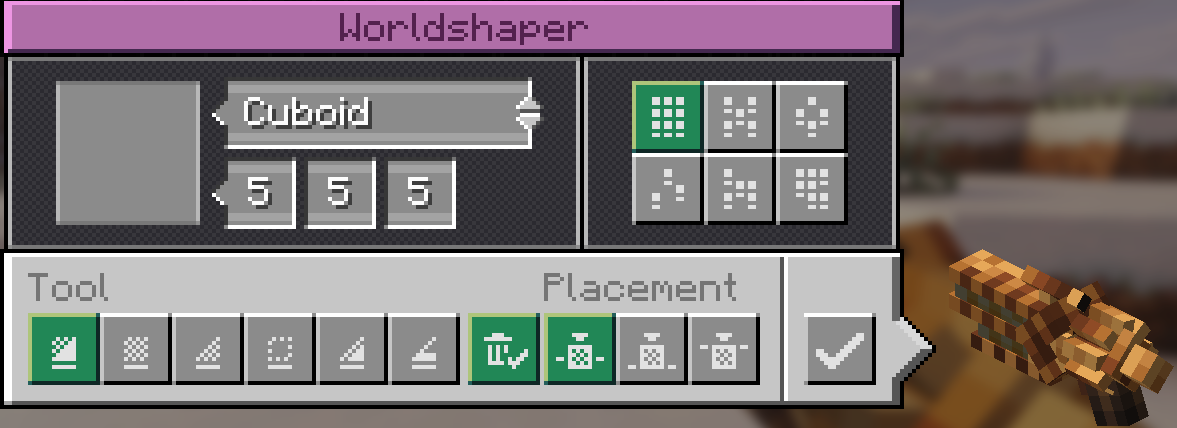
This Create addon adds an enhanced Worldshaper that feels identical to the original — but with smarter mechanics, better control, and survival-friendly building.

✨ Features
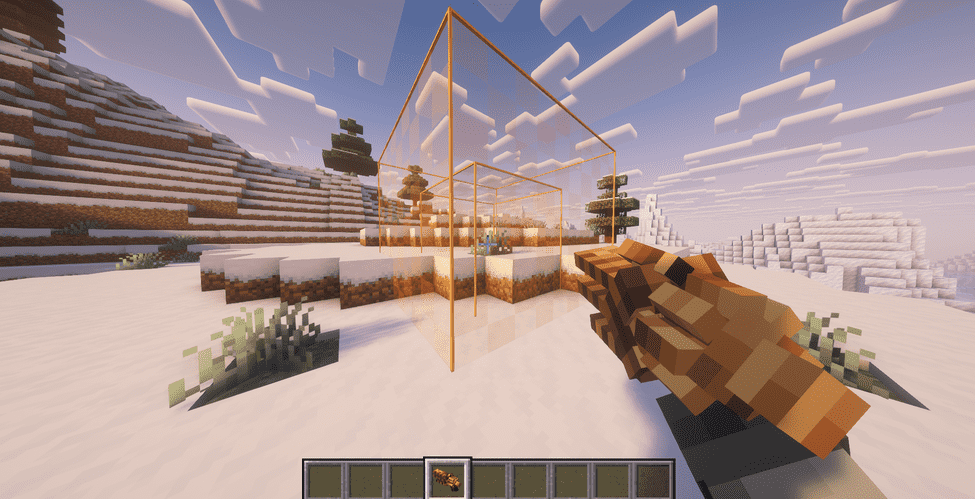
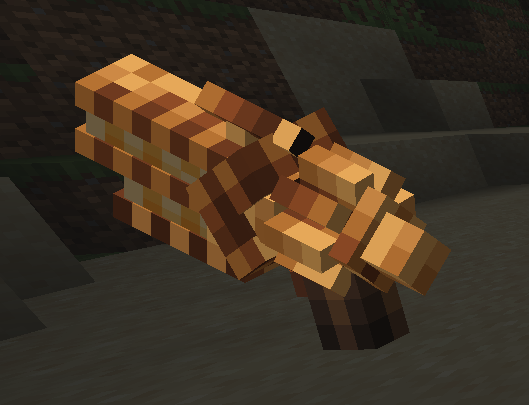
🧱 Adds a new Worldshaper (Create-style)
✅ Fully compatible — does NOT modify Create’s original Creative Worldshaper
🎮 Same UI, controls, modes, preview, and selection behavior
📦 Survival building support
Places blocks directly from your inventory
No blocks = no placement
No duplication
🧊 Creative mode still works without limitations
📏 Configurable range and cuboid size
💥 Clear Mode Improvements
Optionally drops removed blocks as items. Block drop when using the clear mode! ( can be turned off )
Drops spawn near the player (clean & controlled)
🔘 GUI toggle to enable/disable drops
✨ Optional Silk Touch clear mode
⚙️ Performance & Safety
🛡️ Block blacklist support
⚙️ Drop/action limits to reduce lag
🚫 Prevents duplication and unsafe behavior
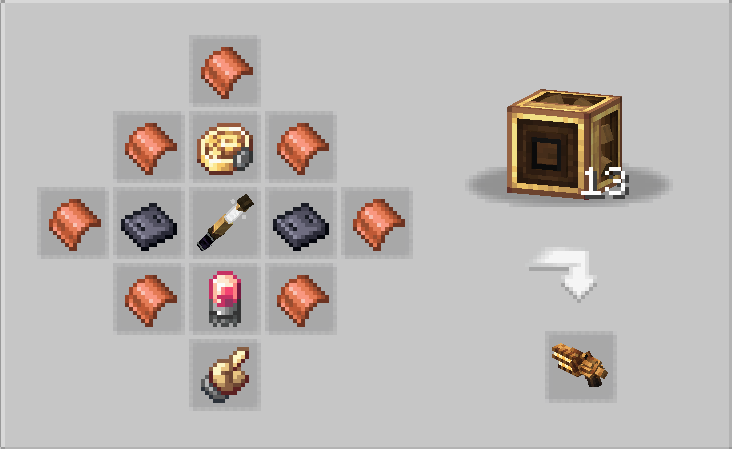
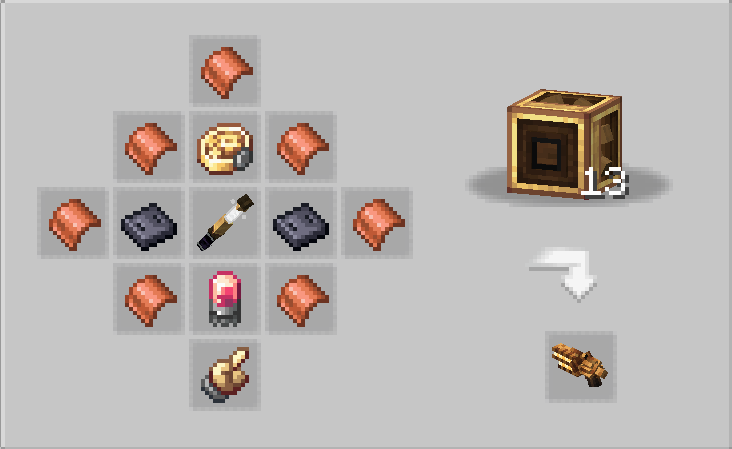
🏭 Crafting
Includes a Mechanical Crafter recipe
⚙️ Configuration
Fully customizable via:
worldshaperutilities-common.toml
Adjust:
Range & size limits
Drop behavior
Silk Touch mode
Performance limits
Blacklisted blocks
💡 Why use this?
The default Creative Worldshaper is powerful — but limited to creative-style usage.
Worldshaper Utilities brings that same power to survival gameplay
without breaking balance or causing item duplication.
⚠️ Disclaimer
This is an addon for the Create mod.
Create is required to run this mod.
This mod does NOT modify or replace Create’s original Worldshaper.

This mod have been created with IntelliJ
❗ NOT AN OFFICIAL MINECRAFT PRODUCT
NOT APPROVED BY OR ASSOCIATED WITH MOJANG OR MICROSOFT
常见问题
Create: Worldshaper Utilities 支持哪些 Minecraft 版本?
Create: Worldshaper Utilities 支持 Minecraft Java 版 1.20.1–1.21.1,共 2 个版本,可用的加载器:Forge / NeoForge。下载时注意选择和你游戏版本一致的文件。
Create: Worldshaper Utilities 怎么安装?
先用 PCL2 或 HMCL 启动器安装对应版本的 Forge / NeoForge,再把下载的 .jar 文件放进游戏目录的 mods 文件夹,重新启动游戏即可。开启了版本隔离的,mods 文件夹在 versions/版本名 下面。运行环境:客户端和服务端都要装。
SmartStreamLabs 的其他作品
查看全部 →
Create: Structures Arise
这个模组为你的Minecraft世界添加了28个新的机械动力结构。

AnvilCore 🔨 [DISCONTINUED]
AnvilCore 是所有 SmartStreamLabs 模组的前置库,负责处理共享代码和核心功能。

Create: Pillager Arise
游戏内新增10种建筑!(有掠夺者把守)需要机械动力。

Echoes of The End ( Structures)
添加了9个新的末地结构。这就是末地吗?(仅使用原版方块)
评论
登录后评论和评分