WorldFarView
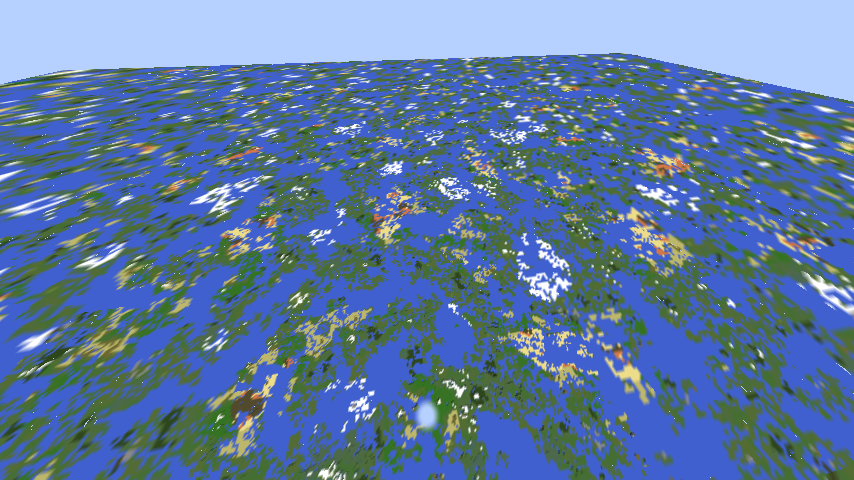
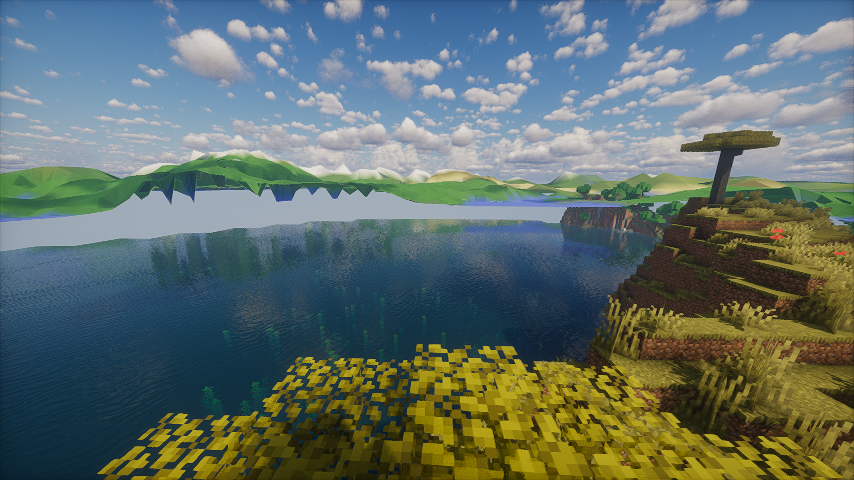
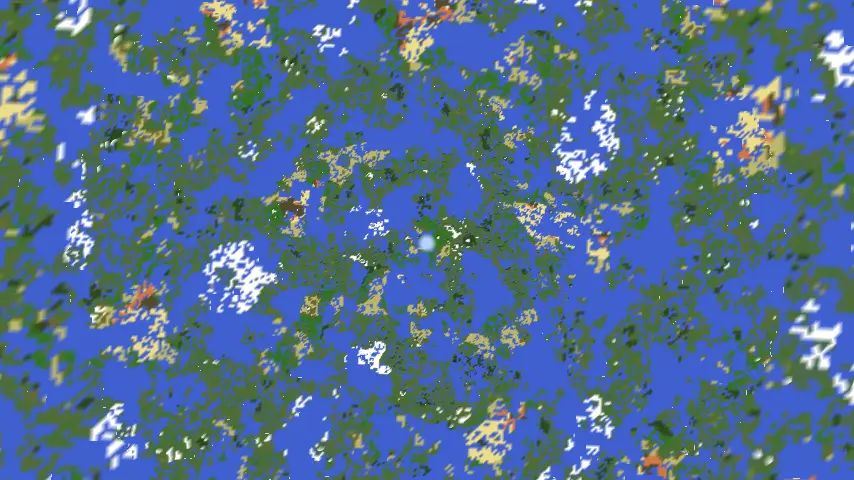
Mod that increases render distance by utilizing dynamic quad tree structure.
截图
介绍
Inspired by FarPlane2, this mod enhances render distance using Quad trees.
Installation & Usage
- Install the mod on both client and server.
- Join a world – the mod activates automatically.
- Note: High resolutions may require longer loading times.
- Currently supports only noise-based chunk generators (vanilla-compatible).
- The mod will notify you if any compatibility issues arise.
⚠️ Development Notice: This mod is still in active development and may have stability issues.
⚙️ Configuration
Client Settings (Editable in-game via Mods menu)
| Setting | Description | Recommended Value |
|———|————-|————————–|
| Quad Tree Radius | Horizontal radius covered by the quad tree | 65536 blocks, big values may lead to high memory usage |
| Quad tree max depth | Maximum adaptive quad tree depth | Depends on tree radius and resolution |
| Fade distance | Distance used to fade in terrain beyond the vanilla render distance | Your render distance |
⚠️ If the server rejects client settings (e.g., unsupported resolution), the mod will auto-disable.
Server Settings (Can be found in world/server files)
| Setting | Description |
|———|————-|
| clientSide | If true, sends seed/generator data to clients (unsupported in current version). If false, forces server-side generation. |
| maxRadius | Reject quad tree requests above this radius |
| maxDepth | Reject quad tree requests above this depth |
Last update removed quad tree generation on server for memory optimizations. Instead, server sends only heights in desired points.
🛠️ For Developers: Adding Compatibility
To integrate your custom world generator:
- Implement
FarChunkGeneratorand register it inFarChunkGenerators. - For client-side support, create:
ClientFarChunkGeneratorSerializableFarChunkGenerator<YourClientFarChunkGenerator>
常见问题
WorldFarView 支持哪些 Minecraft 版本?
WorldFarView 支持 Minecraft Java 版 1.20.1–1.21.1,共 2 个版本,可用的加载器:Fabric / Forge / NeoForge。下载时注意选择和你游戏版本一致的文件。
WorldFarView 怎么安装?
先用 PCL2 或 HMCL 启动器安装对应版本的 Fabric / Forge / NeoForge,再把下载的 .jar 文件放进游戏目录的 mods 文件夹,重新启动游戏即可。开启了版本隔离的,mods 文件夹在 versions/版本名 下面。运行环境:客户端和服务端都要装。


评论
登录后评论和评分