
截图

介绍




In-Game Stream Chat
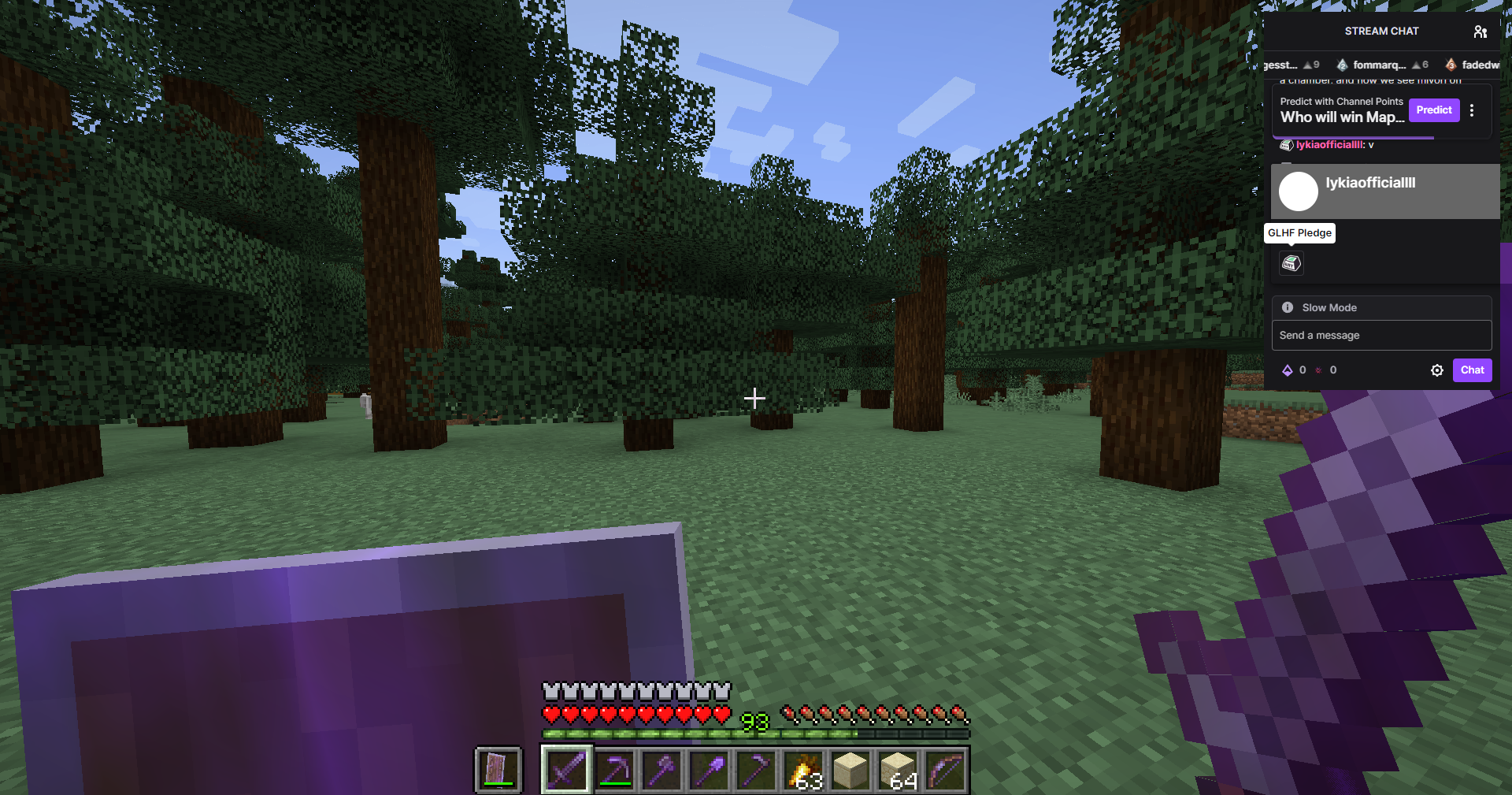
In-Game Stream Chat is a client-side Fabric mod for Minecraft. It allows you to see the chats from live streams on platforms like Twitch/Kick/YouTube on your in-game screen. You can send messages to the chat, ban people, delete messages, and customize additional stream chat settings right from the screen.
You can view chats without requiring any authorization or membership login.
What’s Changed:
v1.3.0:
- The dependency requirement has been removed. You no longer need to install an extra mod.
- An issue detected in rendering has been fixed.
v1.2.0:
- The config screen has been updated and now includes a new button.
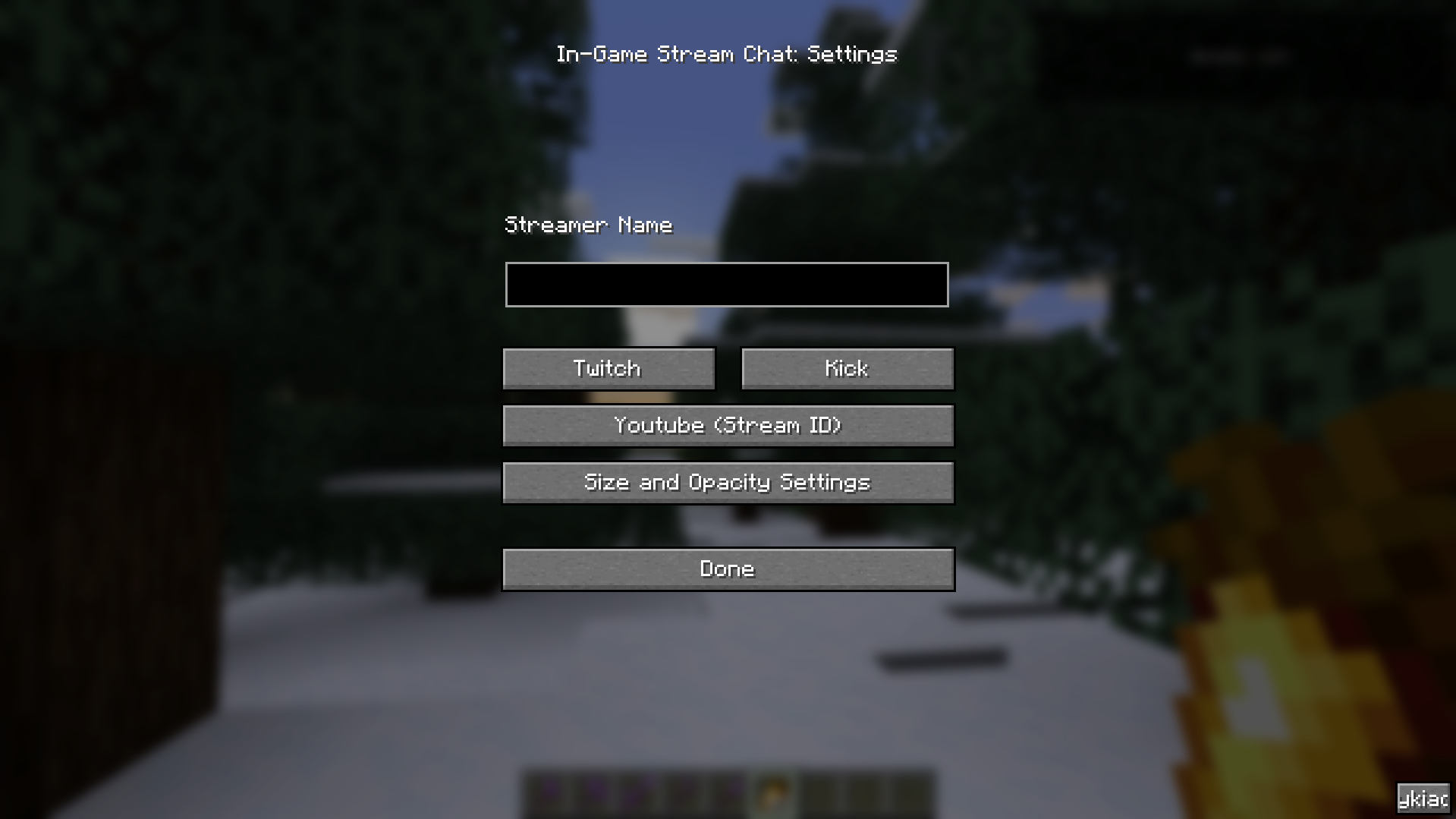
- Size and Opacity Settings have been added, allowing the in-game stream chat to be resized, moved to any desired location on the screen, and its opacity adjusted.
- Rendering has been optimized.
For issues and feedback: (Email) [email protected] or (Discord) https://go.lyki.dev/dc
In-Game Chat Overlay

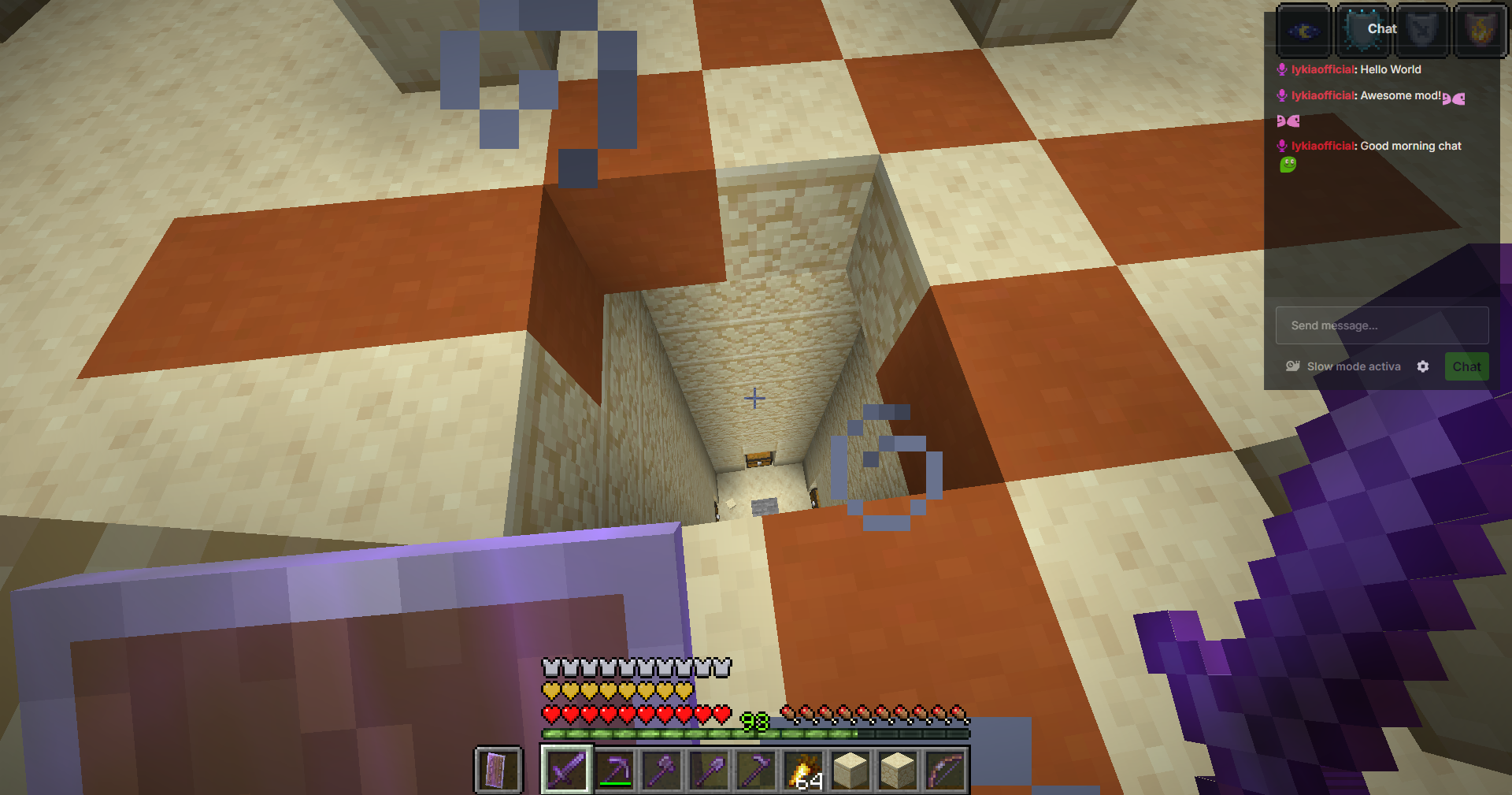
With the overlay, you can view your stream chat on top of the screen.

With a keybind, you can activate your mouse and click or type on anything you want.
Preview (.gif)


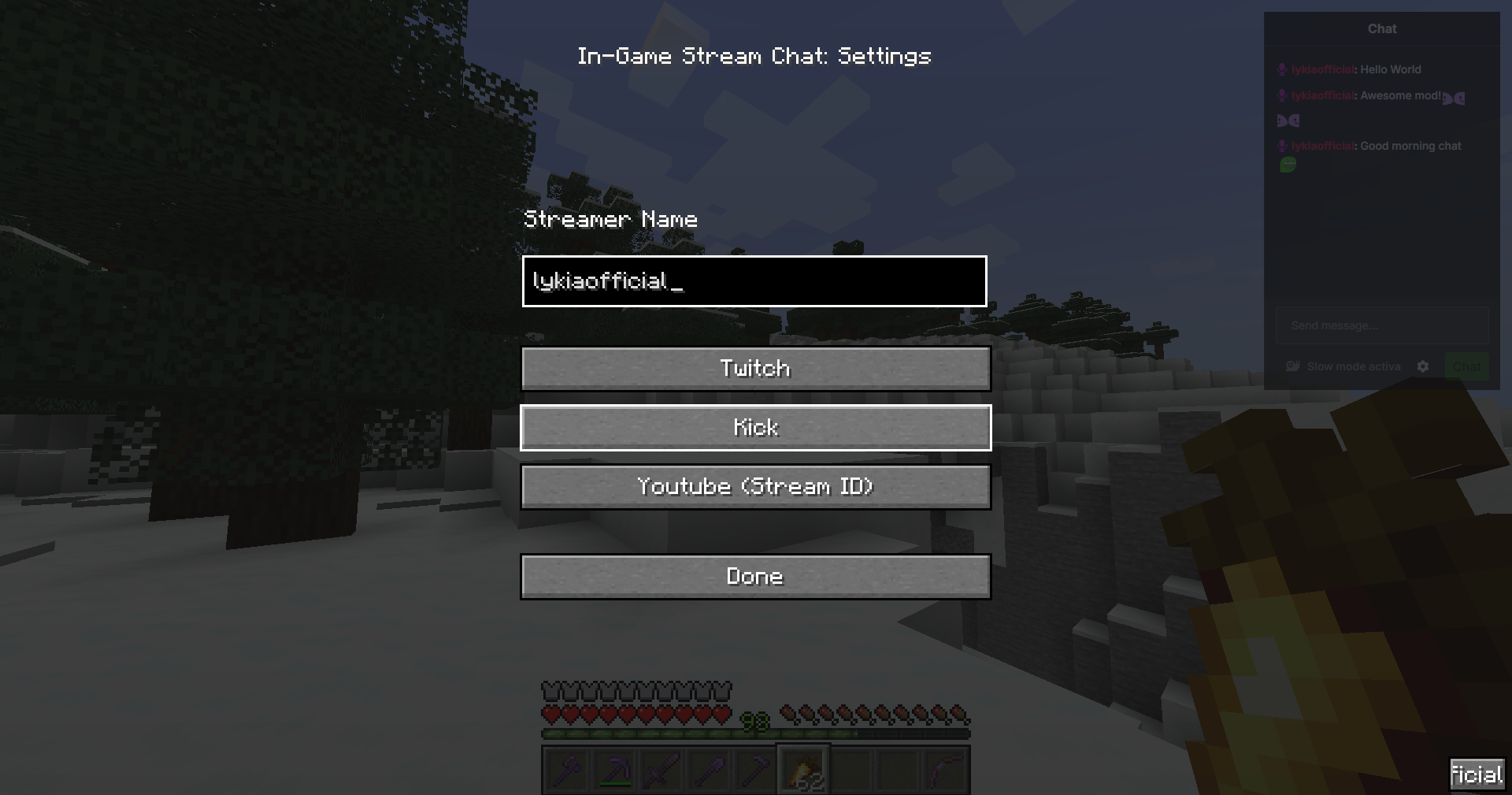
From the settings screen, you can easily configure which streamer’s chat you want to view and on which platform the stream is hosted. For YouTube, you will need to enter the stream ID found in the URL of the stream instead of the streamer’s name.

Multilingual support: Customized messages for 6 different languages. Works seamlessly with your client language. Here are the supported languages:
- Turkish (Türkçe)
- English (US)
- Français (France)
- Español (España)
- Deutsch (German)
- Russian (Русский)
There may be errors in the localizations; please report any issues for corrections.
Built by lyki.dev
In Game Stream Chat is developed by lyki.dev — an independent software studio focused on custom Minecraft mods, plugins, backend systems and reverse-engineering work.
Need a custom system, private mod or server infrastructure?
→ https://lyki.dev
→ https://go.lyki.dev/dc
常见问题
In Game Stream Chat 支持哪些 Minecraft 版本?
In Game Stream Chat 支持 Minecraft Java 版 1.20.1–1.21.4,共 10 个版本,可用的加载器:Fabric。下载时注意选择和你游戏版本一致的文件。
In Game Stream Chat 怎么安装?
先用 PCL2 或 HMCL 启动器安装对应版本的 Fabric,再把下载的 .jar 文件放进游戏目录的 mods 文件夹,重新启动游戏即可。开启了版本隔离的,mods 文件夹在 versions/版本名 下面。运行环境:仅客户端。
lykiaofficial 的其他作品
查看全部 →
Hit Delay Fix (NEW)
Eliminates attack cooldown for rapid attacks

No Friendly Fire
Prevent Accidentally Damaging Your Friend.

Local Locator
Restores the server-disabled Locator Bar, so you can always find your friends.

No Friendly Fire
Prevent accidentally damaging your friend
评论
登录后评论和评分