
ImageFrame Fabric Port
High-performance, server-side Fabric port of ImageFrame. Place HD images & animated GIFs on maps and walls with zero client-side mods required!
截图
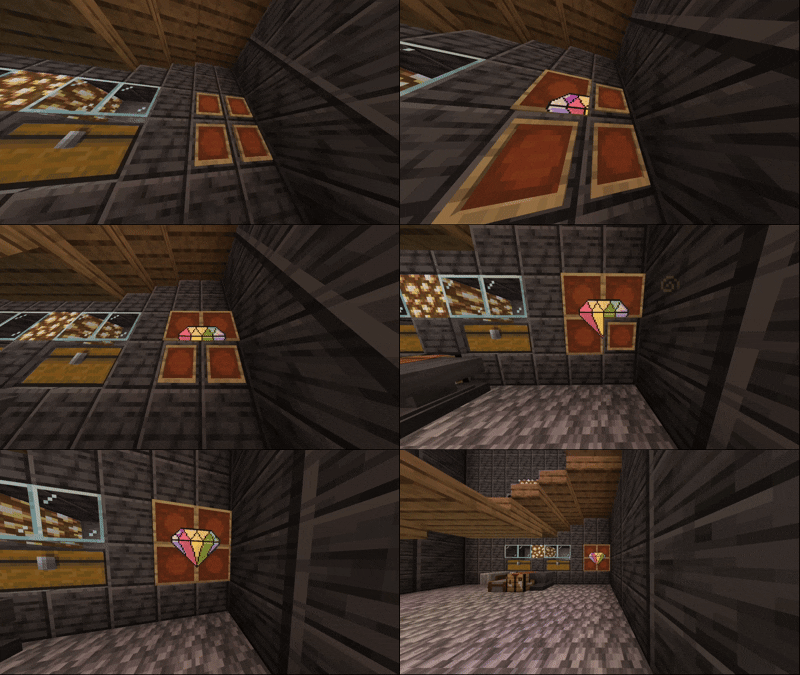
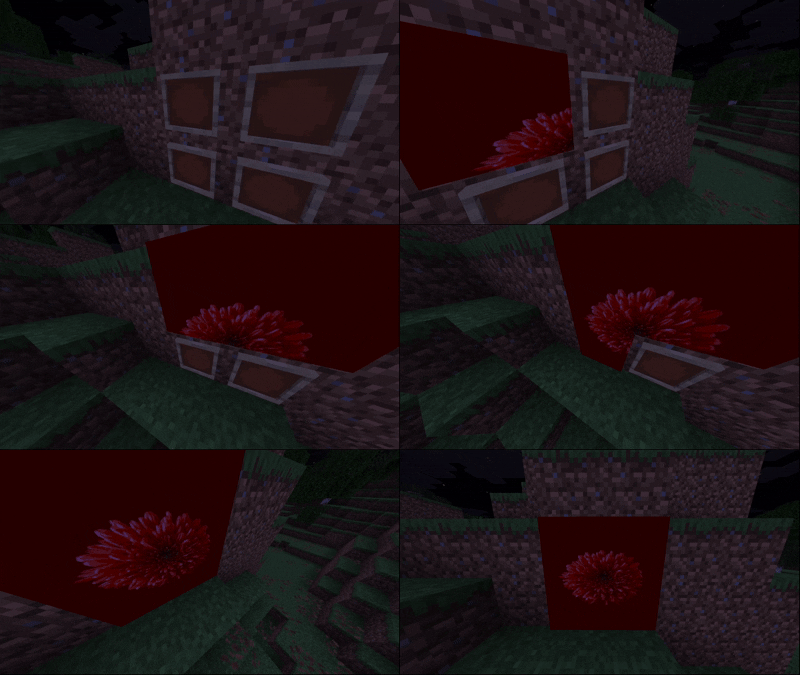
介绍
ImageFrame (Fabric Port)
A high-performance, universal Fabric port of the popular Spigot plugin ImageFrame by LoohpJames. Put images and animated GIFs on maps and walls with native high-definition (HD) support!
This project is a hybrid (Universal) mod: it functions completely server-side for vanilla clients, while offering native HD map rendering, instant HD GIF animation synchronization, and inventory item preview tooltips when installed on the client.
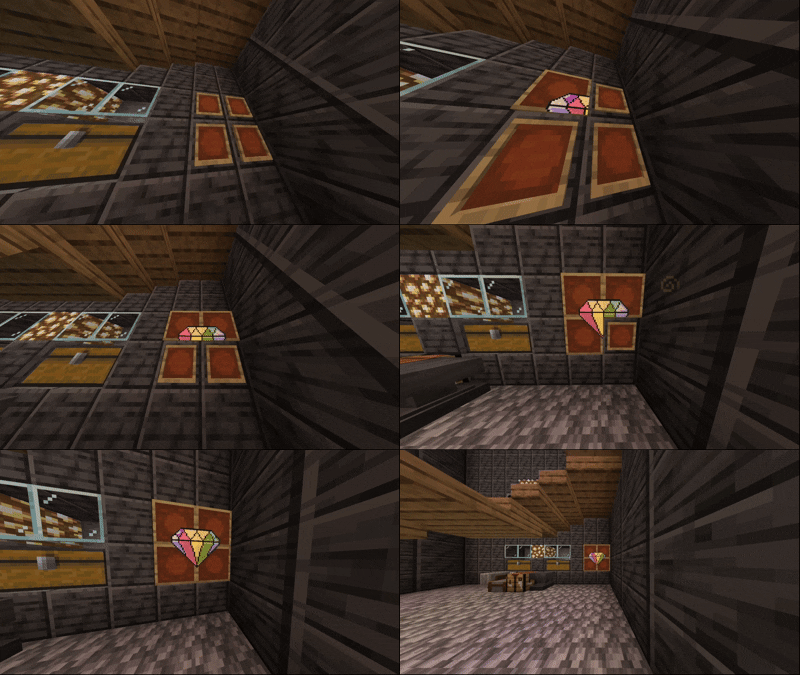
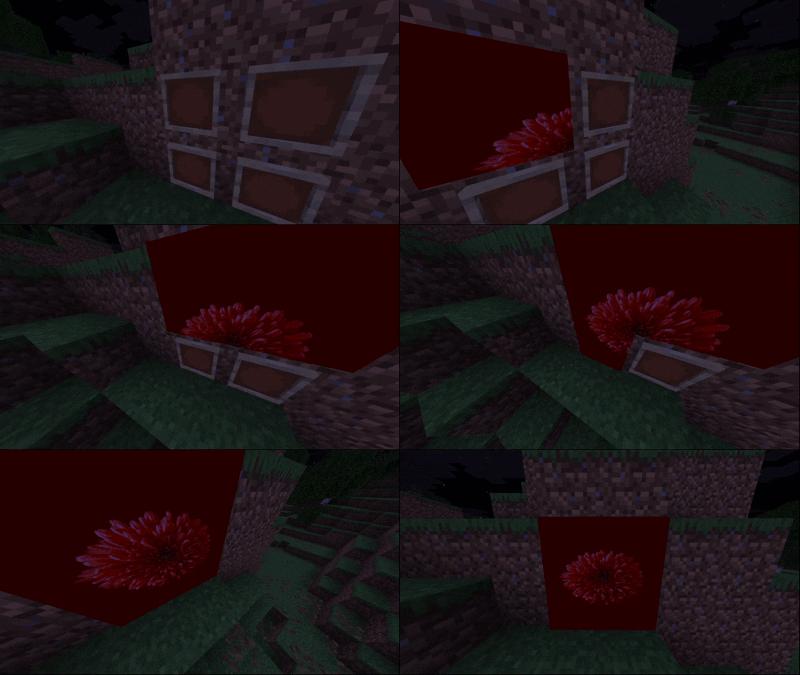
Important Disclaimer & Maintenance
- Support & Maintenance: This port was created for a private server with friends. As such, do not expect regular updates, active maintenance, or guaranteed bugfixes.
- Future Updates: While support is not guaranteed, critical bugs or compatibility updates might be released if they are needed for our personal server.
- Original Creator Invitation: If the original author (LoohpJames) wishes to adapt, use, or merge any part of this Fabric port code into the official project, they are warmly welcomed and encouraged to do so!
- Fabric Port Developer: Developed and optimized for Fabric by reyhe66243.
- Credits: Huge credits to LoohpJames for the original Spigot plugin design, asset loaders, and architecture.
Universal Architecture & Client Compatibility
Use this exact same mod JAR on both the server and client. Do not use the original client mod, as this port relies on an updated, GIF-compatible networking architecture.
- Vanilla Clients: Can connect without installing any client-side mod. Maps will display smoothly in standard Minecraft resolution (128×128).
- Modded Clients (with this mod): Automatically perform a background handshake with the server to request native High-Definition (HD) image textures, instant HD GIF animation frame synchronization, and inventory hover tooltips.
Mod Compatibility & Optimization Notes
If you use ImmediatelyFast, you must disable its map atlas optimization feature:
- Set
"map_atlas_generation": falseinside yourconfig/immediatelyfast.jsonfile. - Reason: ImmediatelyFast’s
map_atlas_generationforces all map textures into a low-resolution 128×128 atlas, which overrides and crops HD textures. Disablingmap_atlas_generationallows ImageFrame to render in full HD while ImmediatelyFast continues optimizing 99% of your other graphics performance (fonts, HUD, signs, GUI, buffers). - This mod includes automatic detection logic to attempt disabling this setting at launch.
Configuration & Permissions
ImageFrame on Fabric features a streamlined, fully functional config/ImageFrame/config.yml and 1:1 permission parity with the original Spigot plugin.
Key Configuration Options
RequireEmptyMaps: Require survival players to hold empty maps (width * height) to create or retrieve image maps.MaxSize: Limit map dimensions (in blocks) to prevent server lag.PlayerCreationLimit: Limit the maximum number of maps each player or group can create.RestrictImageUrl: Domain whitelist (e.g. Imgur, Discord CDN) to restrict where players can download images from.CombinedByDefault: Automatically give combined map items instead of separate map tiles when running/imageframe get <name>.InvisibleFrame: Configure survival potion splash conversions for invisible item frames.
Permissions & LuckPerms
Compatible with LuckPerms via fabric-permissions-api-v1 and native Minecraft OP levels (user commands default to Level 0 / all players):
| Command / Feature | Permission Node | Default Access |
| :— | :— | :— |
| /imageframe create | imageframe.create | All players |
| /imageframe get | imageframe.get | All players (own maps) |
| Manage others’ maps | imageframe.get.others, imageframe.delete.others | OP Level 2 |
| /imageframe delete | imageframe.delete | All players (own maps) |
| /imageframe rename | imageframe.rename | All players (own maps) |
| /imageframe refresh | imageframe.refresh | All players (own maps) |
| /imageframe playback | imageframe.playback | All players |
| /imageframe select | imageframe.select | All players |
| /imageframe list | imageframe.list | All players (shows own maps) |
| View all server maps | imageframe.list.others | OP Level 2 |
| Map creation limit tier | imageframe.createlimit.<group> | Custom tiers in config |
| Unlimited map creation | imageframe.createlimit.unlimited | OP Level 2 |
| Full admin bypass | imageframe.admin | OP Level 2 |
| /imageframe reload | imageframe.reload | OP Level 2 |
| /imageframe language | imageframe.admin | OP Level 2 |
常见问题
ImageFrame Fabric Port 支持哪些 Minecraft 版本?
ImageFrame Fabric Port 支持 Minecraft Java 版 26.1.2–26.3,共 3 个版本,可用的加载器:Fabric。下载时注意选择和你游戏版本一致的文件。
ImageFrame Fabric Port 怎么安装?
先用 PCL2 或 HMCL 启动器安装对应版本的 Fabric,再把下载的 .jar 文件放进游戏目录的 mods 文件夹,重新启动游戏即可。开启了版本隔离的,mods 文件夹在 versions/版本名 下面。运行环境:仅服务端。
reyhe66243 的其他作品
查看全部 → ImageFrame Fabric Port
High-performance, server-side Fabric port of ImageFrame. Place HD images & animated GIFs on maps and walls with zero client-side mods required!

Image On Frame Fabric Port
High-performance, server-side Fabric port of ImageFrame. Place HD images & animated GIFs on maps and walls with zero client-side mods required!
评论
登录后评论和评分