
ClientSide Commands
作者:maDU59_
Adds a bunch of useful client side commands to your game. For players and developers.
截图


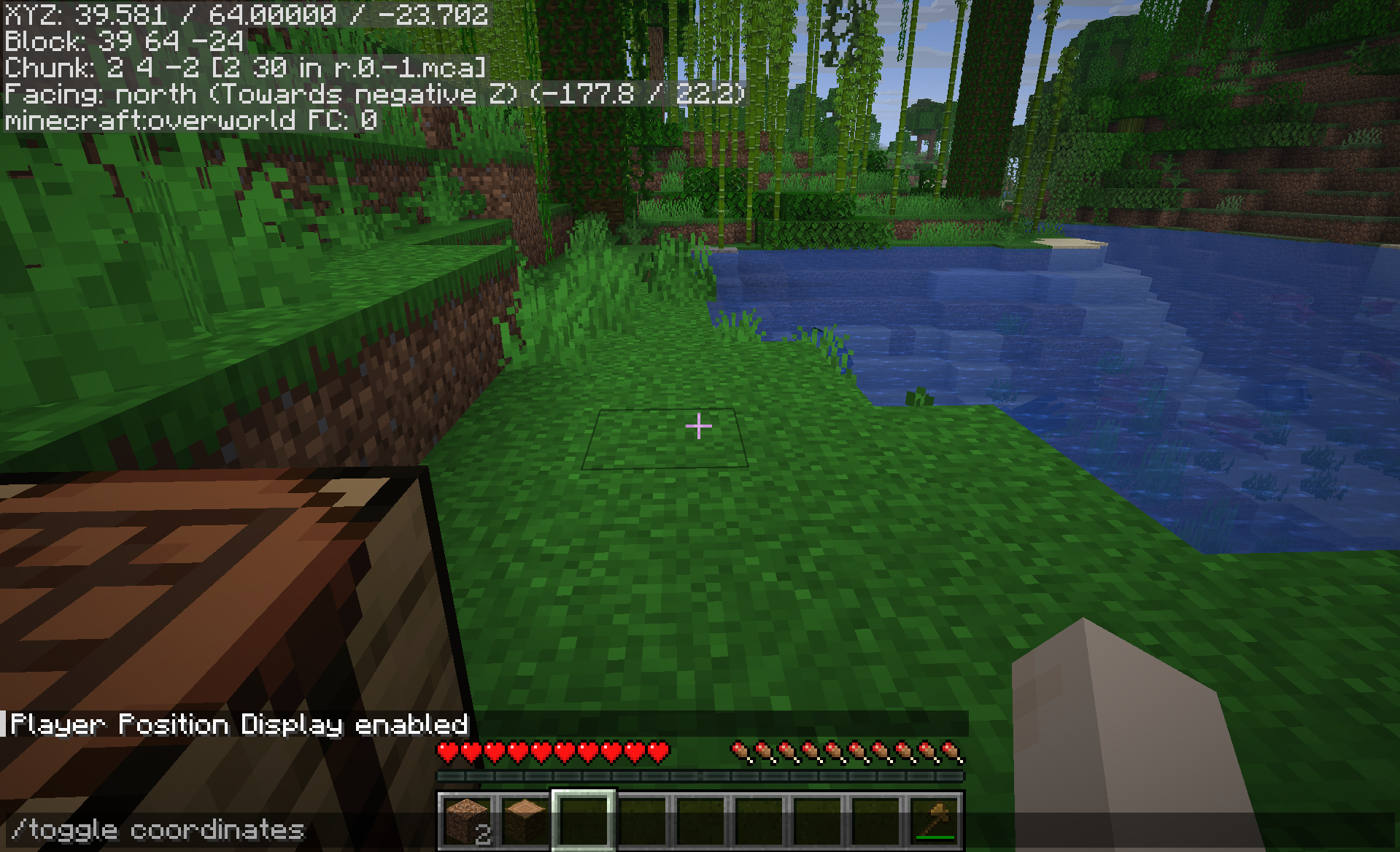
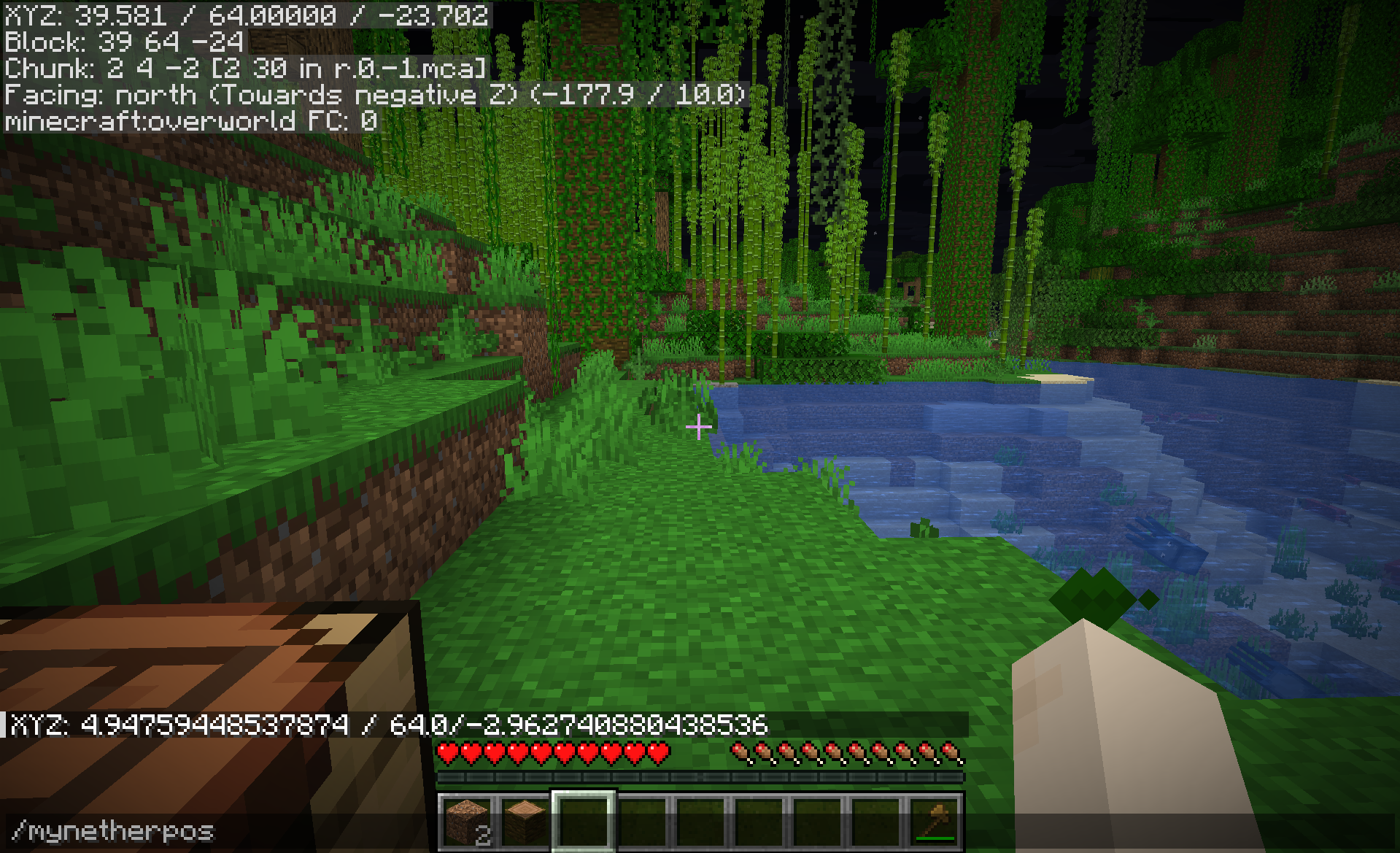
介绍
中文介绍正在准备中,下面暂时显示原文。

ClientSide Commands


Adds a bunch of useful non-cheat clientside commands to your game such as
- QOL features
- settings commands
- f3 menu display on keyboard layout with no f3 key
- debugging commands for developers
🔎 Full list of commands
List of commands
- /calc … : calculate an expression
- /copy mypos/myrot/myUUID : copy values to the clipboard
- /emoji … : send an emoji in the chat (such as ¯\(ツ)/¯ or (⊙ _ ⊙ ) )
- /lookat … … : rotate your camera to the specified yaw and pitch
- /mynetherpos convert your coordinates to the nether (/8 if the player is not already in the nether)
- /myoverworldpos convert your coordinates to the overworld (*8 if the player is not already in the overworld)
- /clearchat : clear the chat
- /wiki : open the wiki’s page of the held item
- /rc : reload chunks
- /rr : reload ressourcepacks
- /ss : takes a screenshot
- /quit : quit the world/server and go back to the main menu
- /set fov … : set a fov value (allow for values outside of the expected range)
- /set gamma … : set a gamma value (allow for values outside of the expected range)
- /set hudscale … : scale the hud
- /toggle fog : toggle in-game fog
- /toggle advancedtooltips : toggle advanced item tooltips
- /toggle f3menu (/f3) : toggle the f3 menu, useful for keyboards without the f3 key
- /toggle debugrenderer … : toggle one of the debug renderers, not accessible from inside of the vanilla game
- All the /copy command arguments also exists as standalone command to display the value
📦 Modpack
Feel free to add this mod in your modpacks.
常见问题
ClientSide Commands 支持哪些 Minecraft 版本?
ClientSide Commands 支持 Minecraft Java 版 1.20–1.21.11,共 19 个版本,可用的加载器:Fabric / Forge / NeoForge / Quilt。下载时注意选择和你游戏版本一致的文件。
ClientSide Commands 怎么安装?
先用 PCL2 或 HMCL 启动器安装对应版本的 Fabric / Forge / NeoForge / Quilt,再把下载的 .jar 文件放进游戏目录的 mods 文件夹,重新启动游戏即可。开启了版本隔离的,mods 文件夹在 versions/版本名 下面。运行环境:仅客户端。
maDU59_ 的其他作品
查看全部 →
Optimized Block Entities [OBE]
by maDU59_
一个客户端优化模组,让方块实体渲染得更快
236.1万
1 天前
Modrinth

Fancy World Animations
by maDU59_
这个模组为许多可交互方块添加了动画,比如门、活板门、拉杆、按钮、唱片机,还包括摇曳的灯笼等更多内容!让一切都变得流畅自然。
213.6万
2 天前
CurseForge

Fancy World Animations [FWA]
by maDU59_
这个模组为许多可交互方块添加了动画效果,例如门、活板门、拉杆、按钮、唱片机等,还包括会摇摆的灯笼以及更多内容!让一切动作都更加流畅。
191.3万
2 天前
Modrinth

Faster Iris Shadow Mapper [FISM]
by maDU59_
略微提升 Iris 阴影映射器的速度。自 Iris 1.11.2 起已内置。
96.2万
1 个月前
Modrinth
评论
登录后评论和评分