
截图
介绍
ImageToWorld
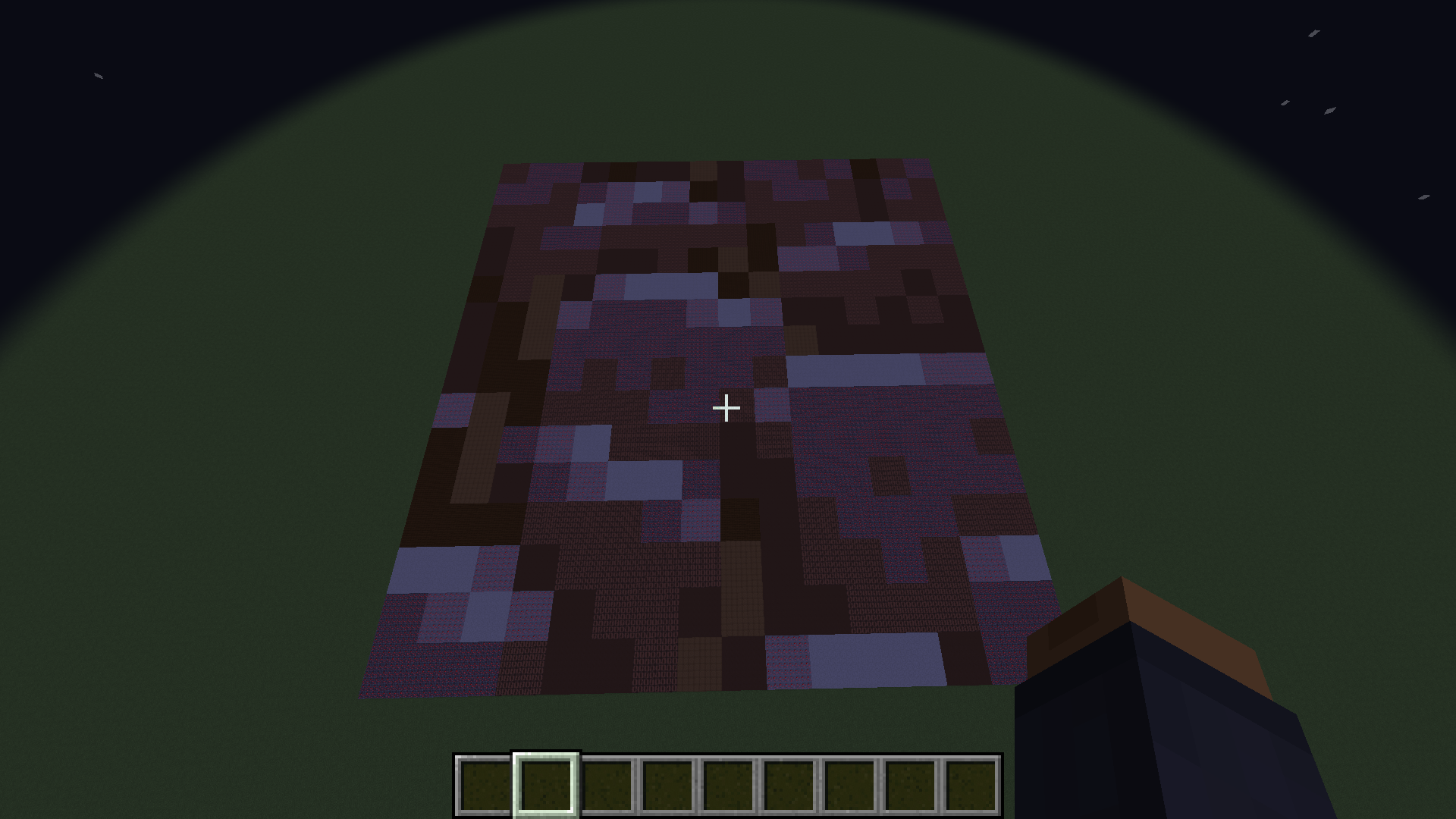
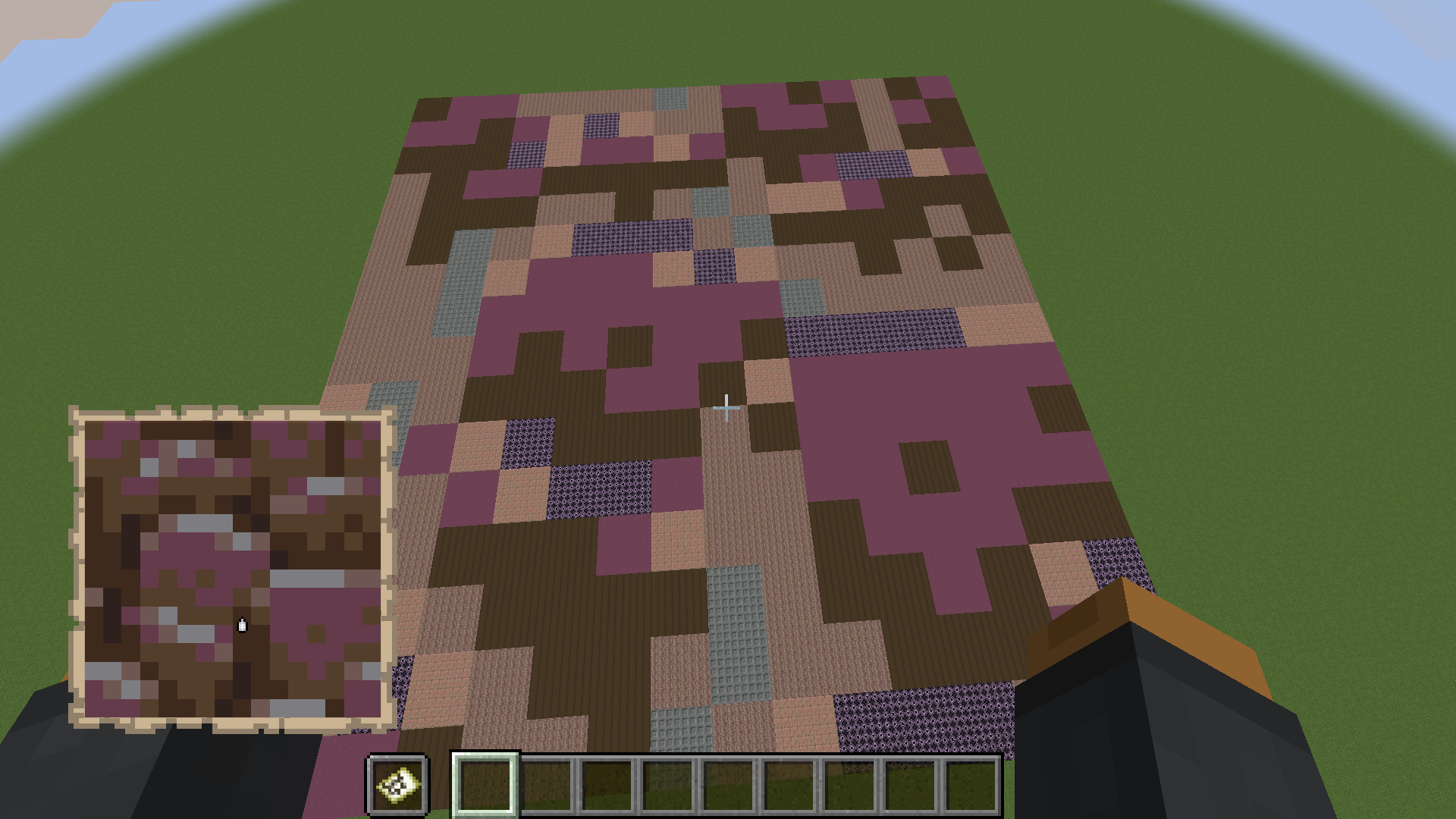
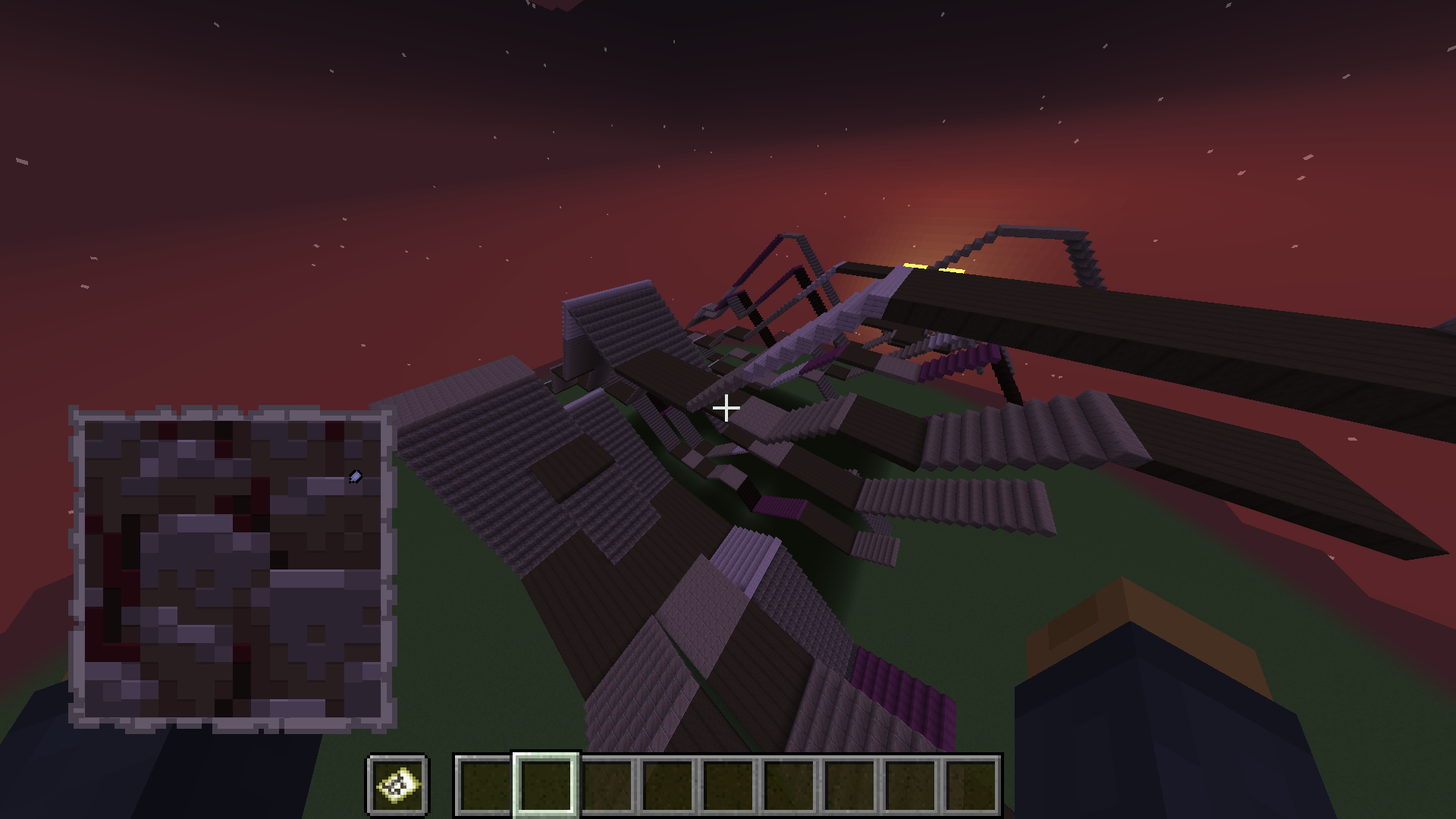
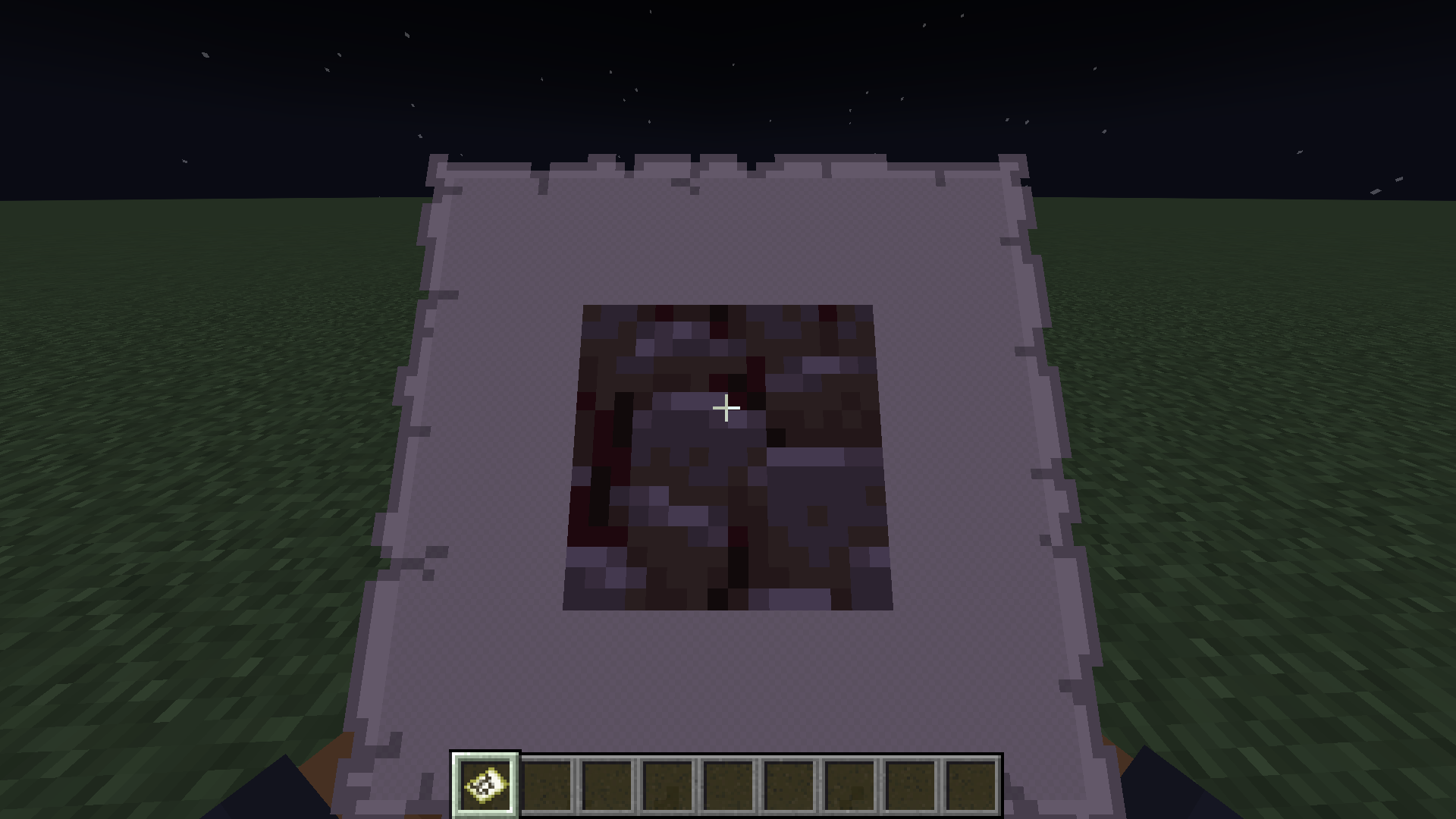
Image To World is a utility mod for pasting images into your Minecraft world.
Mod must be installed on both the client and the server.
General Info:
This mod gives a variety of ways you can add images to your world:
- Paste them directly into the world
- Paste as map art into the world
- Paste directly to a map without placing blocks in the world
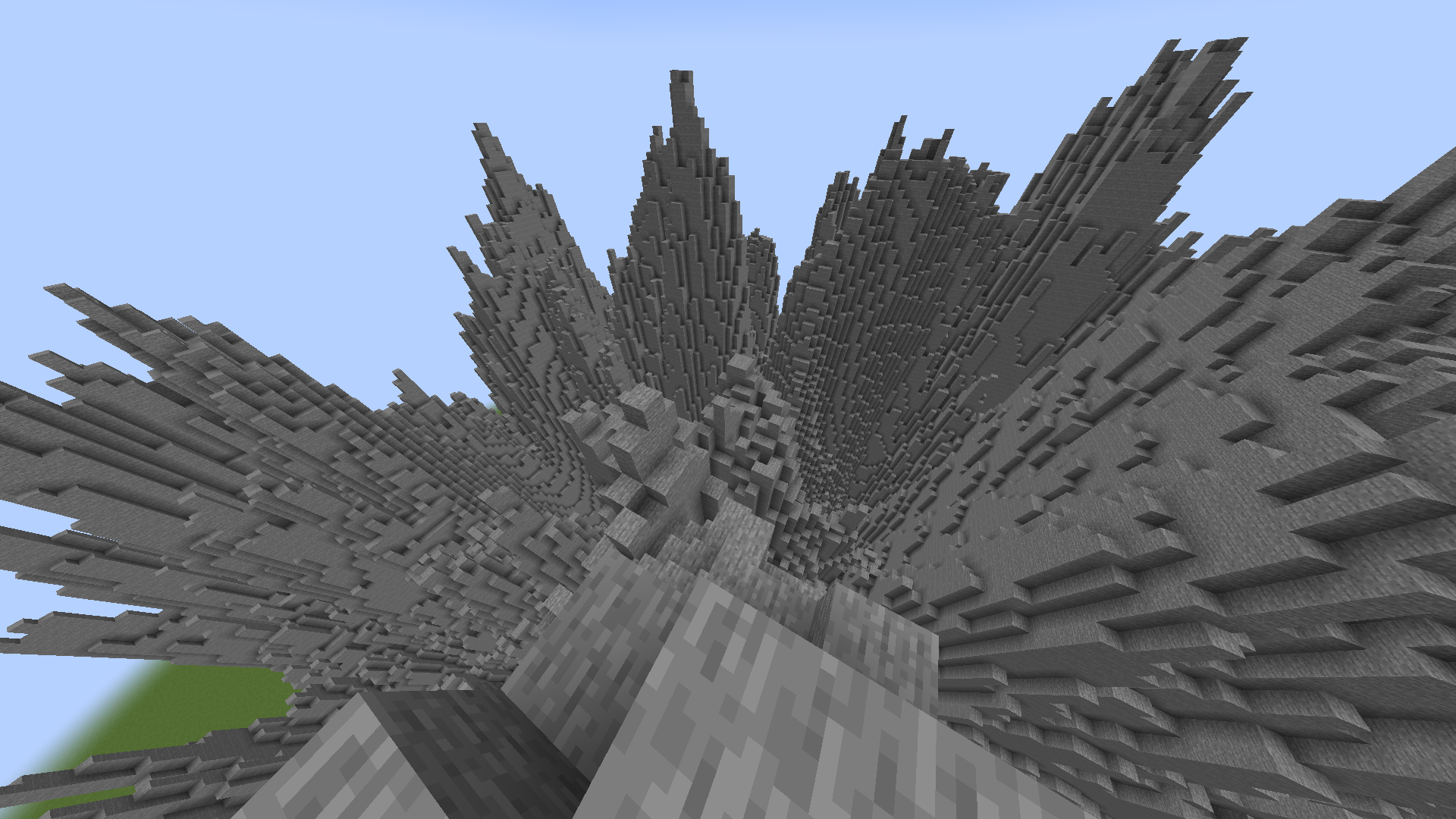
- Paste Images as Heightmaps
Images you want to load into your world should be put in the new images folder in the .minecraft directory so that this mod can access them.
When pasting your images keep in mind that the max size the image can be at full resolution is 1024×1024. Any larger and you will have to scale it down to an appropriate size.
Usage
When pasting images into your world, you are given a few options to configure how your image will generate, such as scale, facing direction, and patterns.
Paste directly into world:
This will paste your image into the world based on which block textures best match the colors in your image.
/image paste <imagePath> <position> [<scaleX>] <scaleZ> [<vertical>|<direction>]
Arguments:
imagePath: The name of your image. (Stored in a new images folder in your .minecraft directory)
position: The center position where the image will be generated.
scaleX: The scale of your image on the X axis, written as a ratio: 1:8.
scaleZ: The scale of your image on the Z axis, written as a ratio: 1:8.
vertical: Boolean determining whether to paste the image vertically.
direction: The horizontal direction your image will face.
Paste as map art:
This will paste your image into the world using blocks with map colors that best match the colors in the image.
/image pasteToMap <imagePath> <position> [<scaleX>] <scaleZ> [<direction>|<useStaircaseHeightmap>]
Arguments:
imagePath: The name of your image. (Stored in a new images folder in your .minecraft directory).
position: The center position where the image will be generated.
scaleX: The scale of your image on the X axis, written as a ratio: 1:8.
scaleZ: The scale of your image on the Z axis, written as a ratio: 1:8.
direction: The horizontal direction your image will face.
useStaircaseHeightmap: Boolean determining whether to generate map art using the Staircasing method.
Paste directly to map:
This will paste your image directly to a map without placing blocks in the world. Unlike the other commands, if your image is too large, it will simply auto-scale it down to a resolution that fits the map
/image give <imagePath> [<scaleX>] <scaleZ>
Arguments:
imagePath: The name of your image. (Stored in a new images folder in your .minecraft directory).
scaleX: The scale of your image on the X axis, written as a ratio: 1:8.
scaleZ: The scale of your image on the Z axis, written as a ratio: 1:8.
Paste as Heightmap:
This will paste your image as a heightmap, this is intended to work with heightmap images for terrain building
/image heightmap <imagePath> <block> <position> [<scaleX>] <scaleZ> [<scaleY>] [<direction>]
Arguments:
imagePath: The name of your image. (Stored in a new images folder in your .minecraft directory).
block: The block to build the heightmap out of.
position: The center position where the image will be generated.
scaleX: The scale of your image on the X axis, written as a ratio: 1:8.
scaleZ: The scale of your image on the Z axis, written as a ratio: 1:8.
scaleY: The scale of your image on the Y axis, written as a ratio: 1:8.
direction: The horizontal direction your image will face.
常见问题
ImageToWorld 支持哪些 Minecraft 版本?
ImageToWorld 支持 Minecraft Java 版 1.19–1.21,共 13 个版本,可用的加载器:Fabric。下载时注意选择和你游戏版本一致的文件。
ImageToWorld 怎么安装?
先用 PCL2 或 HMCL 启动器安装对应版本的 Fabric,再把下载的 .jar 文件放进游戏目录的 mods 文件夹,重新启动游戏即可。开启了版本隔离的,mods 文件夹在 versions/版本名 下面。运行环境:客户端和服务端都要装。
lamaprogramer 的其他作品
查看全部 →
Toggle Item Frames
这个模组可以让你调整物品展示框的可见性!

Reimagined World Menu
彻底重新设计“创建世界”菜单。

Midnight Lurker Fabricated
Midnight Lurker 的非官方 Fabric 移植版。一个小型模组,为 Minecraft 添加了一种新的恐怖实体。
Better Potion Visuals
Backport of the 1.19.4 potion visuals.
评论
登录后评论和评分