
(Better) Shared Advancements
作者:boyonk
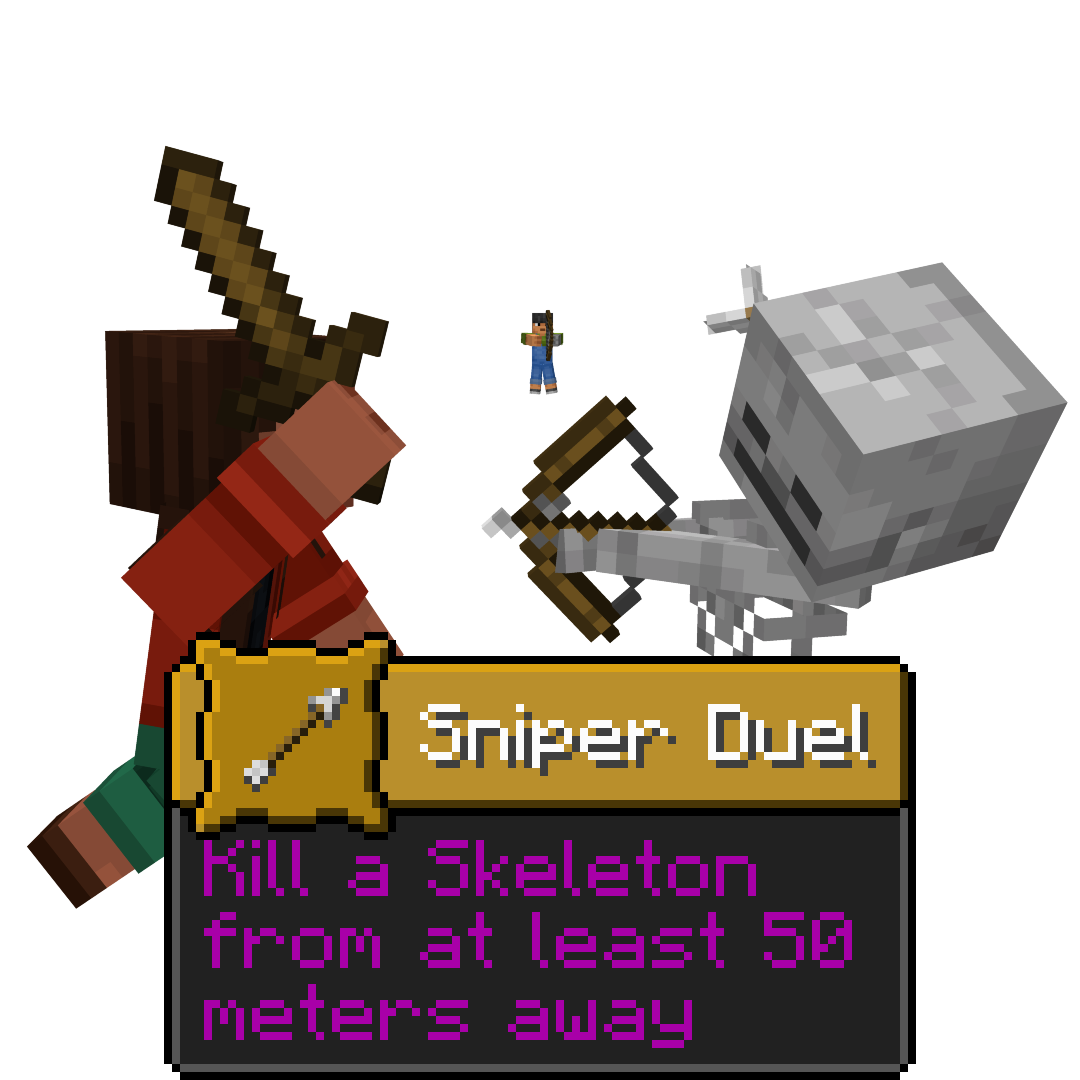
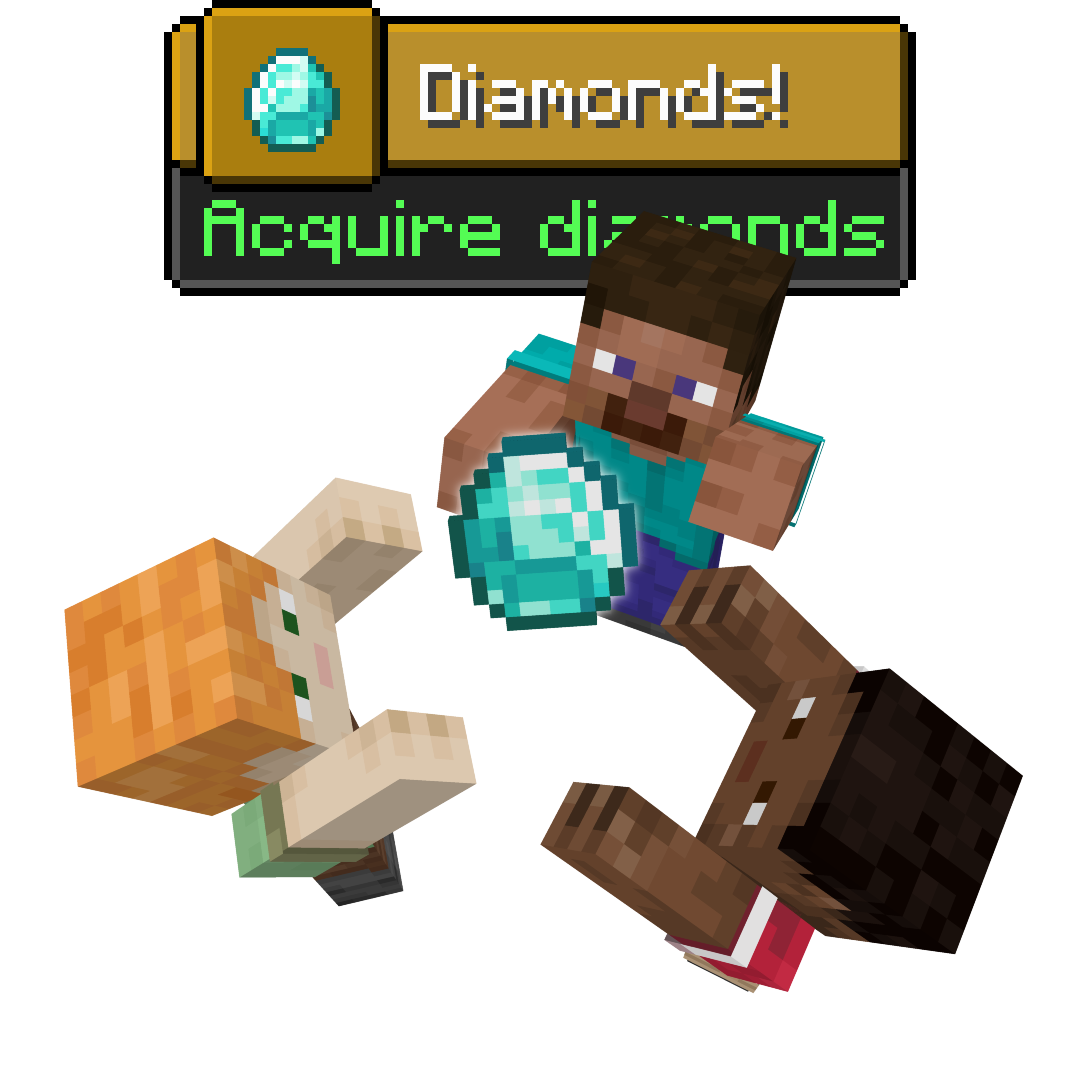
Share advancements between teams or the whole server, online or offline, with more configurability! Server-side!
截图
介绍
中文介绍正在准备中,下面暂时显示原文。
🫂 (Better) Shared Advancements

✅ Features
- Server-side with no incompatibilities to the client
- Offline support, it doesn’t matter who is online when; everyone will share
- Team or globally shared, and changeable in the config
- Advancements can opt-out by adding “
"shared_advancement:shared": false“ to their file - Advancements without a display will not be shared by default, allowing datapack triggers to go unhindered
- Optionally disable advancements for Creative players, as to not interfere with the group
All these features can be toggled in the config!
⚙️ Configuration
Configuration can be found in “config\shared_advancements.json“.
- “
merge_broadcast_message`:`true|false“ - When “
true`, only for the player gaining the advancement for the group will there be a chat message announcing their achievement. All players will still receive a toast notification. Defaults to`true“. - “
share_displayless`:`true|false“ - When “
false`, advancements without a display (a.k.a. technical advancements that will <ins>never</ins> show to the player, such as advancements managing recipes) are not shared. Defaults to`false“. - “
creative_disabled`:`true|false“ - When “
true`, creative or spectator players will not achieve any advancements. Defaults to`false“. - “
global_group`:`true|false“ - When “
true`, teamless players will share advancements with other teamless players. Defaults to`true“.

常见问题
(Better) Shared Advancements 支持哪些 Minecraft 版本?
(Better) Shared Advancements 支持 Minecraft Java 版 1.21–1.21.9,共 10 个版本,可用的加载器:Fabric。下载时注意选择和你游戏版本一致的文件。
(Better) Shared Advancements 怎么安装?
先用 PCL2 或 HMCL 启动器安装对应版本的 Fabric,再把下载的 .jar 文件放进游戏目录的 mods 文件夹,重新启动游戏即可。开启了版本隔离的,mods 文件夹在 versions/版本名 下面。运行环境:仅服务端。
boyonk 的其他作品
查看全部 →
Music Sync
by boyonk
Sync music with everyone online!
45.8万
1 年前
Modrinth
Enchanted Bookshelves
by boyonk
Enchanted Books will glint when put in Chiseled Bookshelves! Give your enchanting room a cosmetic shine!
20.2万
11 个月前
Modrinth

Persistent Parrots
by boyonk
Parrots have been 'trained' to remain perched on your shoulders!
17.2万
1 年前
Modrinth

REPO Heads
by laf, boyonk 等
Client-sided voice chat integration for R.E.P.O.-styled eye & mouth animations.
15.6万
7 个月前
Modrinth
评论
登录后评论和评分