
Sonic Splash Texts
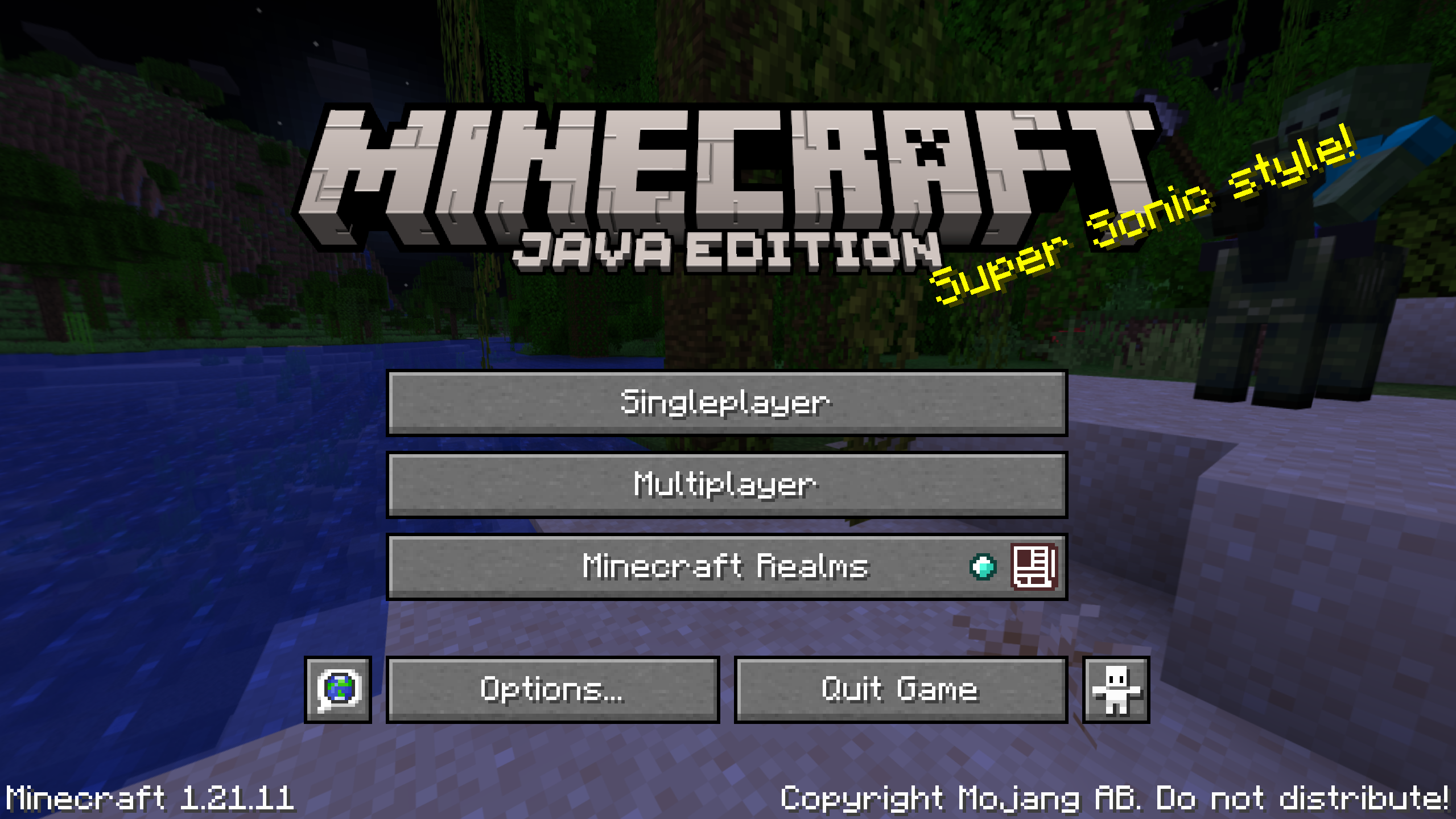
Sonic Splash Texts is a resource pack that adds Sonic‑styled splash texts to the title screen!
截图


介绍
Sonic Splash Texts is a resource pack that replaces Minecraft’s default splash texts with Sonic‑styled ones.
This resource pack features:
- Tons of Sonic references in the splash texts
- And a ton of speed
List of Splash Texts:
Super Sonic style!
We’re Sonic Heroes!
Aw yeah, this is happenin’!
I’ll play with you some other time!
You’re too slow!
Chaos Control!!
Minecraft: Sonic Edition!
C’mon, step it up!
Now I’ll show you!
& Knuckles
NEW:
What I’m Made Of!
Live & Learn!
He’s got the Master Plan!
Gotta go fast!
How to Install:
- Download the latest version of Sonic Splash Texts.
- Open the Minecraft Launcher and press Play.
- Go to Options then Resource Packs.
- Press Open Pack Folder (should be around bottom left).
- Drag and drop the Sonic Splash Texts resource pack into that folder.
- Then go back to Minecraft, enable the resource pack, and click Done.
If you did everything correctly, the new splash texts will appear!
常见问题
Sonic Splash Texts 支持哪些 Minecraft 版本?
Sonic Splash Texts 支持 Minecraft Java 版 1.17–26.1.2,共 4 个版本。下载时注意选择和你游戏版本一致的文件。
Sonic Splash Texts 怎么安装?
把下载的 .zip 文件(不用解压)放进游戏目录的 resourcepacks 文件夹,进游戏后在「选项 → 资源包」里把它移到右边启用。
评论
登录后评论和评分