
Custom Selection Box
Change appearance of the box highlighting the block you're looking at
截图
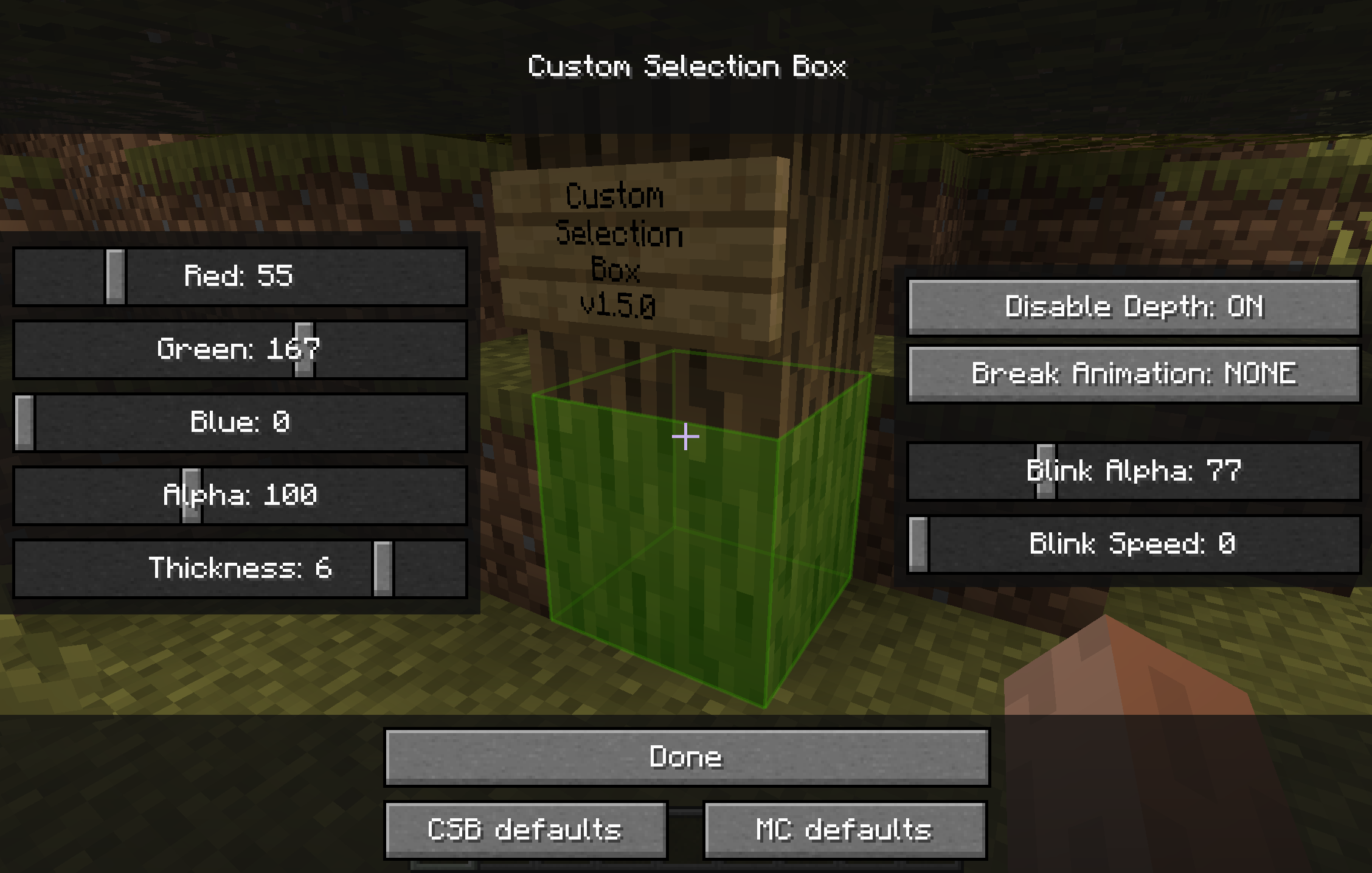
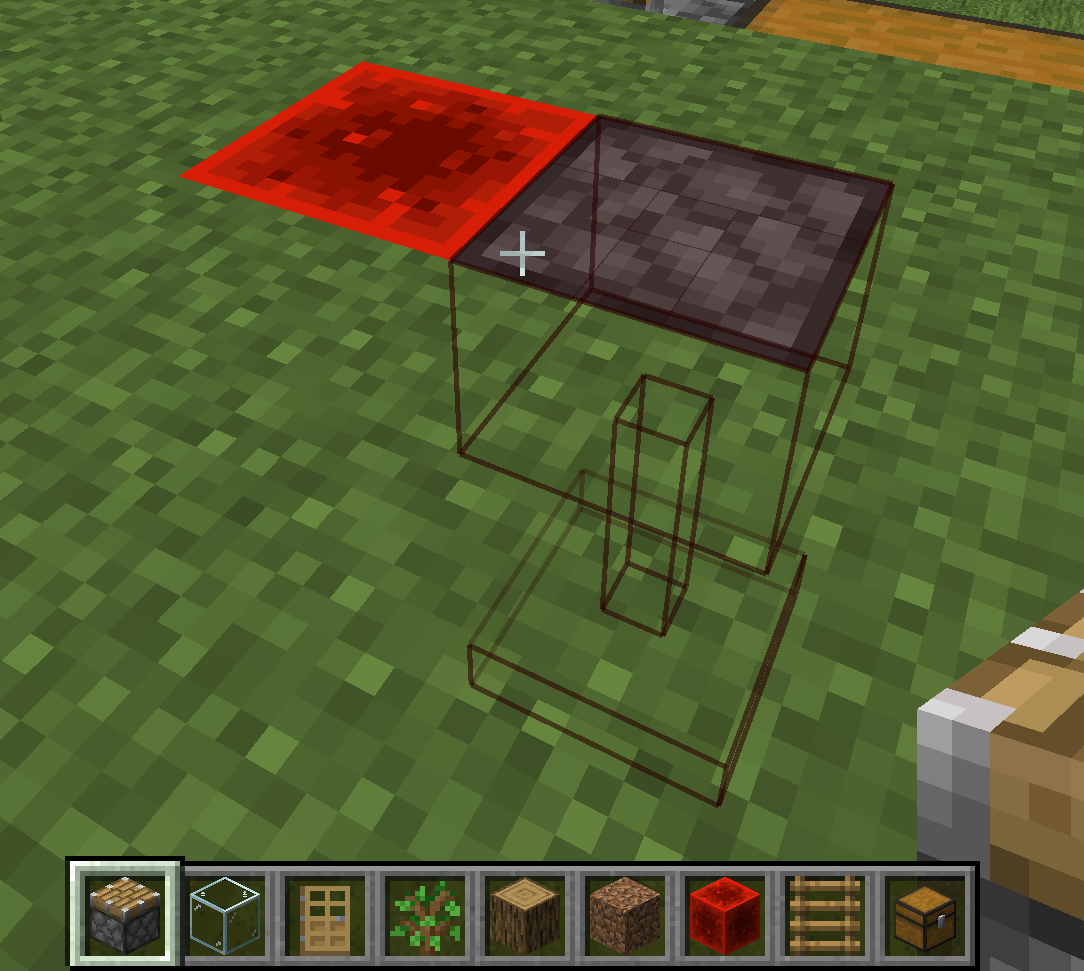
介绍
Change appearance of the box highlighting the block you’re looking at
Background
There was an awesome mod called “Custom Block Selection Box” by BeastGamer
But it edits base classes, so it wasn’t compatible with so many other mods, it was for Minecraft 1.3.1, and not updated for ages, and also all downloadlinks are broken…
-> It’s just OUTDATED
So I made a new one, without any baseclass edited (using MinecraftForge), with an awesome settings screen,
and for the newer Minecraft version (starting with 1.5)!
(And during the time I was gone, shedaniel maintained a fork :P)
I also added some new functions:
- disabled depth buffer
- custom block break animations (check them out)
And shedaniel added:
- linking of connected blocks (chests, doors, pistons, beds)
How to open settings
(recommended) Using modmenu or Mod Settings
If ModMenu/ModSettings is installed, you can access the config screen from there.
Otherwise, a button will be added in Options > Video Settings
Reporting issues & Feedback
Contributing (Mod is open source)
If you’re ready to engage with code, check the CONTRIBUTING docs
常见问题
Custom Selection Box 支持哪些 Minecraft 版本?
Custom Selection Box 支持 Minecraft Java 版 1.19–1.19.3,共 3 个版本,可用的加载器:Fabric / Quilt。下载时注意选择和你游戏版本一致的文件。
Custom Selection Box 怎么安装?
先用 PCL2 或 HMCL 启动器安装对应版本的 Fabric / Quilt,再把下载的 .jar 文件放进游戏目录的 mods 文件夹,重新启动游戏即可。开启了版本隔离的,mods 文件夹在 versions/版本名 下面。运行环境:仅客户端。
评论
登录后评论和评分