
Visual Item Edit
Visual Item Edit is a Minecraft mod that lets you modify the base stats of weapons, armor, and tools through an in-game graphical interface.
截图
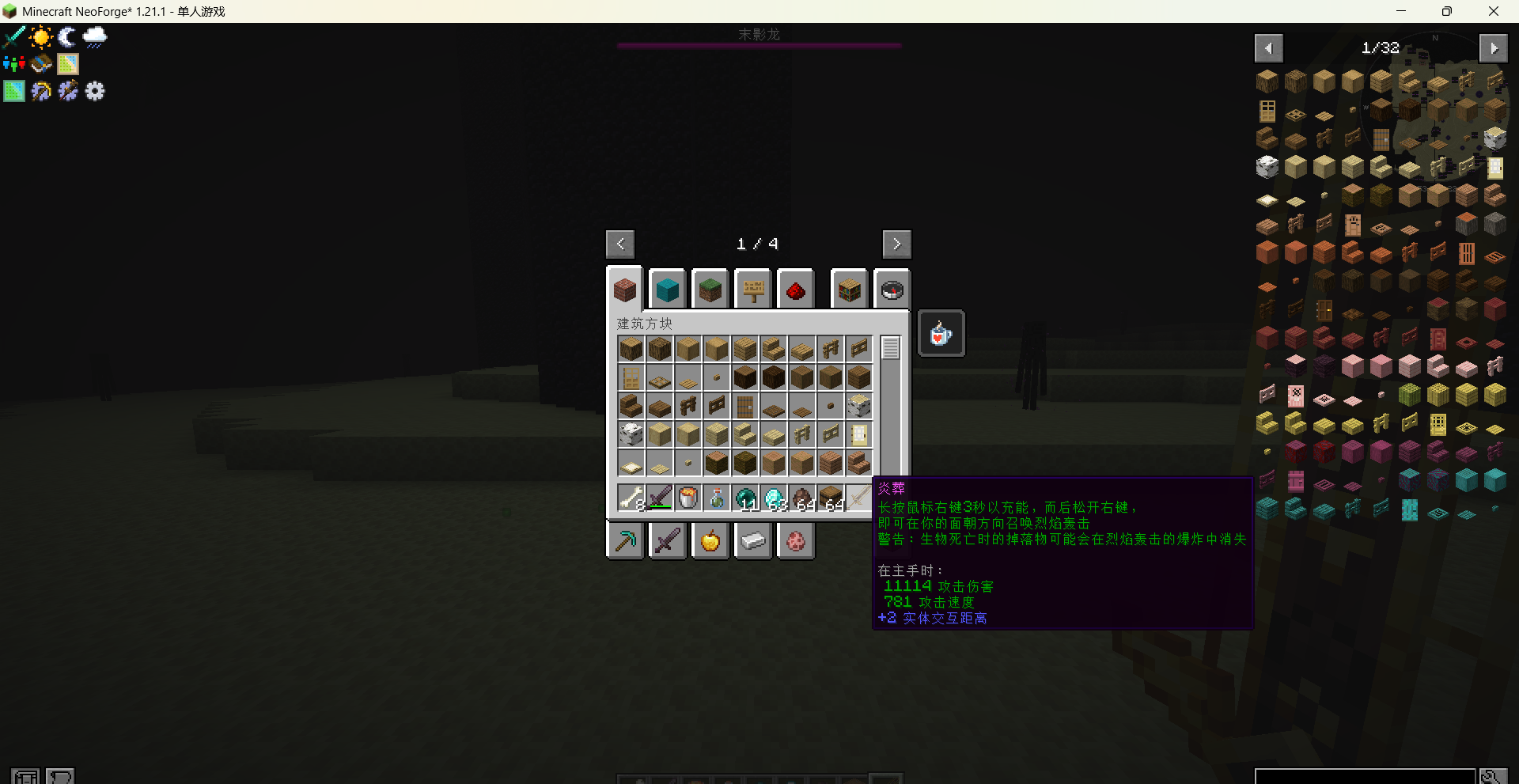
介绍
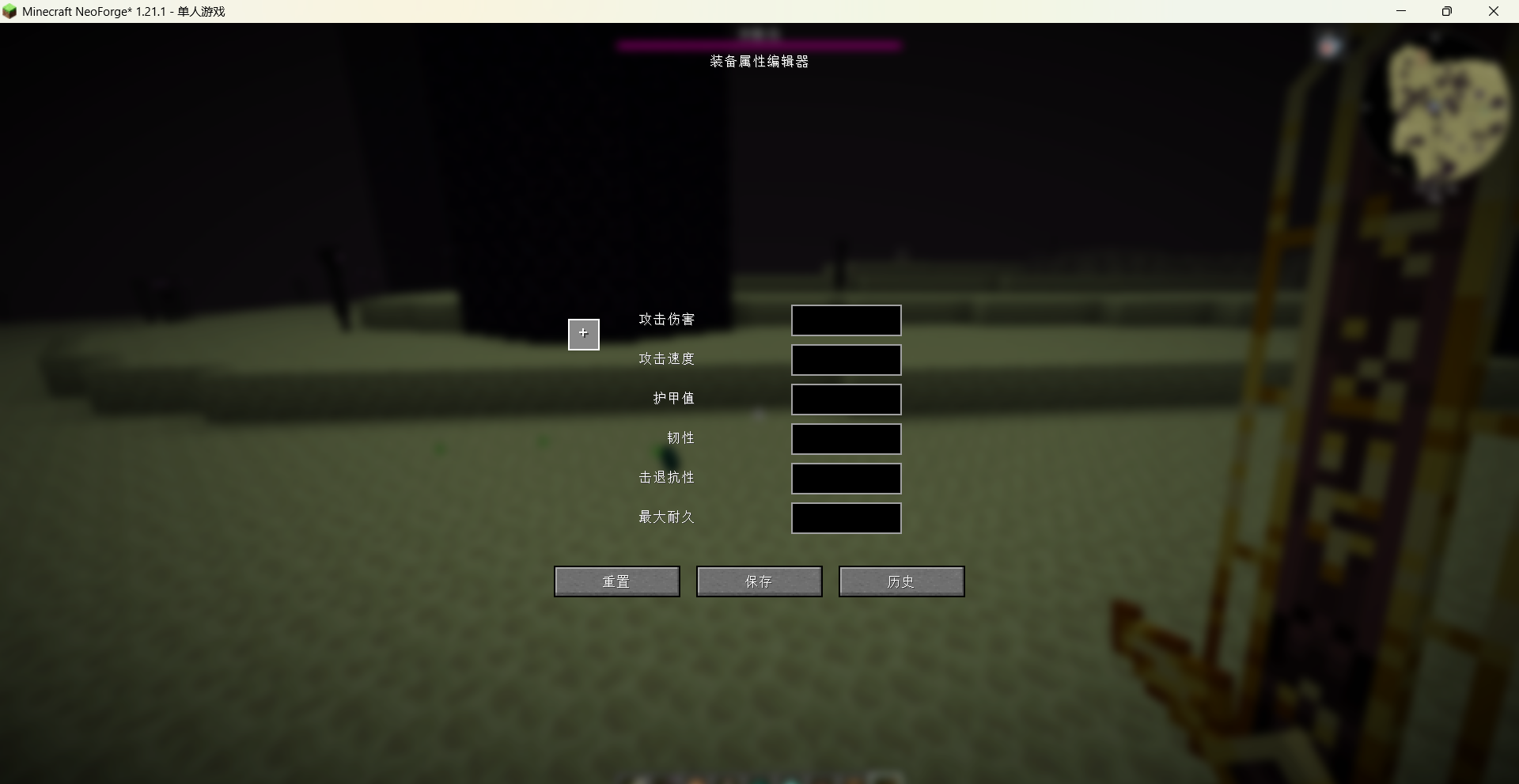
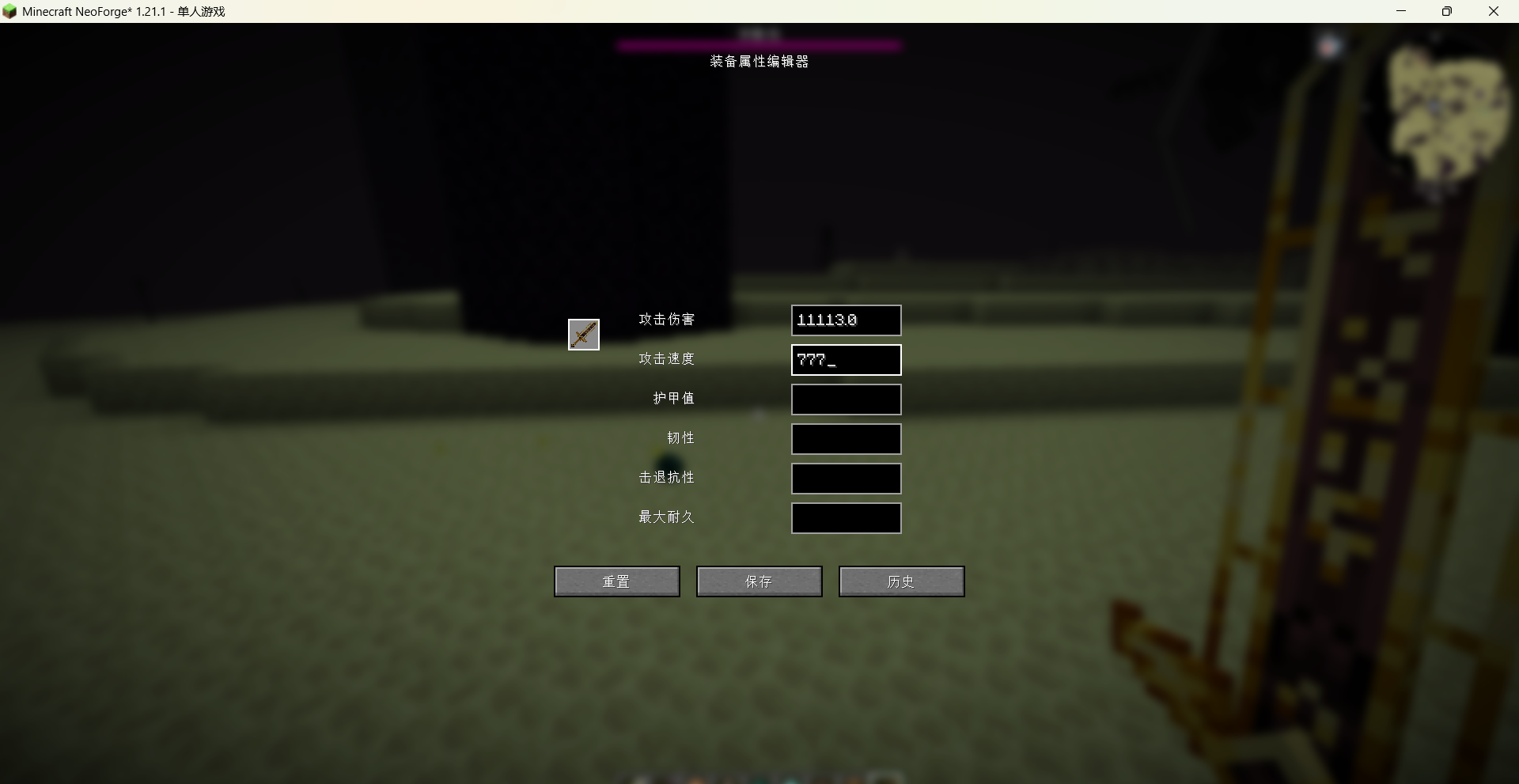
Visual Item Edit is a Minecraft mod that lets you modify the base stats of weapons, armor, and tools through an in-game graphical interface. Attributes you can change include attack damage, attack speed, armor value, toughness, knockback resistance, and maximum durability.
Main features
Open the interface: Use the command /vie gui in-game to bring up the editor.
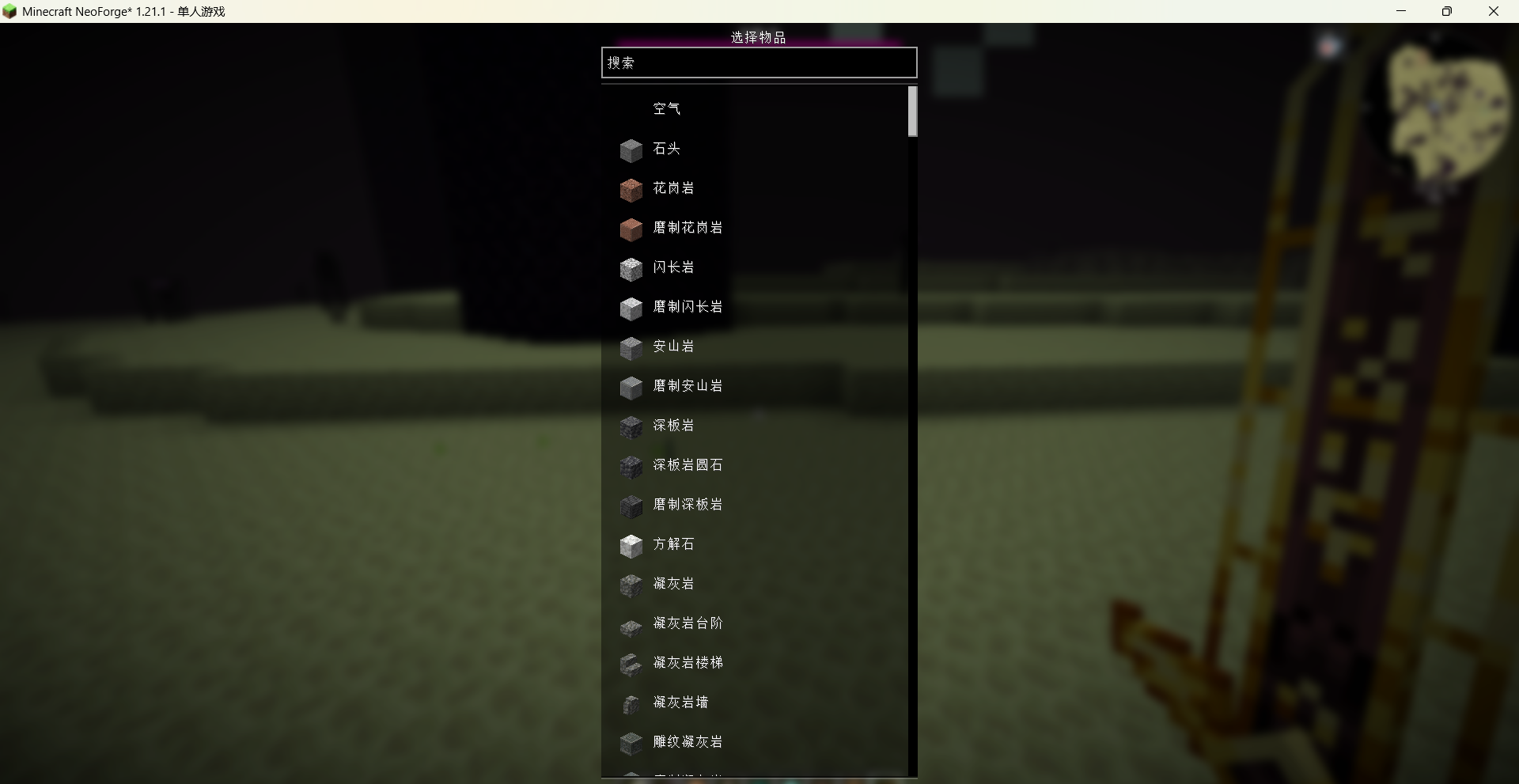
Select an item: A built-in searchable item list allows you to find and choose any registered item (including items from other mods).
Edit attributes: Based on the item’s existing attributes, the editor automatically enables the relevant input fields. For example, swords can have their attack damage and speed modified, armor can have armor value and toughness adjusted, and damageable items can have their maximum durability changed.
Save and apply: Modified values are saved to configuration files and take effect immediately for all items of the same type.
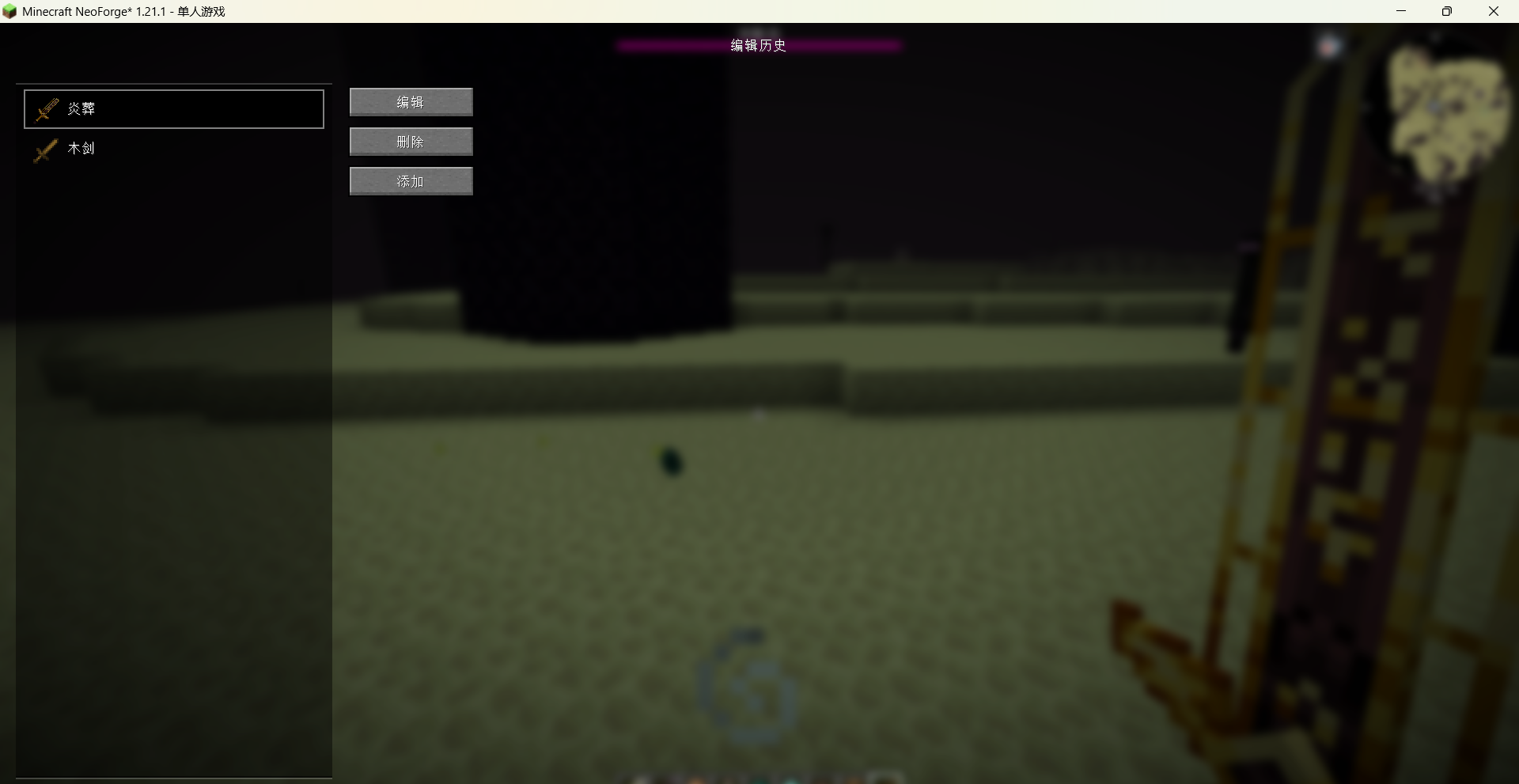
History: You can view and manage all previously modified items, with options to re-edit or delete configurations.
Persistent and global: Changes are stored in the config/visual_item_edit folder. They survive world changes and can be included in modpacks. Server-side synchronization is also supported.
Notes
Only existing attributes on an item can be modified; the mod does not add new attributes to items.
Administrator permissions (or single-player mode) are required to use the command and open the editor.
常见问题
Visual Item Edit 支持哪些 Minecraft 版本?
Visual Item Edit 支持 Minecraft Java 版 1.20.1–26.2,共 16 个版本,可用的加载器:Forge / NeoForge。下载时注意选择和你游戏版本一致的文件。
Visual Item Edit 怎么安装?
先用 PCL2 或 HMCL 启动器安装对应版本的 Forge / NeoForge,再把下载的 .jar 文件放进游戏目录的 mods 文件夹,重新启动游戏即可。开启了版本隔离的,mods 文件夹在 versions/版本名 下面。运行环境:客户端和服务端都要装。
sal-fish 的其他作品
查看全部 →
Visual Mobs Edit
Visual Mobs Edit offers a visual GUI for editing the attributes, behaviors, resistances, and spawn conditions of any living entity, with optional NBT-based targeting for precise control.

[VSE]Visual Set Edit
This mod lets you edit custom set effects through a visual GUI with intuitive operations.

Indestructible Enchantment(by sal_fish)
This mod adds an enchantment book named Indestructible, which prevents the enchanted item from consuming durability.

Lava Vision Enchantment
add an enchantment to make you see clearly in lava
评论
登录后评论和评分