
截图


介绍


📋 About
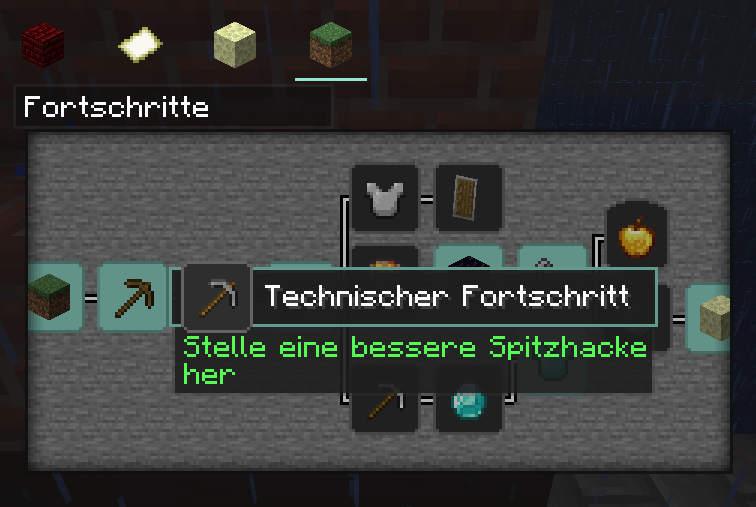
This resourcepack provides a redesign of everything that is not specifically part of the “Minecraft” game concept. This includes, for example, the settings, advancements, menus and the world border. But not containers of workbench or oven, etc.
⚙️ Compatibility
This pack can be used with other resourcepacks without any issues. Some resource packs may change the same things as Ozone, it is therefore advisable to place Ozone at the top of the resource packs.
In addition, OptiFine should ideally be used, as some things require its functionality.
✔️ Personal Recommendation
The Lunar Client and its mods, such as the Menu Blur mod, fit perfectly with the design of Ozone. Also, some things get even more better when having an shader like BSL activated.
📦 Features
- Menus
- Buttons, Sliders
- Recipe book
- Advanvement menu
- Resourcepack/Datapack menu (WiP), World/Server selection, World creation menu (WiP)
- Environment
- World border
- Rain, Snow
- Hotbar
- Gamemode switcher
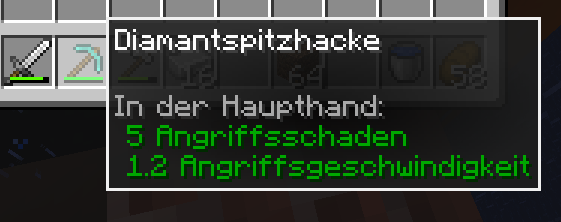
- Tooltips (Core shader)
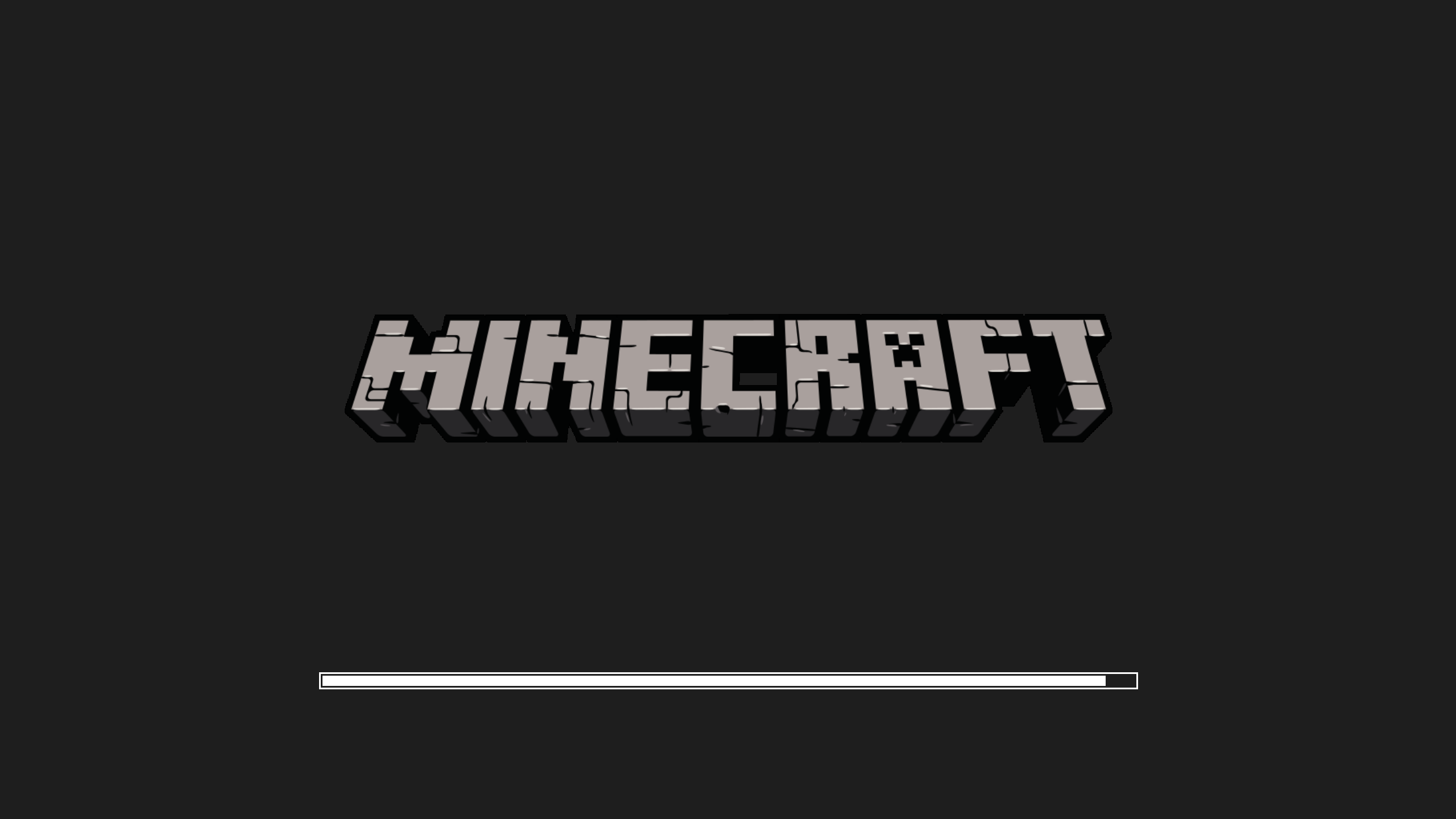
- Resource loading screen (OF)
- Click sound
⚠️ Known issues
- Tooltips become invisible when having Lunar Clients Scrollable Tooltips mod enabled
📝 Credits
- Sodium for Inspiration
- Royal Tooltips by DartCat25
常见问题
Ozone 支持哪些 Minecraft 版本?
Ozone 支持 Minecraft Java 版 1.20–1.20.1,共 2 个版本。下载时注意选择和你游戏版本一致的文件。
Ozone 怎么安装?
把下载的 .zip 文件(不用解压)放进游戏目录的 resourcepacks 文件夹,进游戏后在「选项 → 资源包」里把它移到右边启用。
Annhilati 的其他作品
查看全部 →
LBD Shaders
A pretty modular OptiFine shaderpack for learning shading

Annhilati’s Dungeons Style
An Adaptation of Minecraft Dungeons' Textures with Compatibility, Logic and Beauty in Mind

“Nihon Go Yoshiki” Japanese Theme Pack
Gives many things a Japanese touch
Journey Tools
A modpack with handy mods that intervene only on the client side.
评论
登录后评论和评分