
Secure Trade
Player Trade from anywhere: exchange items and XP across distance and dimensions with a custom GUI and configurable server-side limits.
截图
介绍
Secure Trade
Trade items and XP with any player, from anywhere, without the risk.
Secure Trade adds a shared trade screen for multiplayer worlds, co-op servers and modpacks. Across the base, across the map or across dimensions: send a request, put in items and XP, both confirm, done. No more running home just to hand over ores, tools or XP.
Why You Can Trust It
- Nothing is lost or duplicated, even in a crash. Every trade is journaled. If the server crashes, is killed or loses power mid-trade, an open trade goes back to its owners and a confirmed one completes when each player logs in, even if they were offline.
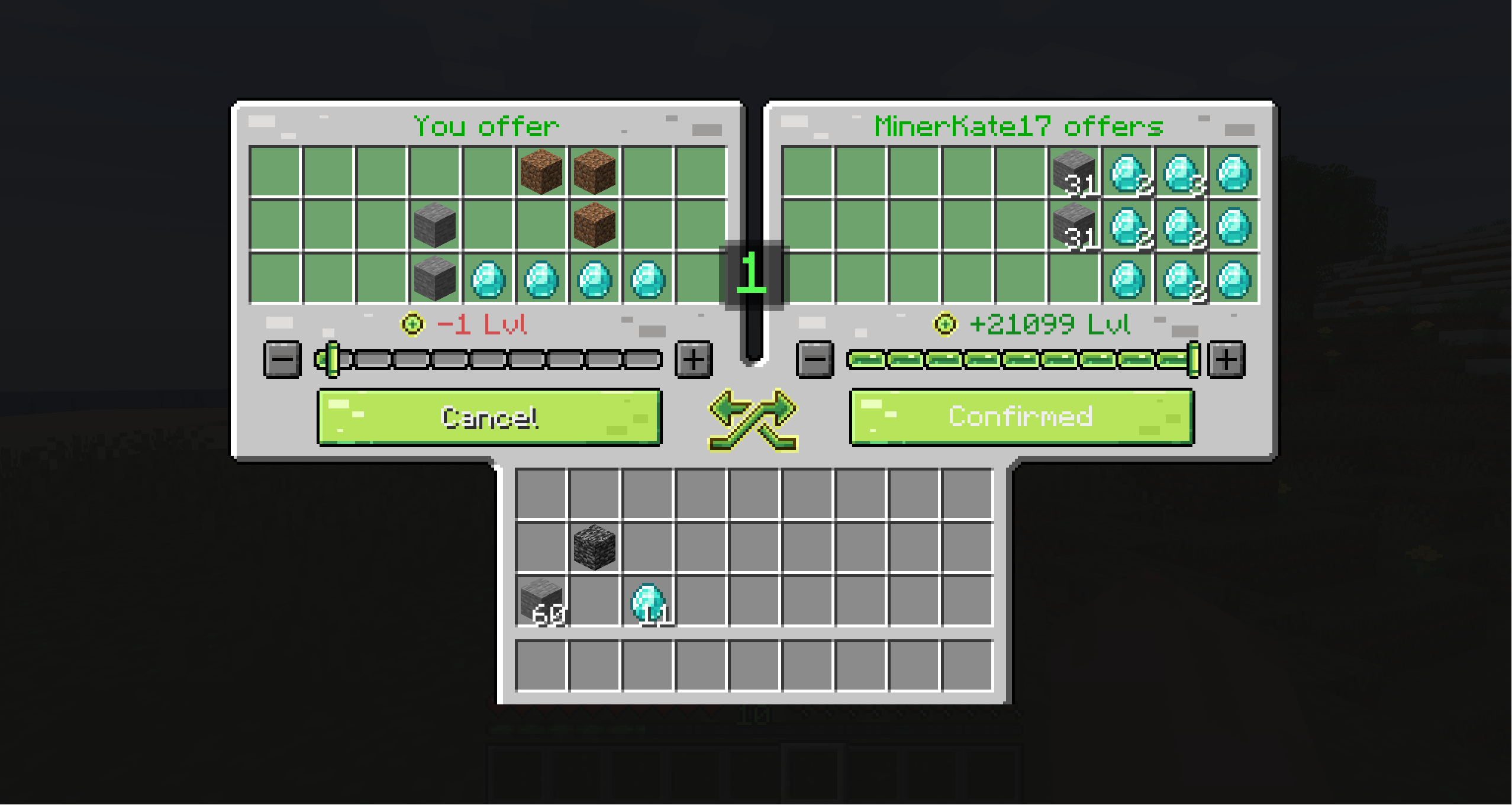
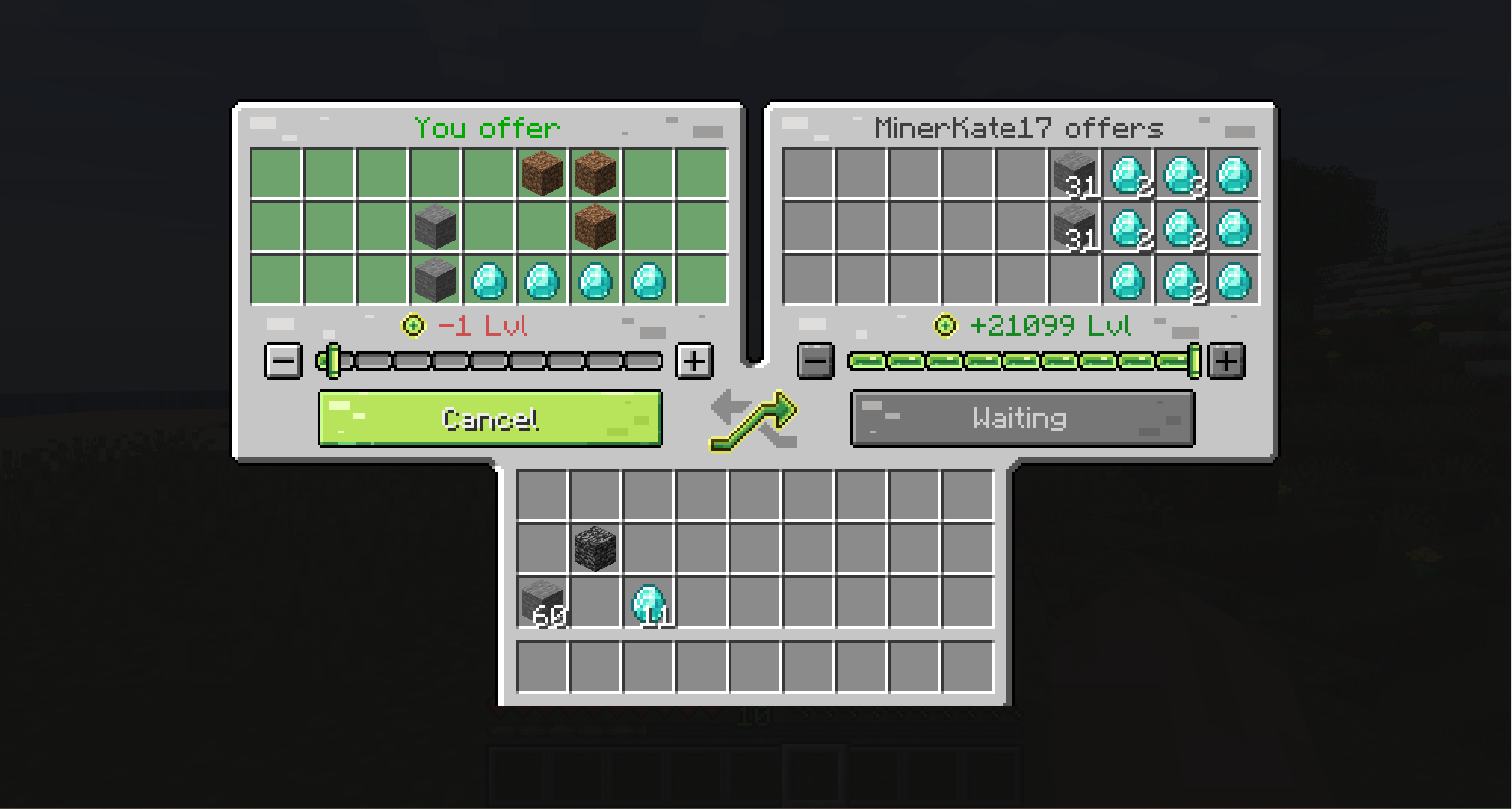
- No last-second swaps. Changing an offer after confirming resets readiness for both players.
- No overflowing inventories. You cannot confirm without room for what you receive, and a disconnect returns your offer.
- The server sets the rules. Distance, dimensions, blocked items, cooldowns and logging are all configurable.
How It Works
- Run
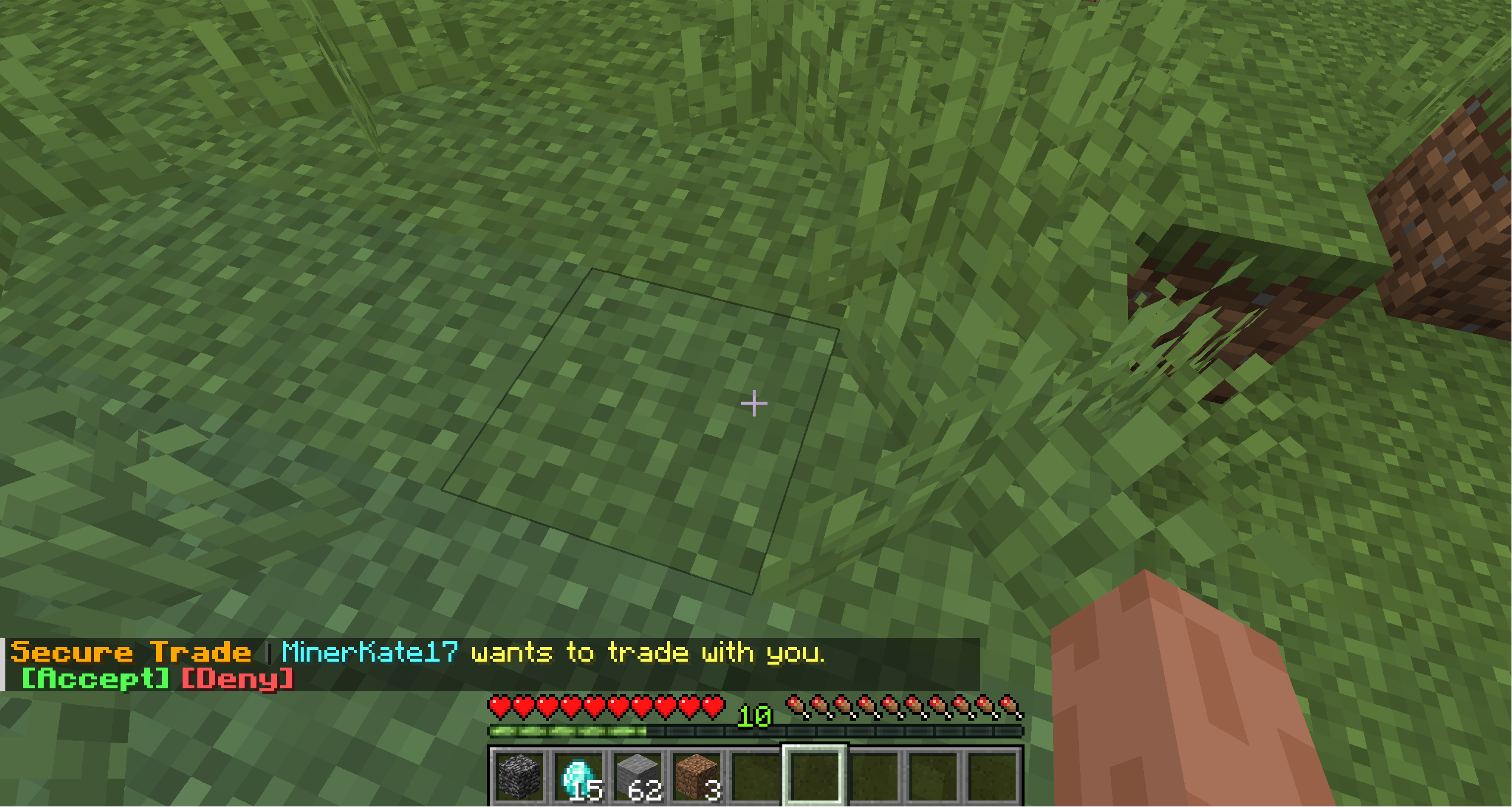
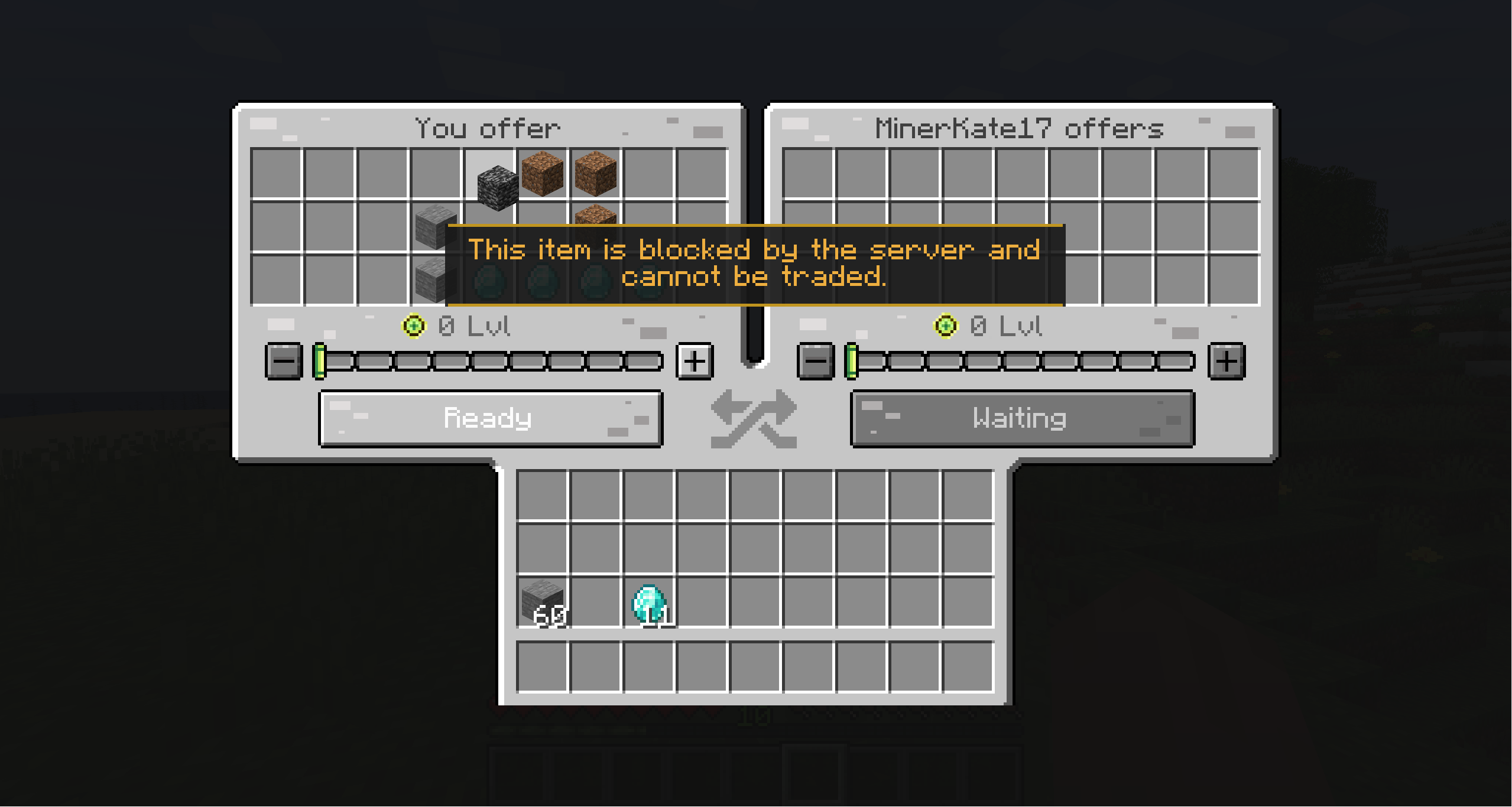
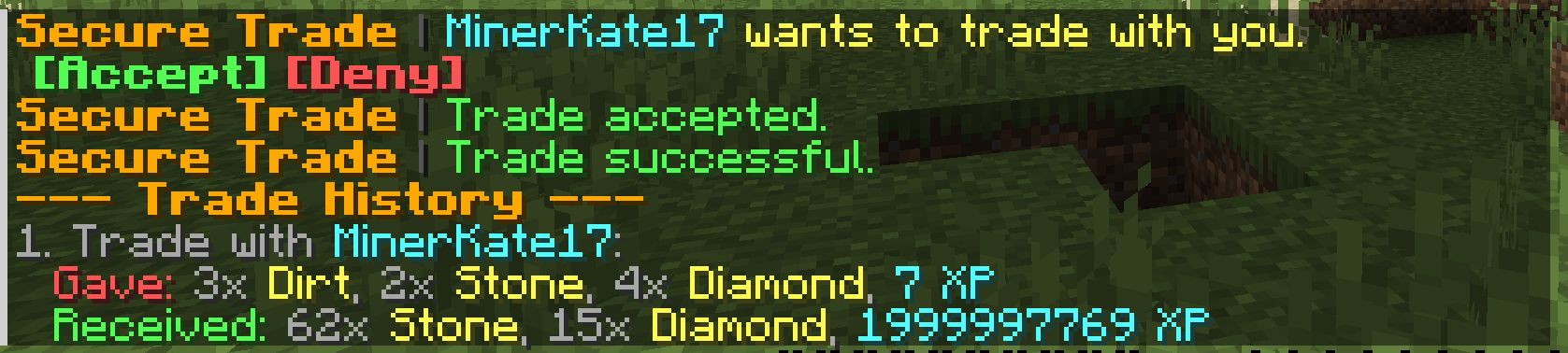
/trade <player>; they accept with a click in chat. - Both add items (27 slots each) and XP to the shared screen.
- Both confirm; after a short countdown the exchange completes.
Features
Trading
- Trade from anywhere by default, including across vanilla and modded dimensions
- Items and XP in one trade; mutual requests open instantly
- Clear confirmation states, countdown and custom sounds
- Trade history with item tooltips
Players in control
- Do-not-disturb mode and per-player blocking, kept between sessions
- In-screen warnings for blocked items and a full inventory
For server owners
- Optional distance limit, cross-dimension switch and dimension allow or block lists
- Item blacklist that also checks inside containers, plus the
#securetrade:untradeabletag for datapacks and modpacks - Request cooldowns, an async trade log and a custom (or no) chat prefix
- Admin commands for the rare trade that cannot be restored automatically
Available in 23 languages.
Supported Versions
| Minecraft | Loaders |
| — | — |
| 26.3 | Fabric, NeoForge |
| 26.2 | Fabric, NeoForge |
| 26.1.x | Fabric, NeoForge |
| 1.21.1 | Fabric, NeoForge |
| 1.20.1 | Fabric, Forge |
| 1.19.2 | Fabric, Forge |
| 1.18.2 | Fabric, Forge |
| 1.16.5 | Fabric, Forge |
Use the file that matches your Minecraft version and loader. Fabric versions need Fabric API.
Commands
| Command | Description |
| — | — |
| /trade <player> | Sends a trade request. |
| /trade accept / deny | Answers a pending request. |
| /trade history | Shows your recent trades. |
| /trade dnd | Turns incoming requests on or off. |
| /trade block / unblock <player> | Blocks or unblocks a player. |
| /trade blocked | Shows your block list. |
Administrators (permission level 3) also get /trade admin quarantine | info | refund | complete | dismiss.
Configuration
Server settings live in config/securetrade-server.toml. Every option and admin command is described in the README on GitHub.
Support
Found a bug or compatibility issue? Open an issue with your Minecraft version, loader, Secure Trade version, steps to reproduce and latest.log.
常见问题
Secure Trade 支持哪些 Minecraft 版本?
Secure Trade 支持 Minecraft Java 版 1.16.5–26.3,共 10 个版本,可用的加载器:Fabric / Forge / NeoForge。下载时注意选择和你游戏版本一致的文件。
Secure Trade 怎么安装?
先用 PCL2 或 HMCL 启动器安装对应版本的 Fabric / Forge / NeoForge,再把下载的 .jar 文件放进游戏目录的 mods 文件夹,重新启动游戏即可。开启了版本隔离的,mods 文件夹在 versions/版本名 下面。运行环境:客户端和服务端都要装。
评论
登录后评论和评分