
abc: capes
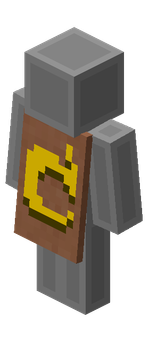
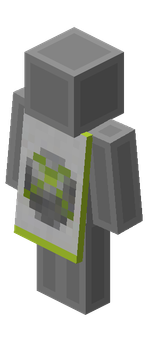
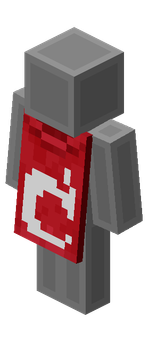
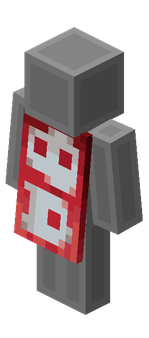
A collection of all official Minecraft capes as well as unused, unobtainable capes and community capes.
截图

介绍

A collection of all official Minecraft capes as well as unused, unobtainable capes and community capes.
On the version page, simply choose your Minecraft version and then select the cape you want to download.
Step-by-Step Guide
- Open the Project Page Visit the Modrinth, CurseForge, GitHub, or project website for the content you want to download.
- Find the Versions or Files Section Look for a tab or section labelled Versions, Files, Releases, or Downloads.
- Select Your Minecraft Version
- Locate a list or dropdown called Version, Game Version, or Supported Versions.
- Pick the version that matches your Minecraft installation (e.g., 1.20.1, 1.19.2).
- Choose the Correct File Type The file type depends on the kind of content:
- Mods:
.jar - Plugins:
.jar - Addons (Bedrock):
.mcaddon/.mcpack - Texture Packs:
.zip - Data Packs:
.zipor extracted folder - Capes / Skin Addons: whichever format the creator provides
- Download the File Click the Download, Get, or File button next to the version you need. Save the file to your device.
- Install According to Content Type
- Mods: place the
.jarinside.minecraft/mods. - Plugins: move the
.jarinto your server’spluginsfolder. - Texture Packs: place the
.zipinto.minecraft/resourcepacks. - Data Packs: put inside
world/datapacks. - Addons (Bedrock): double-click
.mcaddonor.mcpackto import automatically.
- Restart Minecraft or Your Server Reload or restart to apply the new content.
Account-related capes


Staff capes
_coming soon_
<!–
–>
Physical event capes
_coming soon_
Virtual event capes
_coming soon_
Personal capes
_coming soon_
Competition capes
_coming soon_
Volunteer capes
_coming soon_
Temporary capes
_coming soon_
Unknown capes
_coming soon_
API testing capes
_coming soon_
Vote Update capes
_coming soon_
MINECON 2011 cloak vote
_coming soon_
Customer support tool capes
_coming soon_

_All capes from the game can be found on the Minecraft wiki._
常见问题
abc: capes 支持哪些 Minecraft 版本?
abc: capes 支持 Minecraft Java 版 1.21–1.21.10,共 11 个版本。下载时注意选择和你游戏版本一致的文件。
abc: capes 怎么安装?
把下载的 .zip 文件(不用解压)放进游戏目录的 resourcepacks 文件夹,进游戏后在「选项 → 资源包」里把它移到右边启用。
abcxyz 的其他作品
查看全部 →
abc: low fire
Makes the fire texture on screen lower for easier viewing

abc: gold title
Changes the "Minecraft" title to a gold variant!

abc: transparent shields
Reduces or removes the shield view when equipped.

abc: recraftables [DEPRECATED]
Makes some items and blocks easily easily gainable by adding new recipes and loot drops.
评论
登录后评论和评分