截图
介绍
About
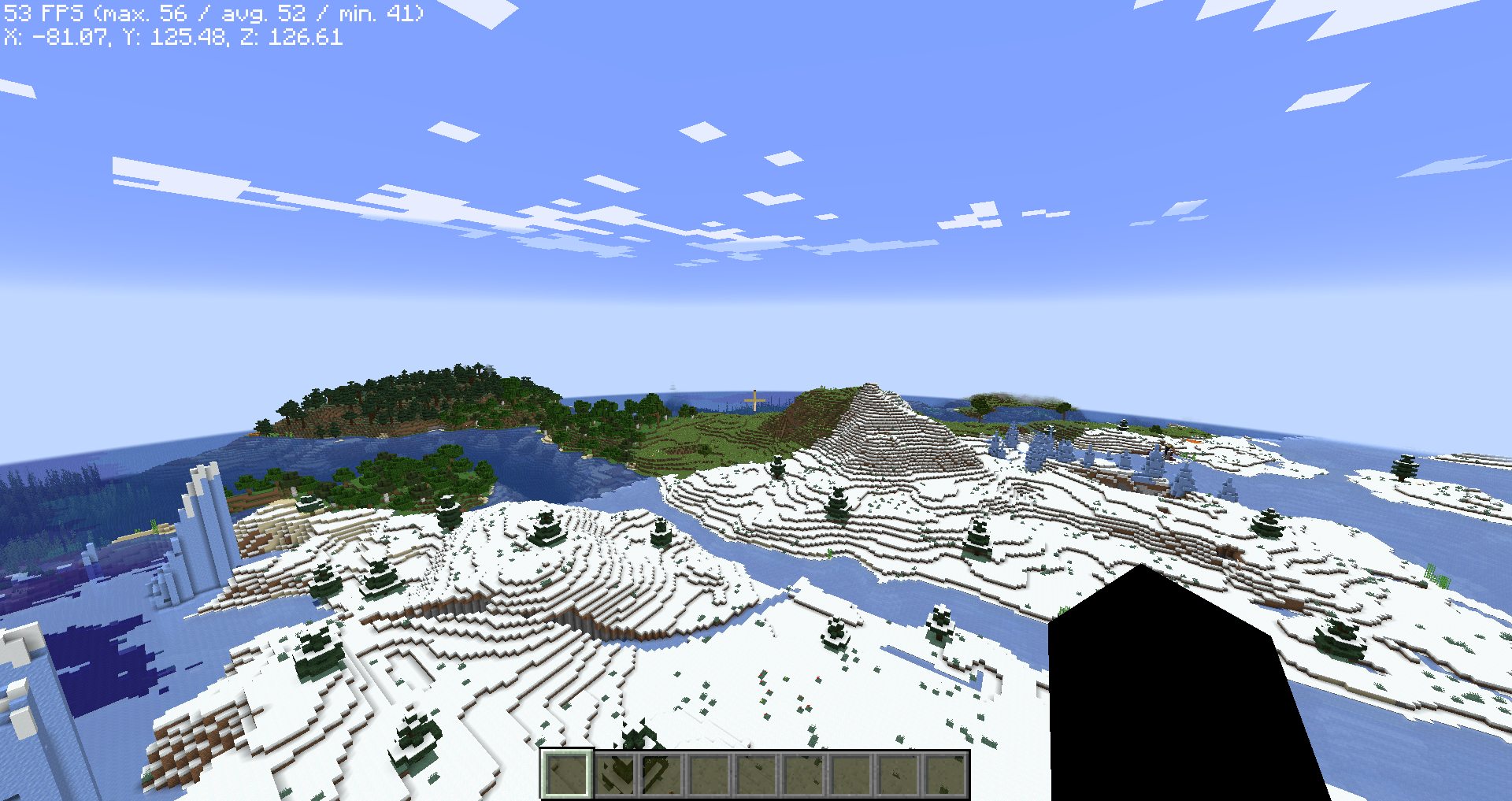
This pack is made so that people with lower end computers can play minecraft without it looking like Microsoft Powerpoint!
The Wiki is still in progress but you can take a look here:
https://github.com/TryhardDoge/Amazingly-Optimized/wiki
The github is purely for a wiki or website, but I might take a look at the issue tracker from time to time!
Contact Me
If you have any issues with the pack contact me on discord at: tryhard#7933
Important Information
When you launch the game you might be prompted to install Reeses’ Sodium Options, which helps reduce the clutter in Sodium’s options that was caused by adding Sodium Extra to the modpack. This is your personal choice, since some people like it while others don’t. I personally don’t use it but you can choose which is best for you!
One important thing about the Sodium options menu is that if you have your GUI scale too high you won’t see all the tabs in the settings menu. I’ll list the tabs you should see below so you can make sure you have them visible;
General, Quality, Performance, Advanced, Animations, Particles, Details, Render, Extras
包含的模组 12 个
 Cull Leaves
 实体剔除
 LazyDFU
 锂
 Memory Leak Fix
 模组菜单
 No Chat Reports
 Phosphor
 Quilted Fabric API (QFAPI) / Quilt Standard Libraries (QSL)
 钠
 Sodium Extra
 Too Many Players
绿色边框的模组本站有收录,点进去看中文介绍;其余跳转到 Modrinth。
常见问题
Amazingly Optimized 支持哪些 Minecraft 版本?
Amazingly Optimized 基于 Minecraft Java 版 1.19.2,使用 Quilt 加载器。
Amazingly Optimized 怎么安装?
点本页「前往下载」拿到整合包文件(Modrinth 的是 .mrpack,CurseForge 的是 .zip),在 PCL2 或 HMCL 启动器里选择「导入整合包」,启动器会自动装好 Minecraft、加载器和全部模组。这个整合包有 12 个模组,建议在启动器里给游戏分配 4–6 GB 内存。
Amazingly Optimized 开服需要多大内存?
推荐服务器内存 12 GB。在线人数多、或者建了大量机器和区块加载器时,可以再加 2–4 GB。
怎么和朋友一起玩 Amazingly Optimized?
点本页的「一键开服」,选好配置后会自动安装 Amazingly Optimized 的服务端,几分钟就能开好。把服务器地址发给朋友,大家用同一个版本的整合包连进去就行。
评论
登录后评论和评分