
Lower My Paths and Slabs!
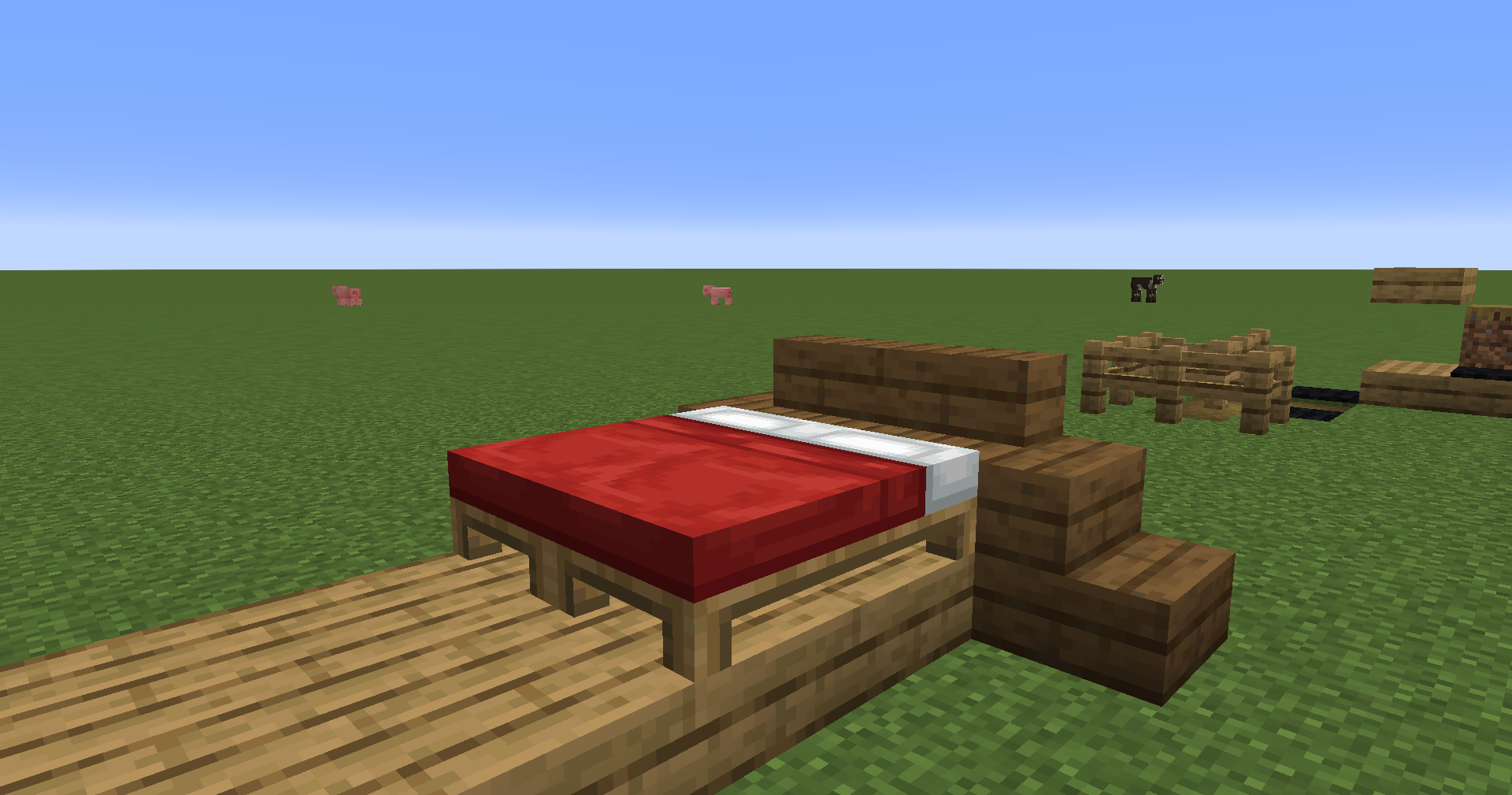
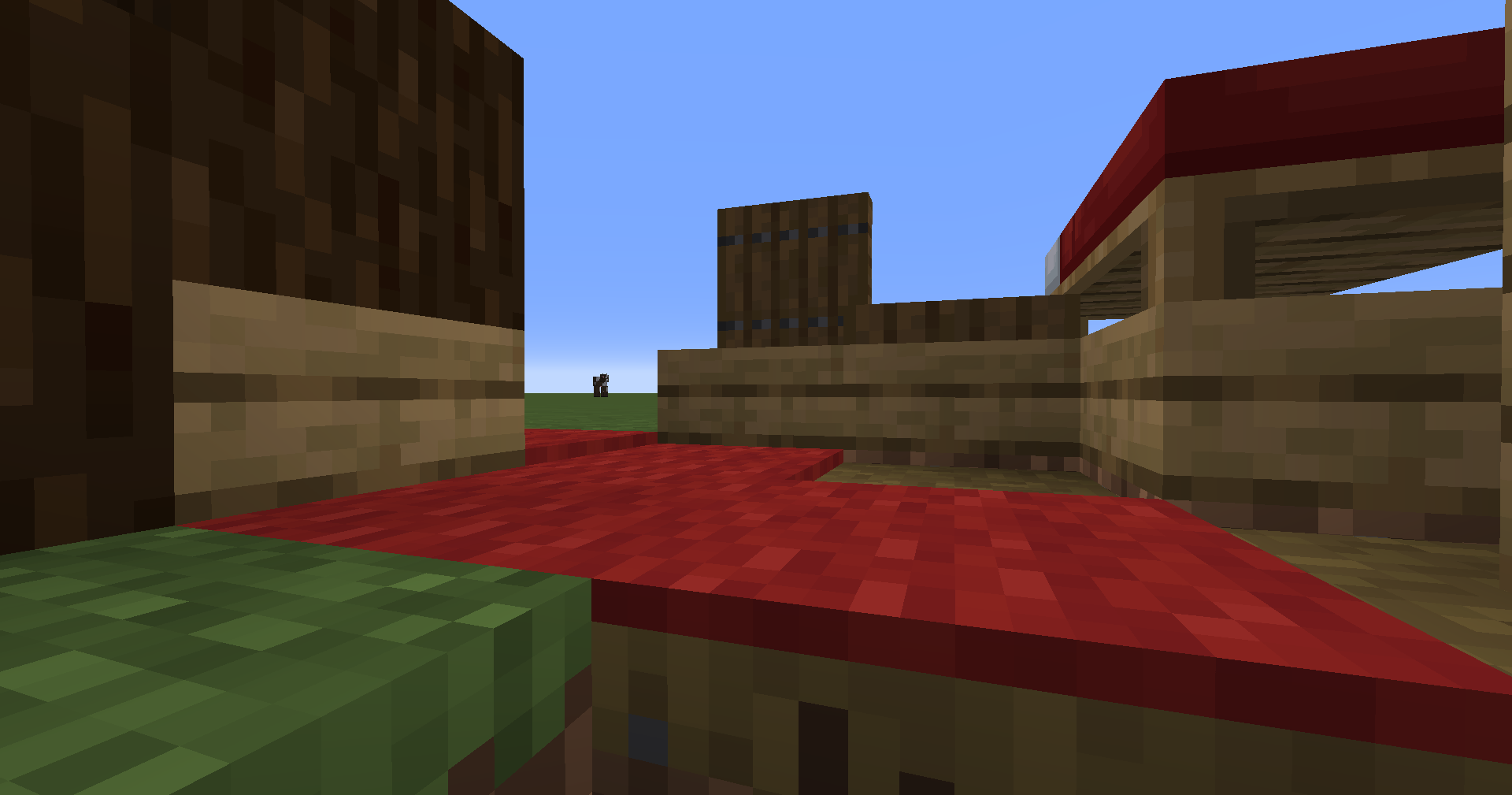
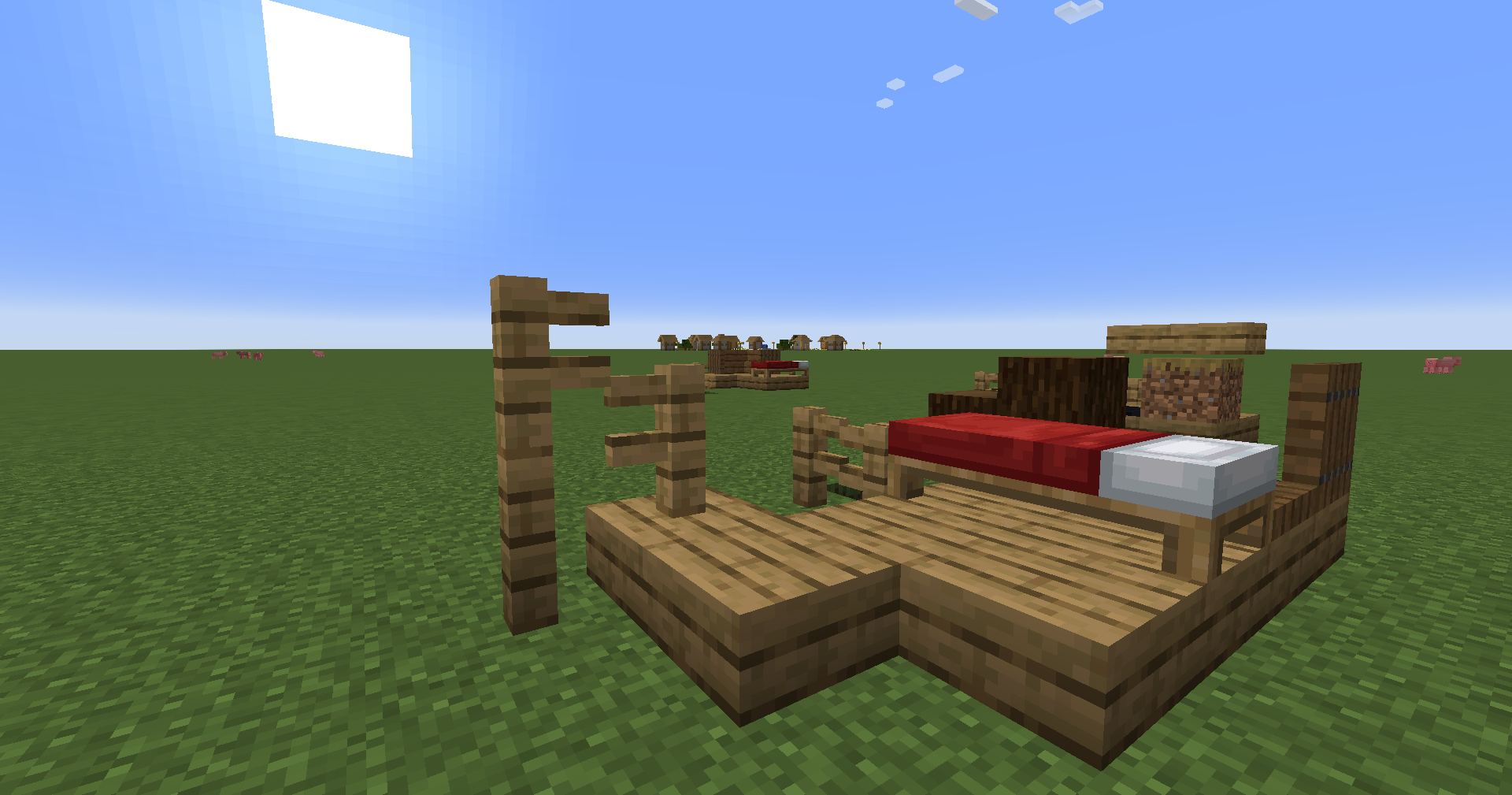
Lowers blocks on top of anything (such as slabs). Configurable and toggleable!
截图
介绍
A Minecraft mod that lets you place blocks on top of any block (so you could also do it with carpets via config), by lowering the entire block (model, collision, etc.). Read more to find out about the Offset Tool!
This mod doesn’t modify anything permanently, therefore you can remove it or add it back at anytime!
There is an Offset Tool (found in the Tools & Utilities tab) which toggles lowering per-block. Offsets are off by default except for blocks sitting directly on a dirt path or bottom slab, and you can turn them on or off by right-clicking with the Offset Tool. By default, toggling offsets requires permission level 4 (configurable in config/lmps_permissions.json on the server).
To mark other blocks as supports, see config/lmps_supports.json on the server. For example, the configuration below would add support for red carpets (so you could offset blocks onto red carpets):
{
  "supports": [
    "minecraft:dirt_path",
    "#minecraft:slabs",
    "minecraft:red_carpet"
  ]
}
Multipart blocks only offset when every part sits above a path block or bottom slab.
Config screen using YACL! Access it via NeoForge’s Mods screen or Mod Menu on Fabric.
常见问题
Lower My Paths and Slabs! 支持哪些 Minecraft 版本?
Lower My Paths and Slabs! 支持 Minecraft Java 版 1.21.1–1.21.11,共 2 个版本,可用的加载器:Fabric / NeoForge。下载时注意选择和你游戏版本一致的文件。
Lower My Paths and Slabs! 怎么安装?
先用 PCL2 或 HMCL 启动器安装对应版本的 Fabric / NeoForge,再把下载的 .jar 文件放进游戏目录的 mods 文件夹,重新启动游戏即可。开启了版本隔离的,mods 文件夹在 versions/版本名 下面。运行环境:客户端和服务端都要装。
Dooji 的其他作品
查看全部 →
Underlay
把任何方块(比如地毯)放进任何东西里!

Omnilib
A framework for enhanced UI elements and customization
CraftSense
Autocomplete for the crafting table. It tracks what you craft, suggests recipes, and lets you take the result from the output slot without placing the rest of the ingredients!

PSX-Core Shader
一款PSX光影,具备仿射纹理映射、抖动、顶点吸附等特性!
评论
登录后评论和评分