
Config Search
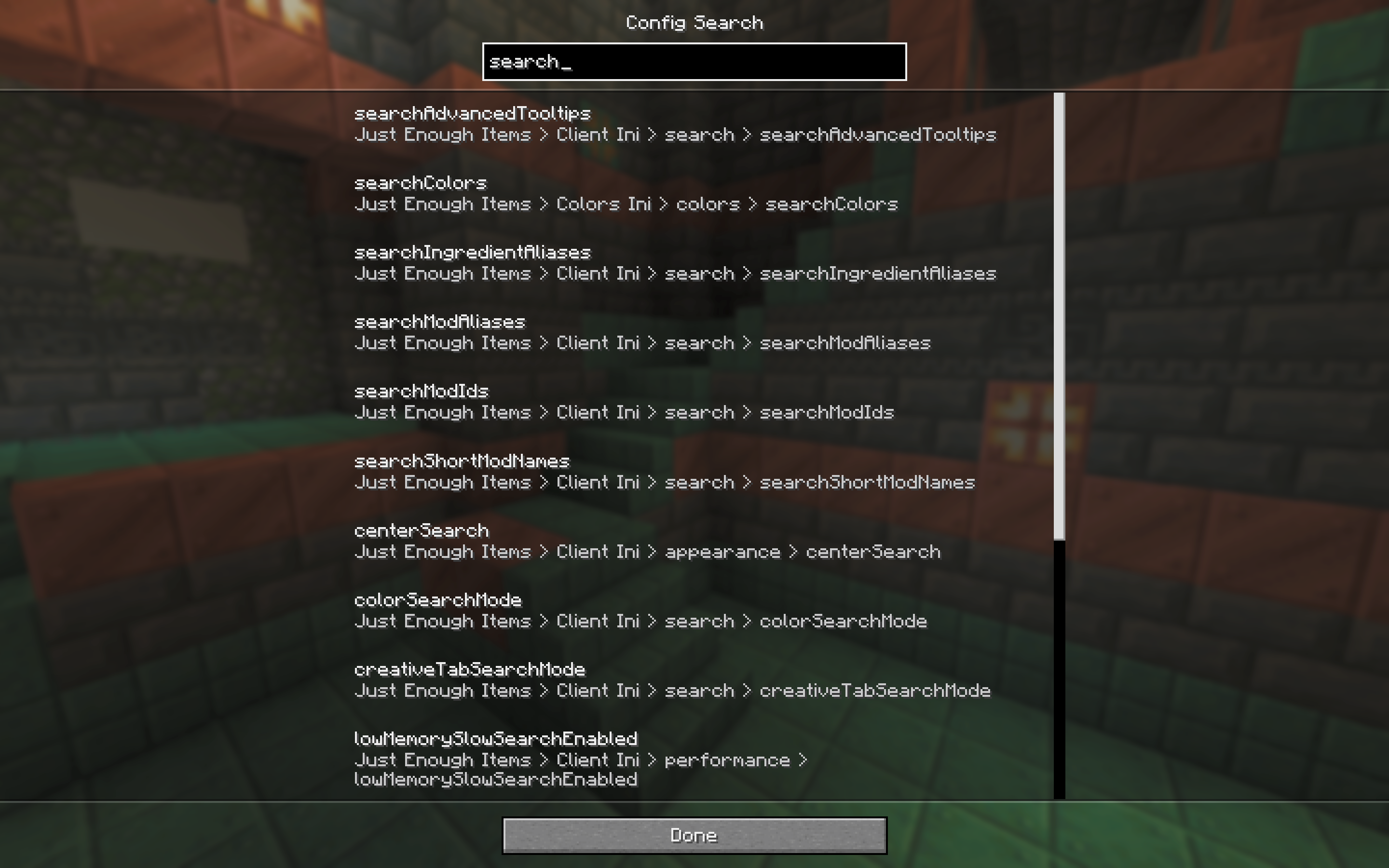
Search every installed mod's config options from one bar in Mod Menu. Type a word, jump straight to the setting. Reads YACL, Cloth, MidnightLib, Forge Config API Port and Configured.
截图
介绍



Fabric only, client side. Requires Mod Menu and Fabric API.
ABOUT
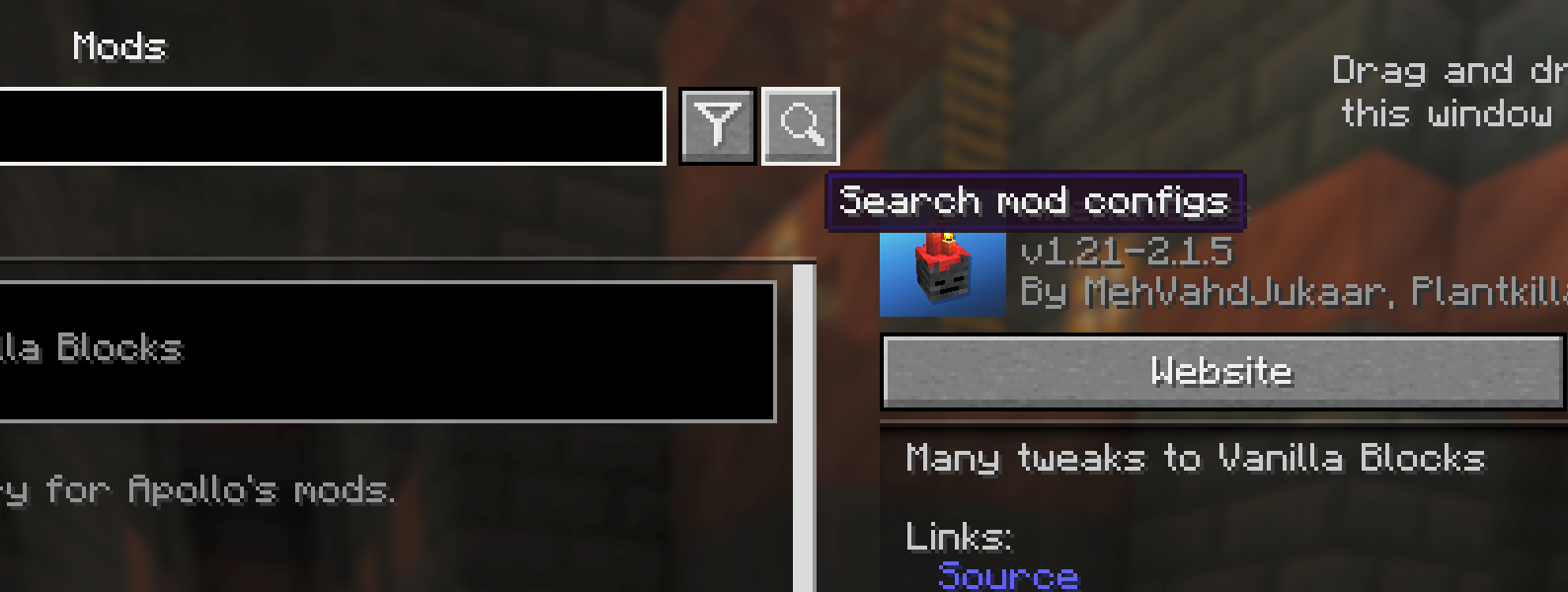
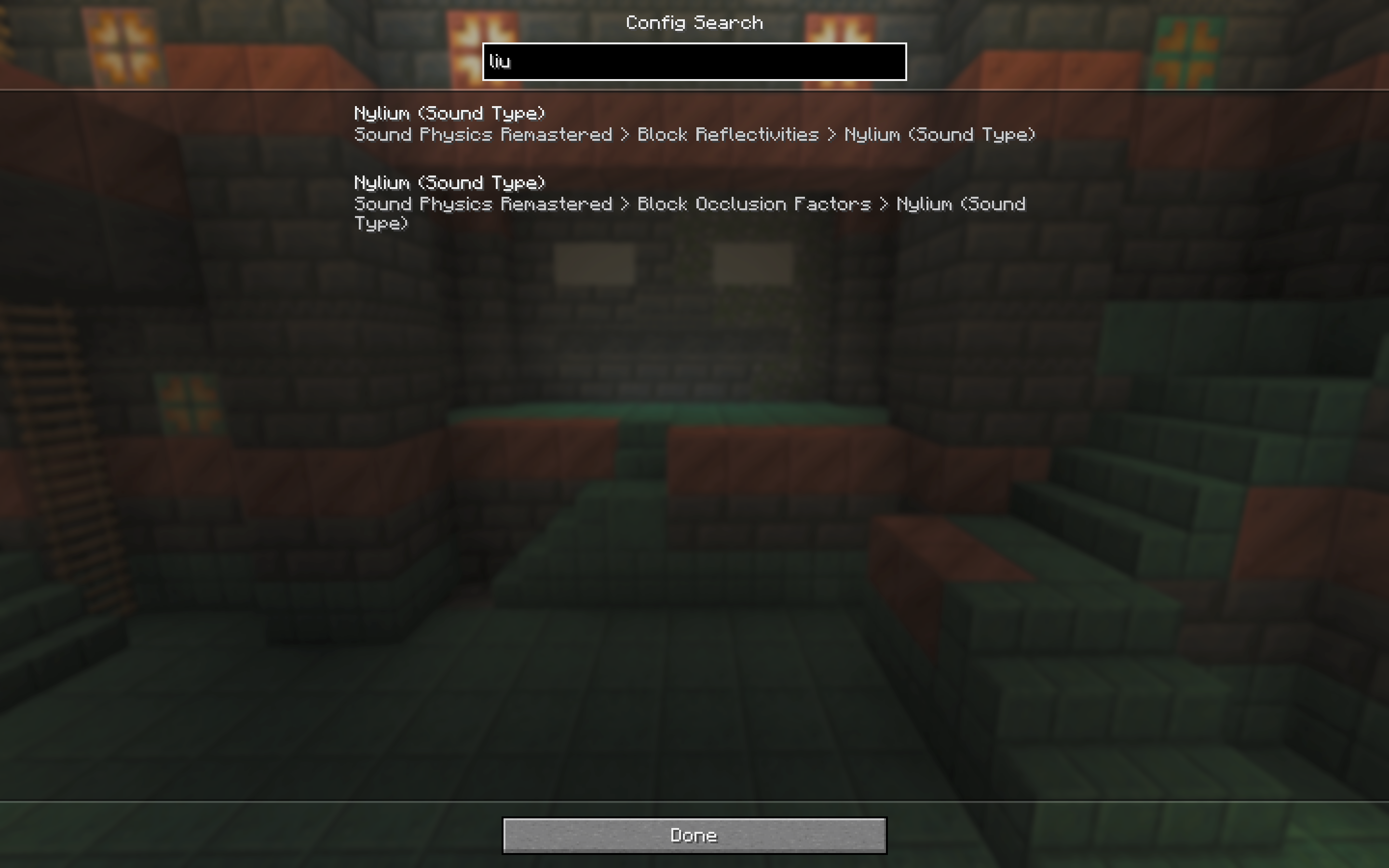
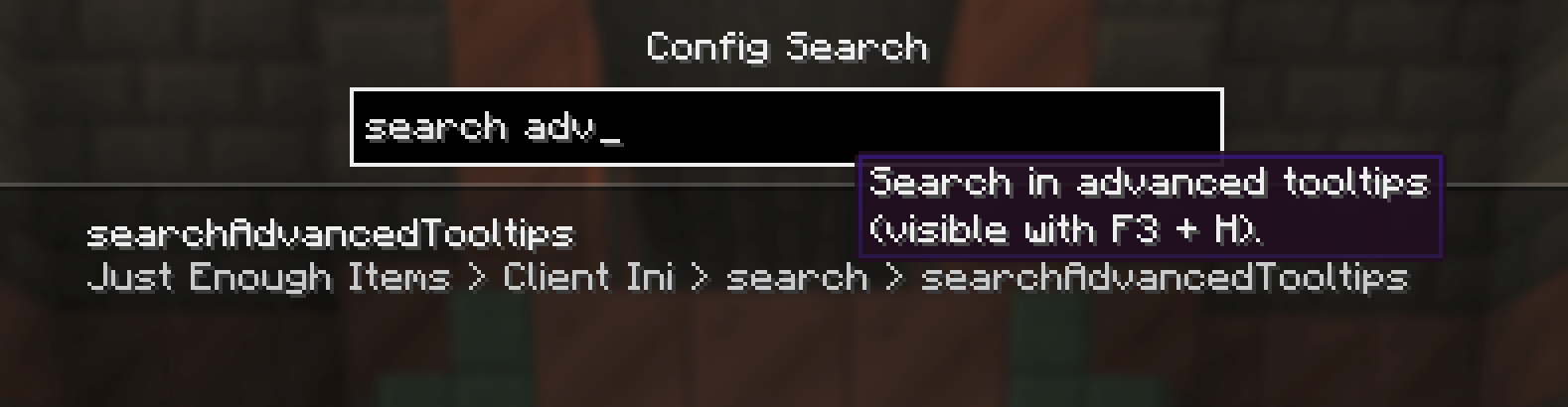
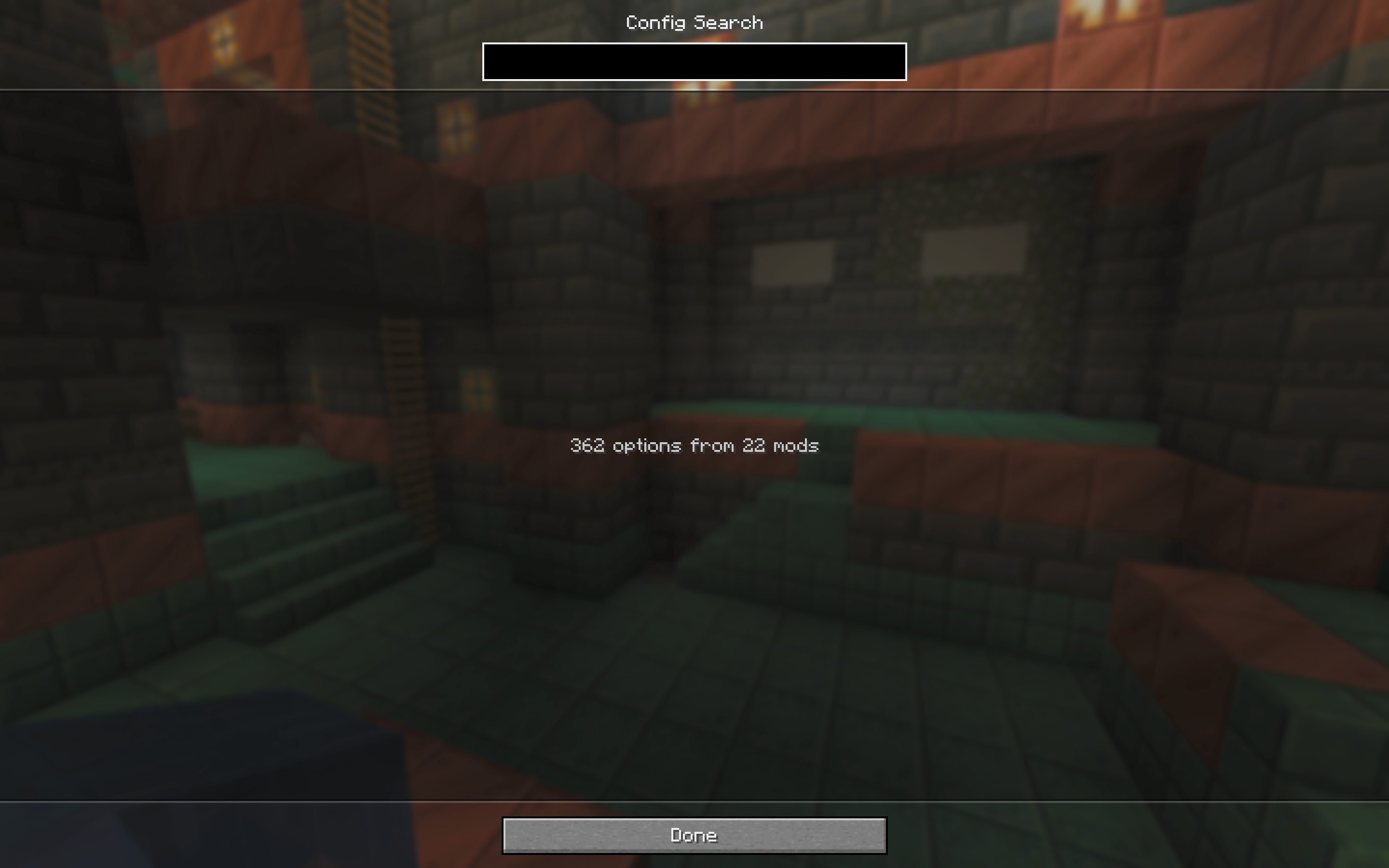
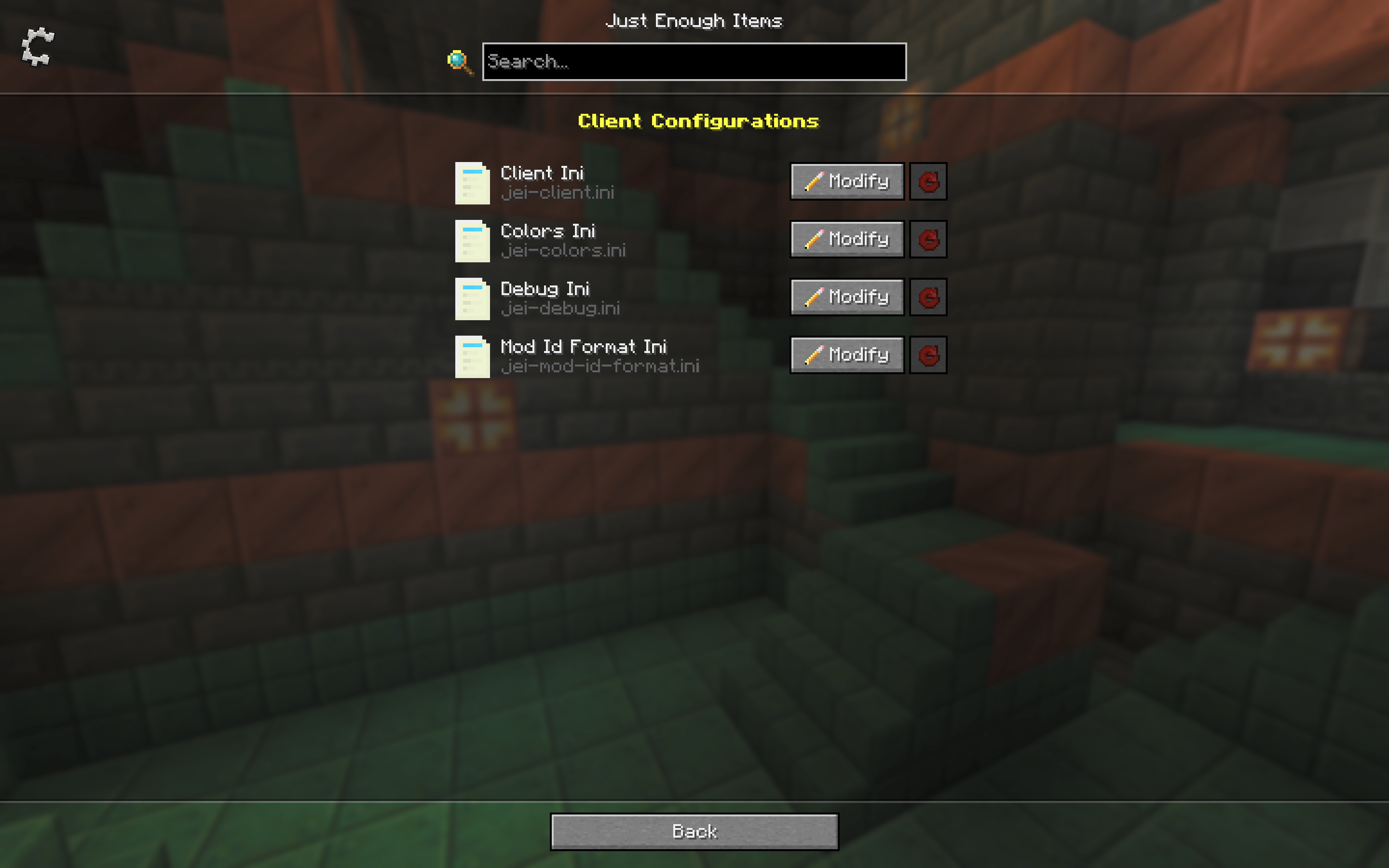
Ever known a mod has a setting for something but not which screen its buried in? Config Search adds a small search button next to the search field on Mod Menu’s Mods screen. Here you can search through all configs, results match against option names, tooltips, categories and mod names in your selected language. Clicking a result opens that mod’s config screen, jumping straight to the right category where the config library supports it.
HOW IT WORKS
- A magnifier button appears next to Mod Menu’s search field.
- Search runs across every installed mod at once, in your language.
- Results show the full breadcrumb so you know exactly where a setting lives.
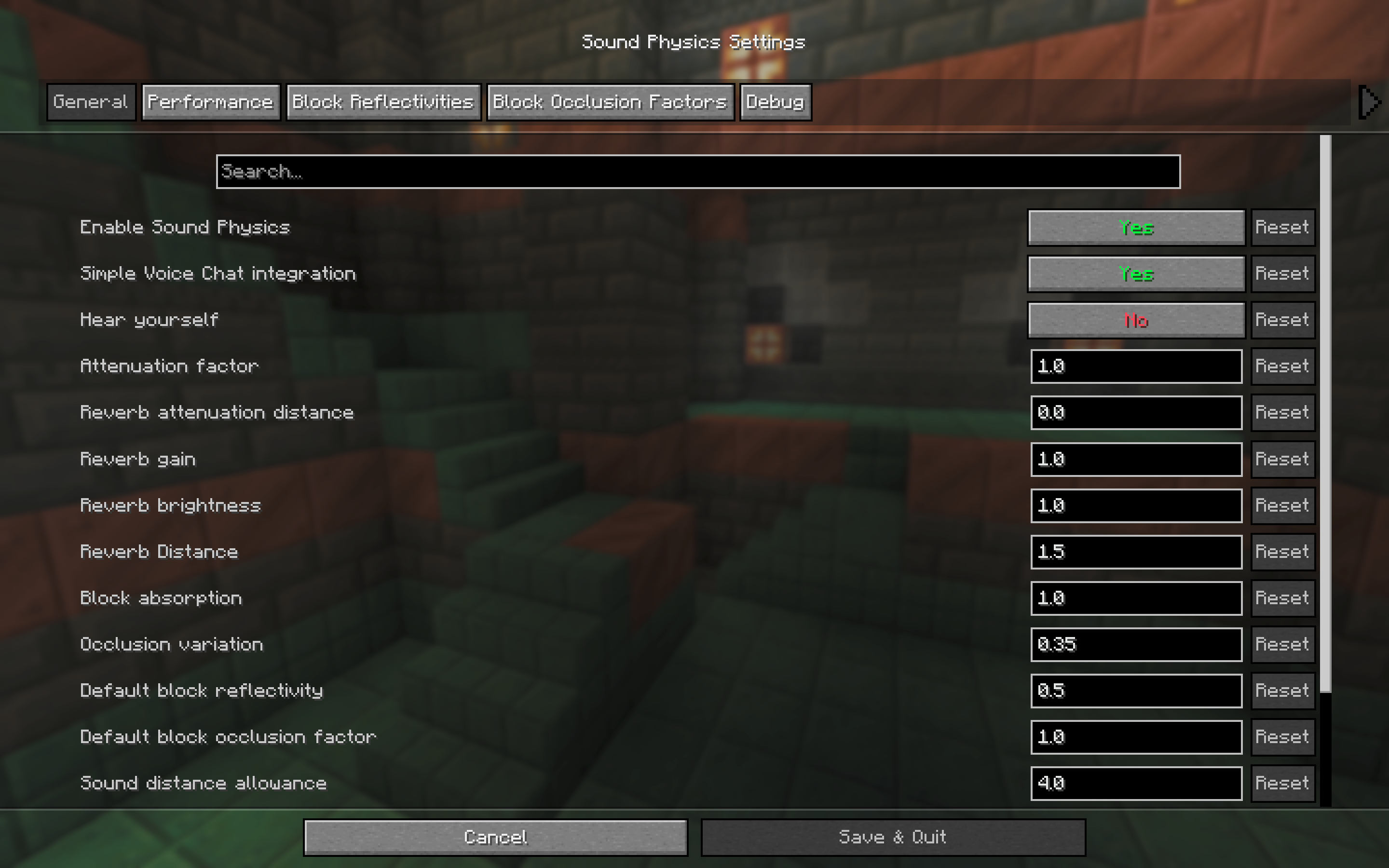
- Clicking a result opens that mod’s config screen, deep linked to the right page where the config library allows it.
- The index is built the first time you open it and cached, so searching stays snappy.
SUPPORTED CONFIG LIBRARIES
Config Search reads options directly from the common config libraries:
- YetAnotherConfigLib (YACL) 3.x
- Cloth Config
- MidnightLib
- Forge Config API Port (1.21.1+)
- Configured by MrCrayfish (1.20.1 to 1.21.11)
Mods using other config libraries or hand written config screens still show up as a single result that opens their config screen, so nothing is left out.
FOR MOD DEVELOPERS
Your mod can feed its options straight into the search index with the configsearch entrypoint, which is handy if you use a custom config screen. Config library authors can register one extractor to cover every mod using their library. Full details and a code sample are in the README.
SUPPORT
The best and fastest way to get replies is to join the Discord server. Bug reports and suggestions are welcome on the issue tracker.
常见问题
Config Search 支持哪些 Minecraft 版本?
Config Search 支持 Minecraft Java 版 1.20–26.3,共 8 个版本,可用的加载器:Fabric / Forge / NeoForge。下载时注意选择和你游戏版本一致的文件。
Config Search 怎么安装?
先用 PCL2 或 HMCL 启动器安装对应版本的 Fabric / Forge / NeoForge,再把下载的 .jar 文件放进游戏目录的 mods 文件夹,重新启动游戏即可。开启了版本隔离的,mods 文件夹在 versions/版本名 下面。运行环境:仅客户端。
FinnDog_123 的其他作品
查看全部 →
MVS – Moog’s Voyager Structures
为你的世界添加130+原版风格结构,让世界生机勃勃,全部使用原版方块。包含地牢和可战斗的敌人!

MES – Moog’s End Structures
大量原版风格的结构,为末地维度增添生机!

MNS – Moog’s Nether Structures
大量用原版方块和实体搭建的结构,为你的世界增添生机!沿途还能发现战利品、敌人等更多内容!

Moog’s Structure Lib (moogs_structures)
这是 Moogs Structure 系列的前置模组。
评论
登录后评论和评分