
Energy Manipulation
A Magic Data Pack which allows you to create your own custom spells in game through a spell book
截图

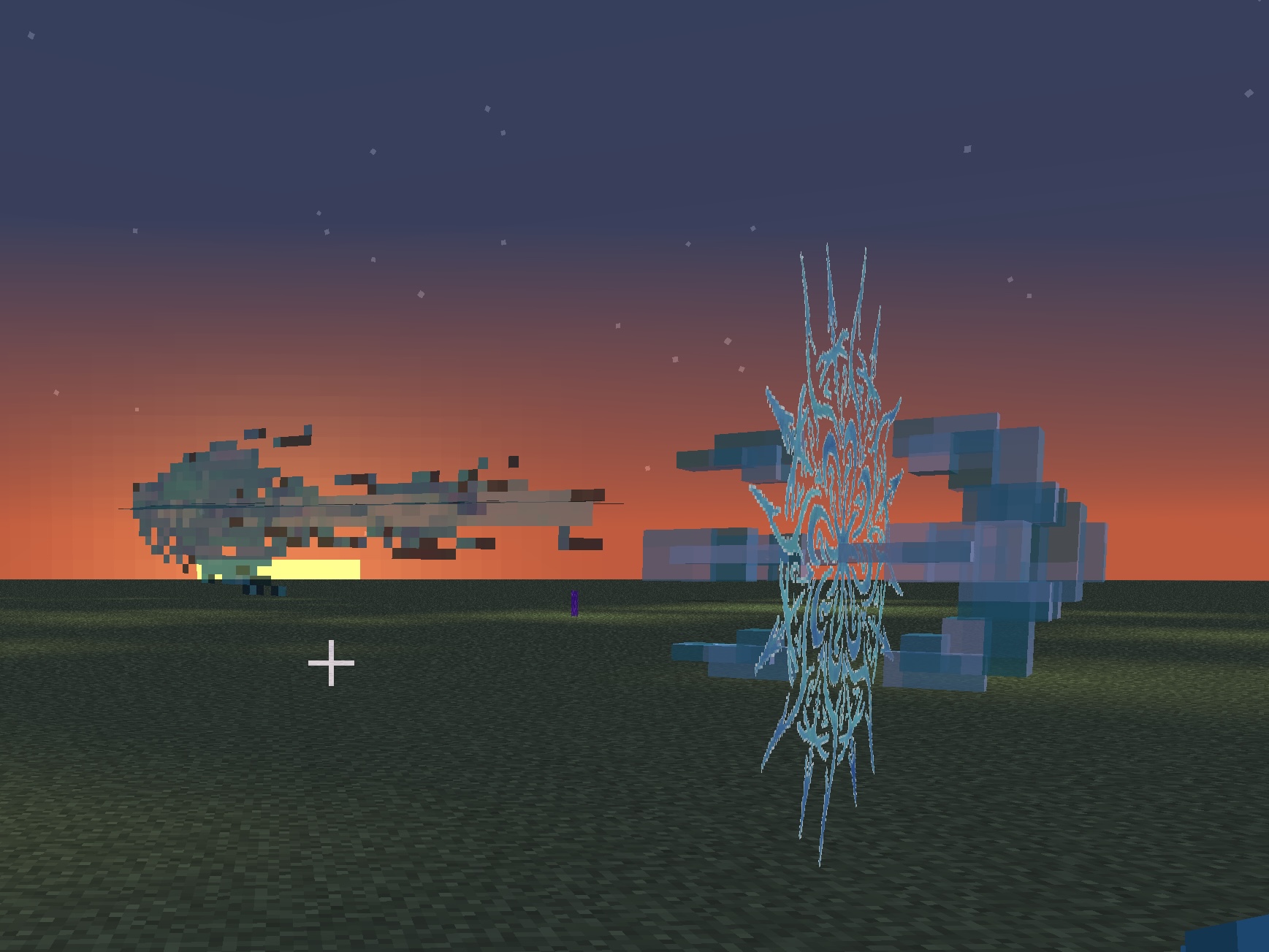
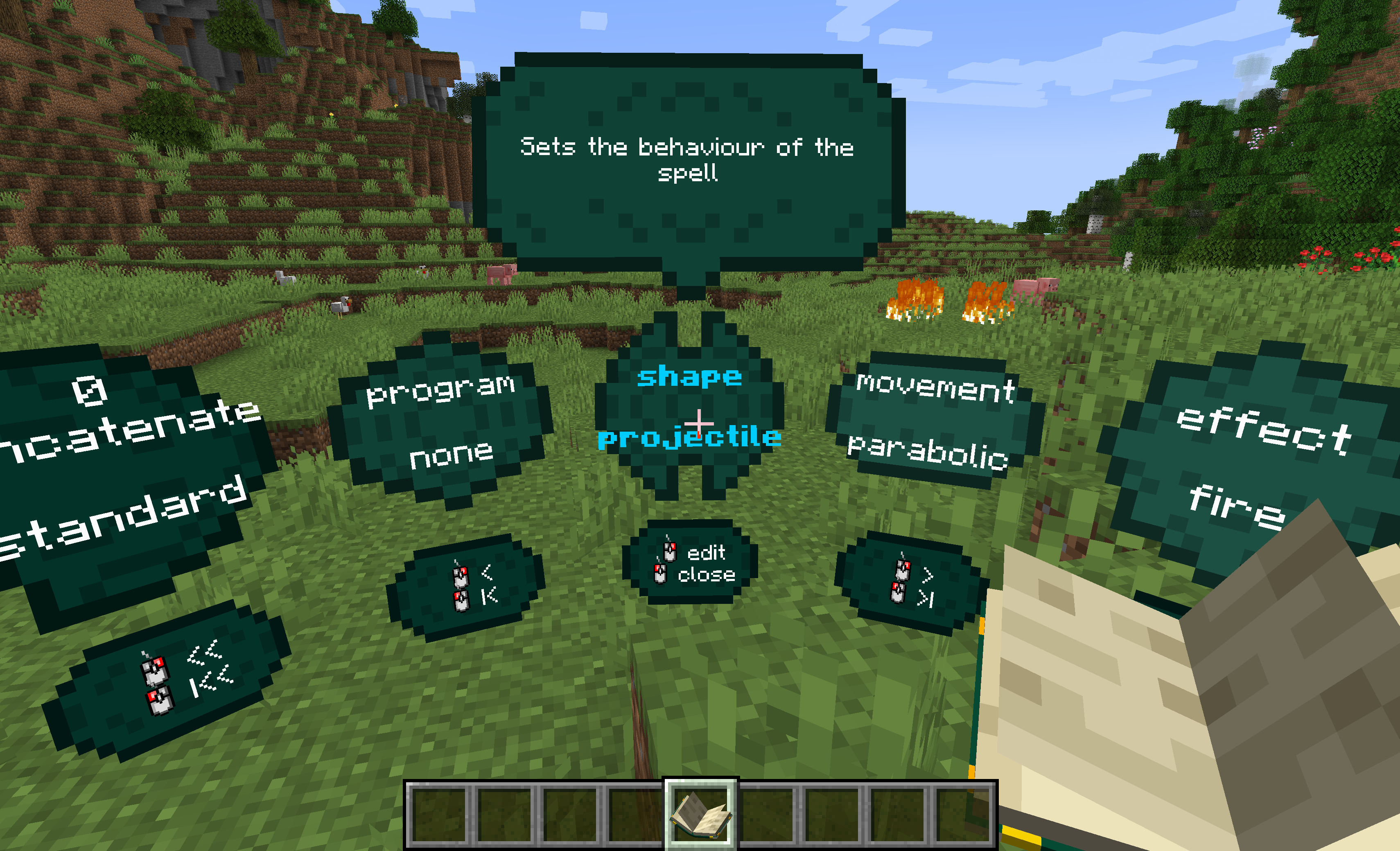
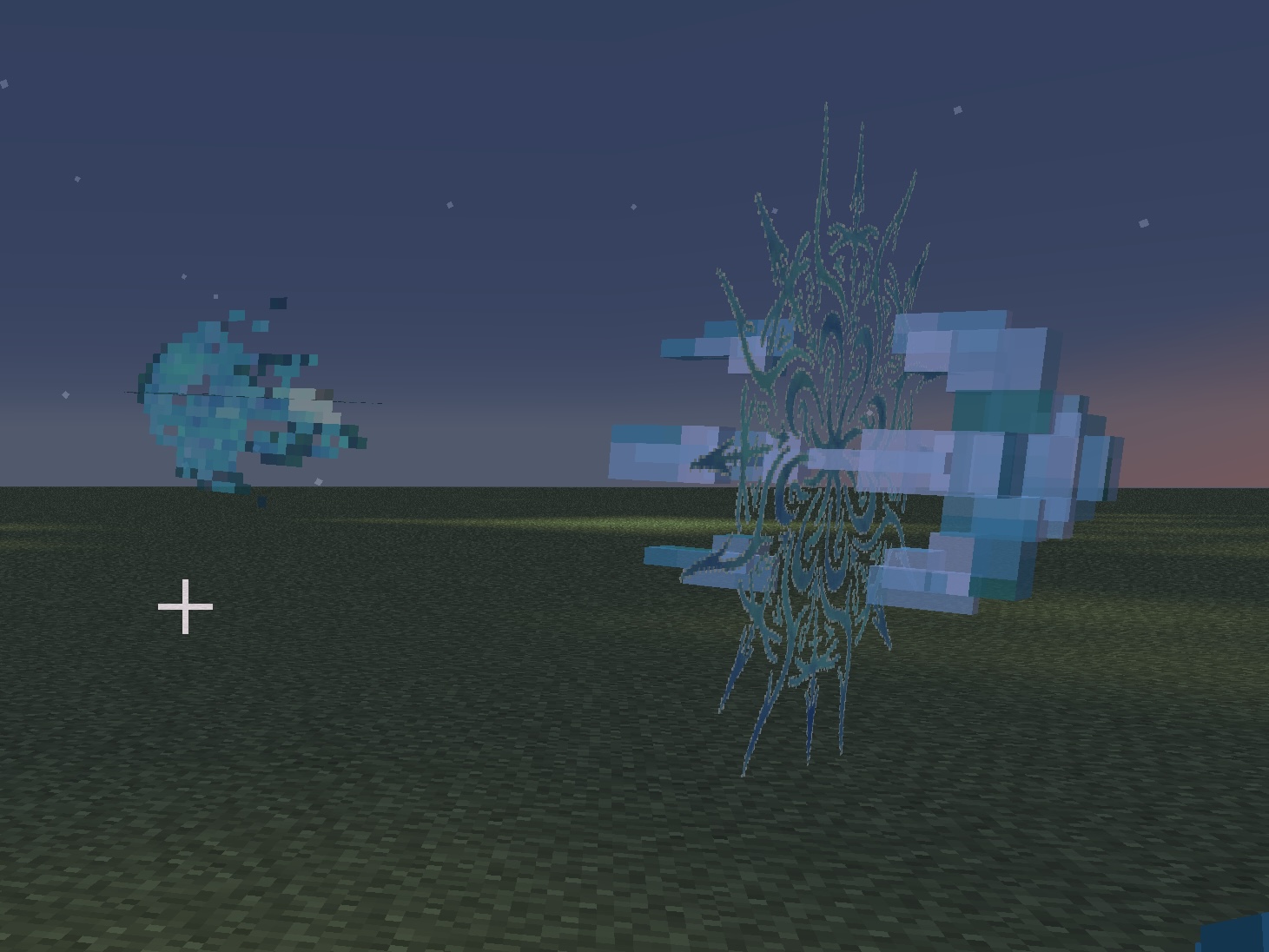
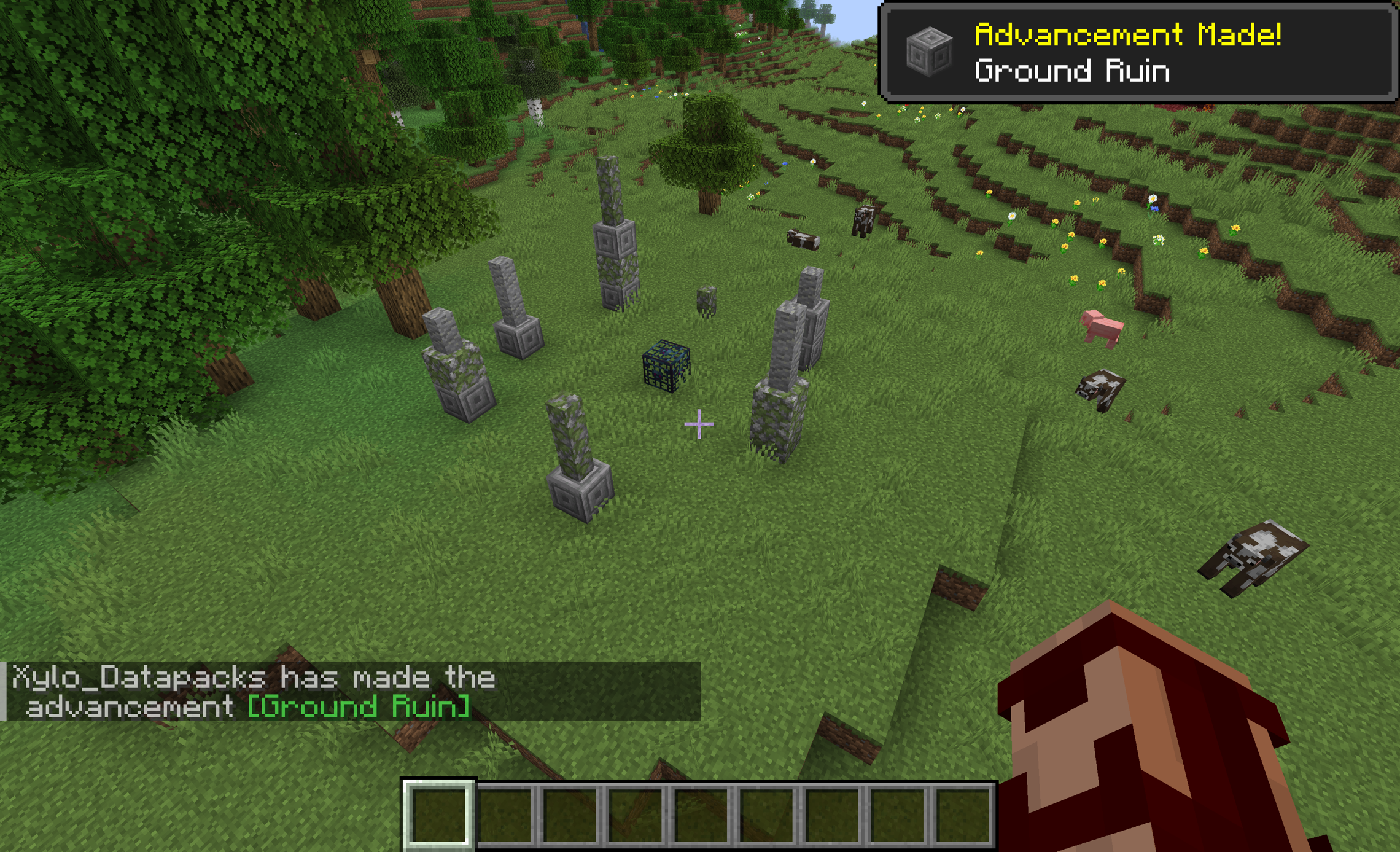
介绍
Tutorial
##
Features
This pack introduces a complex spell casting system which allows you to build your own custom spells, setting their behavior through the spell book interface.
Beside the magic system, the pack adds a set of items, with one variant for each of the 5 energy types available.\
5 structures are also added to the pack, one for each energy type, and they are the starting point for this pack.
Items
- energy: fuel for spells
- spell book: allows you to create and cast spells
- jar of energy: a better way to carry with you lot of energy
- caster armor: offers no protection but discounts the cost of the spells you cast
Energy Types
- sun energy
- ground energy
- soul energy
- dark energy
- void energy
Each energy type is linked to a set of effects you can use in your spells.
Structures
The structures introduced by this pack are called ruins, they are small simple structures containing an Energy Globes spawner. These globes give you access to all the items in the pack.
Getting Started
This pack comes with a really short in game guide in the advancement tab, which will teach you how to craft all items.
I still strongly suggest to watch the tutorial before playing.
Installation
Download the datapack and put it in the datapacks folder of your world or server.
Make sure you download the required resourcepack, and put it in the resource packs folder.
If you plan to use multiple datapacks and resourcepacks together, you can use Weld to easily merge them together to place in your world. (some packs may not be compatible with others, but mine follows smithed’s conventions for better compatibility with other packs)
常见问题
Energy Manipulation 支持哪些 Minecraft 版本?
Energy Manipulation 支持 Minecraft Java 版 1.20.2–1.20.4,共 3 个版本,可用的加载器:Fabric / Forge / Quilt。下载时注意选择和你游戏版本一致的文件。
Energy Manipulation 怎么安装?
先用 PCL2 或 HMCL 启动器安装对应版本的 Fabric / Forge / Quilt,再把下载的 .jar 文件放进游戏目录的 mods 文件夹,重新启动游戏即可。开启了版本隔离的,mods 文件夹在 versions/版本名 下面。运行环境:客户端 / 服务端。
评论
登录后评论和评分