
截图
介绍
What does the Citrus mod do? 🍊
Citrus will add a minimalistic and simple HUD (Heads Up Display) which shows the user information about objects/mobs in game.
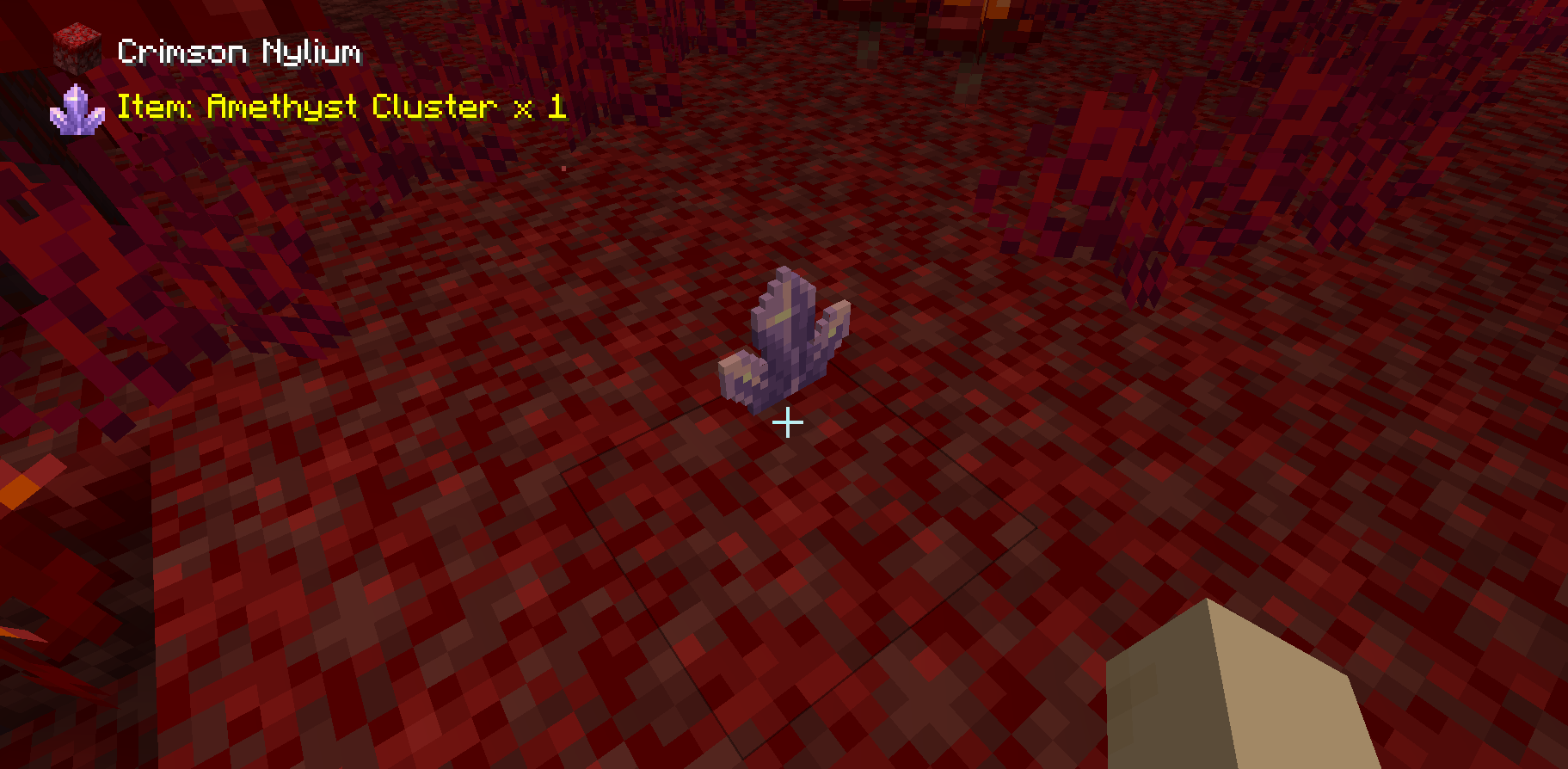
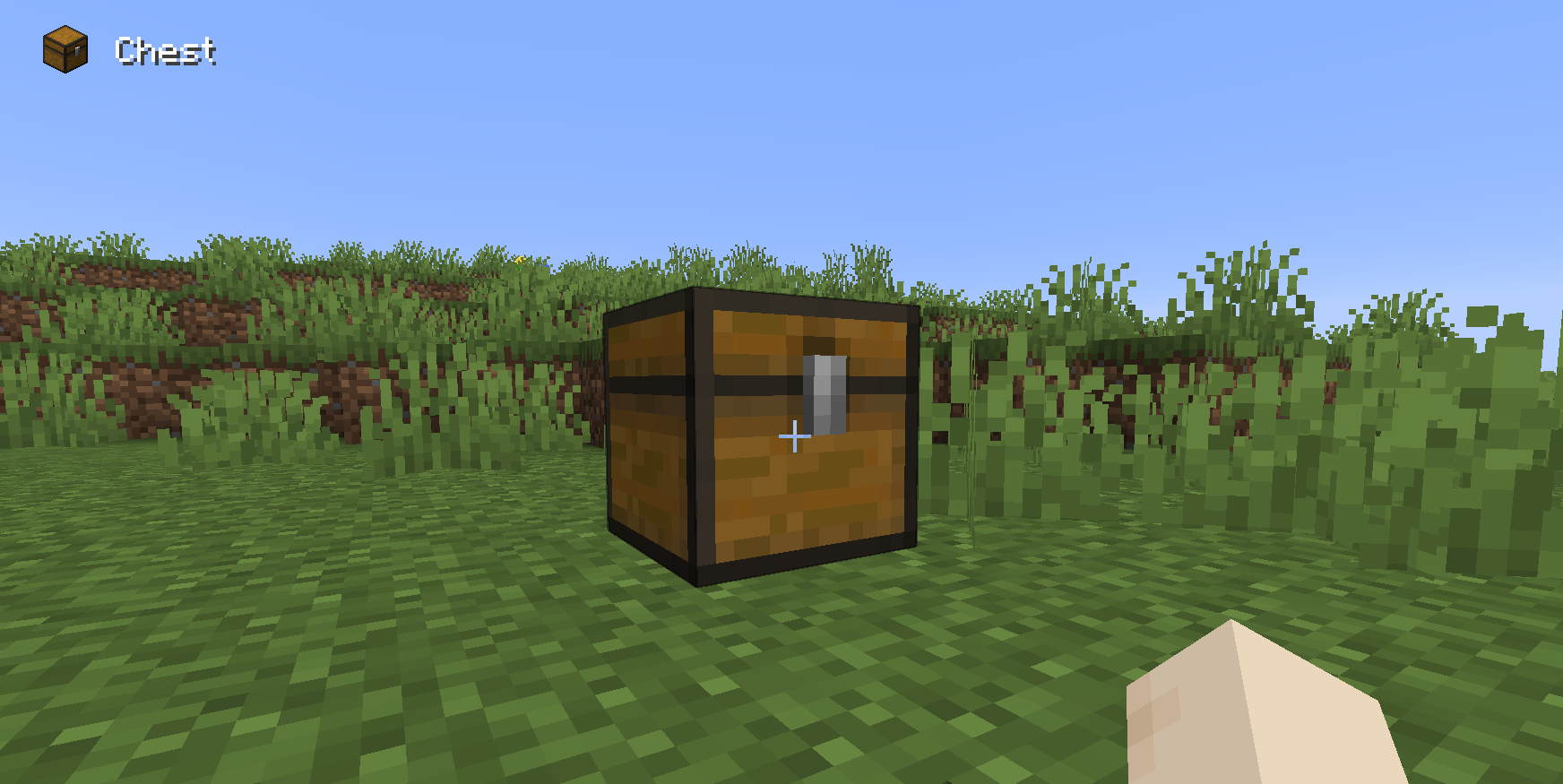
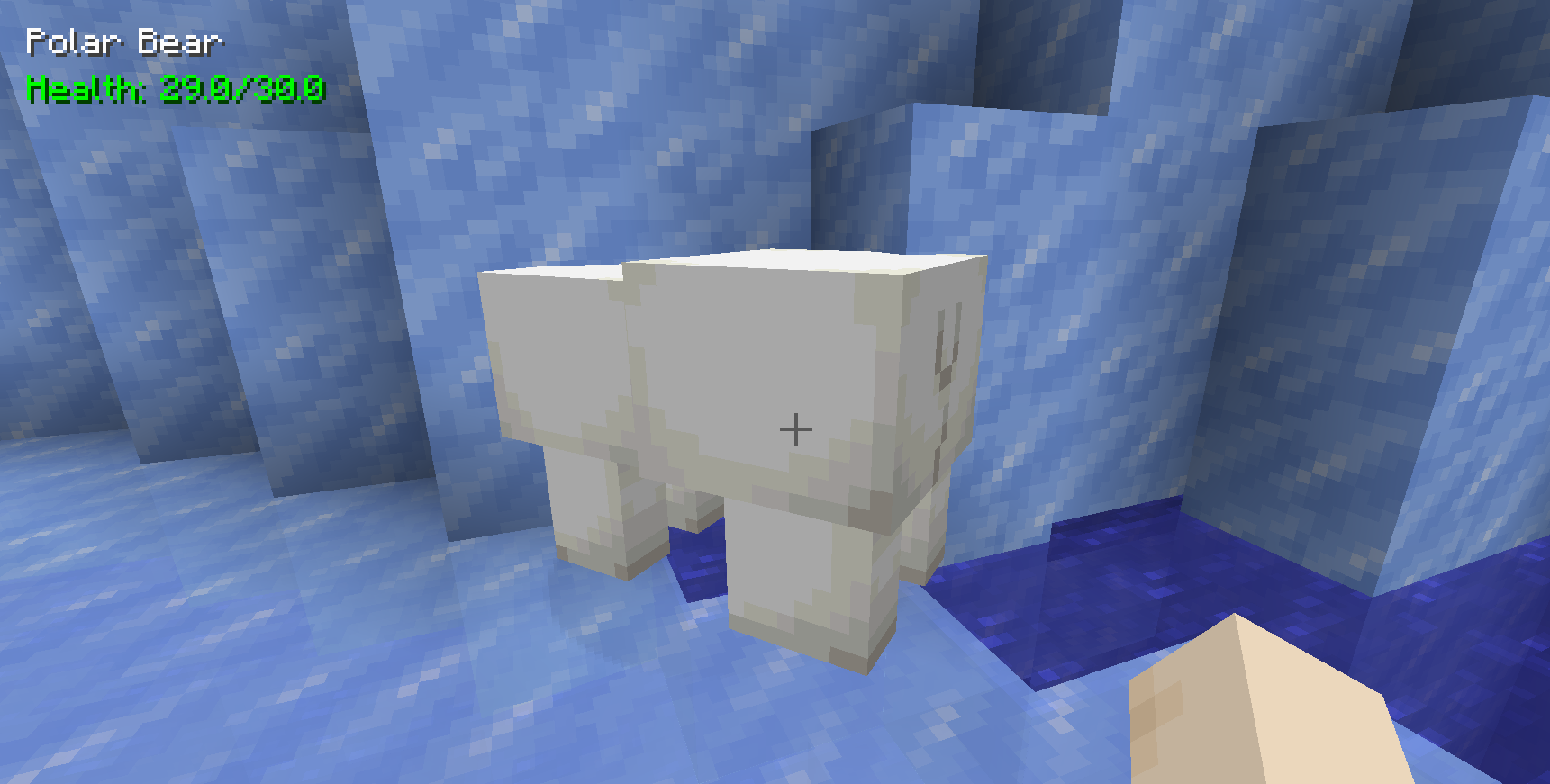
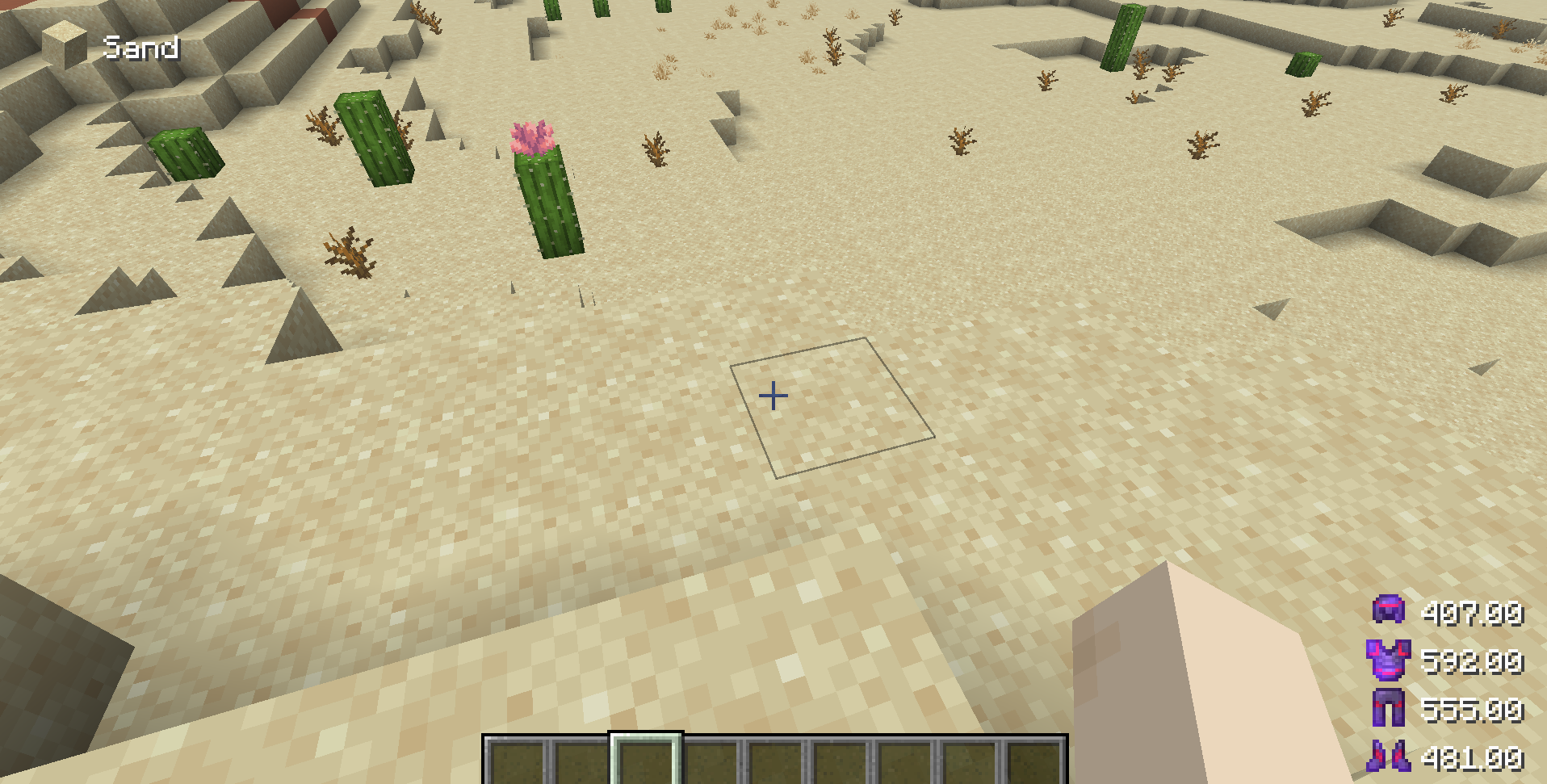
Take a look at the gallery to see the information shown when looking at different objects.

What information does the mod display? 🍊
The mod displays a small variety of information based on what you’re looking at.
Blocks:
The block name, and item texture.
Items:
The dropped item’s name, texture, as well as the number of that item on the floor.
Mobs:
The mob’s name, as well as its current health / max health.
Armor Info (Citrus 1.2.0+):
When the user puts on a piece of armor, the health of that piece of armor will show as either a percentage or a number.
Armor Durability HUD (Heads up Display) 🍊
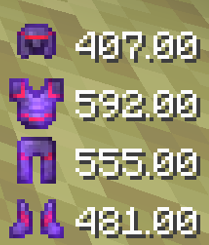
For this feature, make sure you download Citrus 1.2.0 or later. Adds a HUD on the bottom right showing the status of the armor that you’re wearing. The Displayed health is color coded:
- White 🤍 (51-100% durability)
- Orange 🧡 (11-50% durability)
- Red ❤️ (0-10% durability)
The displayed health can be set to either a percent or a number.
How do I toggle certain HUD elements on or off? 🍊
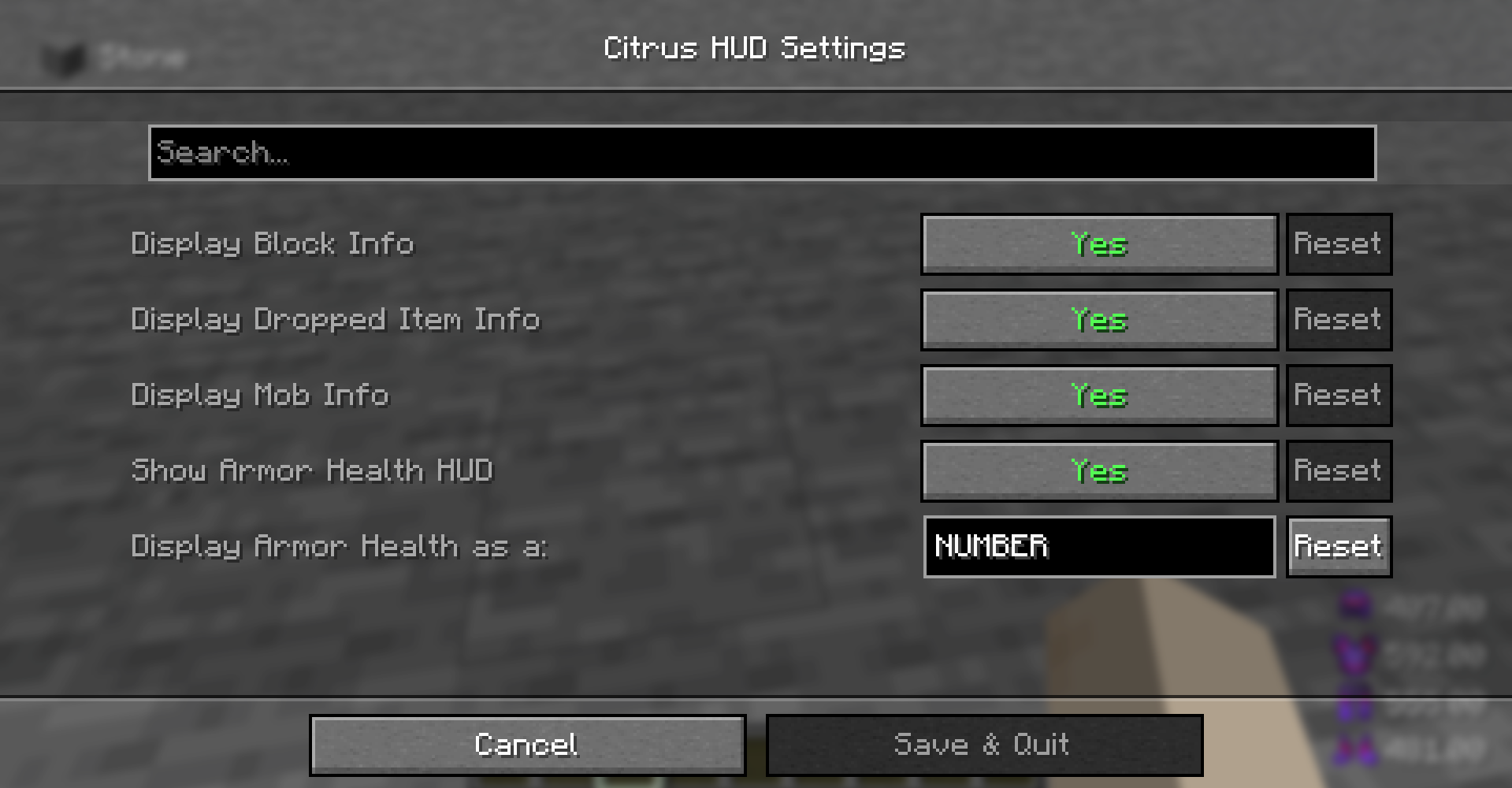
Citrus 1.2.0+ uses Mod Menu, a mod that lets you view and configure the settings of the mods you have installed. Mod Menu is optional for Citrus but it is required if you would like to change the settings shown below.
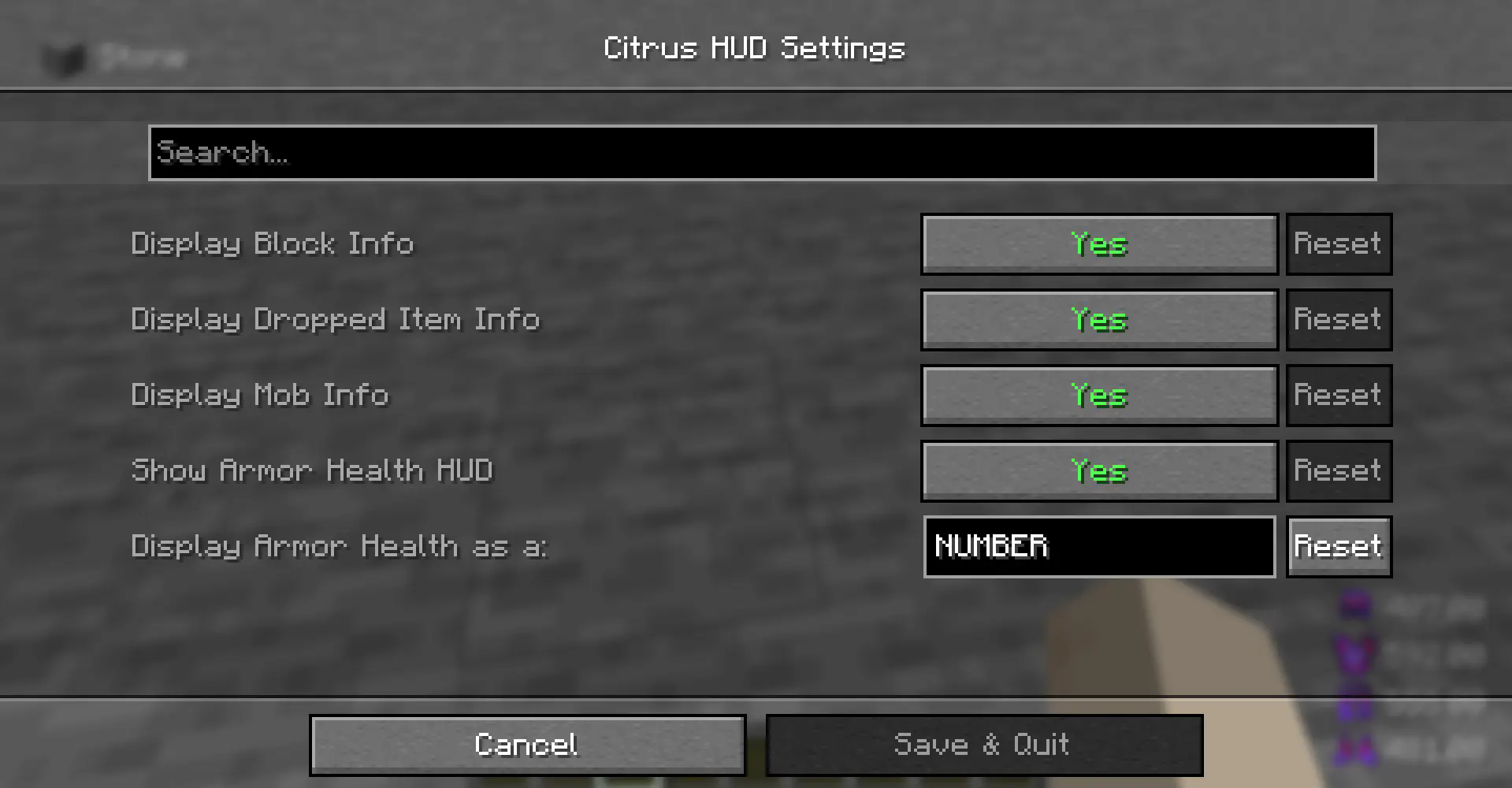
To configure Citrus 1.2.0+,
- Make sure you install Mod Menu along with Citrus
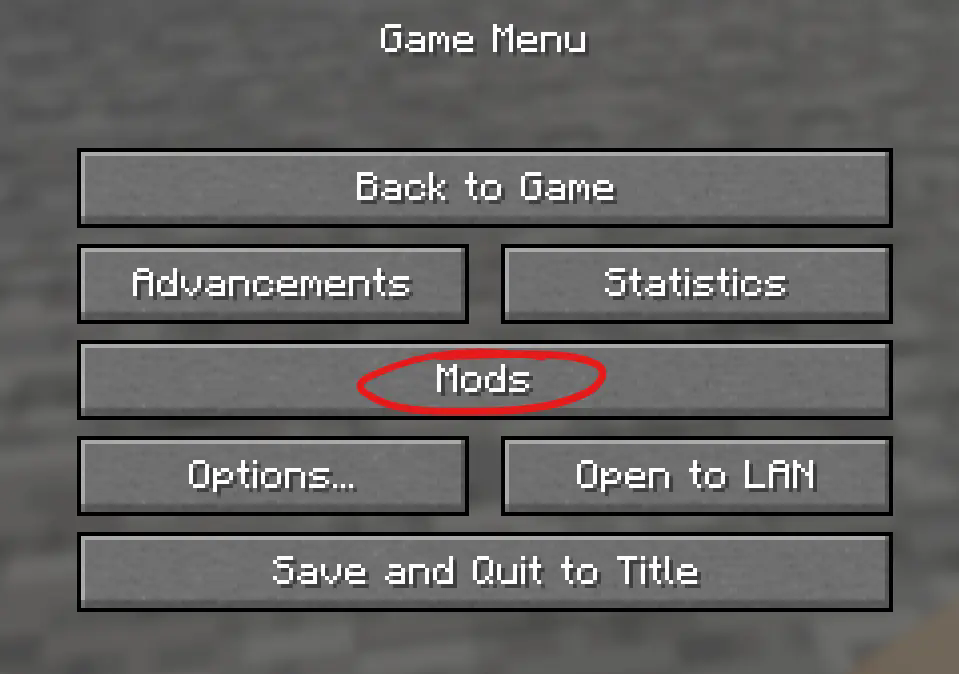
- Look for the Mods button on your homepage/escape screen
- Locate Citrus in the Mod Menu and press the Configure button.
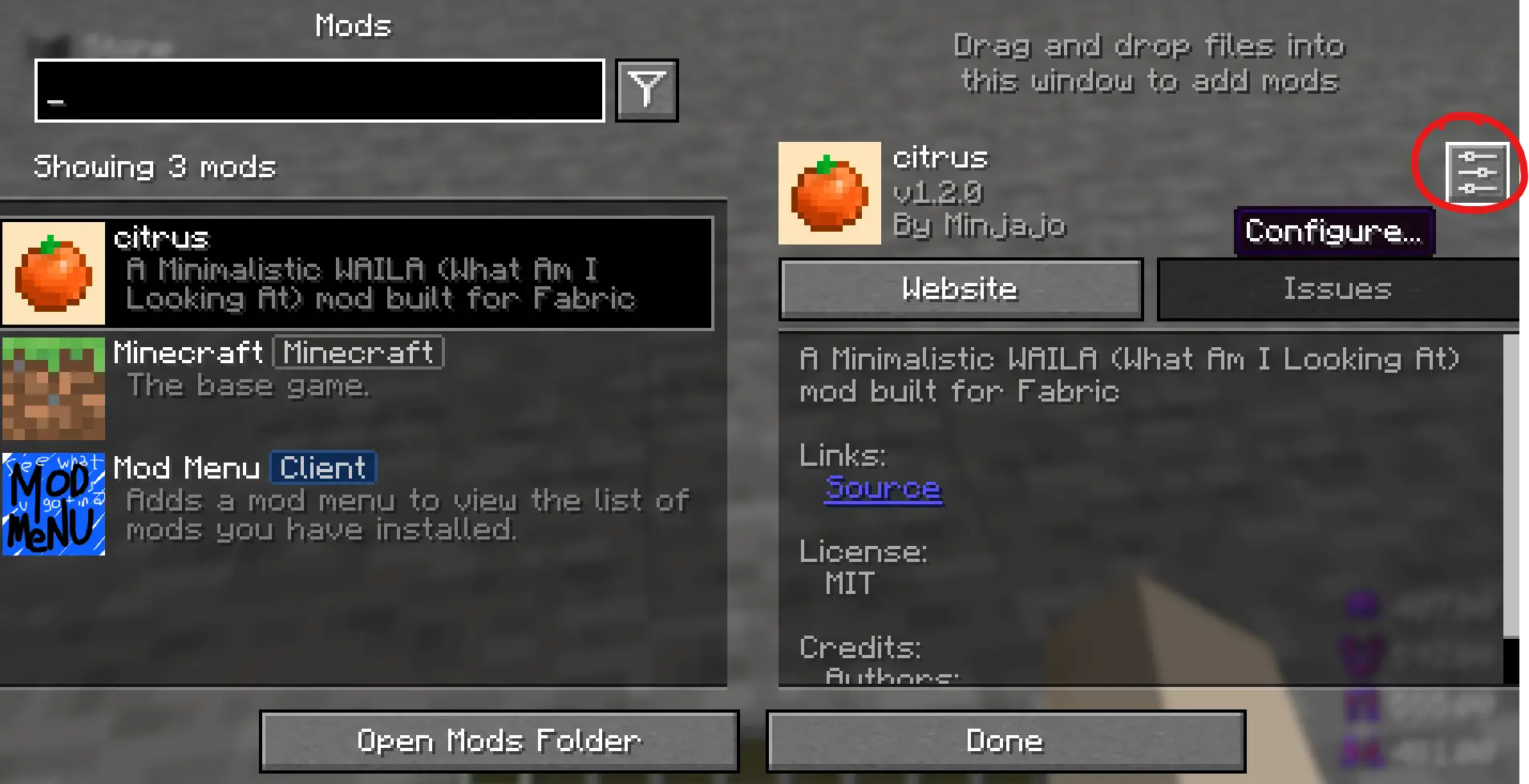
That will take you to the configuration page.
Thank you for trying Citrus! 🍊🧡
常见问题
Citrus 支持哪些 Minecraft 版本?
Citrus 支持 Minecraft Java 版 1.21.8–1.21.11,共 4 个版本,可用的加载器:Fabric。下载时注意选择和你游戏版本一致的文件。
Citrus 怎么安装?
先用 PCL2 或 HMCL 启动器安装对应版本的 Fabric,再把下载的 .jar 文件放进游戏目录的 mods 文件夹,重新启动游戏即可。开启了版本隔离的,mods 文件夹在 versions/版本名 下面。运行环境:客户端 / 服务端。

评论
登录后评论和评分