
截图
介绍

Usage
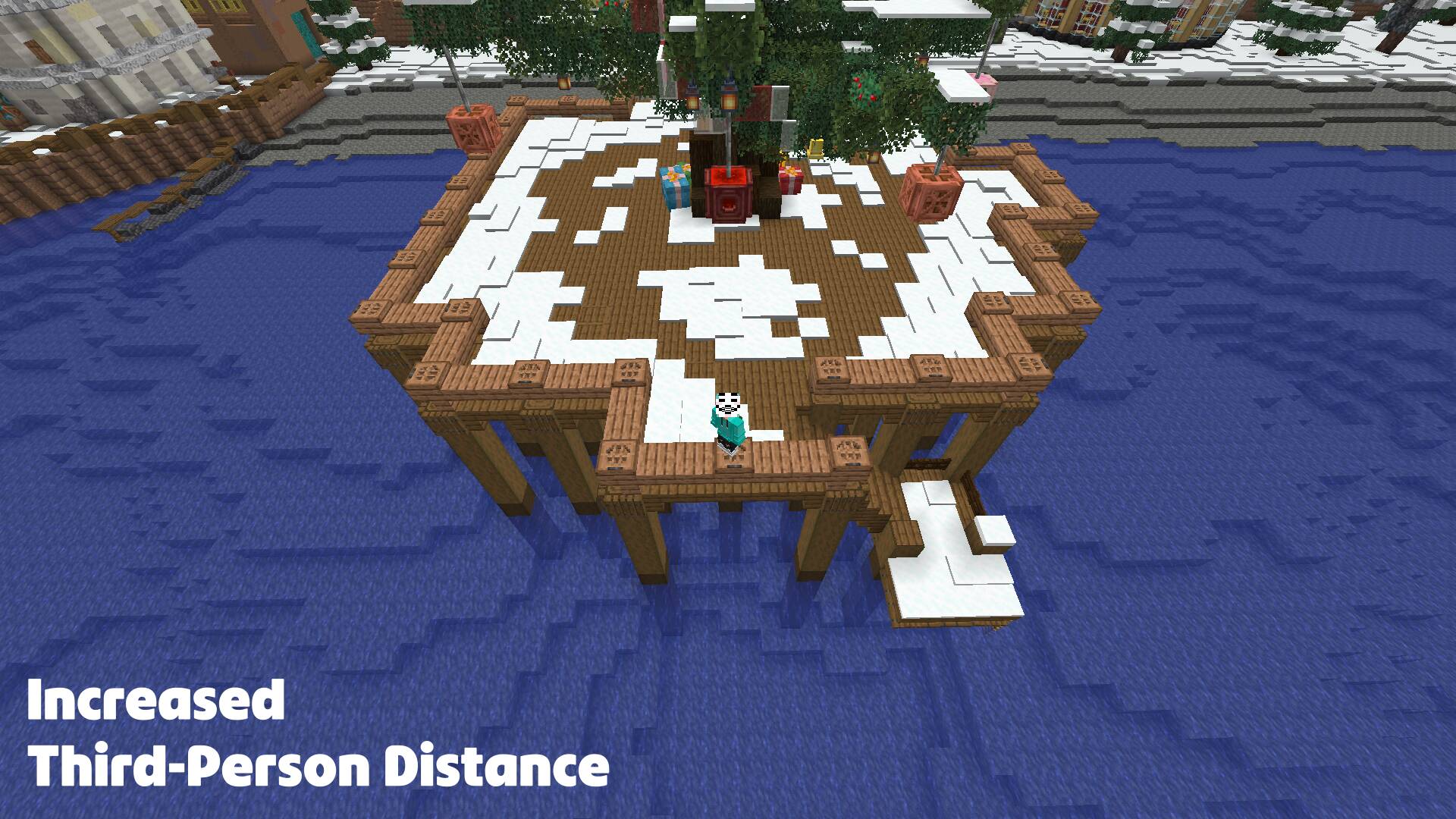
While in a third-person perspective (F5):
- Adjust distance by holding Left Alt (default) and using the Scroll Wheel (alternatively the slider in MC settings)
Features
Smooth Distance Adjustment
Hold a modifier key (Default: Left Alt) and scroll the mouse wheel to adjust your camera distance in real-time.
Configurable Smoothing
Enable or disable camera lerping for a cinematic zoom effect or instant feedback.
No Clip Mode (Mod required on the server #Modrinth EULA)
An optional toggle that allows the camera to pass through solid blocks instead of colliding with them.
ModMenu & Cloth Config Integration
Full support for ModMenu allows you to tweak every setting from the in-game menu.
Configuration
The following options are available via the configuration menu:
| Option | Description |
|————————–|—————————————————————————————-|
| Camera Distance | The current target distance of the third-person camera. |
| Minimum/Maximum Distance | Limits for how close or far the camera can go. |
| Scroll Sensitivity | Adjusts how much each scroll notch changes the distance. |
| Smoothing Speed | Controls how quickly the camera catches up to the target distance. |
| No Clip (server-mod) | Toggles whether the camera should ignore block collisions. |
| Vanilla Second Person | Toggle whether custom distances should apply to the front-facing (Second Person) view. |
常见问题
F5 Ranger 支持哪些 Minecraft 版本?
F5 Ranger 支持 Minecraft Java 版 1.16.5–26.3,共 11 个版本,可用的加载器:Fabric。下载时注意选择和你游戏版本一致的文件。
F5 Ranger 怎么安装?
先用 PCL2 或 HMCL 启动器安装对应版本的 Fabric,再把下载的 .jar 文件放进游戏目录的 mods 文件夹,重新启动游戏即可。开启了版本隔离的,mods 文件夹在 versions/版本名 下面。运行环境:客户端 / 服务端。
评论
登录后评论和评分