
截图


介绍
Sivage is a server-side Fabric mod for modern Minecraft which gives players the ability to use Custom Image‘s from the internet within the in-game world.
Compared to mods like Image2Map or Map4Image from which Sivage takes heavy inspiration, this tries to provide a more survival friendly approach by providing craftable items and GUIs, rather than commands.
Features of Sivage
Here are several aspects of Sivage, also serving as a small starting guide:
| | | |
|—|—|—|
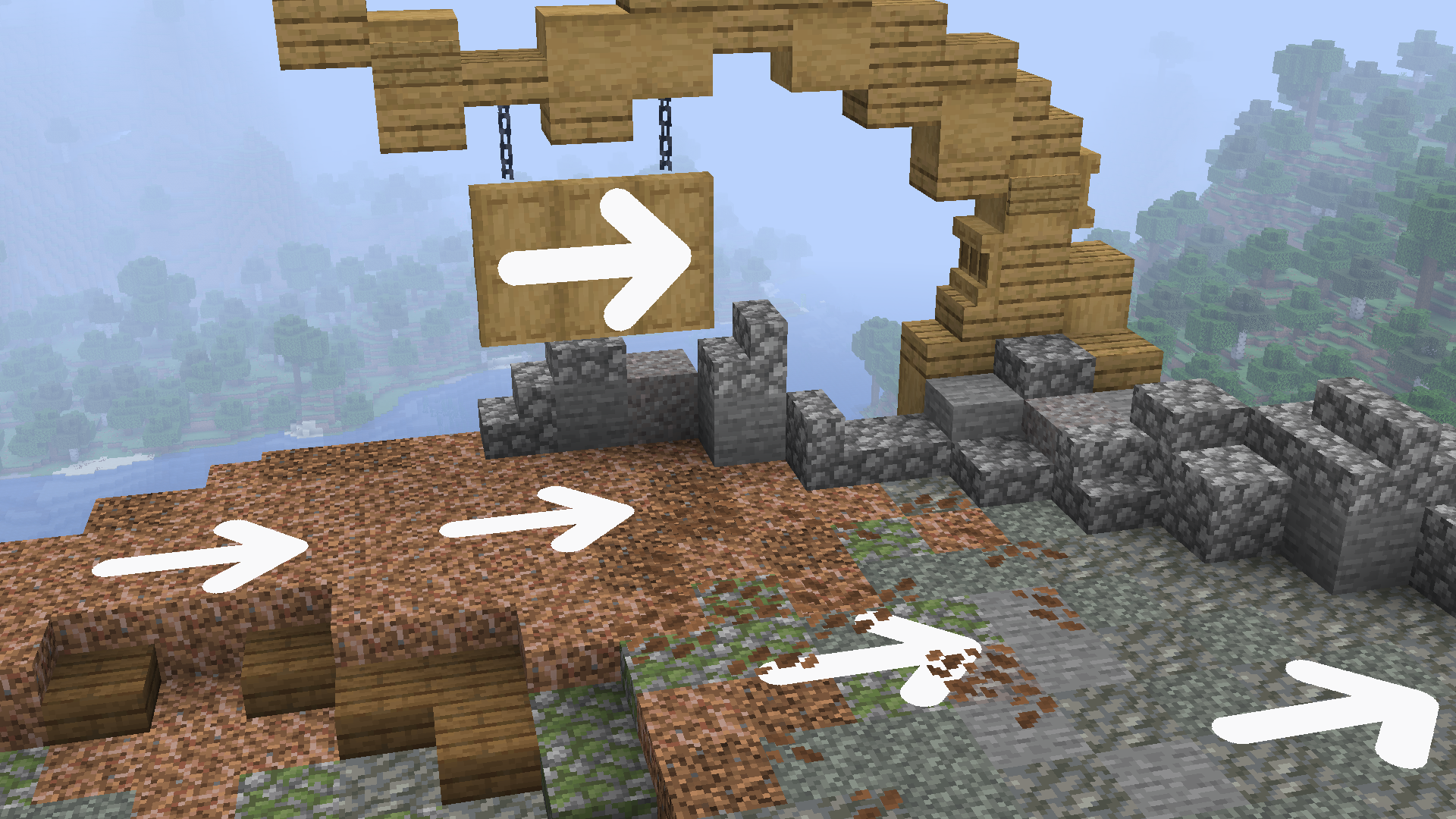
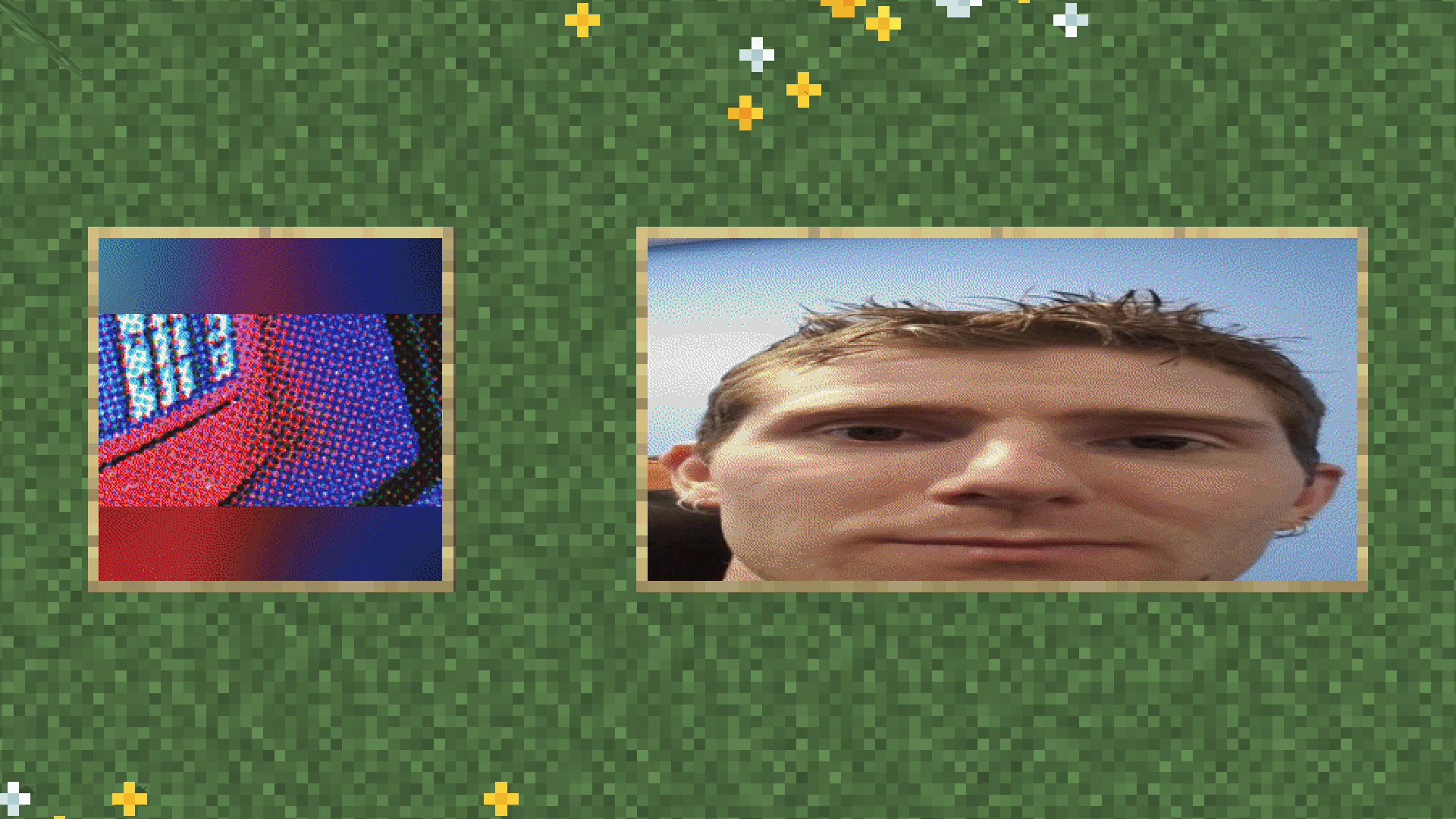
| _Survival Friendly Integration!_ | _GUI for Easy Usage!_ | _Great Looking Images!_|
Supported Formats
One common issue with images from the internet is ensuring which format they use. Sivage comes with great support for the most used formats: It supports PNG, JPEG, WEBP, GIF, BMP, ICO, QOI, TIFF, FF, HDR & TGA.
These should cover most, if not almost all, of the image formats that you may encounter on the Internet!
🛈 Note
Animations are not supported! While formats like GIF or WEBP do work, they will only show the first frame in game.
Translations
By installing Sivage on the client as well, players have more languages besides English available.
If you want to help translating this mod, please go to our Weblate!

Configuration
This mod comes with a TOML file on the server at config/sivage/server.toml, allowing to adjust server owners which sources are allowed:
# Specifies how this mod interacts with the internet.
[network]
	# List of specifically allowed domains or wildcards. Overrules the blacklist.
	whitelist = []
	# List of specifically disallowed domains or wildcards. Overruled by the whitelist.
	blacklist = ["localhost"]
	# Specifies the maximum size in bytes that images are allowed to have while downloading. (0 means infinite)
	# range: 0 - 2147483647
	# default: 500000000
	fileSizeLimit = 500000000

# Represents aspects inside the game.
[game]
	# When enabled, each player may have only one image generated at a time.
	# default: false
	playerLimit = false
	# Requires permission for every block in the image, preventing boundary overstepping in claim mods. Performance cost scales with image size.
	# default: false
	strict = false

	# Fallback behavior for these permissions, provided by this mod. (Note: A mod like LuckPerms is recommended to make effective use out of these)
	[game.permissions]
		# default: true
		canPlaceImageFallback = true
		# default: true
		canRemoveImageFallback = true
🛈 Note
Both the white- and blacklist allow the usage of wildcards; To be more specific,
*for everything and*.example.comfor subdomain wildcards. IP Addresses and protocols not following HTTP(S) will always be rejected.
Permissions
By installing a permissions mod like LuckPerms or using a Claim Protection mod of your choice, Sivage can be configured by who and where Custom Image’s can be used.
Development
In order for this mod to work with as many formats as possible on any JVM, the image processing part has been written in Rust and is being run with WebAssembly that has been compiled to java bytecode.
At the cost of slower processing times, compared to any other image processor that has been directly developed for the JVM,
this approach supports many formats and runs on pretty much any Java distribution, as it does not depend on ImageIO at all.
For more information about building from source, please refer to the README.me at Codeberg.org.
常见问题
Sivage 支持哪些 Minecraft 版本?
Sivage 支持 Minecraft Java 版 1.21.6–26.3,共 11 个版本,可用的加载器:Fabric。下载时注意选择和你游戏版本一致的文件。
Sivage 怎么安装?
先用 PCL2 或 HMCL 启动器安装对应版本的 Fabric,再把下载的 .jar 文件放进游戏目录的 mods 文件夹,重新启动游戏即可。开启了版本隔离的,mods 文件夹在 versions/版本名 下面。运行环境:仅服务端。
Sammy 的其他作品
查看全部 →
CC:C Bridge
通过更多外设,为CC: Tweaked与机械动力添加兼容性!

Lighty
光照显示模组,但别具一格!

Dancerizer
Perform taunts and whole dances with new accessories!
Dancerizer
Perform taunts and whole dances with new accessories!
评论
登录后评论和评分