
截图
介绍
中文介绍正在准备中,下面暂时显示原文。
Fred
The main goal with this mod is to add some quality of life features that would normally need another mod to be installed, things my friends and I find funny.
- The name was the first thing a friend said after I asked for a project name.
- The mod icon is my friend’s doggo :), no idea of what to actually use.
- This mod was originally developed for a private modpack.
- Some features have been moved to CoopTweaks.
- NeoForge version is not ready yet.
- Some features are not 1:1 since the rework to Architectury and Stonecutter.
Features
Most features are toggleable.
Client
- Custom window title.
- Movement with inventory open.
- Auto walk.
- Zoom with configurable FOV by using the mouse wheel, spyglass also has a configurable zoom.
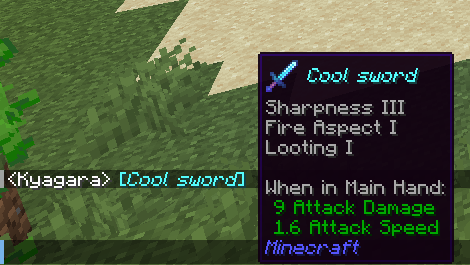
- Sound on new chat message and when typing.
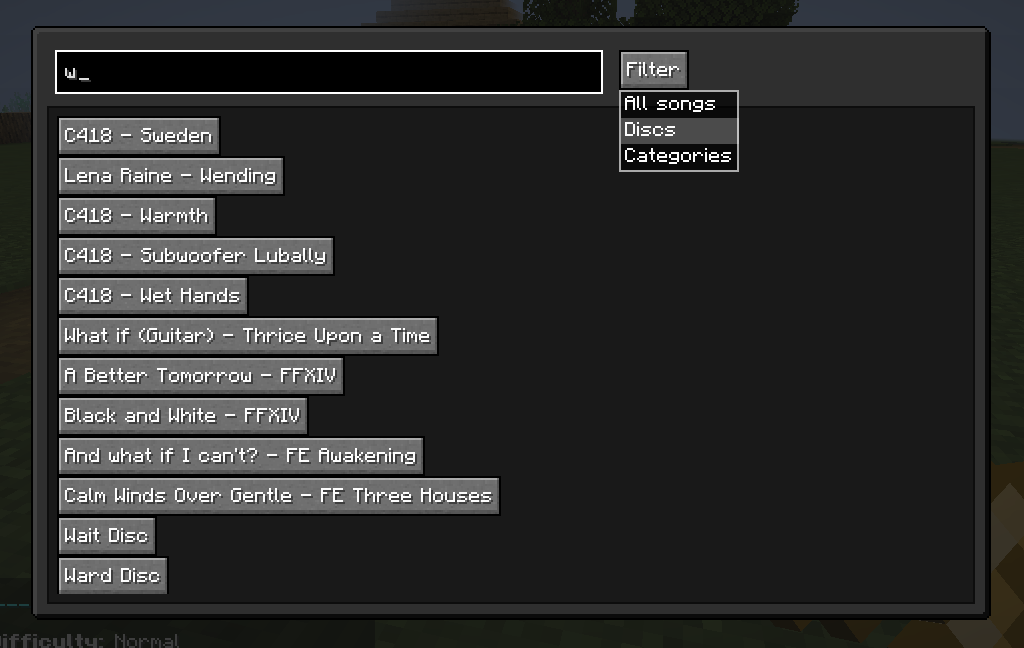
- A music player screen based on Music Control.
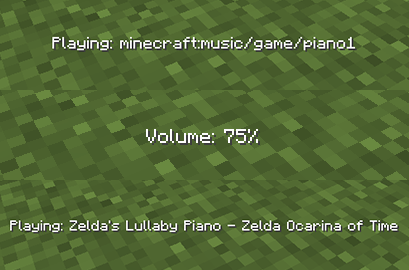
- More control over the Minecraft Music (delay between songs, skip, change volume, show what is playing).
- Keep the current session chat history.
Keybinds
- Up Arrow – Increases music volume.
- Down Arrow – Decreases music volume.
- Left Arrow – Music player screen.
- Right Arrow – Skip music.
- Right Control – Displays the current music playing.
- C – Zoom (conflicts with a creative mode keybind).
- G – Auto walk.
Server
- Use XP to create Experience bottle.
- Total blocks broken and placed statistic.
- Joke blocks/items: Trumpet from trumpet-skeleton-fabric, The Rock Block.
Recipes
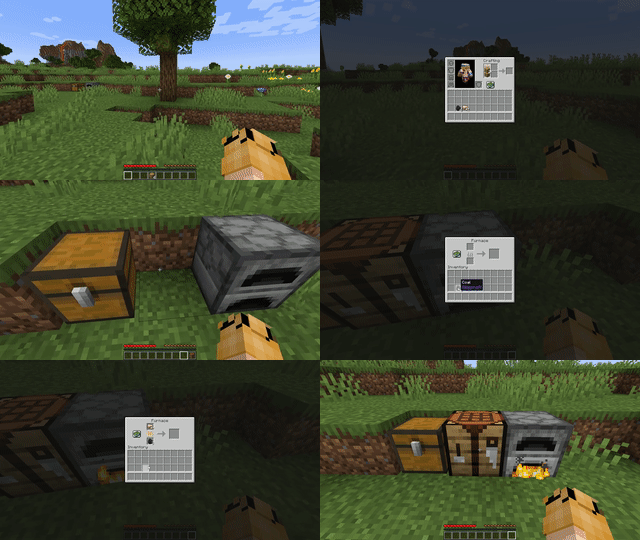
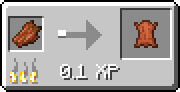
- Rotten Flesh to Leather using furnace
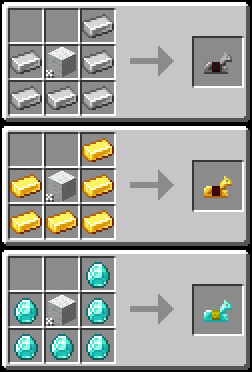
- Horse Armor (diamond, gold, iron)
- Name Tag
- Bell
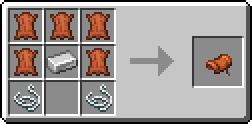
- Saddle
License
Fred is licensed under the MIT license.
This project contains code from trumpet-skeleton-fabric and music-control.
常见问题
Fred 支持哪些 Minecraft 版本?
Fred 支持 Minecraft Java 版 1.19.2–1.21.1,共 7 个版本,可用的加载器:Fabric。下载时注意选择和你游戏版本一致的文件。
Fred 怎么安装?
先用 PCL2 或 HMCL 启动器安装对应版本的 Fabric,再把下载的 .jar 文件放进游戏目录的 mods 文件夹,重新启动游戏即可。开启了版本隔离的,mods 文件夹在 versions/版本名 下面。运行环境:客户端 / 服务端。
评论
登录后评论和评分