
PMW Rendering Additions
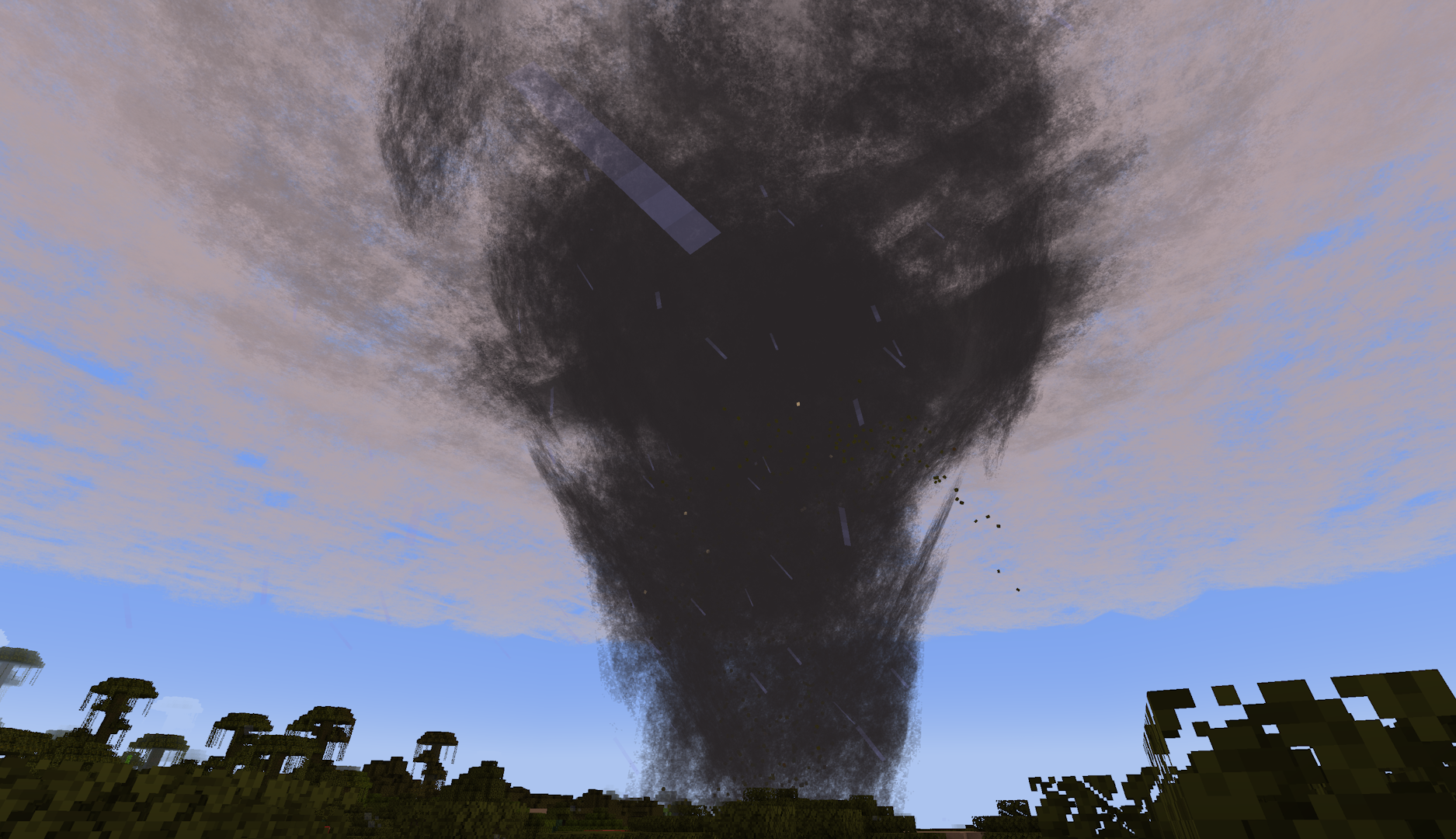
Some additional settings for ProtoManly's Weather Mod focusing on rendering, including a new particle-based renderer.
截图

介绍
PMW Rendering Additions
Some additional settings for ProtoManly’s Weather Mod focusing on rendering, including a new particle-based renderer. Built to make the original mod more accessable to those with lower-end hardware, mainly for server use.
Config Options
render_mode: The renderer used for volumetrics-based weather effects
SHADER– The default renderer used in the original modCLASSIC– A particle-based renderer meant for lower-end devices; heavily inspired by Corosauce’s Weather2DISABLE– Disables all cloud effects
enable_mist: Toggles mist particles used in heavy rain/wind.
enable_splash: Toggles splash particles from rain on the ground
enhanced_fog: Toggles more intense fog/darkness effects for precipitation, meant to be used with the CLASSIC renderer to make up for a lack of a shader
update_every_ticks: Update rate for cloud/storm particle refresh with the CLASSIC renderer
particle_crossover: Ticks for particle fading during refresh with the CLASSIC renderer; should only need to be changed if using a resource pack that modifies the cloud texture
bleed_fix_mode: Experimental bleeding fixes with the original/SHADER renderer
FULL: Fixes bleeding with a significant performance hitLIGHT: Fixes bleeding for entities, block entities, and particles (bleeding remains for blocks)DISABLE: No changes to SHADER rendering behavior
常见问题
PMW Rendering Additions 支持哪些 Minecraft 版本?
PMW Rendering Additions 支持 Minecraft Java 版 1.21.1,可用的加载器:NeoForge。下载时注意选择和你游戏版本一致的文件。
PMW Rendering Additions 怎么安装?
先用 PCL2 或 HMCL 启动器安装对应版本的 NeoForge,再把下载的 .jar 文件放进游戏目录的 mods 文件夹,重新启动游戏即可。开启了版本隔离的,mods 文件夹在 versions/版本名 下面。运行环境:仅客户端。
评论
登录后评论和评分