
截图
介绍
Better Chunk Borders
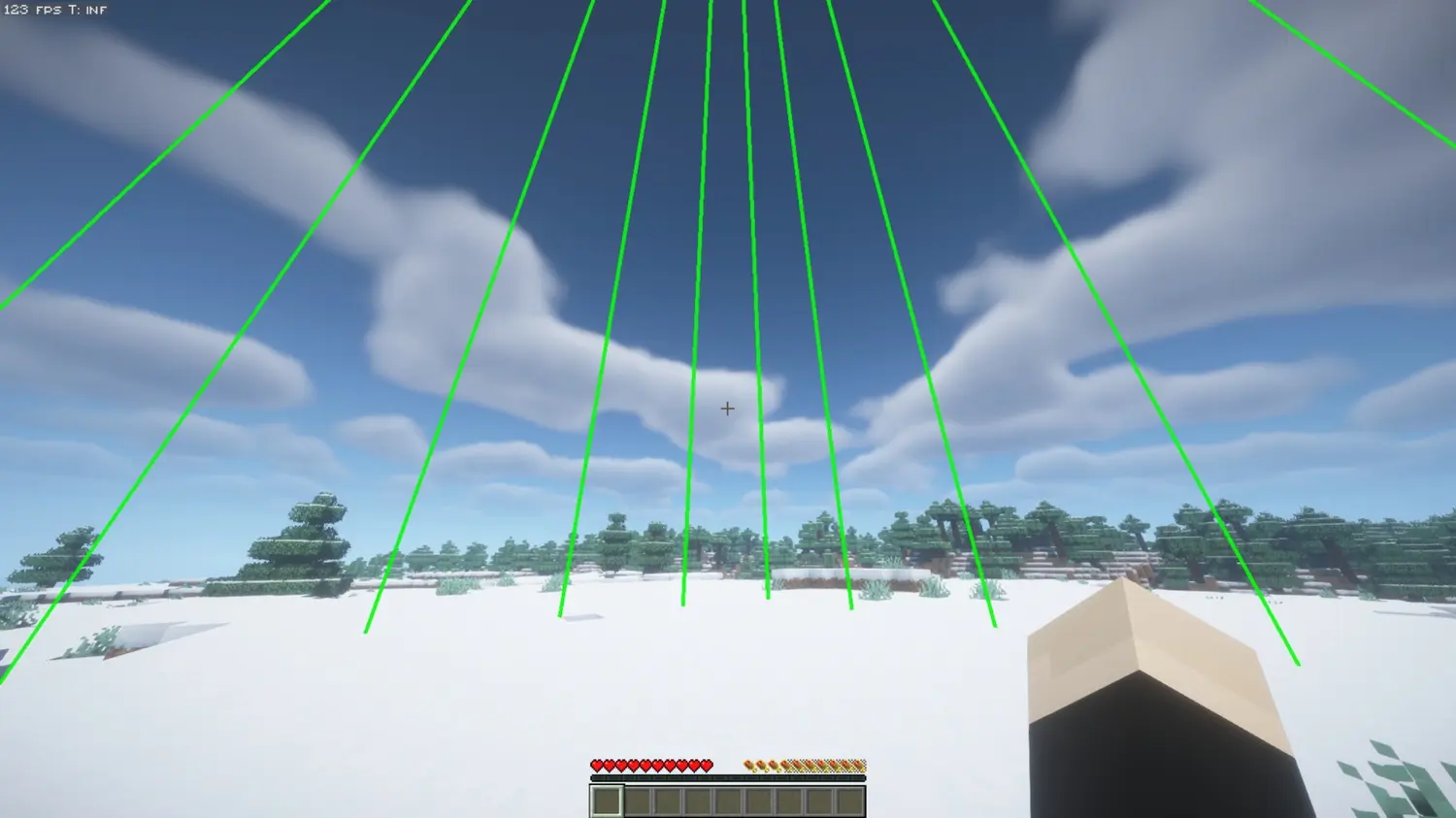
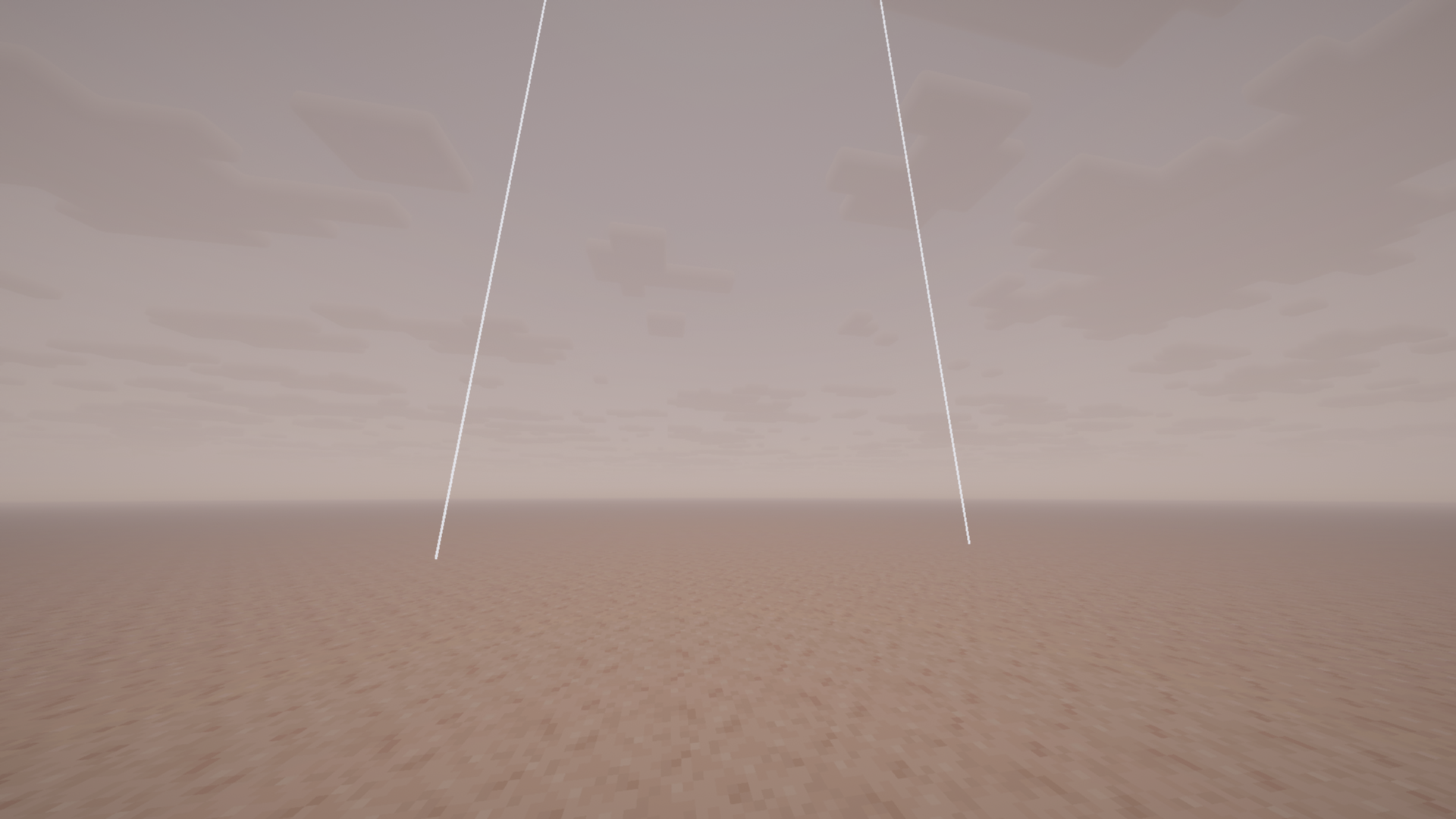
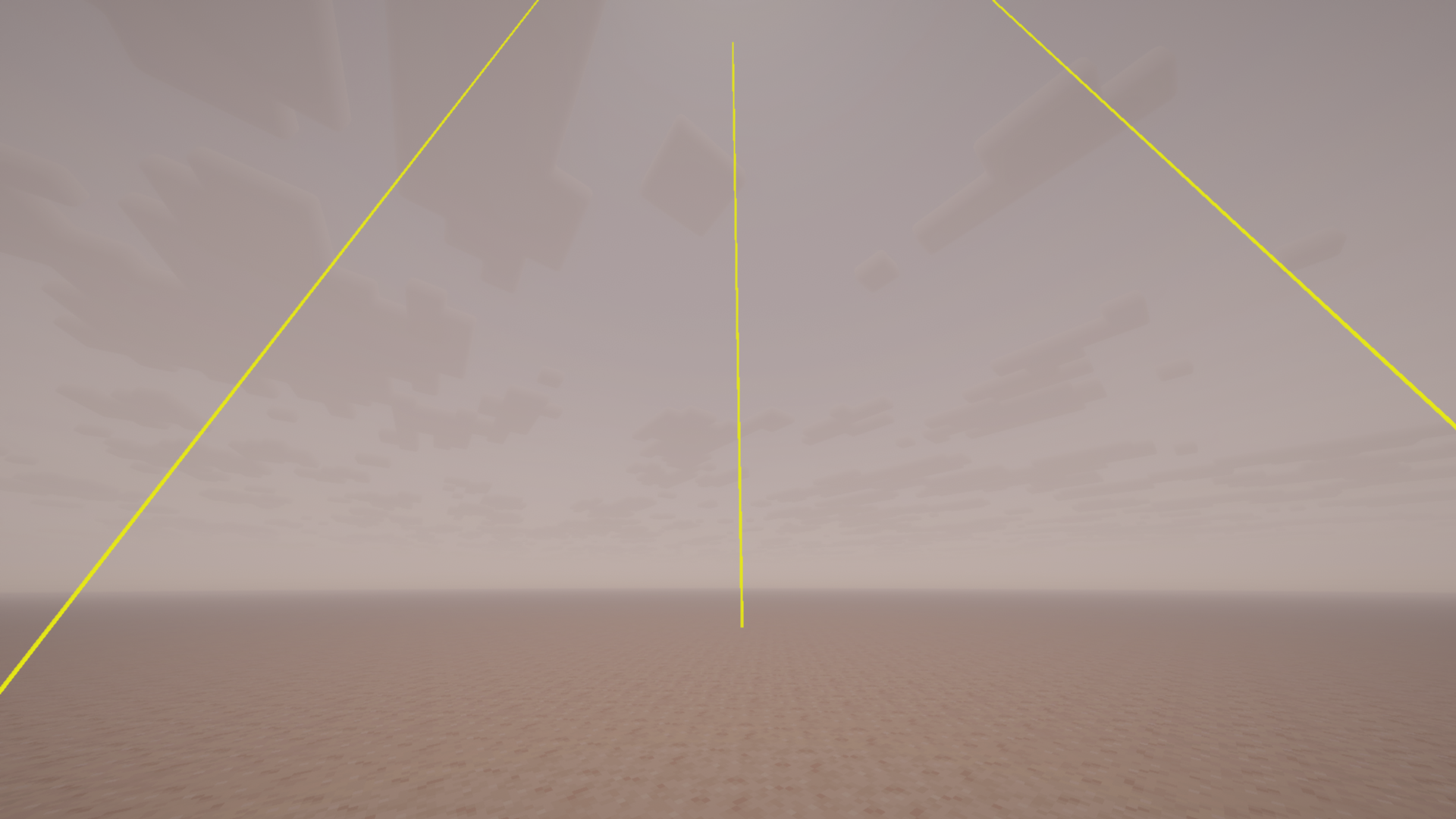
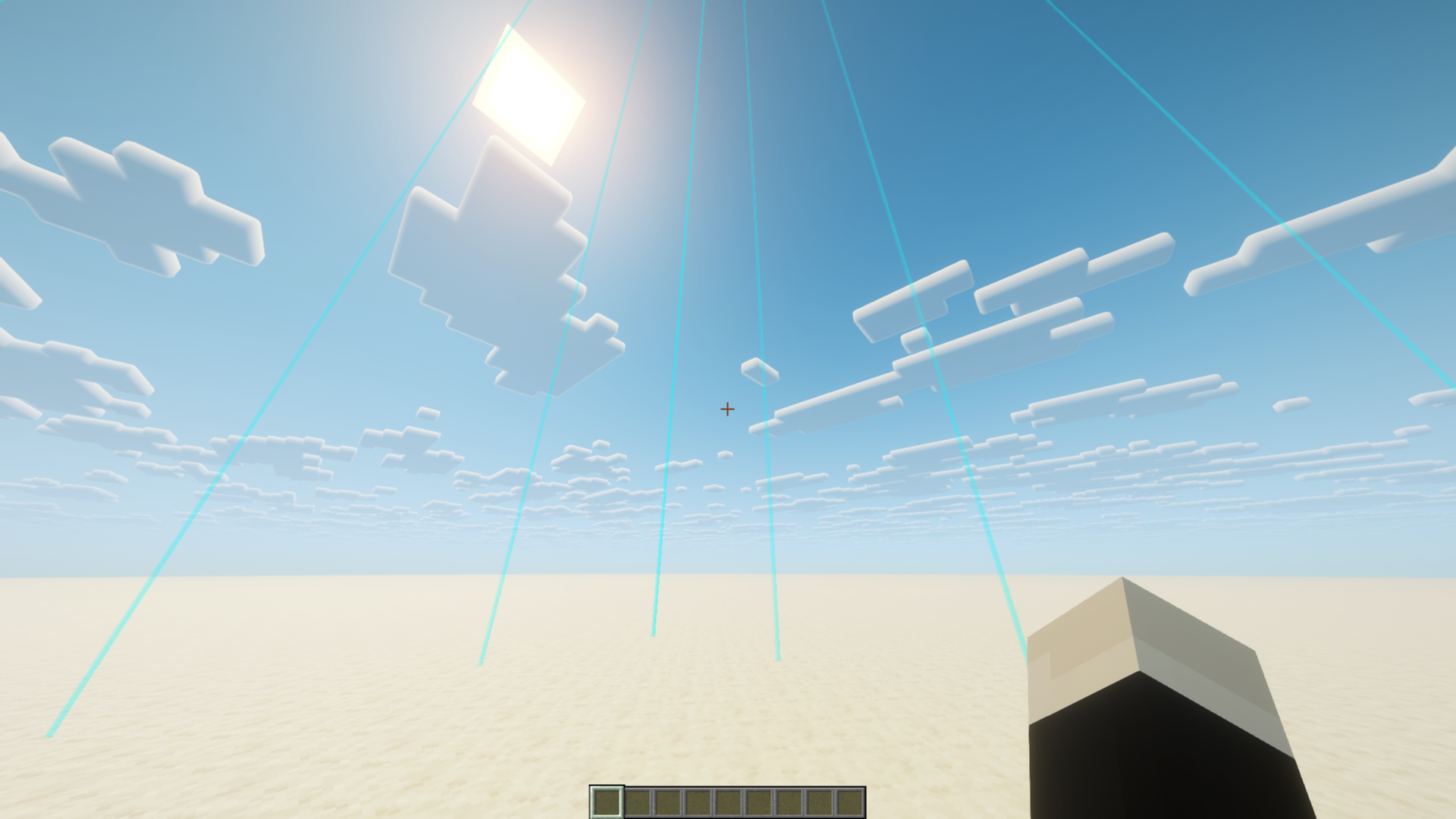
Better Chunk Borders is a lightweight, client sided utility mod that brings chunk boundaries with fully customizable grid lines. Whether you are planning intricate builds, hunting slime chunks, or making redstone stuff and contraptions, this mod gives you precise chunk awareness at a glance without looking ugly.
Features
Sleek Custom GUI & Easy Keybinds
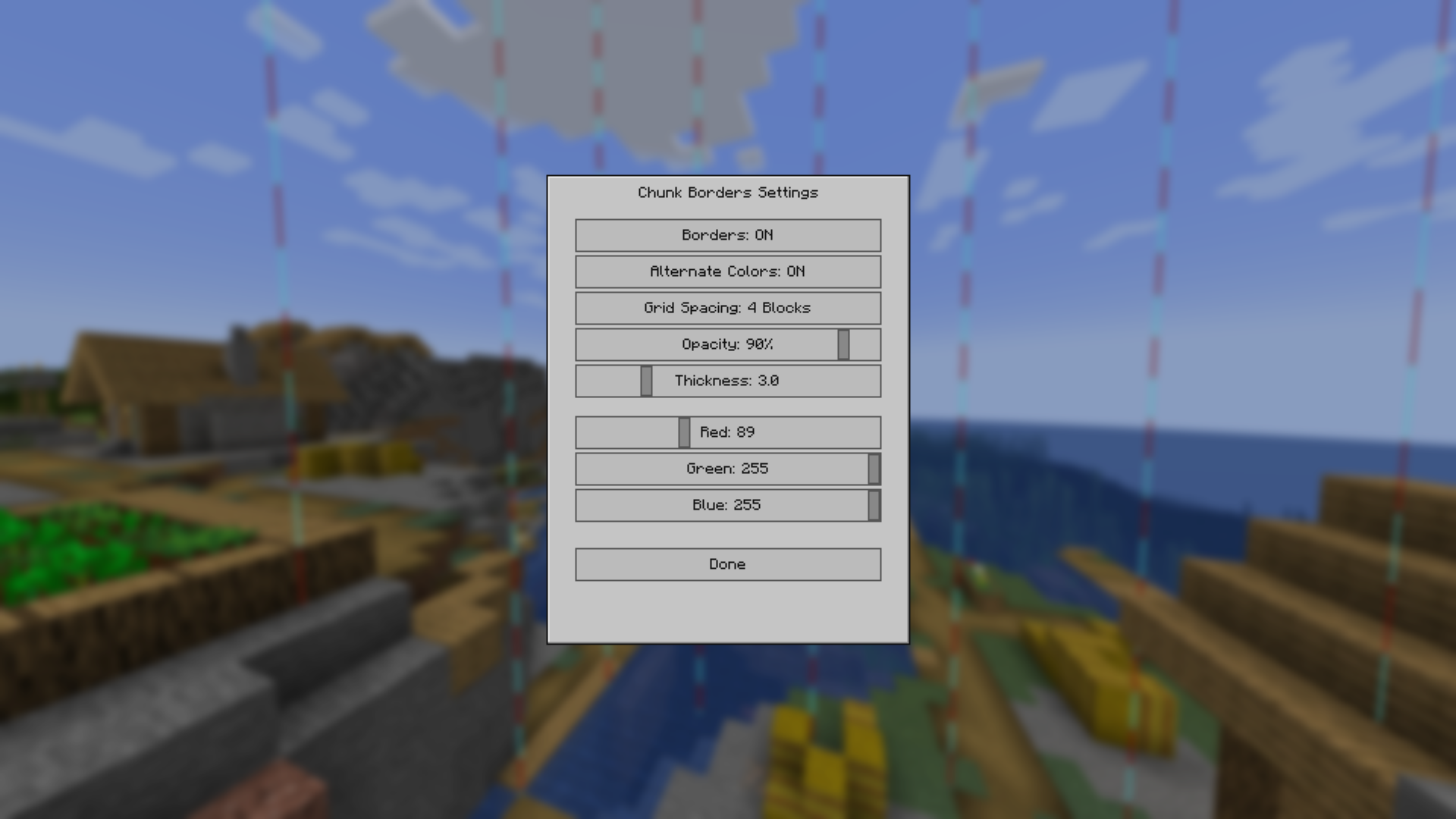
- Press B (default) to instantly open the intuitive, custom-designed settings panel.
- Toggle chunk borders on and off directly from the menu.
- All settings are automatically saved to your configuration file.
Flexible Grid Spacing
- Display chunk borders as vertical grid lines extending 64 blocks above and below your position.
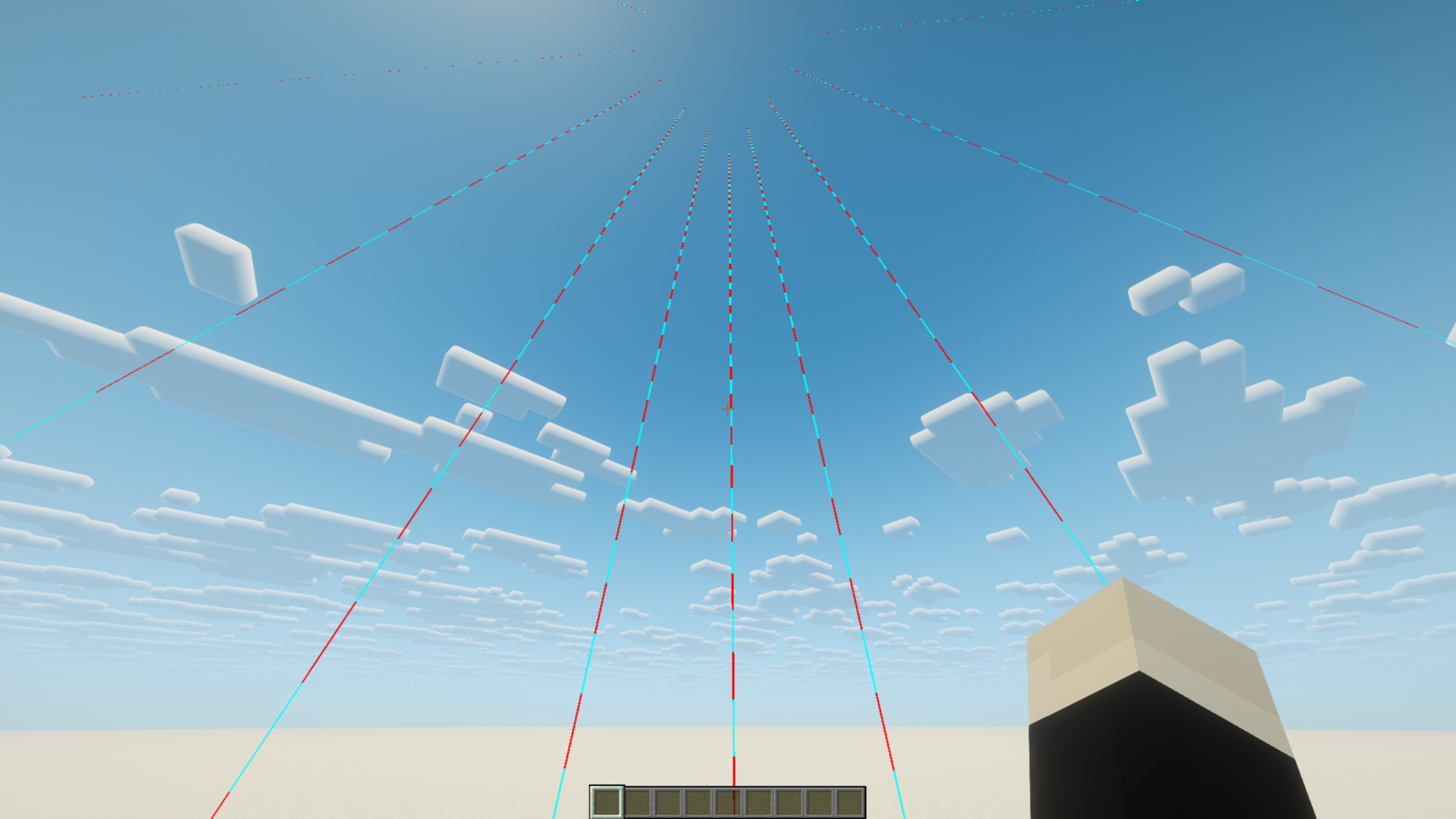
- Adjustable Line Spacing: Cycle the grid density along the chunk walls to show lines every 16, 8, 4, 2, or 1 block.
- Keeps the inside of your chunks clear while perfectly outlining the perimeter.
Extensive Customization
- Infinite Colors: Dial in your exact preference using the custom Red, Green, and Blue (RGB) sliders.
- Line Thickness: Adjust the thickness of the borders from thin and subtle to thick and bold.
- Opacity Control: Fine tune transparency to reduce visual clutter.
- Alternate Y Colors: Toggle a mode that inverts the border colors every alternating block along the Y axis, making it incredibly easy to count blocks and gauge depth.
Performance-Optimized
- Minimal impact on frame rates thanks to efficient rendering.
- Only renders what you see.
Use Cases
- Build Planning: Align structures perfectly with chunk boundaries for optimal organization.
- Slime Chunk Hunting: Quickly identify chunk borders to locate slime gen chunks.
- Farm + Redstone Optimization: Ensure technical builds span chunks correctly for maximum efficiency.
- Navigation: Always know which chunk you are in at a glance.
Getting Started
- Press B to open the settings menu.
- Click Borders: OFF to toggle them ON.
- Customize your RGB color, opacity, line thickness, and grid spacing to your preference.
- Click Done and apply your new settings.
Compatibility
- Minecraft Versions: Fully compatible with 1.21.x and 26.x
- Server Compatibility: Works on any server without the need for special permissions, plugins, or setup.
- Client-Side Only: Install strictly on your client.
常见问题
BetterChunkBorders 支持哪些 Minecraft 版本?
BetterChunkBorders 支持 Minecraft Java 版 1.21–26.1.2,共 15 个版本,可用的加载器:Fabric。下载时注意选择和你游戏版本一致的文件。
BetterChunkBorders 怎么安装?
先用 PCL2 或 HMCL 启动器安装对应版本的 Fabric,再把下载的 .jar 文件放进游戏目录的 mods 文件夹,重新启动游戏即可。开启了版本隔离的,mods 文件夹在 versions/版本名 下面。运行环境:仅客户端。
Cinnamonpuma 的其他作品
查看全部 →
Cinnamon Client
Custom gui with cool hud elements that are great.

AudioBridge
AudioBridge is a Fabric mod that displays your currently playing Spotify (or any media) song and artist on your Minecraft HUD, complete with album art fetched automatically, no account linking required.

CookieClickerUltimate
Minecraft themed idle game overlay. Build a cookie empire with iconic structures, research advanced technologies, and earn Nether Star prestige bonuses to achieve massive production rates!
评论
登录后评论和评分