
Asylum Engine
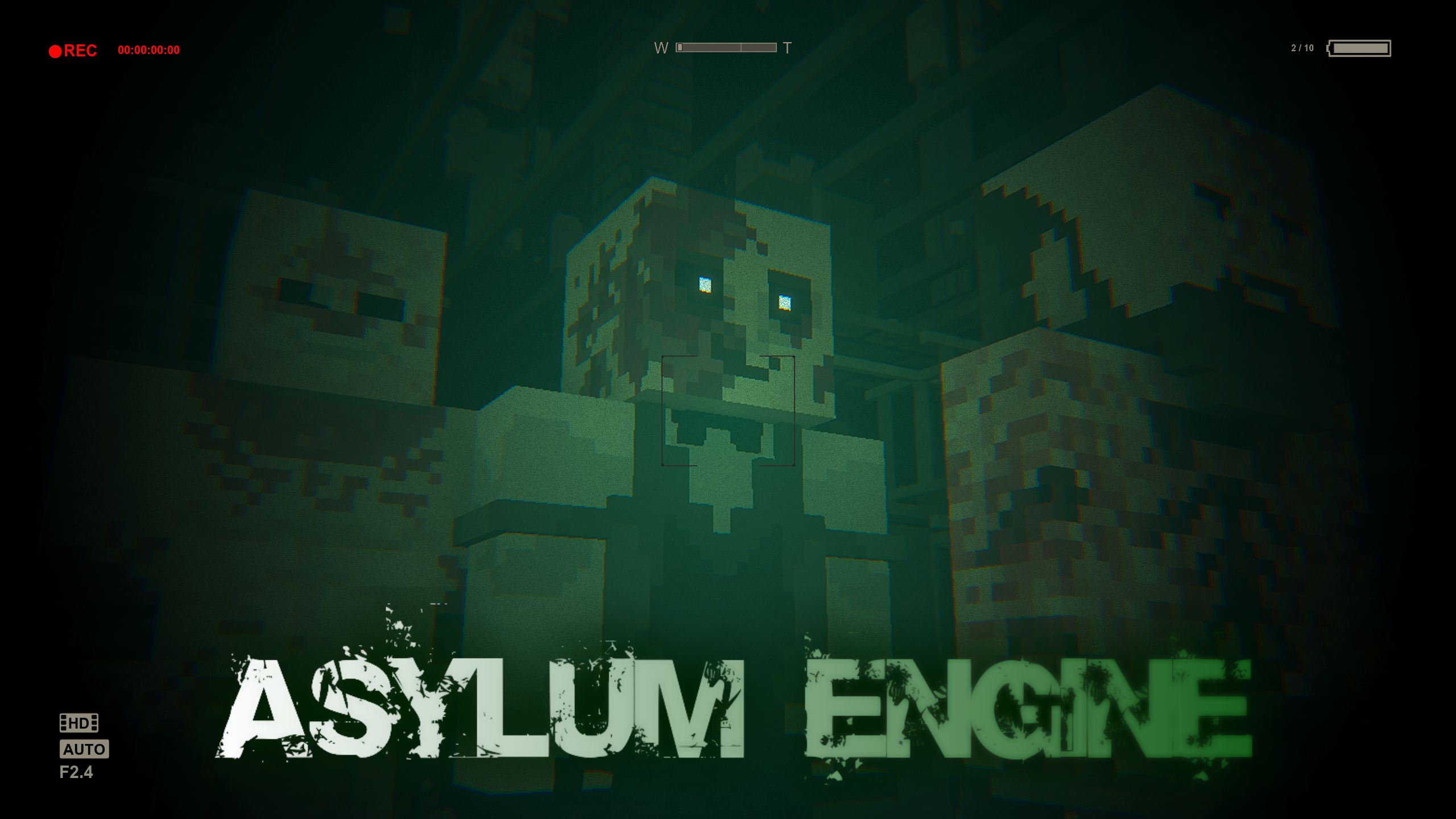
Asylum Engine is a mod that brings the Outlast I experience to Minecraft! Successor to the AsylumZ mod, Asylum Engine lets you create high quality Outlast levels.
截图
介绍
This mod is quite old and a lot of the code is a mess, has some known issues in multiplayer. Sorry </3
Asylum Engine is a mod that brings the Outlast I experience to Minecraft!
Successor to the AsylumZ mod, Asylum Engine lets you create high quality Outlast levels.
Added Gameplay Mechanics:
- Crawling/Hiding
- Climbing Over Tall Obstacles
- Squeezing Between Obstacles
- Chase Scenes
- Enemies
- Savepoints
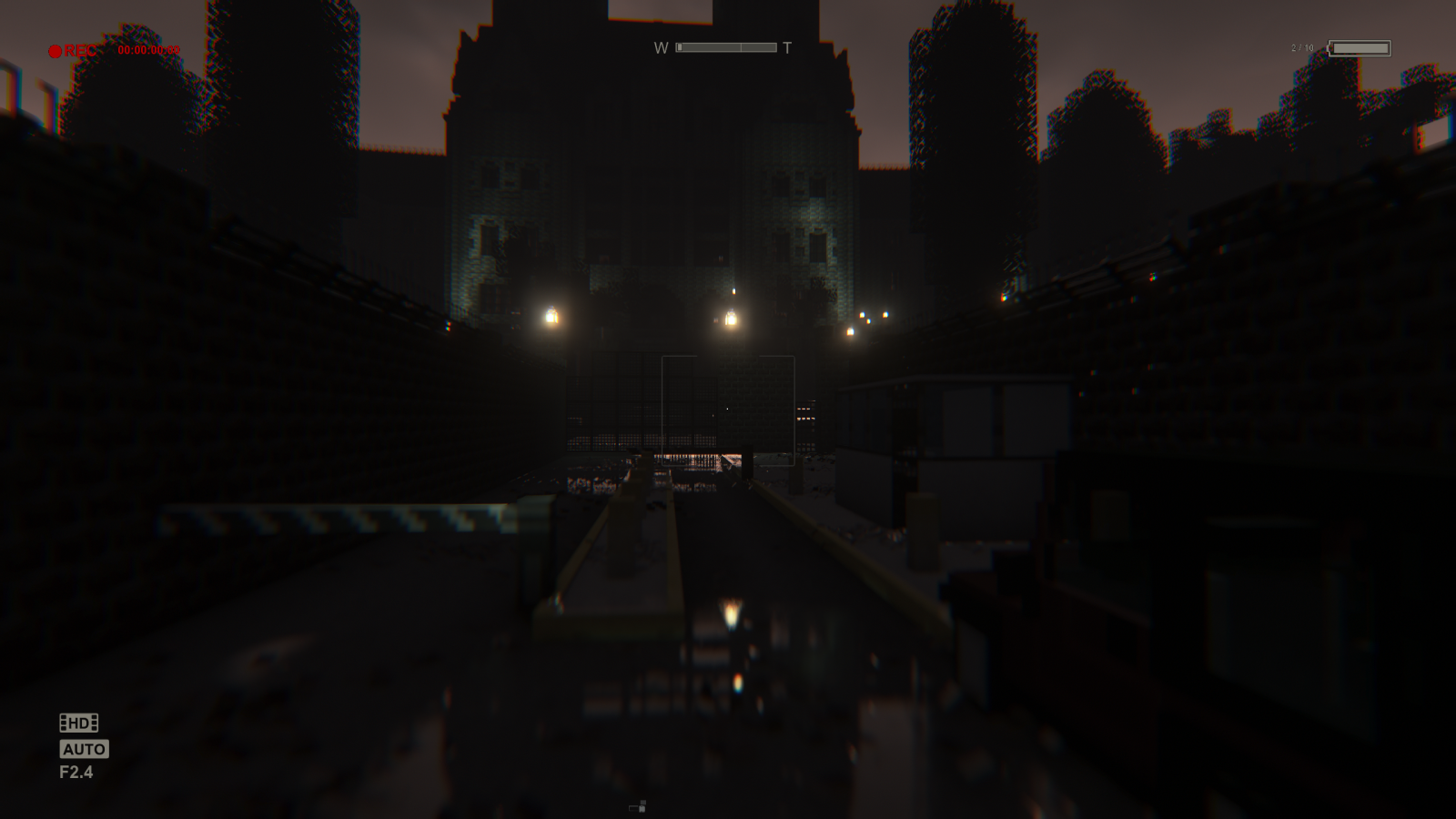
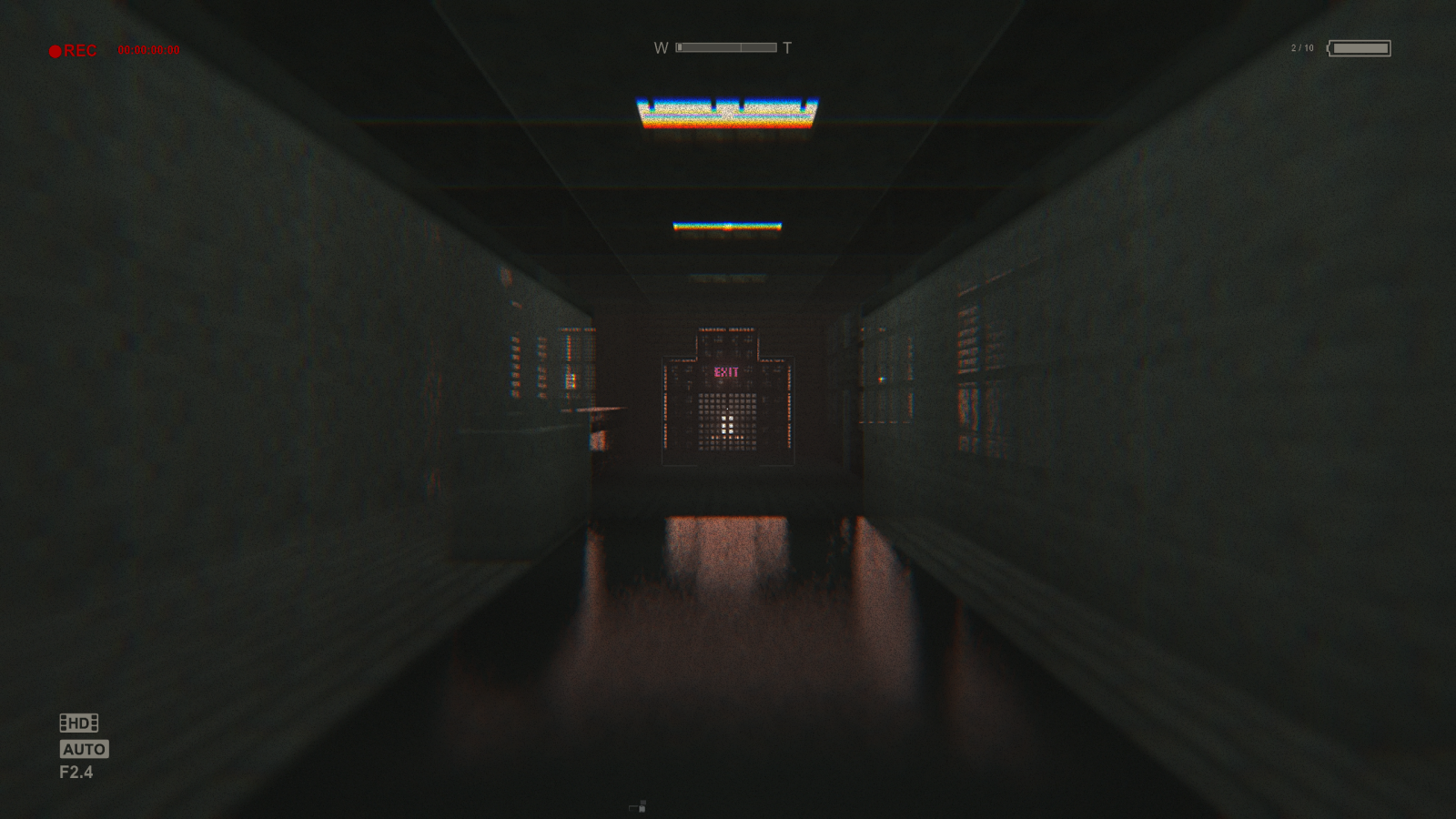
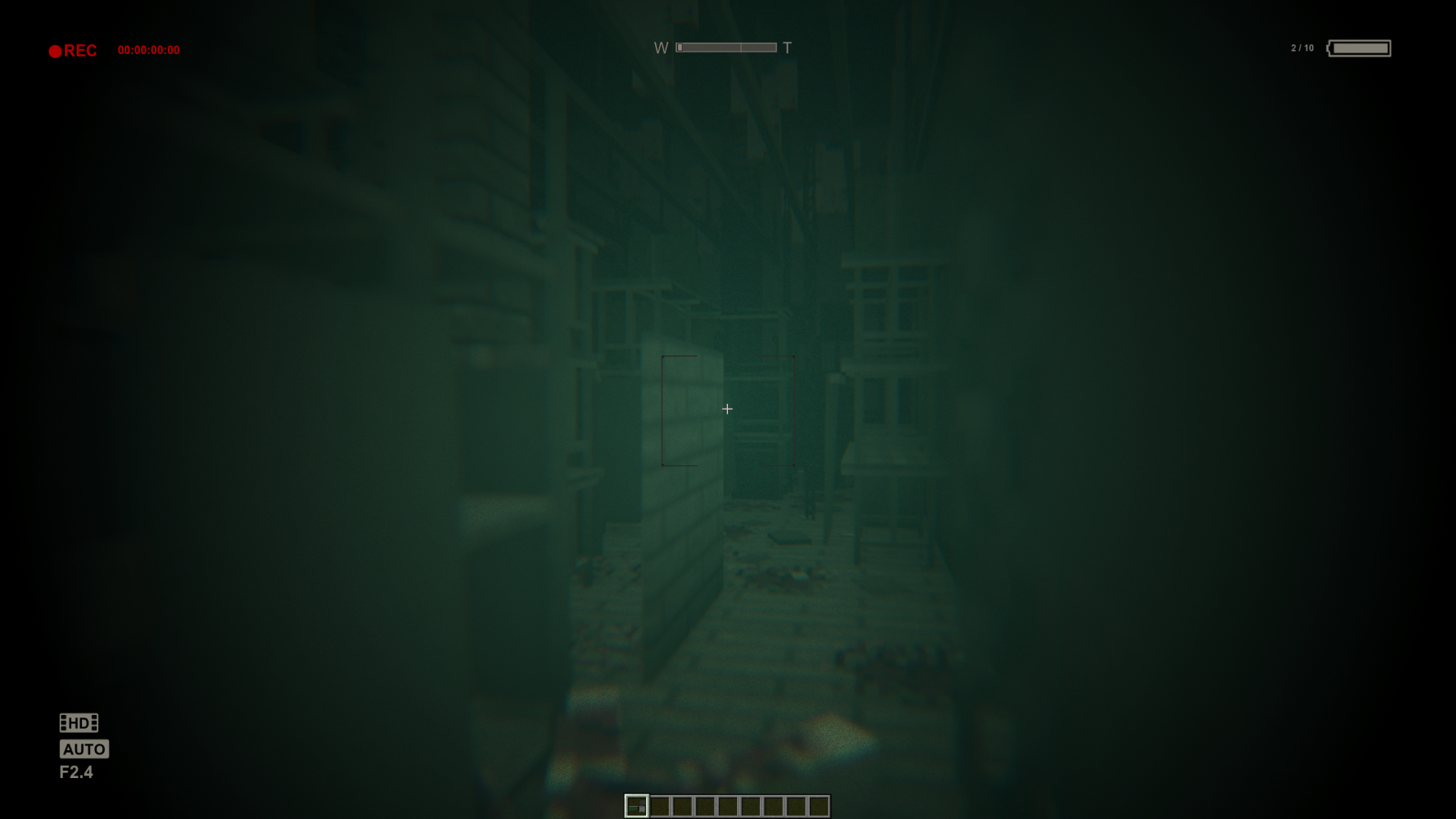
- Infrared Camcorder
Other Features:
- Accurate Sound Design to simulate Outlast
- Custom Blocks
- Custom Furniture
- More
For The Best Experience:
- Use Complementary Shaders v4.6 with the Provided Settings
[Or another shader that allows for dynamic lighting and complete darkness]
- Makes sure “Mod Resources” is on top in the Resource Pack Settings
- Music volume should be 0%
- Ambient volume should be around 30%
- FOV set to Normal or 60
- View Bobbing On
[Connected textures OFF if you notice any weird textures!]
Tips on creating your own levels:
- Don’t wear Miles’ Clothes as they force you into Adventure Mode
- Equip the Developer View in your Off-Hand to see and interact with the Function Blocks
- You can right-click on a function block to delete it
- Look around the Demo World to see how the Function Blocks are being used
Function Blocks:
- Key to creating and playing levels, these entities let you bring the gameplay of Outlast to your world.
Useful Information:
- Save Functions, Enemy Trigger Functions and Enemy Spawn Functions should be kept close for things to work properly.
- Always place Enemy Triggers before the Enemy Spawn Function, if the Enemy Spawn function is out of range it will spawn the enemy regardless.
- All Functions can be reset by dying.
Thanks for reading and have fun!
常见问题
Asylum Engine 支持哪些 Minecraft 版本?
Asylum Engine 支持 Minecraft Java 版 1.19.2–1.20.1,共 3 个版本,可用的加载器:Forge / NeoForge。下载时注意选择和你游戏版本一致的文件。
Asylum Engine 怎么安装?
先用 PCL2 或 HMCL 启动器安装对应版本的 Forge / NeoForge,再把下载的 .jar 文件放进游戏目录的 mods 文件夹,重新启动游戏即可。开启了版本隔离的,mods 文件夹在 versions/版本名 下面。运行环境:客户端和服务端都要装。
Roxanne 的其他作品
查看全部 →
Endertech Infinity
Game expansion mod, adding post-End content, many worlds to explore and much more!
Asylum Engine
Asylum Engine is a mod that brings the Outlast I experience to Minecraft! Successor to the AsylumZ mod, Asylum Engine lets you create high quality Outlast levels.

Voxelprint’s Desert
Adds content to vanilla deserts, desert caves and more!

Voxelprint
Modpack for the official Voxelprint SMP.
评论
登录后评论和评分