
截图
介绍
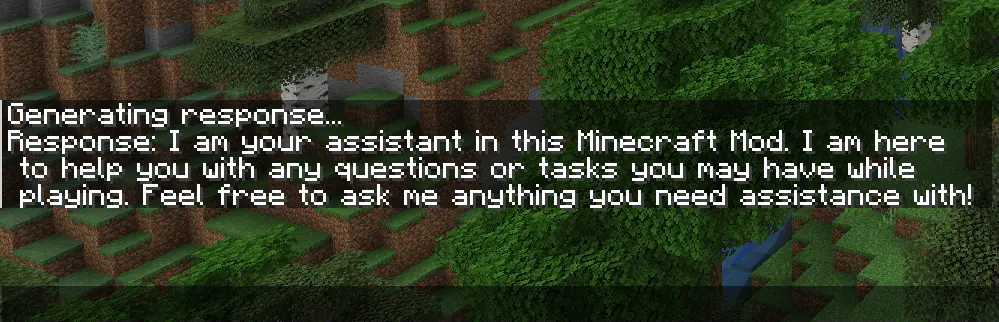
This fully client side mod adds a command that allows you to communicate with ChatGPT while playing Minecraft. It also works while you are playing on a Server. With the added “/ask“ command, you can ask any question you want and receive an answer in the Minecraft chat:

With the newest Version, you can now also upload pictures to ChatGPT. When you take a screenshot, you can see a button called “Send to OpenAI”. Now you type in your question an hit enter. Make sure you use a model wich can process pictures like “gpt-4o-mini` if you have used the mod before the latest version, you have to change your model from `gpt-3.5-turbo` to `gpt-4o-mini“.


Setup Guide
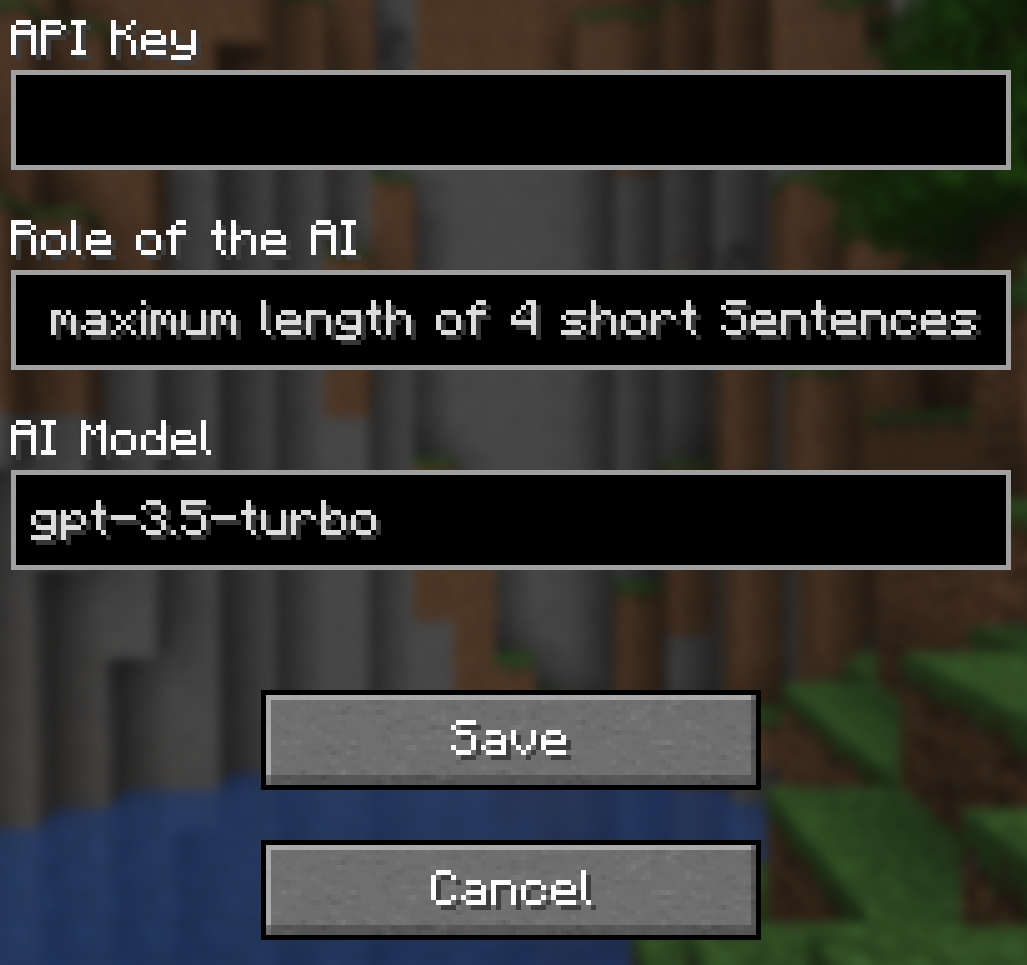
To use the mod, you first need to type “/config` without any arguments to open the config screen. There you have to paste your OpenAI API Key and hit save. You can also use `/config OPENAI_API_KEY <Your API key>“ to connect your client to the OpenAI API. Your API key is obtainable here.

Make sure you have some funds in your OpenAI account. The default model (“gpt-4o-mini“) doesn’t really require any money, but you still need a minimum balance of $0.01 to use the API. You can add funds to your account here
Configuration
If you want to use a model other than “gpt-4o-mini` (e.g., `gpt-4o`), you can configure it by changing the name of the model in the config screen or you type `/config AI_MODEL <AI model you want to use>“. Keep in mind that better models are also more expensive. You can view all available models here.

To change the role of ChatGPT, you have to change the sentance in the role field at the config screen or you type “/config ROLE_OF_THE_AI <Role the AI should play>“
. The default role is:
_”You are an assistant implemented in a Minecraft mod to help players. You provide short answers with a maximum length of 4 short sentences.”_

常见问题
AIChat 支持哪些 Minecraft 版本?
AIChat 支持 Minecraft Java 版 1.20–1.21.5,共 13 个版本,可用的加载器:Fabric。下载时注意选择和你游戏版本一致的文件。
AIChat 怎么安装?
先用 PCL2 或 HMCL 启动器安装对应版本的 Fabric,再把下载的 .jar 文件放进游戏目录的 mods 文件夹,重新启动游戏即可。开启了版本隔离的,mods 文件夹在 versions/版本名 下面。运行环境:仅客户端。
评论
登录后评论和评分