
截图



介绍
<img
src=”https://cdn.modrinth.com/data/cached_images/c619df175dccd5b1aae708cfb6390d31925124b6.png”
alt=”3D SIGNS”
width=”600″>




<img
src=”https://cdn.modrinth.com/data/cached_images/17aeebc13d1a3219e7e518d7a7f22a49446d7a4a_0.webp”
alt=”Description”
width=”300″>
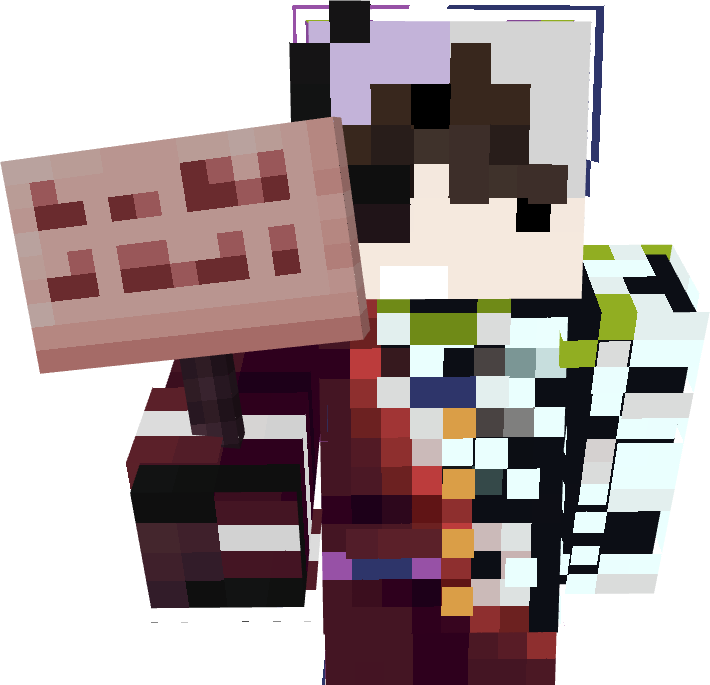
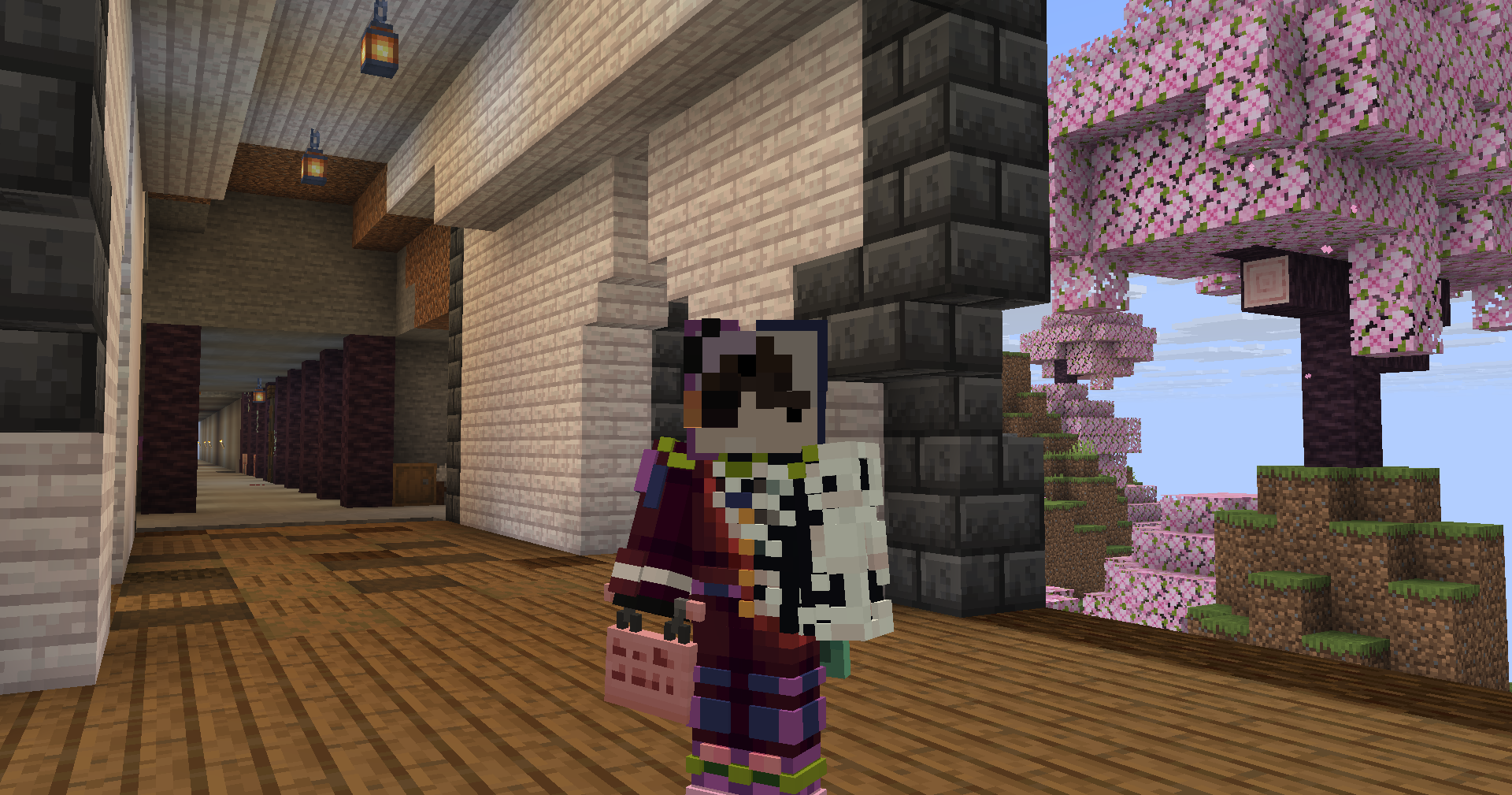
Why not make the signs 3D? Now you can! This pack makes signs appear the way they should — the player now actually holds the sign, both for regular and hanging signs.
<img
src=”https://cdn.modrinth.com/data/2Xe7NwJu/images/666d8636c9930c178f4e0ac141c64bdd01496690.png”
alt=”3D SIGNS IMAGE”
width=”400″>
<img
src=”https://cdn.modrinth.com/data/2Xe7NwJu/images/eaa95de5650388e41f1b983156d7614efcb0a892.png
“
alt=”3D SIGNS IMAGE2″
style=”max-width:100%; height:auto;”>
常见问题
3D Signs 支持哪些 Minecraft 版本?
3D Signs 支持 Minecraft Java 版 1.21.1–26.3,共 16 个版本。下载时注意选择和你游戏版本一致的文件。
3D Signs 怎么安装?
把下载的 .zip 文件(不用解压)放进游戏目录的 resourcepacks 文件夹,进游戏后在「选项 → 资源包」里把它移到右边启用。
Drigo 的其他作品
查看全部 →
Drigo 3D Lantern`s x Punchy
为Minecraft添加3D灯笼,以及与Punchy兼容的Holding效果。

Rain to Snow
A texture pack that changes the rain texture to make it look like snow.

Drigo Better Beds
This Texture Pack changes the model of the bed without needing to use mods.

Better 3D Bundles
Minecraft Bundles But in a much more nicer version, in 3D
评论
登录后评论和评分