
截图


介绍
中文介绍正在准备中,下面暂时显示原文。
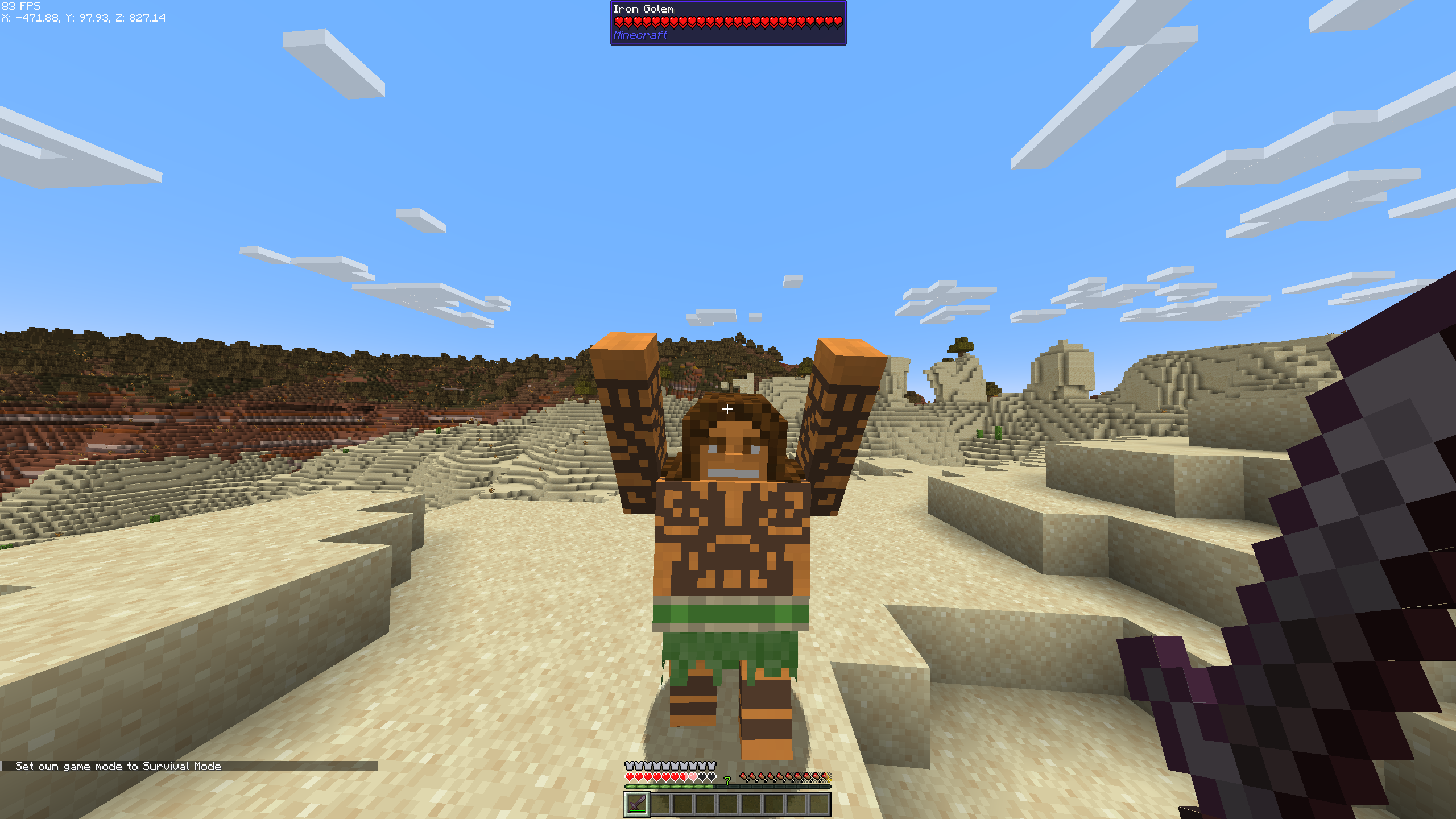
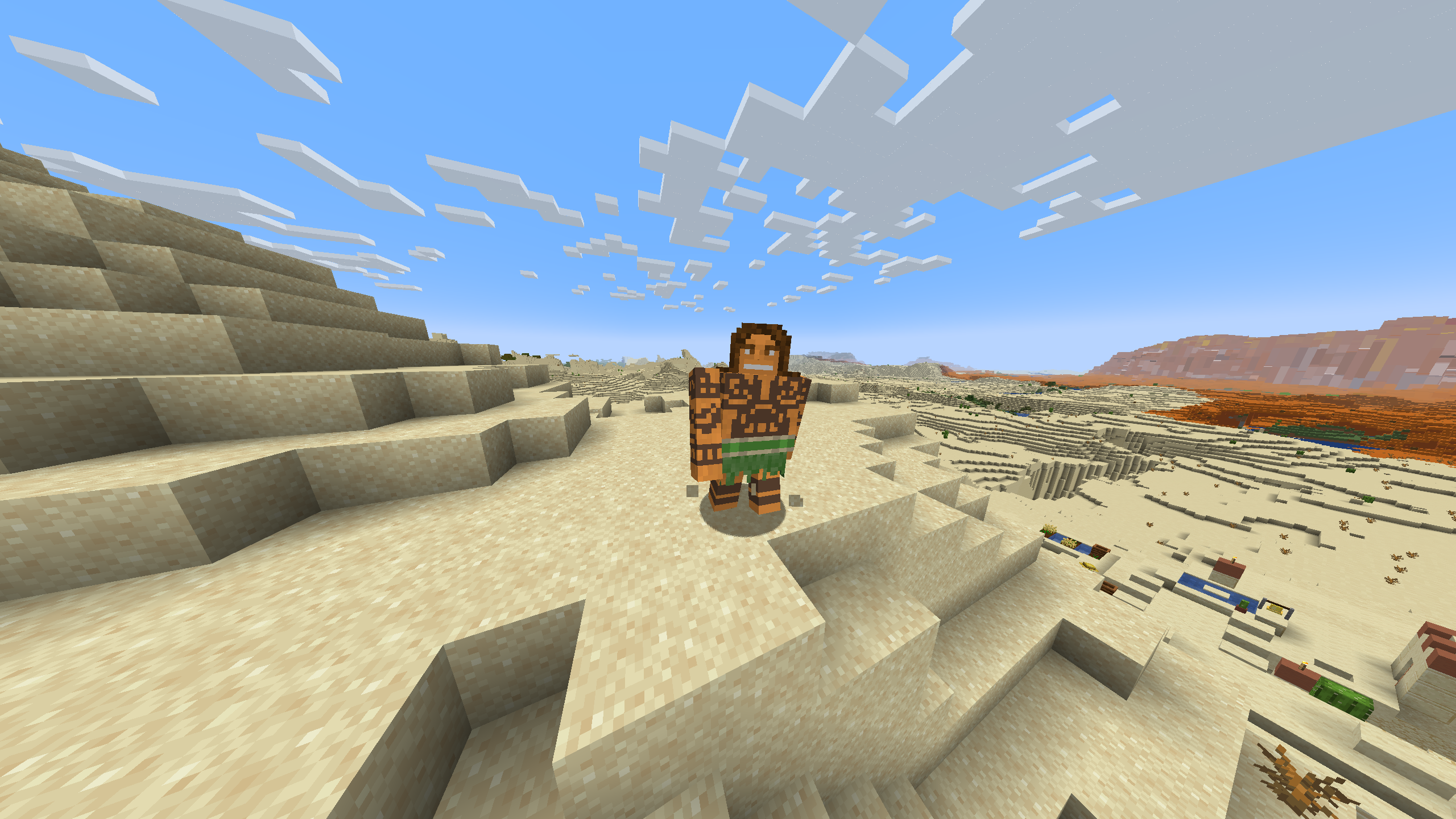
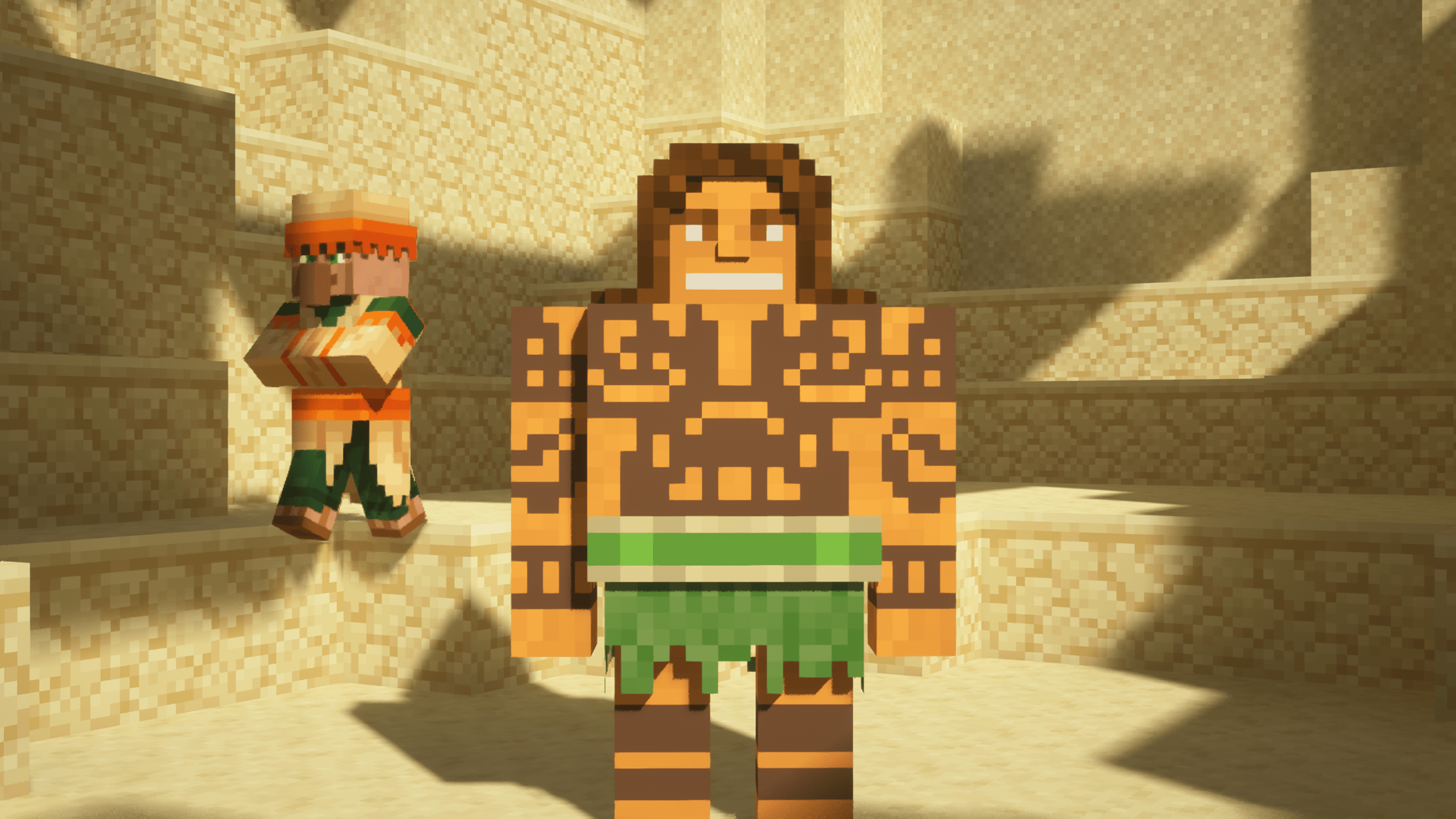
Maui Iron Golem Texture Pack
So what can I say except you’re welcome!
The textures I used are from this skin
Features
- Compatible with all versions of Minecraft that support Optifine.
- Works seamlessly with Fabric on versions that include the EMF (Entity Model Features) mod.
Compatibility
- Optifine: Compatible with all versions that support Optifine. Download Optifine
- EMF Mod for Fabric: Works with all versions of Fabric that include the EMF mod. Download EMF Mod
Screenshots
Installation
- Download and install Optifine or Fabric with the EMF mod, depending on your Minecraft version.
- Download the Maui Iron Golem Texture Pack.
- Place the texture pack in the “resourcepacks” folder in your Minecraft directory.
- Activate the texture pack in the Minecraft game settings.
常见问题
Maui Iron Golem 支持哪些 Minecraft 版本?
Maui Iron Golem 支持 Minecraft Java 版 1.20.1–1.20.2,共 2 个版本。下载时注意选择和你游戏版本一致的文件。
Maui Iron Golem 怎么安装?
把下载的 .zip 文件(不用解压)放进游戏目录的 resourcepacks 文件夹,进游戏后在「选项 → 资源包」里把它移到右边启用。

评论
登录后评论和评分