
截图
介绍
Particle Tweaker
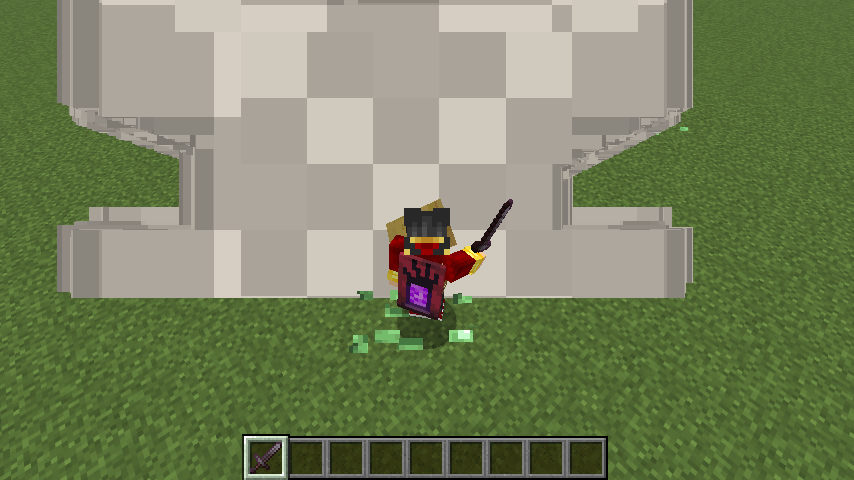
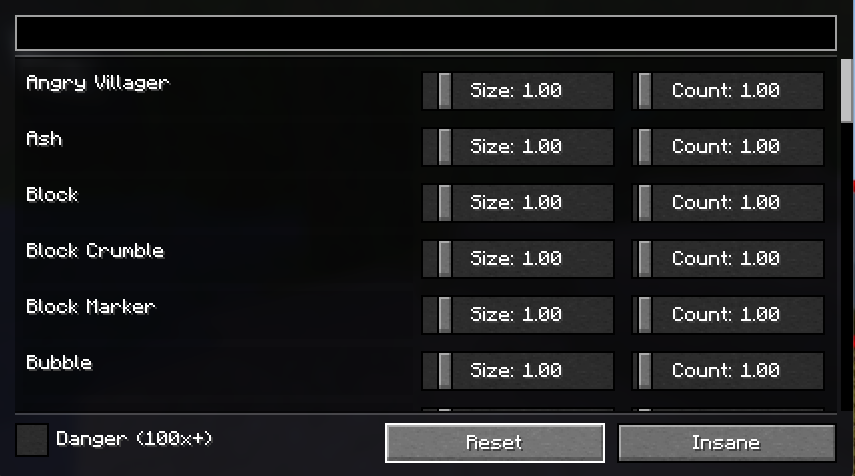
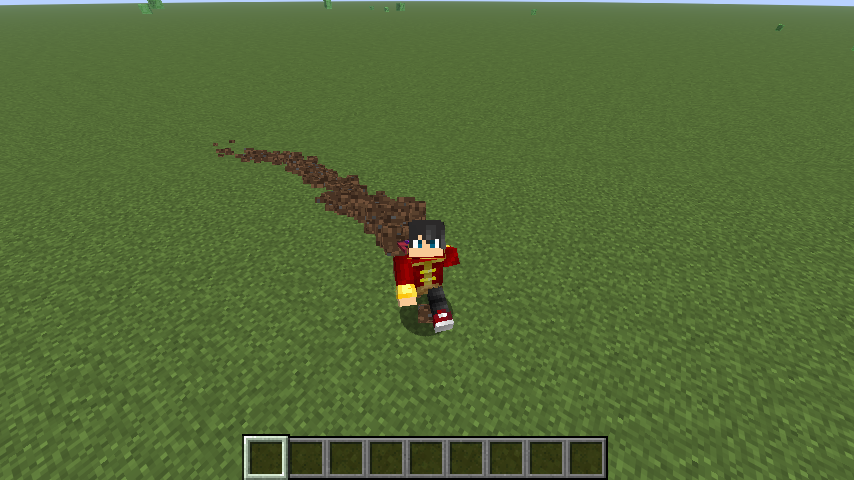
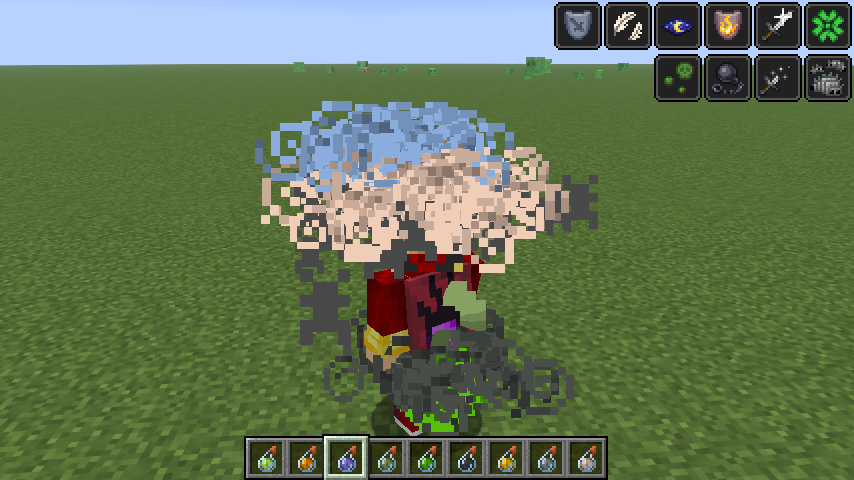
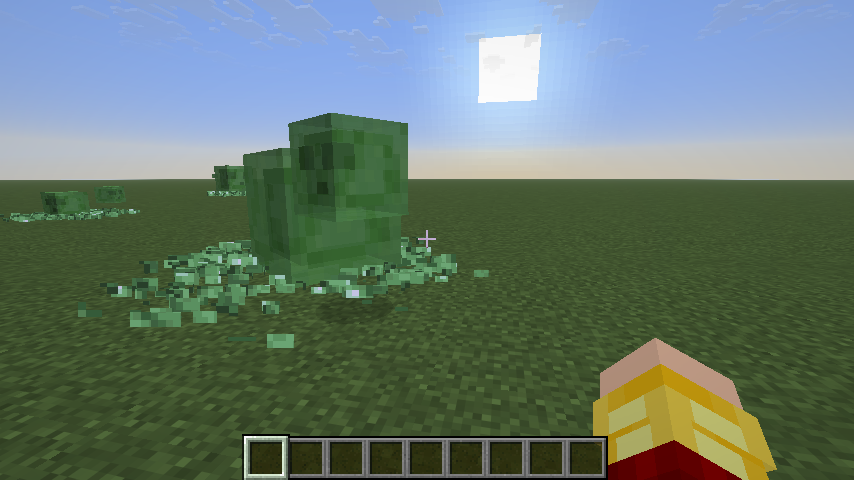
Particle Tweaker gives you full control over Minecraft’s particle effects. This mod adds a menu that lets you adjust the size and amount of every particle effect in Minecraft. This menu is accessible via mod menu. Just press the mod menu button, go on to the mod and press configure. By configuring the particles, you can adjust minecraft to your liking. Whether you want cleaner visuals, better performance, or over-the-top chaos, Particle Tweaker puts the choice in your hands.
Features
- Adjust particle size and count independently
- Works with all vanilla particle types
- Changes apply instantly
- Particles are searchable
- Presets:
- Reset – restore vanilla behavior instantly
- Insane – extreme effects for fun or chaos
- Danger mode (100x+) for more configuration.
Why use Particle Tweaker?
- Customize visuals for PvP, building, or cinematics
- Improve performance on lower-end systems
- It’s client-side only
Join my discord for suggestions, feedback or bug reports!
This mod requires Fabric API and Mod Menu

常见问题
Particle Tweaker 支持哪些 Minecraft 版本?
Particle Tweaker 支持 Minecraft Java 版 1.21.9–26.3,共 8 个版本,可用的加载器:Fabric。下载时注意选择和你游戏版本一致的文件。
Particle Tweaker 怎么安装?
先用 PCL2 或 HMCL 启动器安装对应版本的 Fabric,再把下载的 .jar 文件放进游戏目录的 mods 文件夹,重新启动游戏即可。开启了版本隔离的,mods 文件夹在 versions/版本名 下面。运行环境:仅客户端。
Zellior 的其他作品
查看全部 →
Mercurizer
Better performance for low-end PCs, potato PCs. Possibly on mobile, and also on some mid- or high-end PCs

OptiPVP
A 2 in 1 PVP and Optimization modpack which improves FPS and PVP client-side while keeping it vanilla.
Better Leaves
Better mobility in forests
Better Leaves
Better mobility in forests
评论
登录后评论和评分