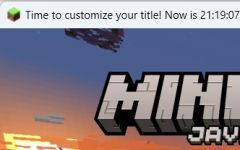
截图
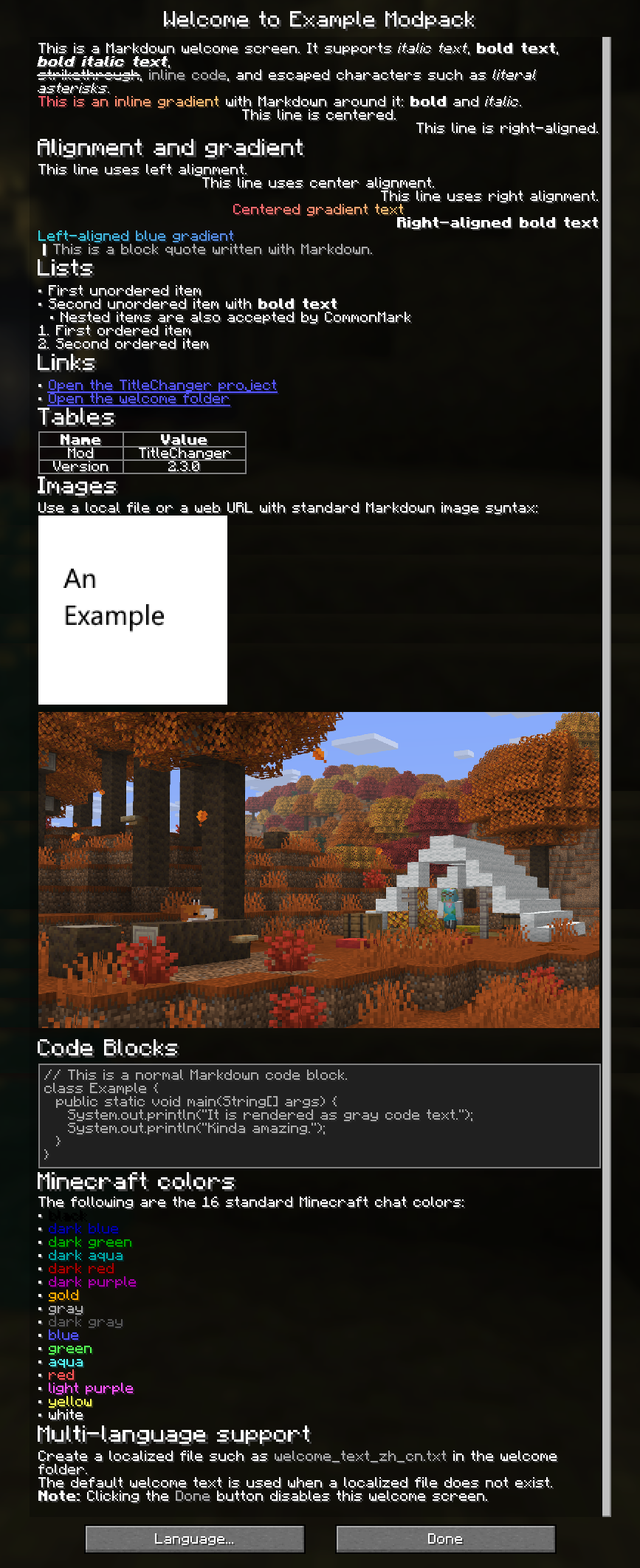
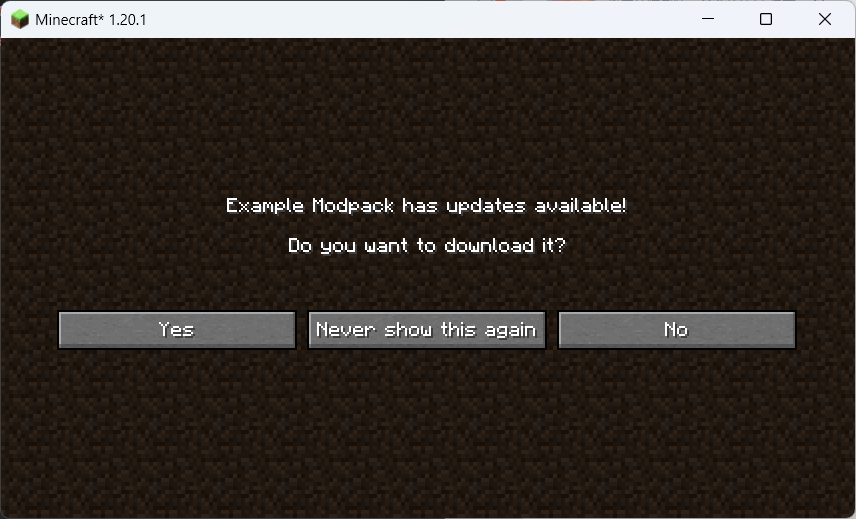
介绍
中文介绍正在准备中,下面暂时显示原文。
Thanks for 5000 downloads!
Description
TitleChanger Next is the next generation of TitleChanger.
It can change the game title, and you can use placeholders to customize your title.
Why TitleChanger Next?
Due to well-known performance issues in the old version, I have decided to abandon it and instead develop a new version.
New features compared to old version
- ModMenu hook
- Config screen
- Better performance (maybe?)
- Special features for Modpacks (see wiki or below)
- Text Placeholder API / Placeholder API NeoForge support
Placeholder
Notes
Since 2.2.0, you can use placeholders from Text Placeholder API or Placeholder API NeoForge,
see for its default placeholders list.
Format
- placeholder with no args
%placeholder%- placeholder with args
%placeholder:arg1,arg2%- placeholder with header (for other mods)
%header_placeholder%- placeholder with header and args (for other mods)
%header_placeholder:arg1,arg2%Note: Built-in placeholders don’t have a header!
Bulitin Placeholders
Constant Placeholders
- %mcver% — get the version of Minecraft
- %hitokoto% — get a sentence from Hitokoto
- %playername% — get the name of the player
- %playeruuid% — get the uuid of the player
- %modver:% return the version of a mod
Auto updated Placeholders
- %syncedtime% — get the time
- %fps% — get fps
- %ping% — get ping (returns 0 if in singleplayer or not playing)
- %playtime% — get played time
- %playingmode% — get the mode that you are playing (empty if not playing)
- %x% — return the x-axis coordinate of the player’s location
- %y% — return the y-axis coordinate of the player’s location
- %z% — return the z-axis coordinate of the player’s location
常见问题
TitleChanger Next 支持哪些 Minecraft 版本?
TitleChanger Next 支持 Minecraft Java 版 1.20.1–26.3,共 23 个版本,可用的加载器:Fabric / NeoForge。下载时注意选择和你游戏版本一致的文件。
TitleChanger Next 怎么安装?
先用 PCL2 或 HMCL 启动器安装对应版本的 Fabric / NeoForge,再把下载的 .jar 文件放进游戏目录的 mods 文件夹,重新启动游戏即可。开启了版本隔离的,mods 文件夹在 versions/版本名 下面。运行环境:仅客户端。

评论
登录后评论和评分