
截图
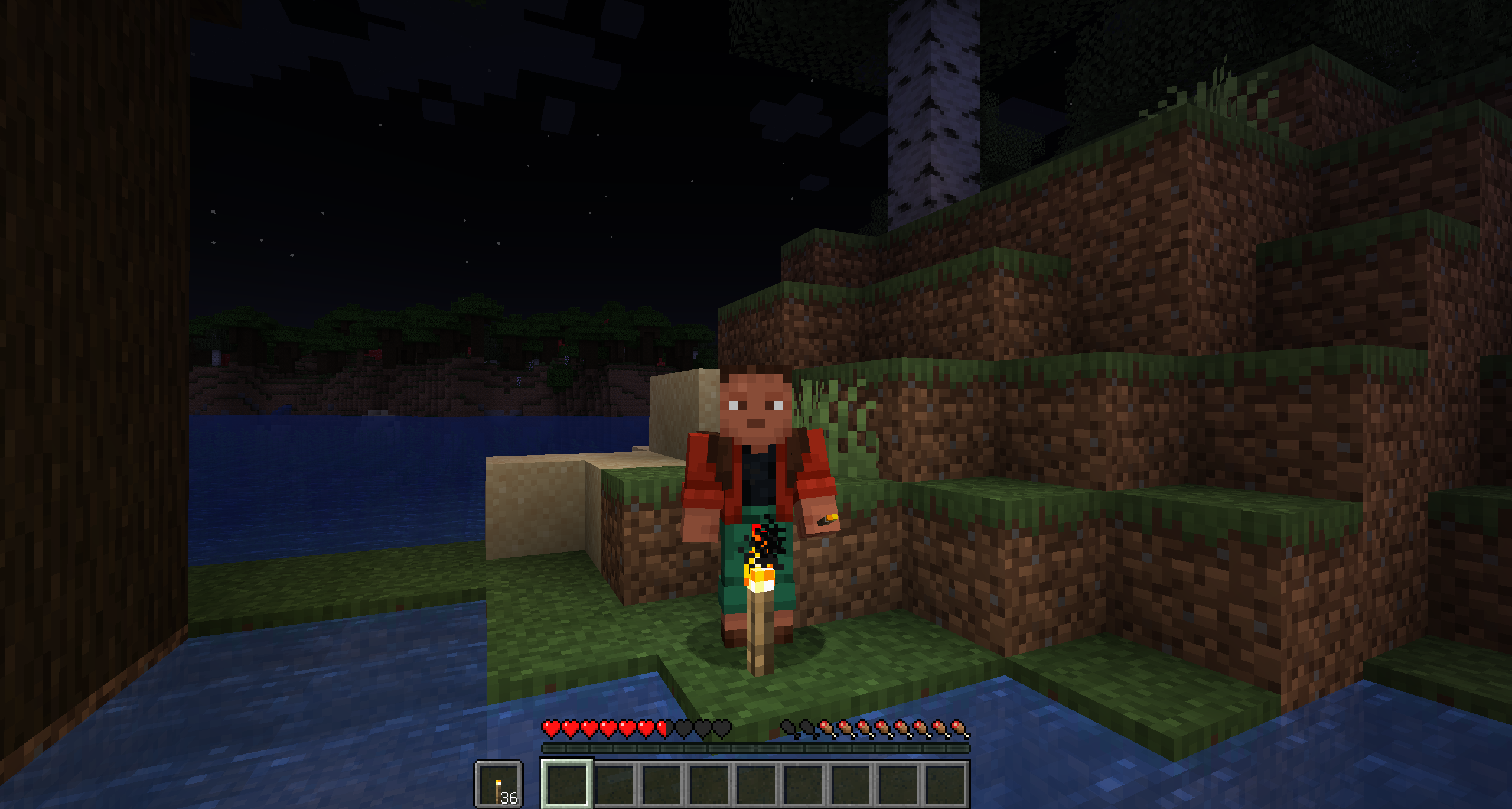

介绍
Automatically places a torch from inventory whenever the area around is too dark.
How to Use It
- The mod works automatically as soon as you install it
- When it gets too dark, it will take a torch from any slot in your inventory and place it for you
- You don’t need to do anything!
Client Configuration
In ModMenu you can configure light treshold. By default it is set to 4.
You can enable and disable autoplacement. There is also a key bind for that — Right Control.
Server Configuration
The mod works perfectly without any extra setup.
But if you want to customize it, create a file config/torchok.server.json with the following content:
{
  "torches": ["minecraft:torch", "minecraft:soul_torch", "minecraft:copper_torch"],
  "placeTimeout": 150
}
What these settings mean:
torches— the list of torches the mod is allowed to place.
You can add or remove torches here (for example, you can add modded torches).
placeTimeout: — this is the minimum time (in milliseconds) between placing two torches. It prevents the mod from spamming torches too quickly.
150 ms = 0.15 seconds — you usually don’t need to change this
常见问题
TorchOK 支持哪些 Minecraft 版本?
TorchOK 支持 Minecraft Java 版 1.21–26.1.2,共 4 个版本,可用的加载器:Fabric。下载时注意选择和你游戏版本一致的文件。
TorchOK 怎么安装?
先用 PCL2 或 HMCL 启动器安装对应版本的 Fabric,再把下载的 .jar 文件放进游戏目录的 mods 文件夹,重新启动游戏即可。开启了版本隔离的,mods 文件夹在 versions/版本名 下面。运行环境:客户端和服务端都要装。


评论
登录后评论和评分