
截图


介绍
中文介绍正在准备中,下面暂时显示原文。
Looking for Atlas for newer versions? Try TheDeathlyCow’s NovoAtlas, a port of Atlas to newer Minecraft versions!
Atlas

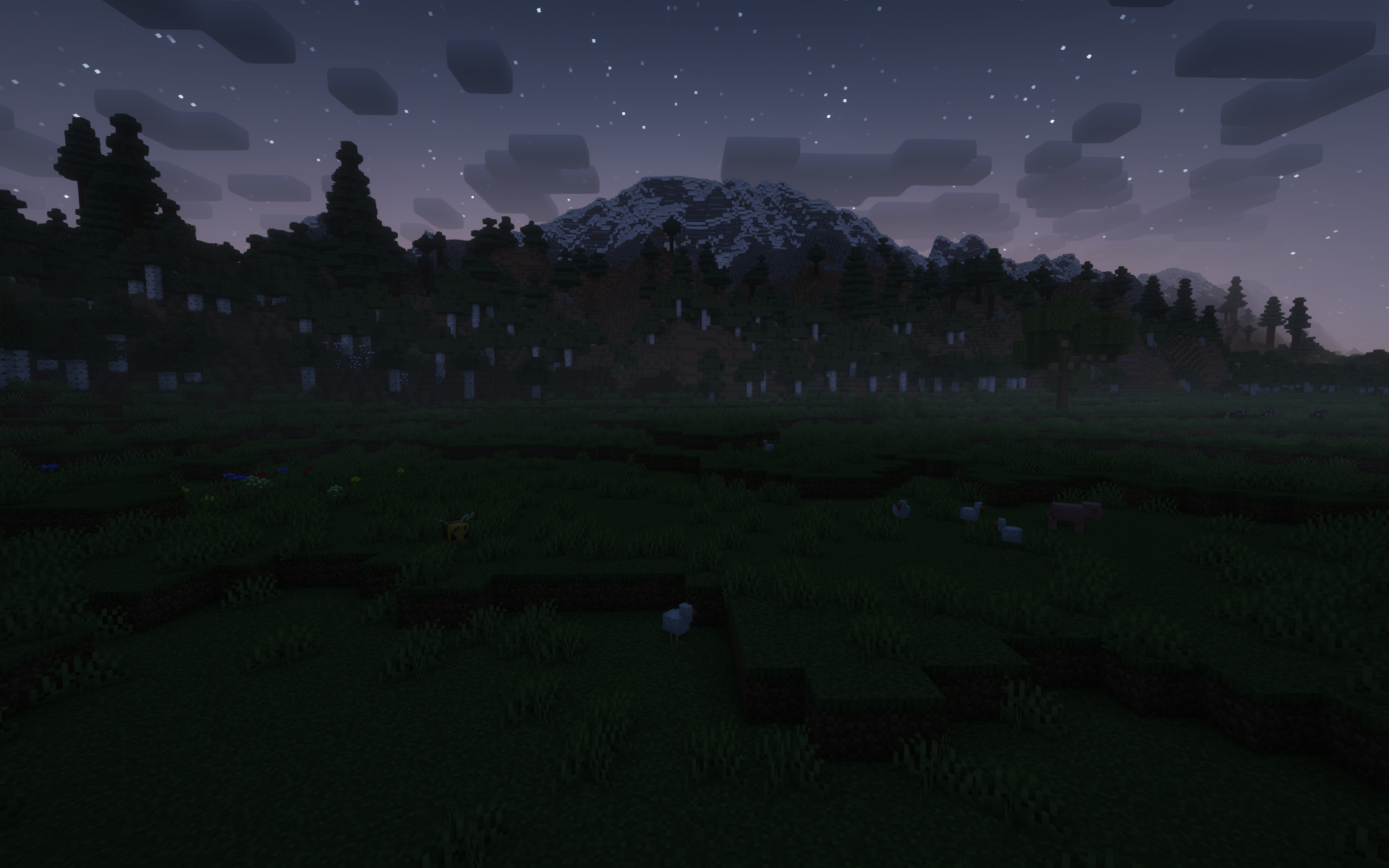
atlas is a data-driven image-based world generator. give the mod a heightmap and biome map image, and you can incorporate it into a datapack dimension!
how to use
- create or find a grayscale heightmap. save it as a png with 8bpc, RGBA encoding. the image should be saved in a datapack– see the example below for more details.

- create a copy of the image and paint over it with whatever colors you like. each color corresponds to a different biome. do not mix or blend the colors. save this image with the same encoding to your datapack (see the Github for more information).

- create a datapack and put your dimension file in as normal. an example dimension file, along with an explanation of the parameters, can be found here.
- load up the world! if something has gone wrong, you’ll get a datapack error in your logs.

if you’re still having trouble, send a message in the discord #help-and-support channel.
some tips:
- when you’re drawing the biomes, it may be helpful to be able to see the heightmap as a contour map. you can emulate this in your preferred photo editor by selecting a black pixel and then using “select by color” with varying thresholds to get varying contour lines of your map.
- if your maps are not the same size, you might have regions of void that are mapped to biomes, or regions of terrain that are just your default biome. you can use this to save yourself some time!
- your map will be centered at 0,0. up in the image is north. if your map is an uneven number of pixels, the last pixel on the south and/or east side will be cut off.
- if
starting_yin your dimension is less than your dimension’smin_y, you can create areas of void. use this to create non-rectangular maps! - anything outside of the world will be void, but certain hardcoded structures may still spawn, depending on what features are in your default biome.
常见问题
Atlas 支持哪些 Minecraft 版本?
Atlas 支持 Minecraft Java 版 1.19–1.20.1,共 6 个版本,可用的加载器:Fabric / Quilt。下载时注意选择和你游戏版本一致的文件。
Atlas 怎么安装?
先用 PCL2 或 HMCL 启动器安装对应版本的 Fabric / Quilt,再把下载的 .jar 文件放进游戏目录的 mods 文件夹,重新启动游戏即可。开启了版本隔离的,mods 文件夹在 versions/版本名 下面。运行环境:仅服务端。
itsmiir 的其他作品
查看全部 →
Tooltips+
by itsmiir
marginally improved tooltips
13.2万
3 年前
Modrinth

Arrow Popper
by itsmiir
makes arrows and tridents drop as items when they despawn
3,531
4 年前
Modrinth

forget me not
by itsmiir
forget me not flowers in swamps
584
4 年前
Modrinth

Reverbed Ghasts
by itsmiir
ghasts with reverb
445
4 年前
Modrinth
评论
登录后评论和评分