
截图
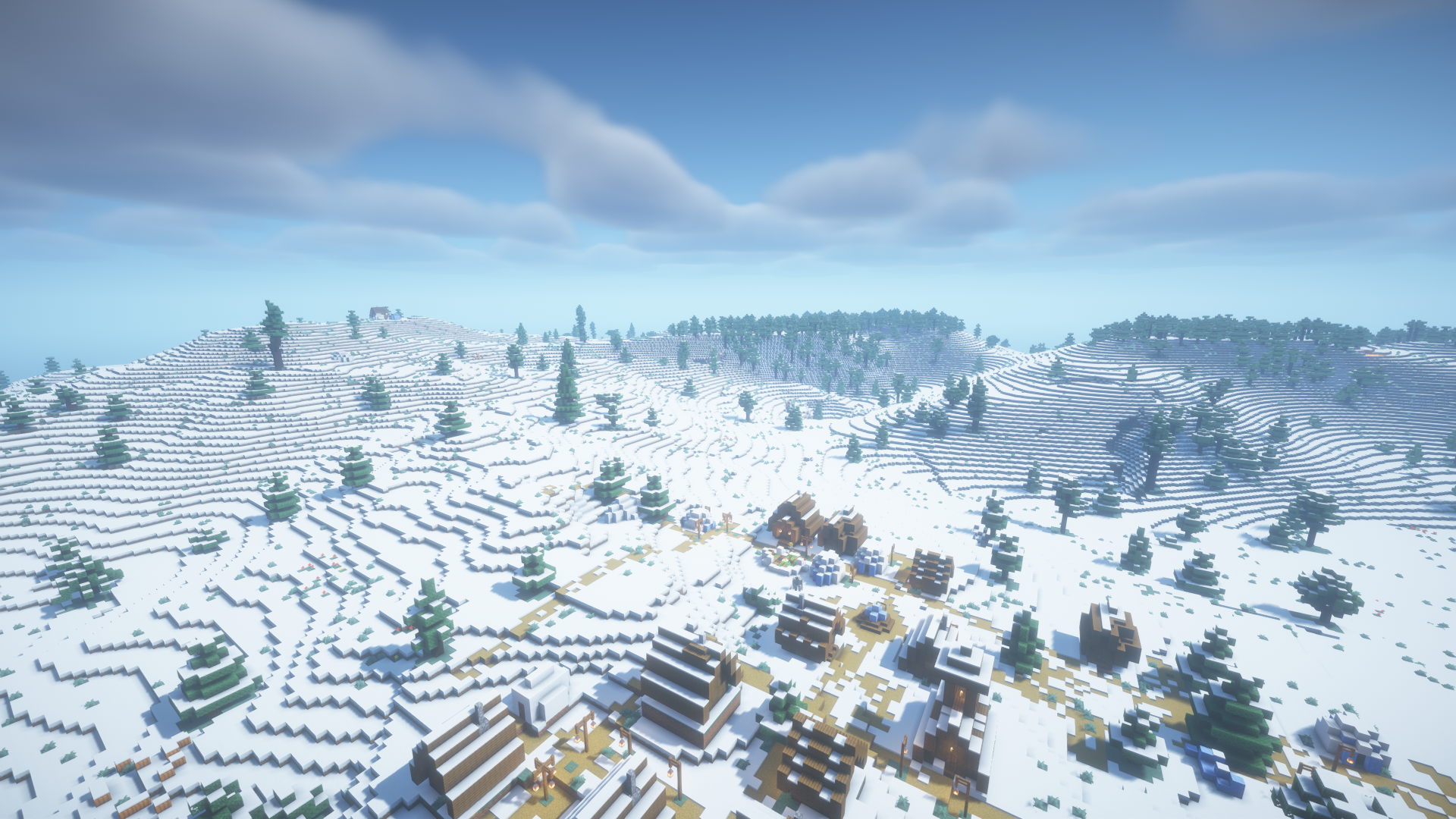
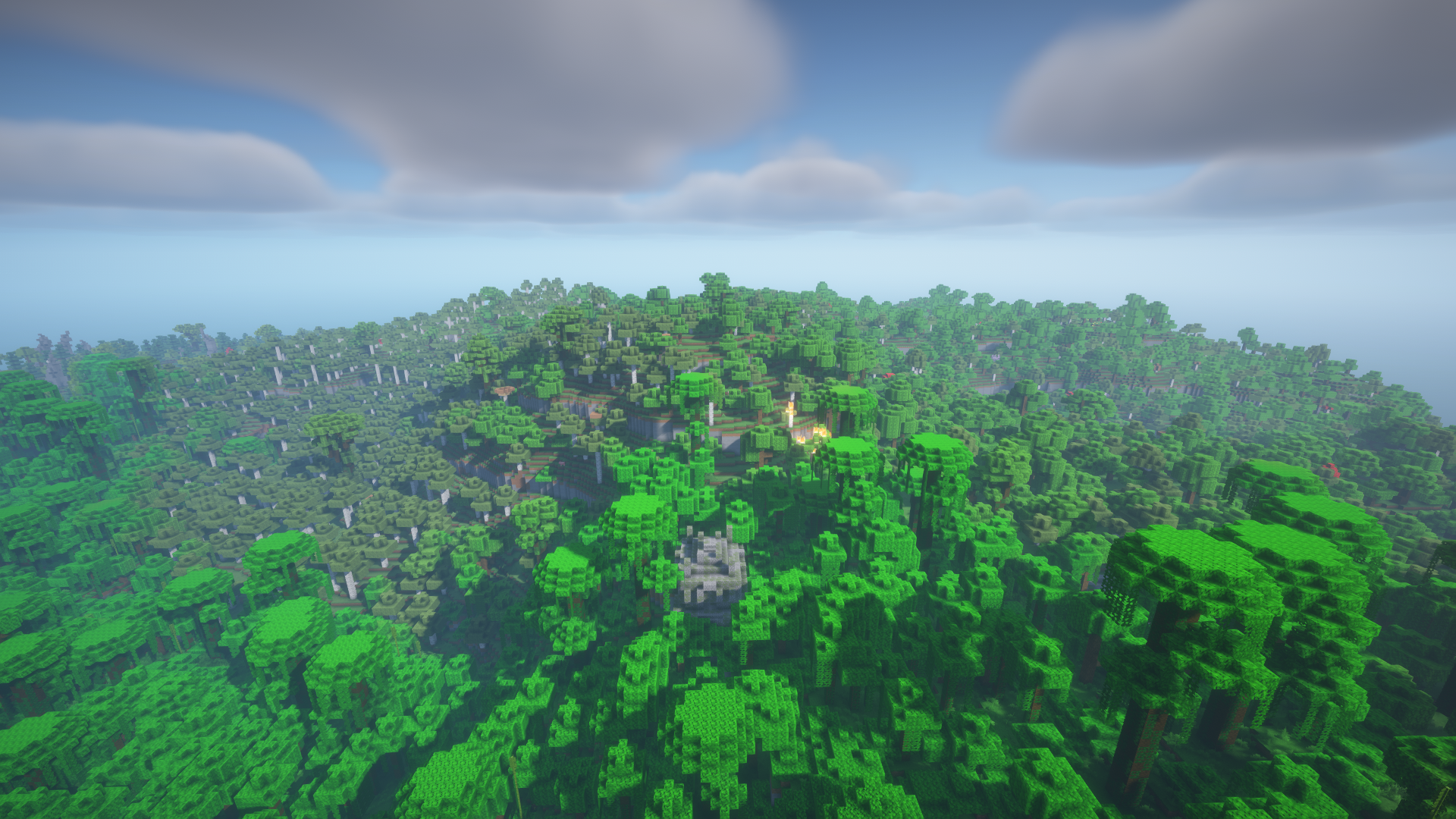
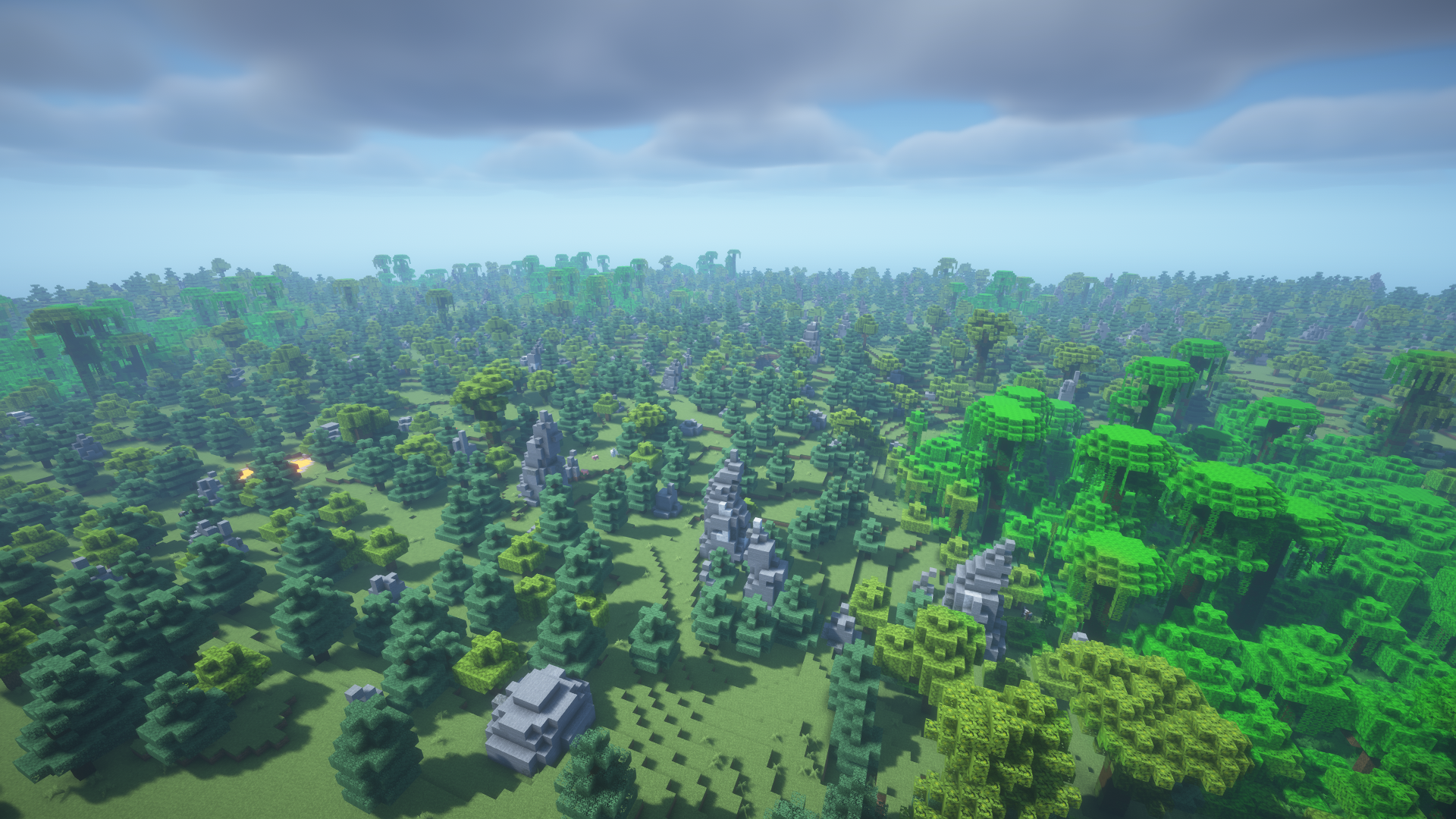
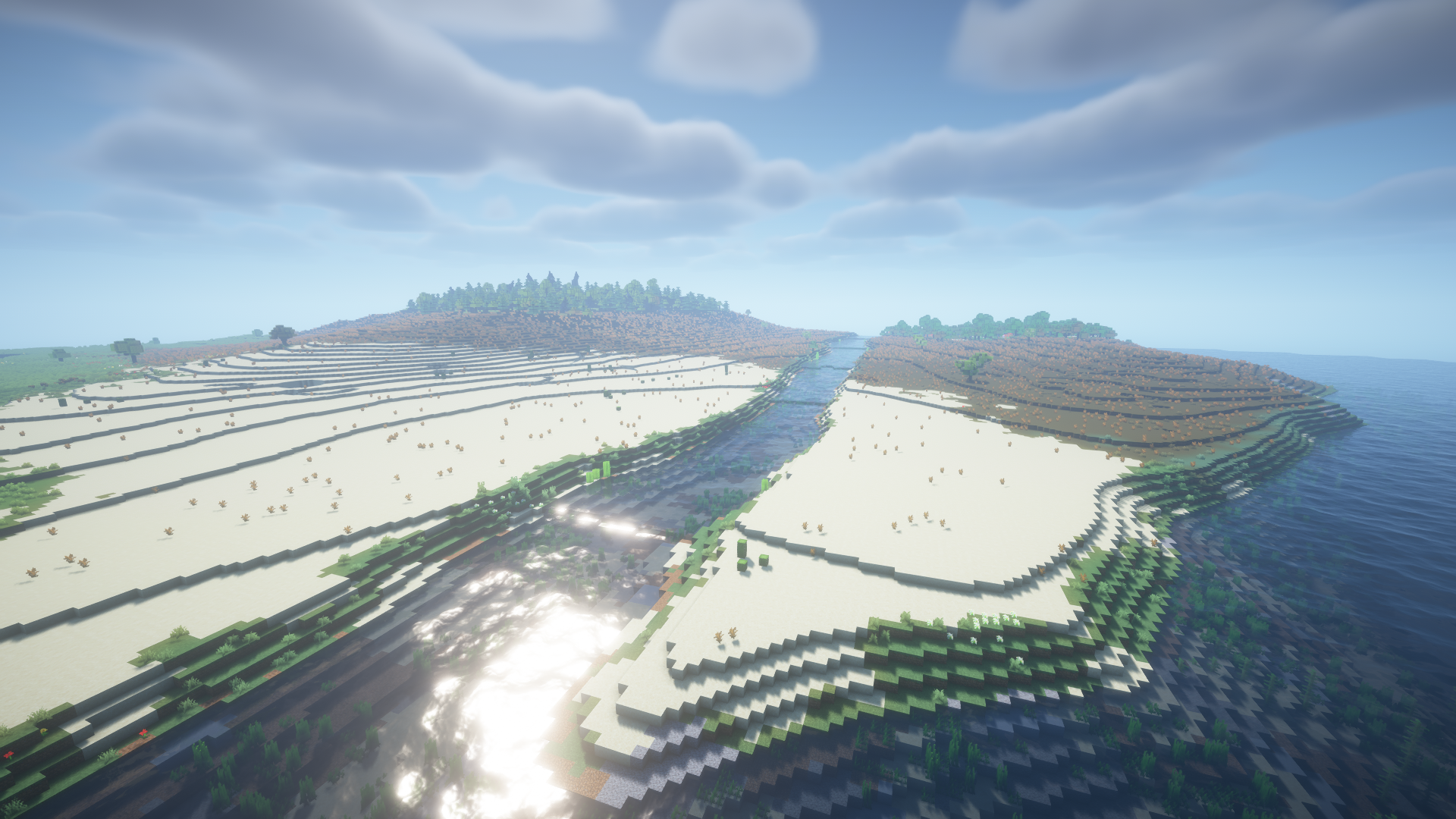
介绍
Terrano

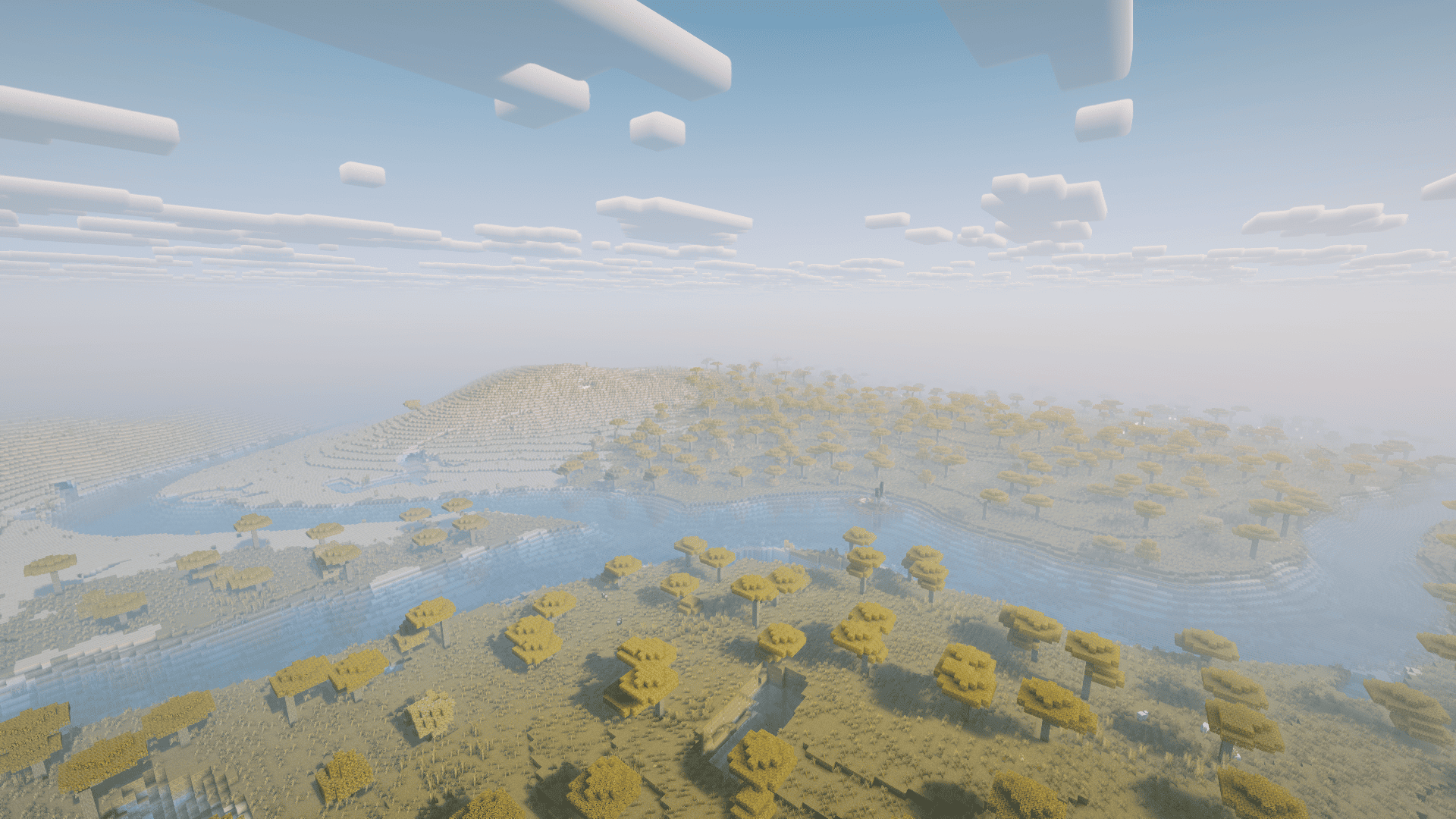
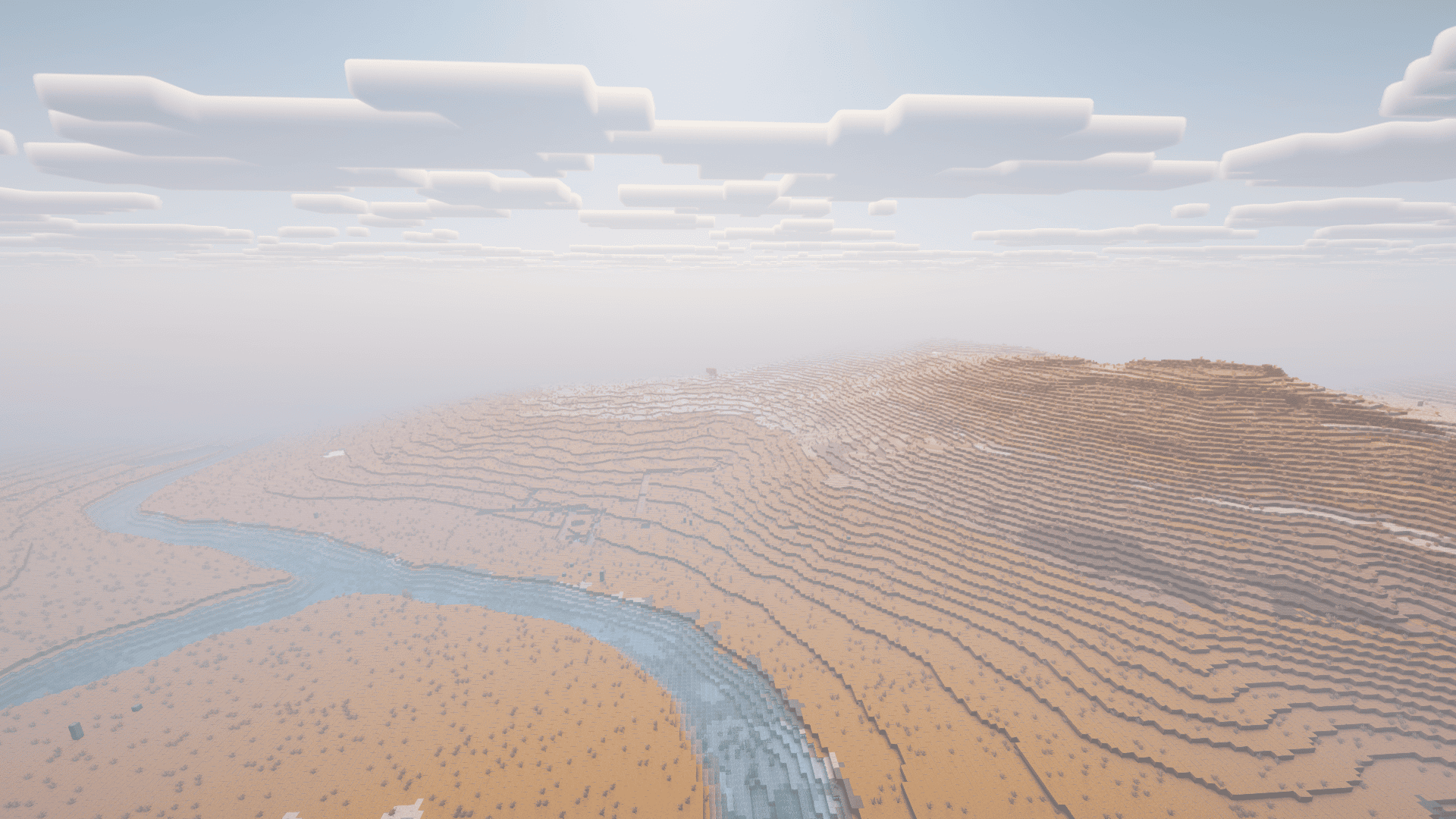
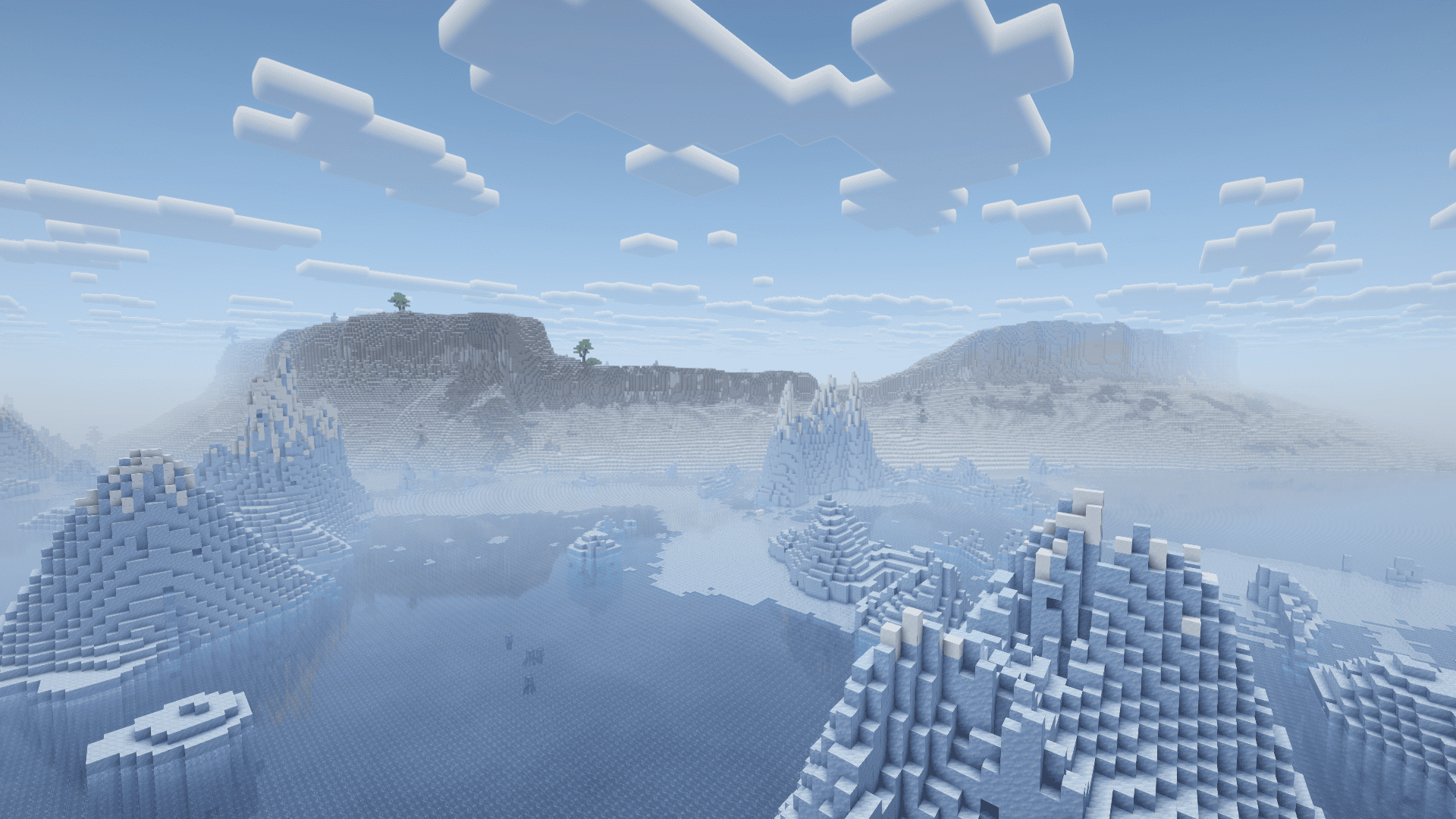
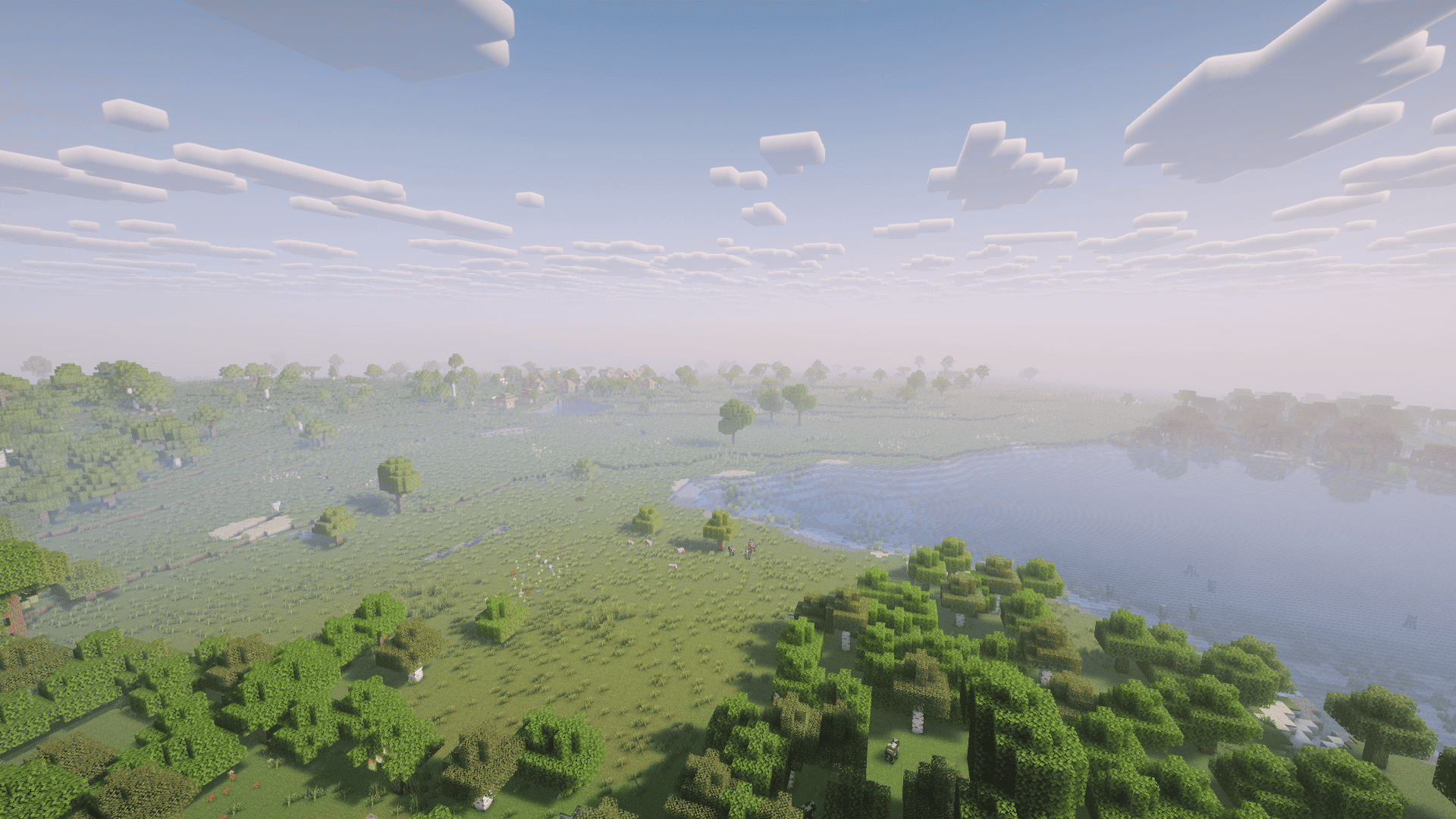
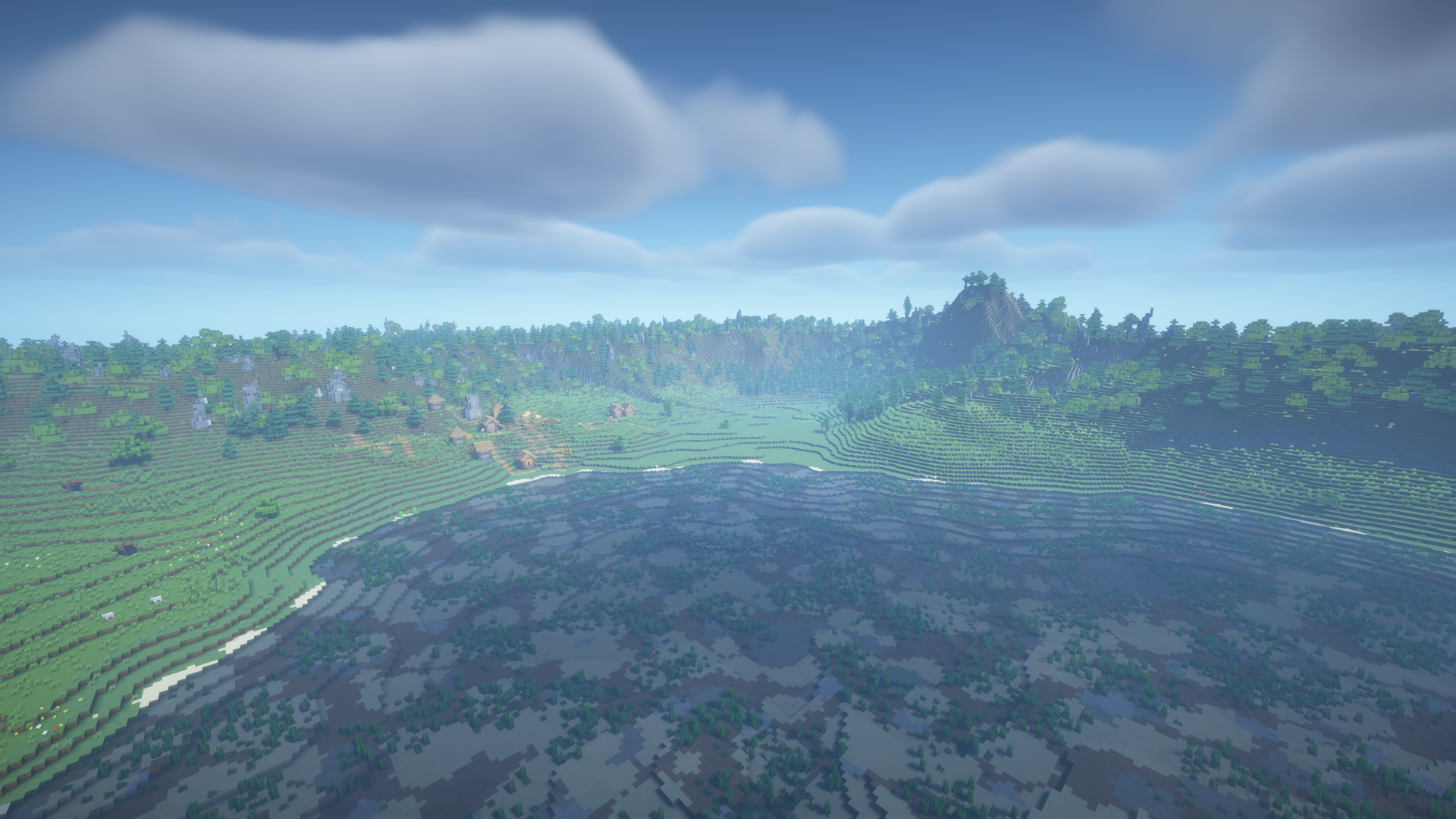
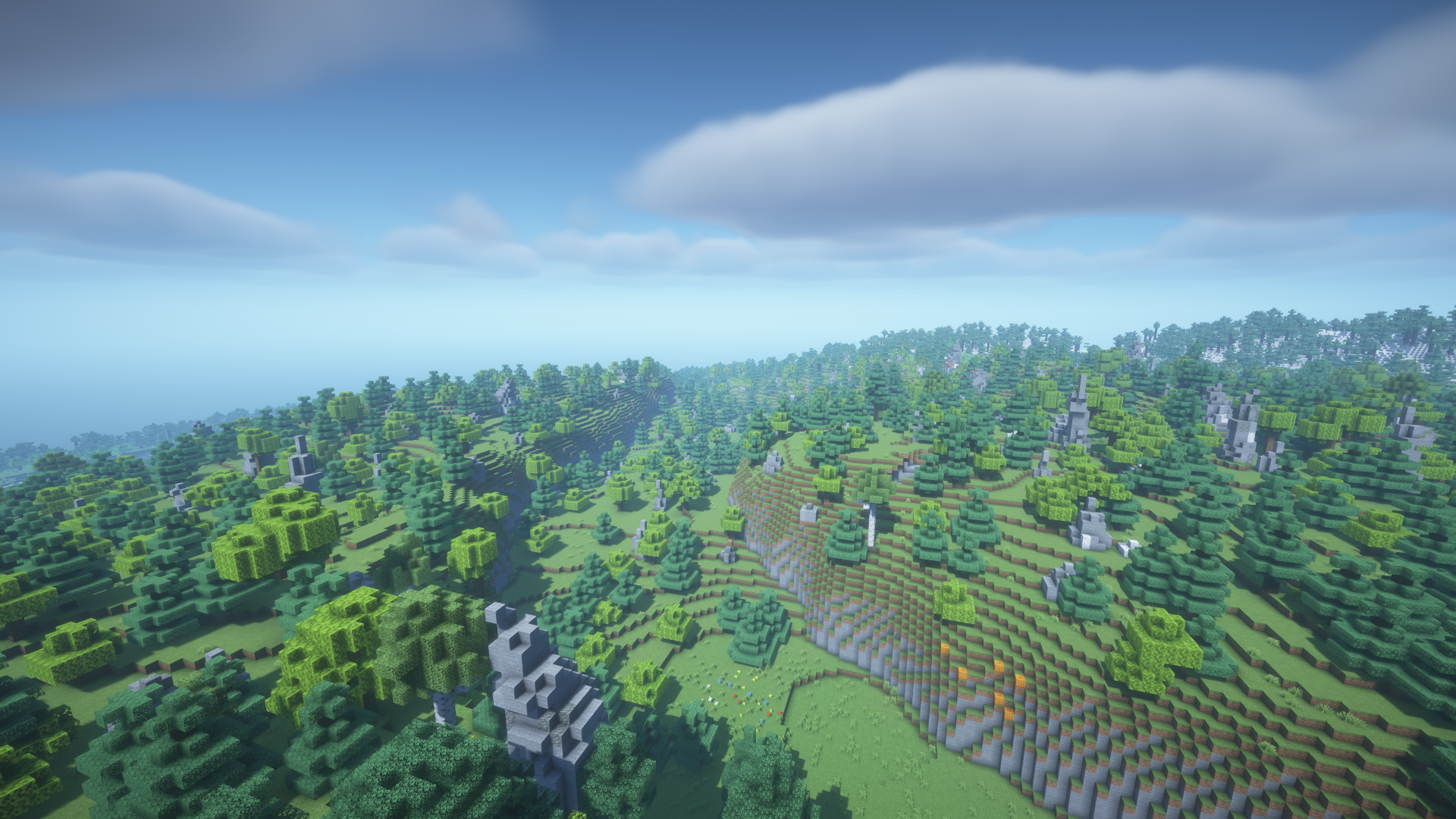
Terrano is an Overworld generator for Minecraft 1.21.1 built from the terrain
system of TerraForged 0.2.16. It replaces Minecraft’s small, rapidly changing
landforms with a broader landscape made of continents, islands, plains,
valleys, plateaus, mountain ranges, volcanoes, lakes, wetlands, and rivers that
continue across long distances.
The aim is not to turn the Overworld into a separate fantasy dimension. A
Terrano world is still recognizably Minecraft: players explore familiar biomes,
mine the usual ores, enter modern caves and aquifers, and find current
structures such as Ancient Cities, Trail Ruins, and Trial Chambers. Terrano
changes the shape and arrangement of the land around those systems so the
surface feels more connected and deliberate.
A landscape built on a larger scale
Terrano begins with a continent and climate map rather than deciding the shape
of each chunk in isolation. Mountainous terrain gathers into ranges, rivers
follow valleys toward lakes and oceans, and climate regions give forests,
deserts, taigas, savannas, and snowy areas enough room to develop their own
character.
The world extends from Y=-64 to Y=319. Below the surface, Minecraft 1.21.1
still provides deepslate, aquifers, caves, and ore distribution. Above it,
Terrano adds its own surface treatment, erosion, geological layers, snow, and a
large collection of custom trees and mushrooms. The Nether and the End are not
replaced.
Choose how the world should feel
Five built-in presets cover different styles of play. Default is the
standard balanced choice. Beautiful gives the terrain more presence,
Huge Biomes makes climate regions much larger, Lite reduces expensive
details for busier servers, and Vanilla-ish keeps Terrano’s broad landforms
while bringing their proportions and decoration closer to regular Minecraft.
When creating a world, the Customize button opens a focused preset chooser
with a preview generated from the current seed. Players who want more control
can continue into the full editor, start from any built-in preset, and save
their own reusable JSON profile. The chosen settings are stored inside the
world, so editing a preset file later does not silently alter an existing save.
Terrano can also place compatible biomes from other mods into suitable parts
of its climate and terrain. Optional bridges support biome setups based on
TerraBlender, Lithostitched, or standard Overworld biome tags. If no compatible
biome mod is installed, this system stays out of the way and native Terrano
generation remains unchanged.
Getting started
Terrano 1.x.x requires Minecraft 1.21.1, NeoForge **21.1.235 or newer in
the 21.1 branch, and Java **21.
- Install NeoForge and place
terrano-1.x.x.jarin themodsfolder. - Install the same mod on the server and on every connecting client.
- Create a new world and select Terrano as its world type.
- Keep Default, or press Customize to choose another preset.
Terrano has no mandatory library dependency beyond NeoForge. Old TerraForged
worlds from Minecraft 1.16.5 cannot be opened directly, although their JSON
presets can be imported.
For preset creation, dedicated-server setup, commands, configuration, mod
compatibility, updates, and troubleshooting, see the Terrano Wiki.
Every JSON field accepted by a custom preset is described in the separate
Preset Settings Reference.
Credits and license
Terrano is created by NoN. New Terrano code is distributed under **All
Rights Reserved**. Adapted TerraForged code and resources retain their original
MIT license.
Thanks to won_ton_ and the TerraForged contributors for the original
project. Terrano’s terrain-aware river network draws on the hydrological ideas
of plate-local-river-generation,
created by Michael K. Davis III. Terrano uses its own Java implementation
adapted to the mod’s terrain engine rather than bundling the original code.
常见问题
Terrano 支持哪些 Minecraft 版本?
Terrano 支持 Minecraft Java 版 1.21.1,可用的加载器:Fabric / NeoForge。下载时注意选择和你游戏版本一致的文件。
Terrano 怎么安装?
先用 PCL2 或 HMCL 启动器安装对应版本的 Fabric / NeoForge,再把下载的 .jar 文件放进游戏目录的 mods 文件夹,重新启动游戏即可。开启了版本隔离的,mods 文件夹在 versions/版本名 下面。运行环境:客户端和服务端都要装。
评论
登录后评论和评分