
FlickView [SnapView]
Snap the view to 360°, 180°, 90° or any custom angle. Smooth controls and a stylish UI deliver precise perspective shifts instantly
截图

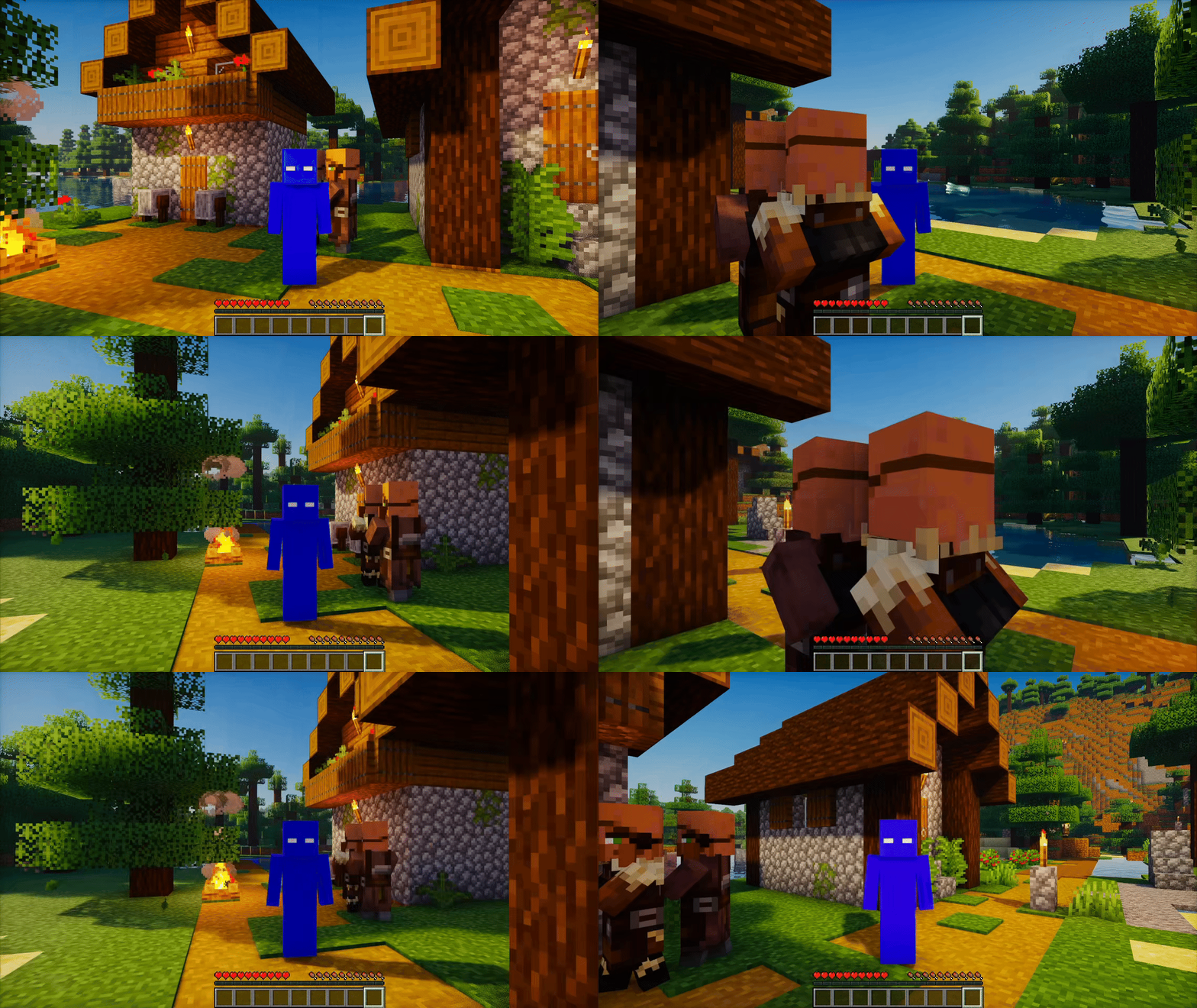
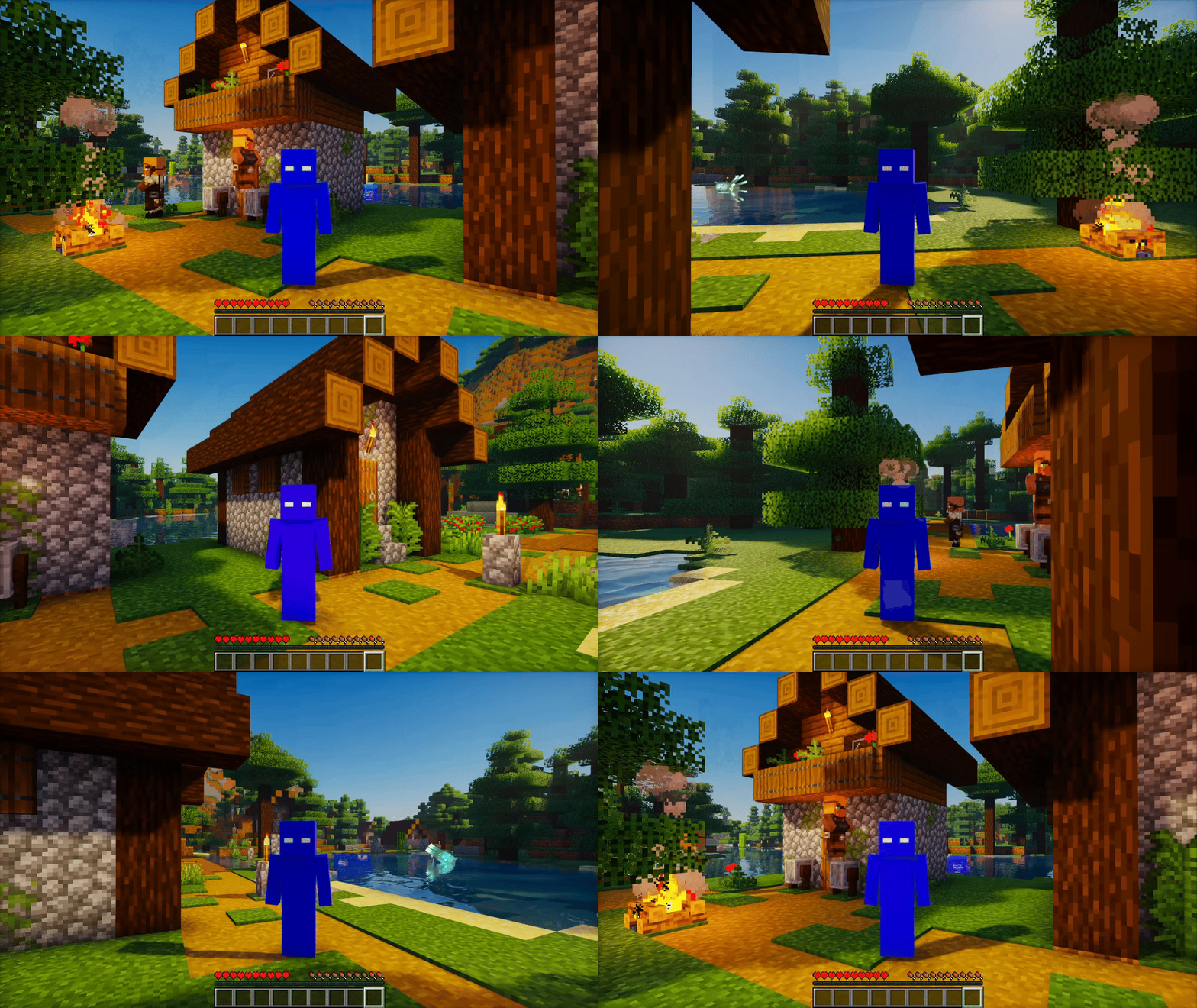
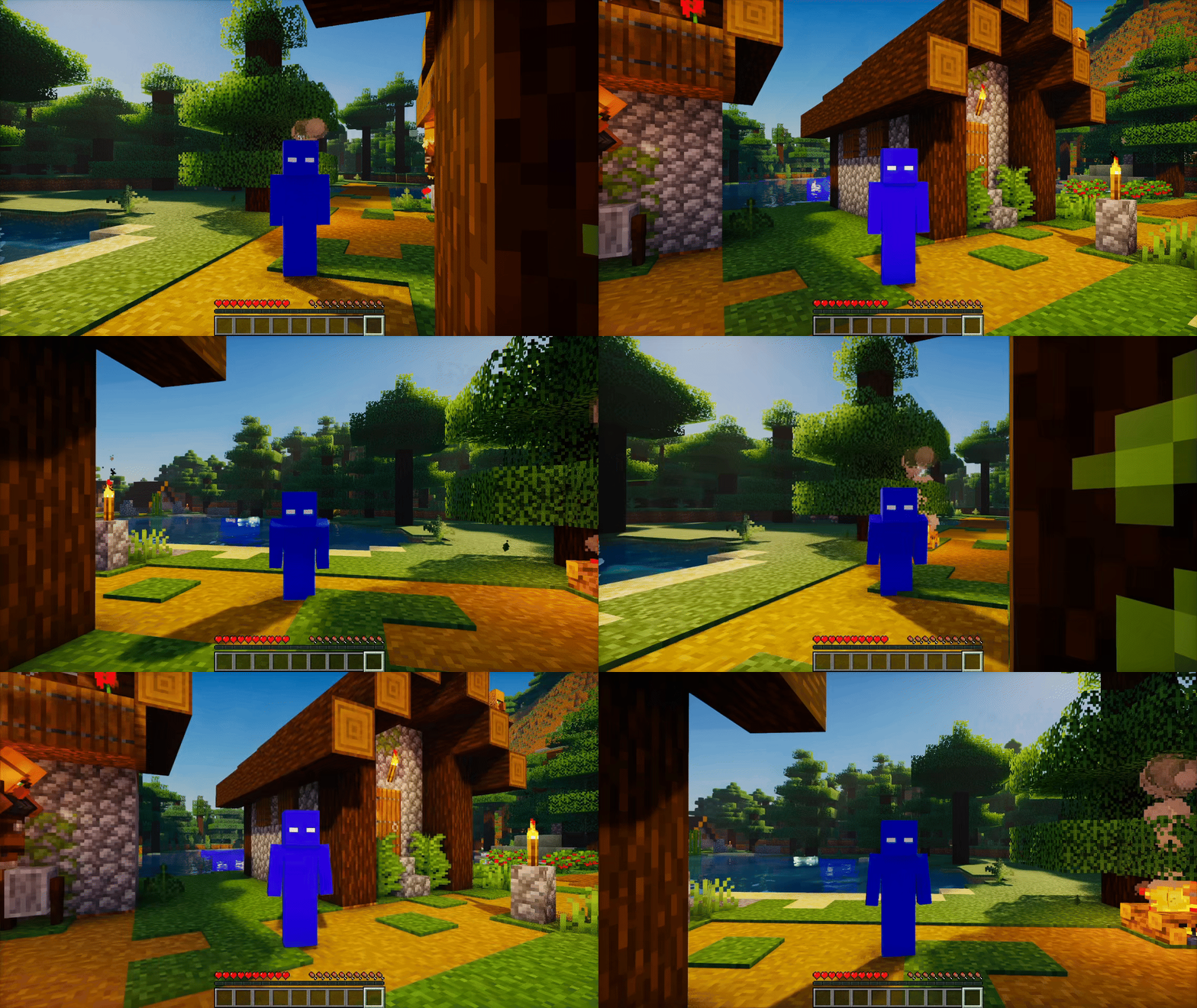
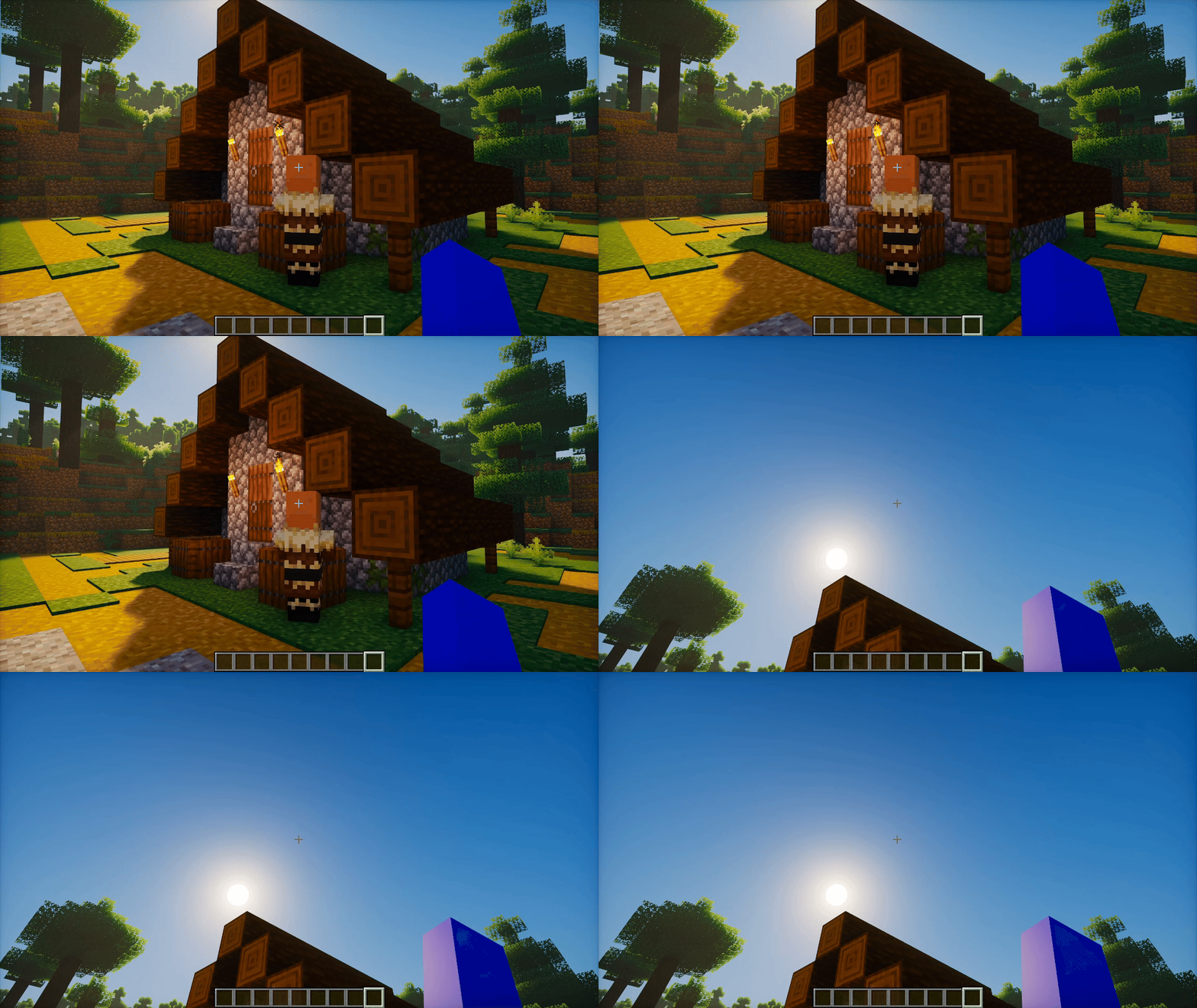
介绍


FlickView – Adjust your view with precision
FlickView makes camera turns and character spins easy to control, with adjustable angles, optional smooth rotation, and simple in-game settings.
✨ Features
- Yaw Rotation
- Turn your view by 180°, 90°, or a custom angle with a single key press.
- Repeated presses replace an unfinished smooth turn instead of queuing more turns.
- Pitch Rotation
- Press once to move to your chosen pitch; press again to return to the starting pitch.
- Smooth Rotation
- Enable smooth yaw turns and adjust their speed. Pitch changes always ease smoothly.
- 360 Spin
- Toggle continuous rotation with one key.
- Choose the rotation direction and adjust its speed in Settings.
- Spin Mode
- Camera + Character: rotate the camera together with the character. This is the default mode.
- Character Only: spin the character while looking around normally. Use third-person view to see the spin.
- Auto Sneak Spin
- Optionally alternate crouching while spinning. Your own crouch input remains available.
- Spin Counter
- Track accumulated full rotations with an optional on-screen counter.
- Choose from six screen positions.
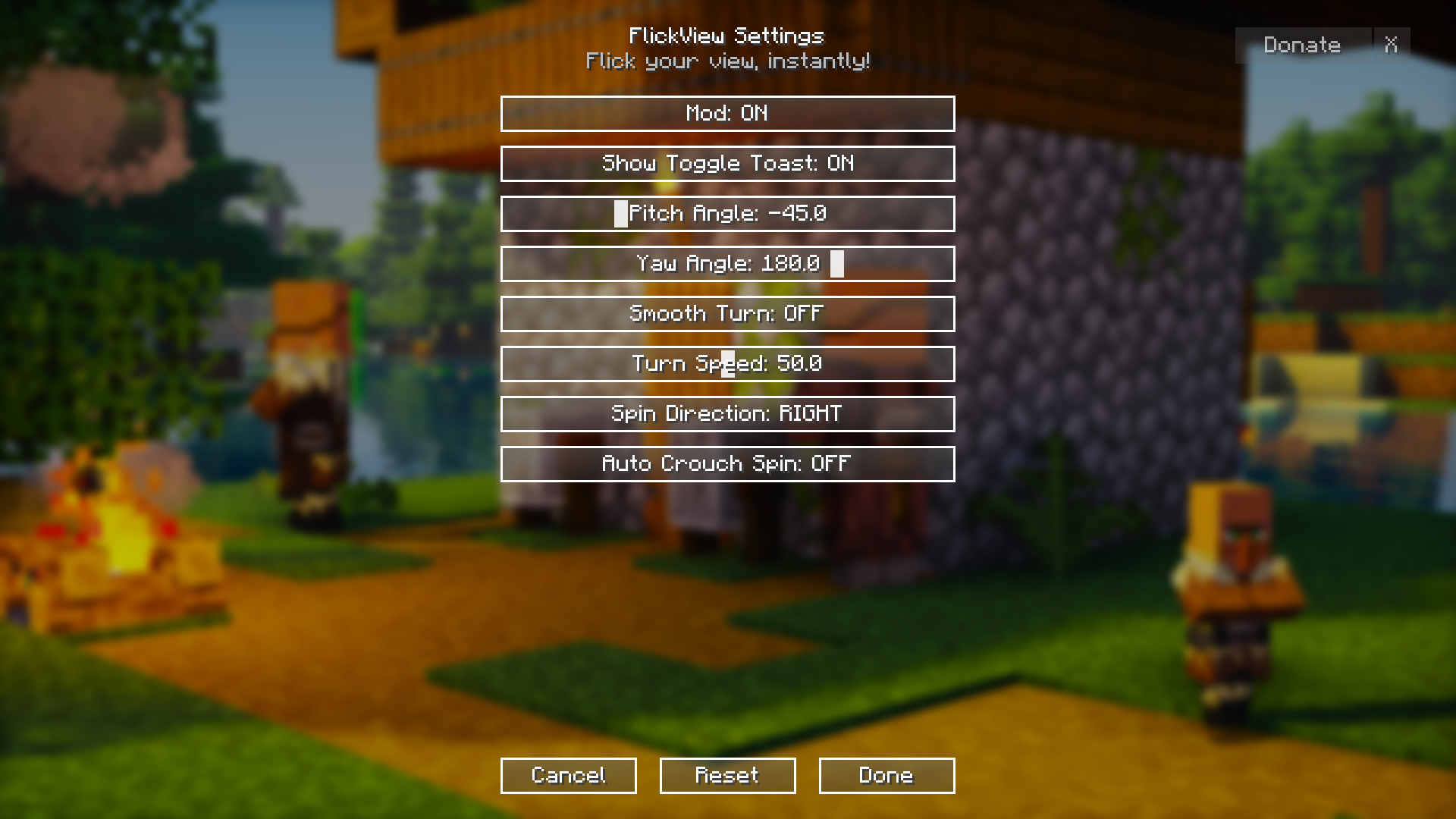
- In-game Settings
- Adjust angles, speed, direction, spin mode, counter placement, and status messages.
- Save changes with Done, discard edits with Cancel, or stop motion and prepare defaults with Reset.
- Client-side Only
- Install FlickView on your client. No server installation is required.
🎬 Preview
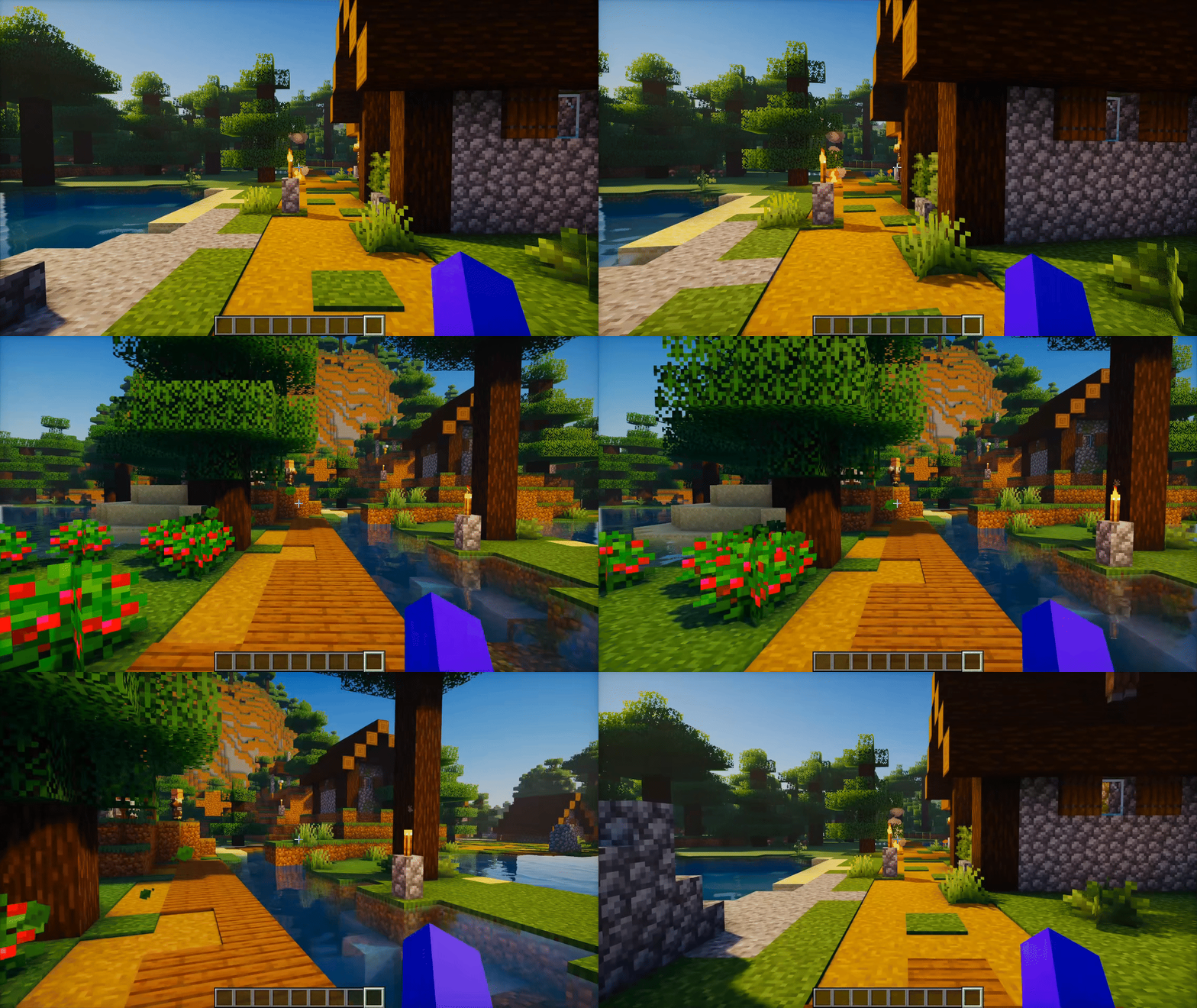
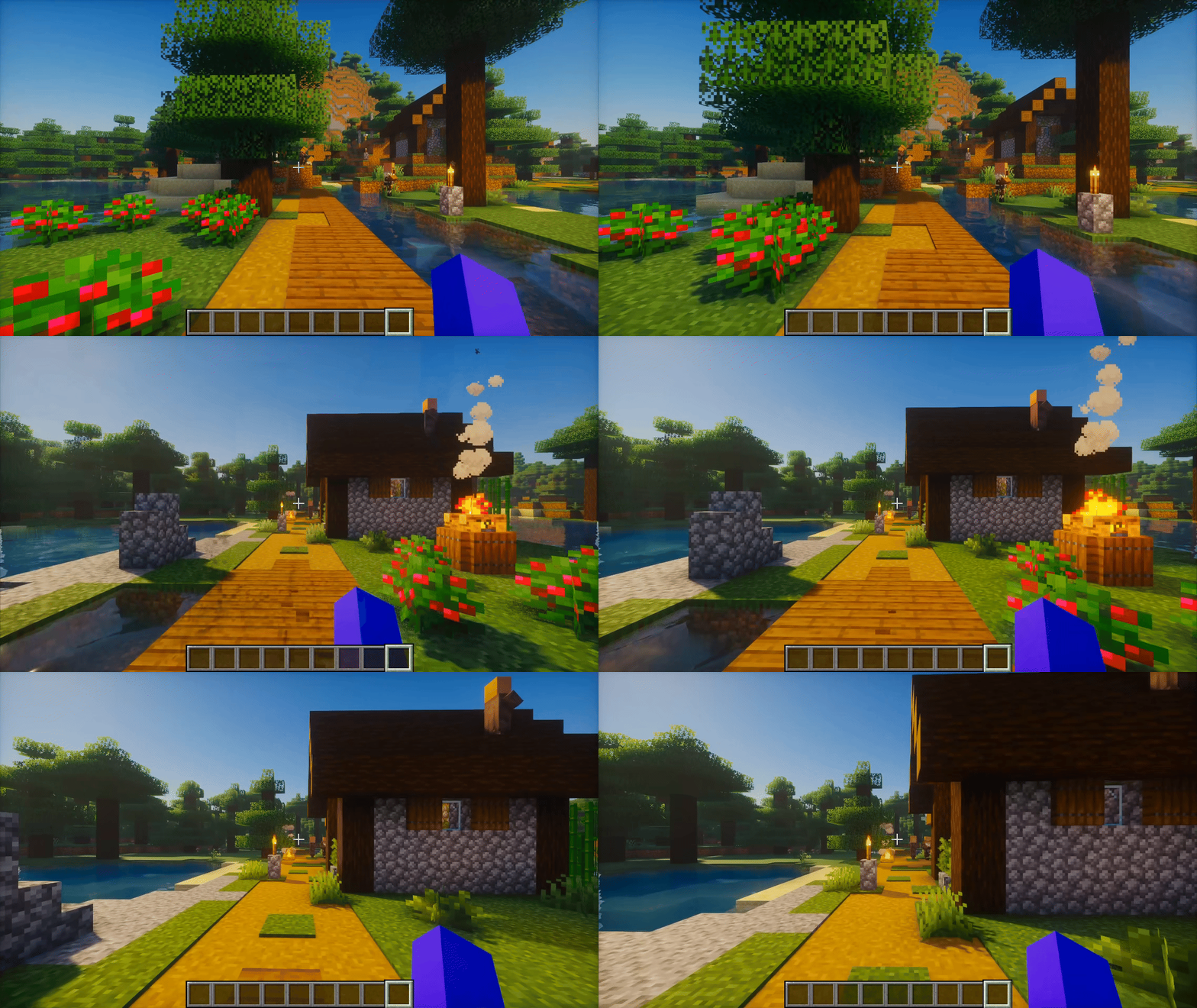
360 Spin
Yaw Rotation with Smooth Rotation Enabled
Check the Gallery for more previews.
📖 How to Play
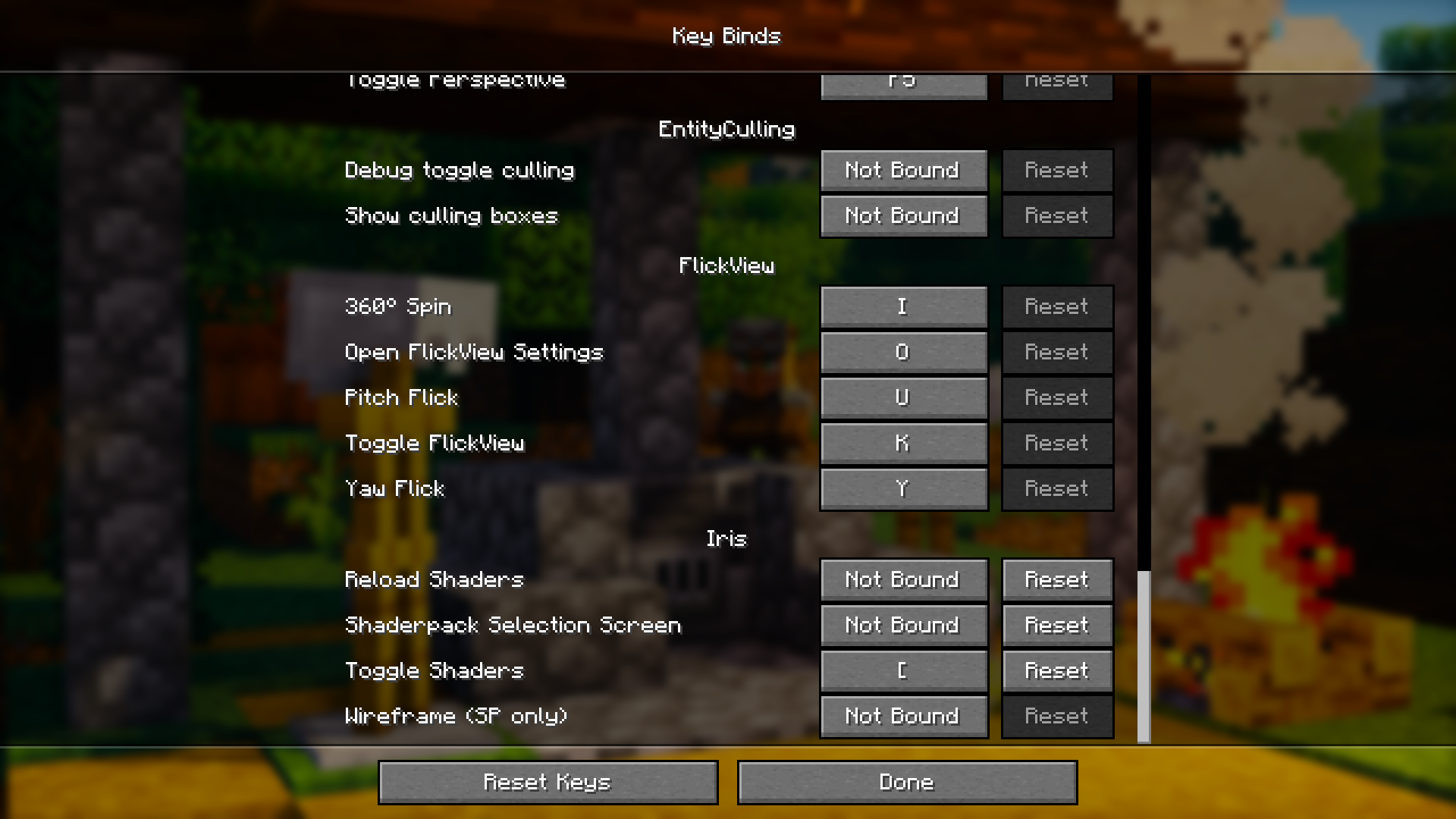
- Press F6 to open Settings and adjust FlickView to your preference.
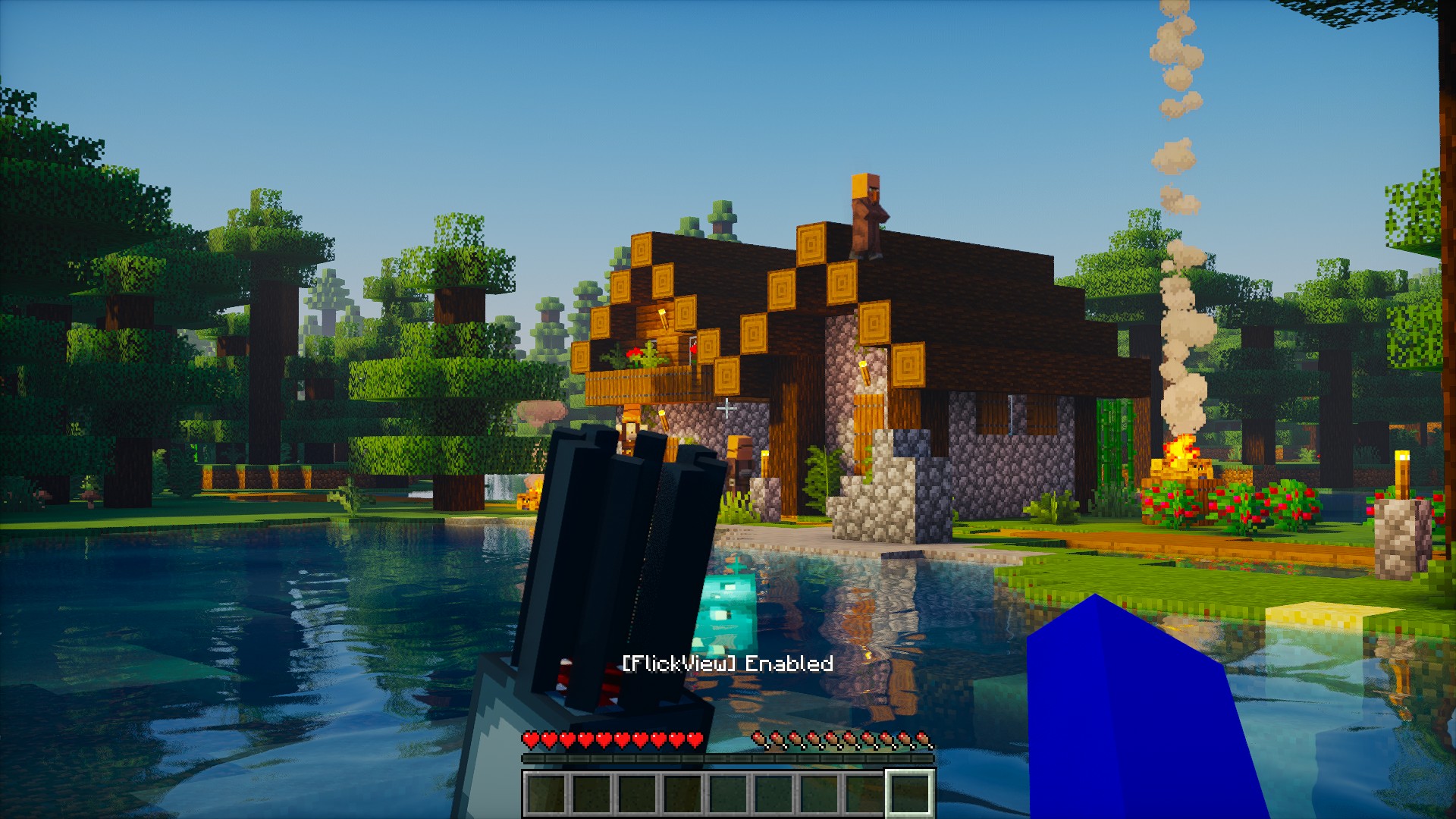
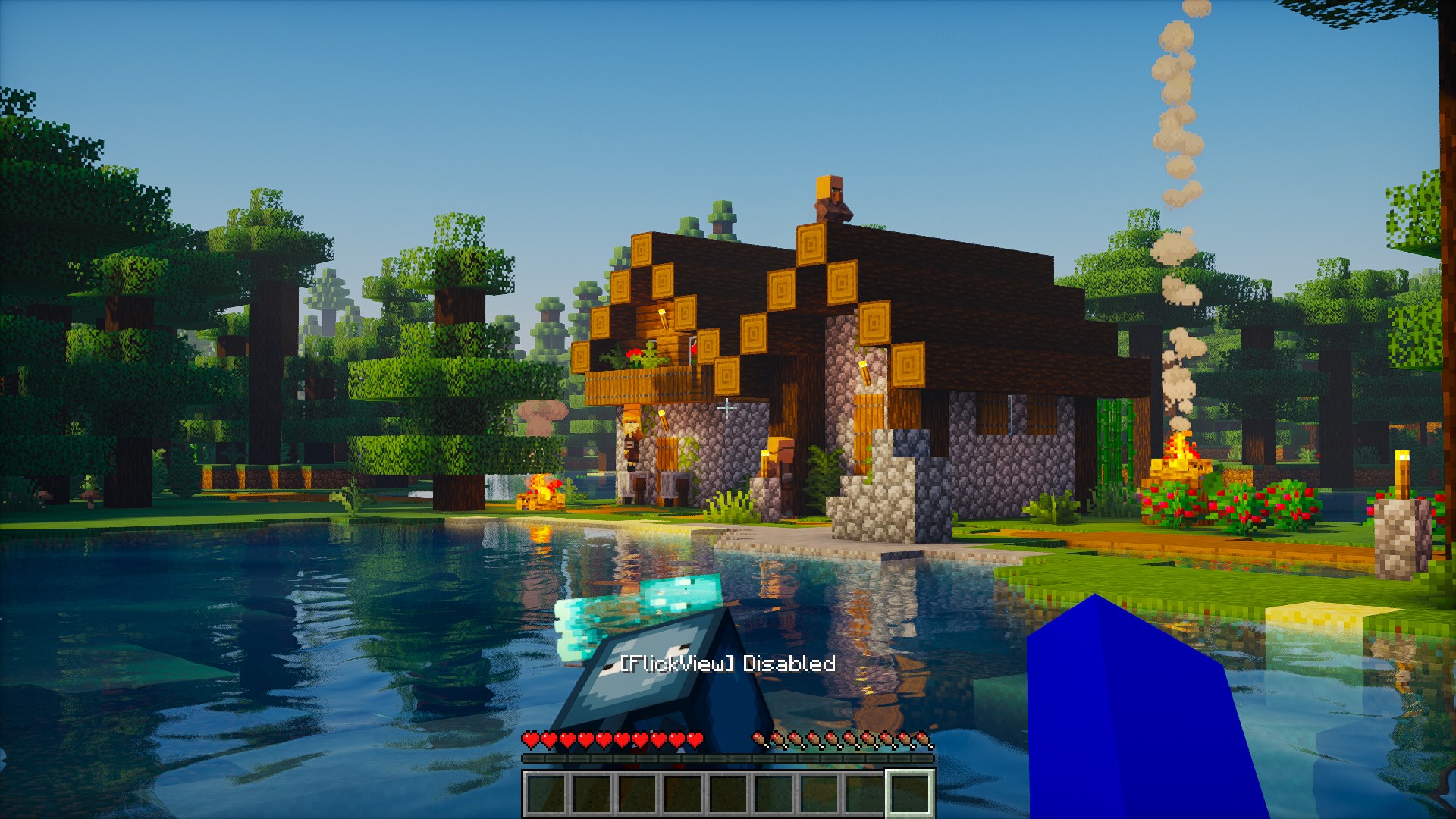
- Press K to enable or disable FlickView.
- Press U to move to your chosen pitch. Press it again to return to the starting pitch.
- Press Y to turn your view by the configured yaw angle.
- Press I to start continuous spin. Press it again to stop.
Rebind these keys in Minecraft’s Controls menu. Existing saved keybindings are preserved when updating.
📜 License and permissions
- All Rights Reserved (ARR). Standalone redistribution and re-uploads require permission.
- Modpacks are allowed when the original mod is unmodified, credited as FlickView by Zynwro, and linked to the official project page.
常见问题
FlickView [SnapView] 支持哪些 Minecraft 版本?
FlickView [SnapView] 支持 Minecraft Java 版 1.17–26.3,共 34 个版本,可用的加载器:Fabric / Forge / NeoForge / Quilt。下载时注意选择和你游戏版本一致的文件。
FlickView [SnapView] 怎么安装?
先用 PCL2 或 HMCL 启动器安装对应版本的 Fabric / Forge / NeoForge / Quilt,再把下载的 .jar 文件放进游戏目录的 mods 文件夹,重新启动游戏即可。开启了版本隔离的,mods 文件夹在 versions/版本名 下面。运行环境:仅客户端。
Zynwro 的其他作品
查看全部 →
Kenny [HORROR]
Kenny watches from a distance before the warnings build into a hunt that only ends when the Ender Dragon is defeated.

Kenny [HORROR]
Kenny watches from a distance before the warnings build into a hunt that only ends when the Ender Dragon is defeated.

Auto Aim
Smooth, customizable aim assist for easier and more accurate targeting.

Hollow Steve [HORROR]
Adds Hollow Steve, a horror stalker boss that haunts you, grows stronger after each defeat, and must be killed 10 times to survive.
评论
登录后评论和评分