
截图
介绍
中文介绍正在准备中,下面暂时显示原文。
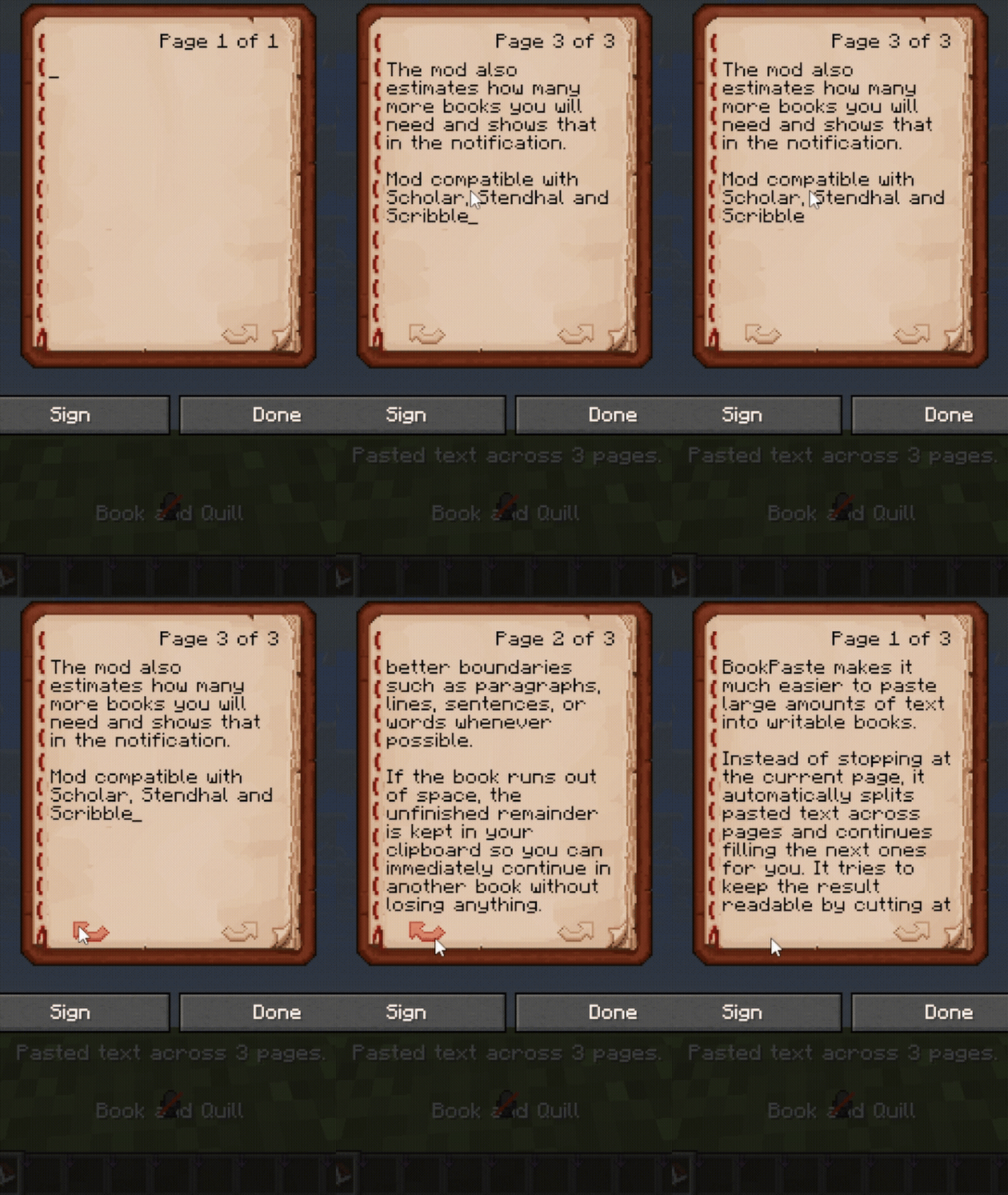
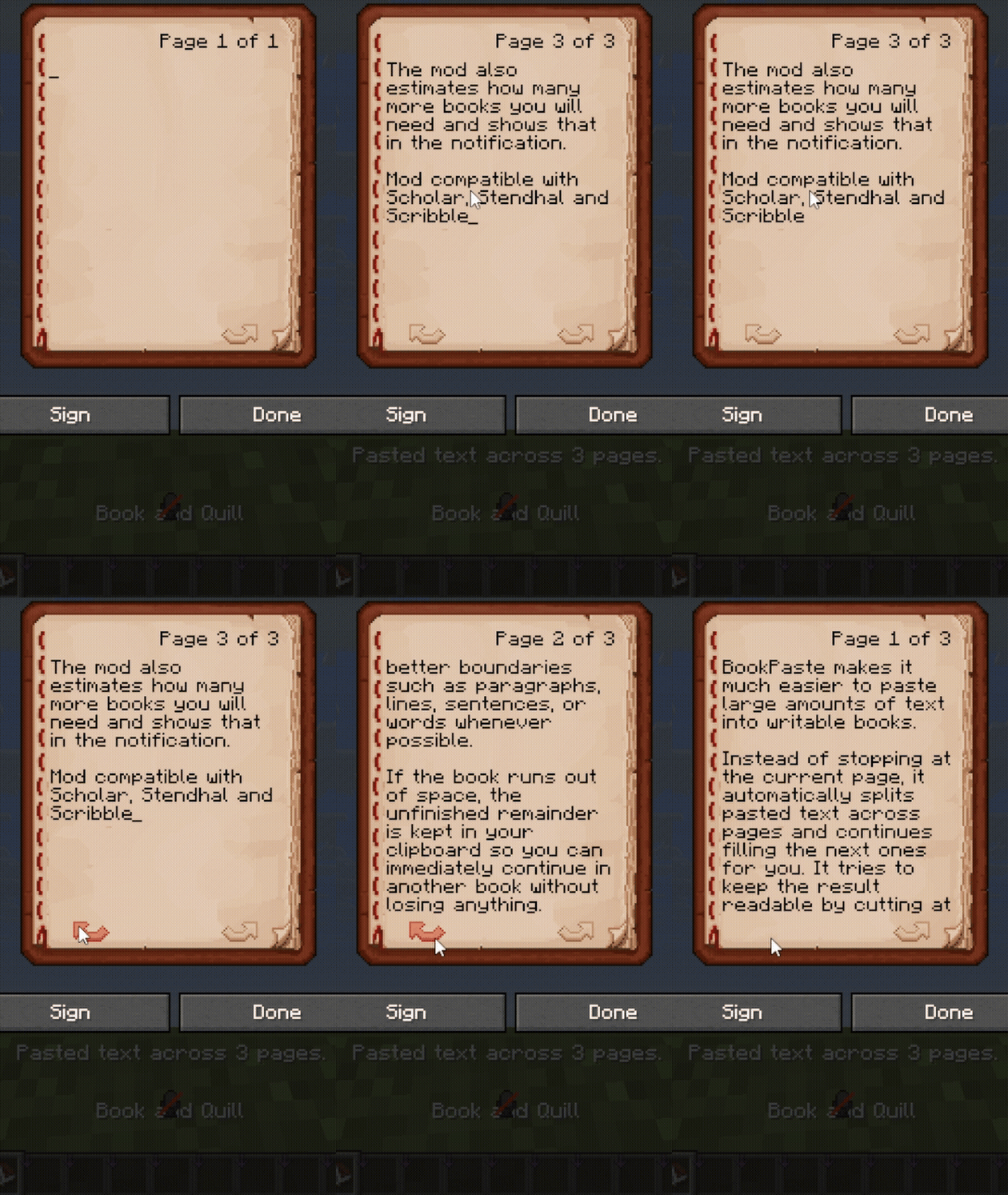
Paste long texts into Minecraft books and signs with automatic formatting.
Features
- Splits pasted text across book pages and sign lines.
- Supports smart wrapping and whole-paragraph formatting.
- Keeps unfinished text in your clipboard when there is no more space.
- Shows notifications above the hotbar.
- Supports Scribble and Scholar.
- Includes settings and notifications in English, Русский, Українська, Deutsch, Español, Français, Português (Brasil), 日本語 and 简体中文.
Usage
Open a writable book or sign and press Ctrl+V.
Press F8 to switch formatting modes. Change the hotkey and other settings through Mod Menu.
Custom page limits
Choose your own page limit in singleplayer.
For increased limits on multiplayer servers, install BookPaste on both the client and server. The server sets the limit, which appears in your settings menu.
Set the limit to 0 to remove BookPaste’s page cap. Minecraft’s data-size limits still apply.
常见问题
BookPaste 支持哪些 Minecraft 版本?
BookPaste 支持 Minecraft Java 版 1.16–26.3,共 40 个版本,可用的加载器:Fabric / Forge / NeoForge。下载时注意选择和你游戏版本一致的文件。
BookPaste 怎么安装?
先用 PCL2 或 HMCL 启动器安装对应版本的 Fabric / Forge / NeoForge,再把下载的 .jar 文件放进游戏目录的 mods 文件夹,重新启动游戏即可。开启了版本隔离的,mods 文件夹在 versions/版本名 下面。运行环境:仅客户端。

评论
登录后评论和评分