
截图




介绍
Risers Custom Resource Pack
A custom Minecraft resource pack featuring fully retextured elytras, a flexible armor renaming system, original and community weapons, and a curated set of custom music discs.
Fabric users: custom item textures rely on a renaming dependency. Make sure it is installed alongside this pack for textures to apply correctly.
Custom Elytras
Each elytra below is fully retextured with a unique design, obtained by renaming a vanilla elytra to the listed name.
| Elytra Name |
|—|
| Constellation |
| Wings of the Drangle Bear |
| Feder |
| Garnet |
| Hare’s Northern Flight |
| Mech |
| Potato Toppers |
| Starwings |
| Trees |
| You Are Valid |
Armor
Renaming options
- Any armor piece can be renamed to Heavy or Light.
- The prefix can be added before the item name (e.g.
Heavy Diamond Chestplate) or replace the item name entirely (e.g.Light Chestplate).
Helmet option
- Any helmet can be renamed to Crown for a unique crown texture.
Custom Weapons
Senpai Spider’s 1M Pack (Credits: Senpai Spider)
Includes the full set of custom swords and items from the 1M Pack.
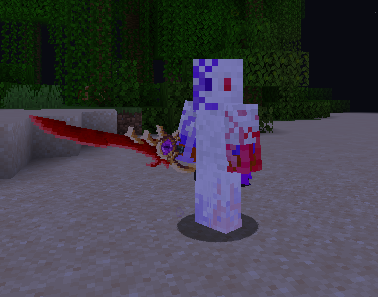
Original Additions (by Risers)
- Amethyst GreatBlade
- Azure Scythe
- Blood Axe
- Knight Axe
Animated & Music Items
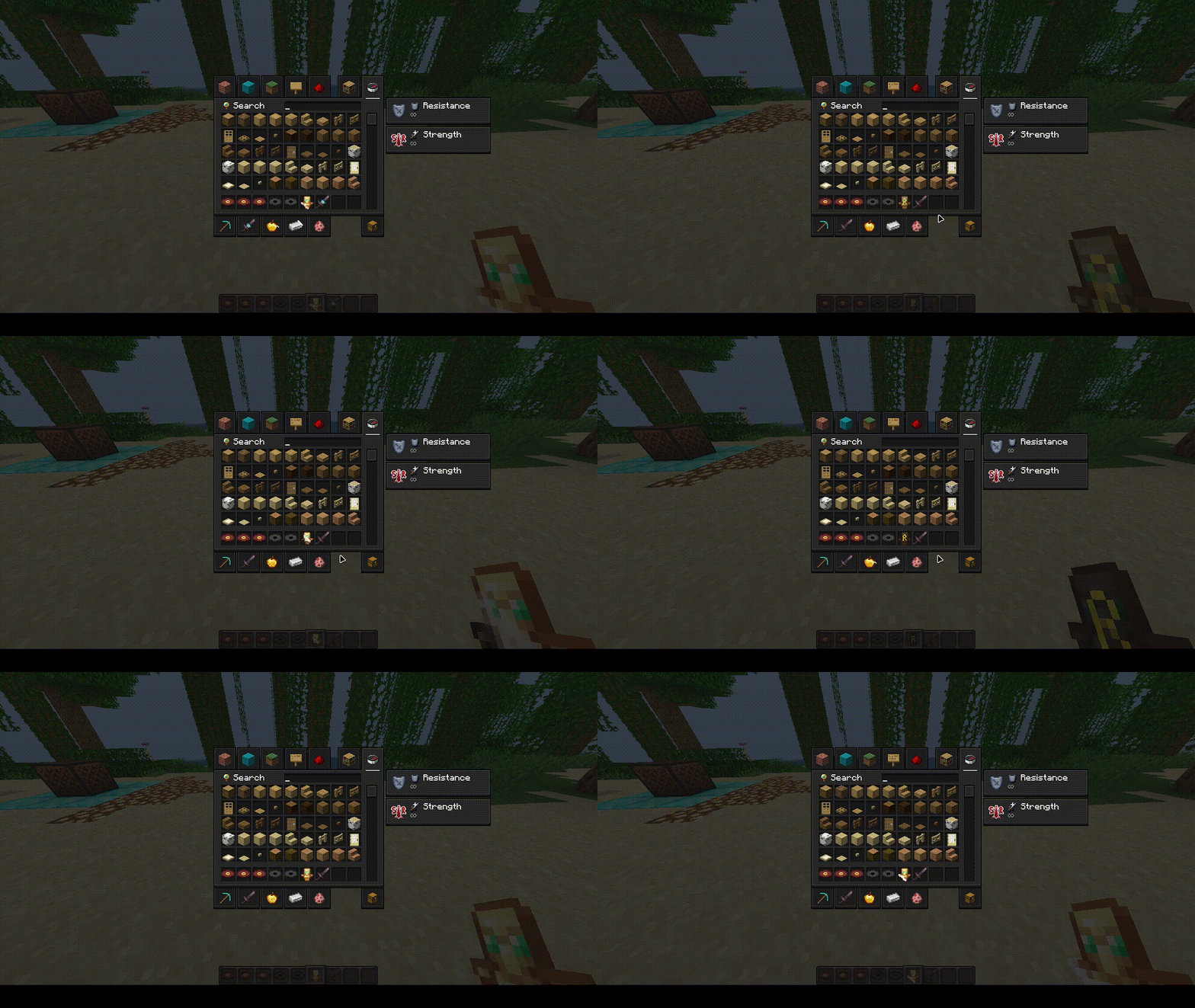
Select items include custom animated textures.
Custom Music Discs (credits to the original song owners)
Supported discs:
5 · 13 · Blocks · Cat · Chirp · Far · Mall · Mellohi · Otherside · Pigstep · Stal · Ward
Pack Highlights
- Elytras are fully retextured with unique, original designs.
- The armor renaming system adds a layer of roleplay and customization.
- Weapons combine community favorites with original creations.
- Custom discs bring a refreshed soundtrack to your world.
Credits
| Contributor | Contribution |
|—|—|
| Senpai Spider | Custom swords & items (1M Pack) |
| WeNAN Studios | Menu icons |
| Song Owners | Custom disc music |
常见问题
Risers Texture Pack 支持哪些 Minecraft 版本?
Risers Texture Pack 支持 Minecraft Java 版 1.20.6–1.21.4,共 6 个版本。下载时注意选择和你游戏版本一致的文件。
Risers Texture Pack 怎么安装?
把下载的 .zip 文件(不用解压)放进游戏目录的 resourcepacks 文件夹,进游戏后在「选项 → 资源包」里把它移到右边启用。


评论
登录后评论和评分