
Gloom Gear
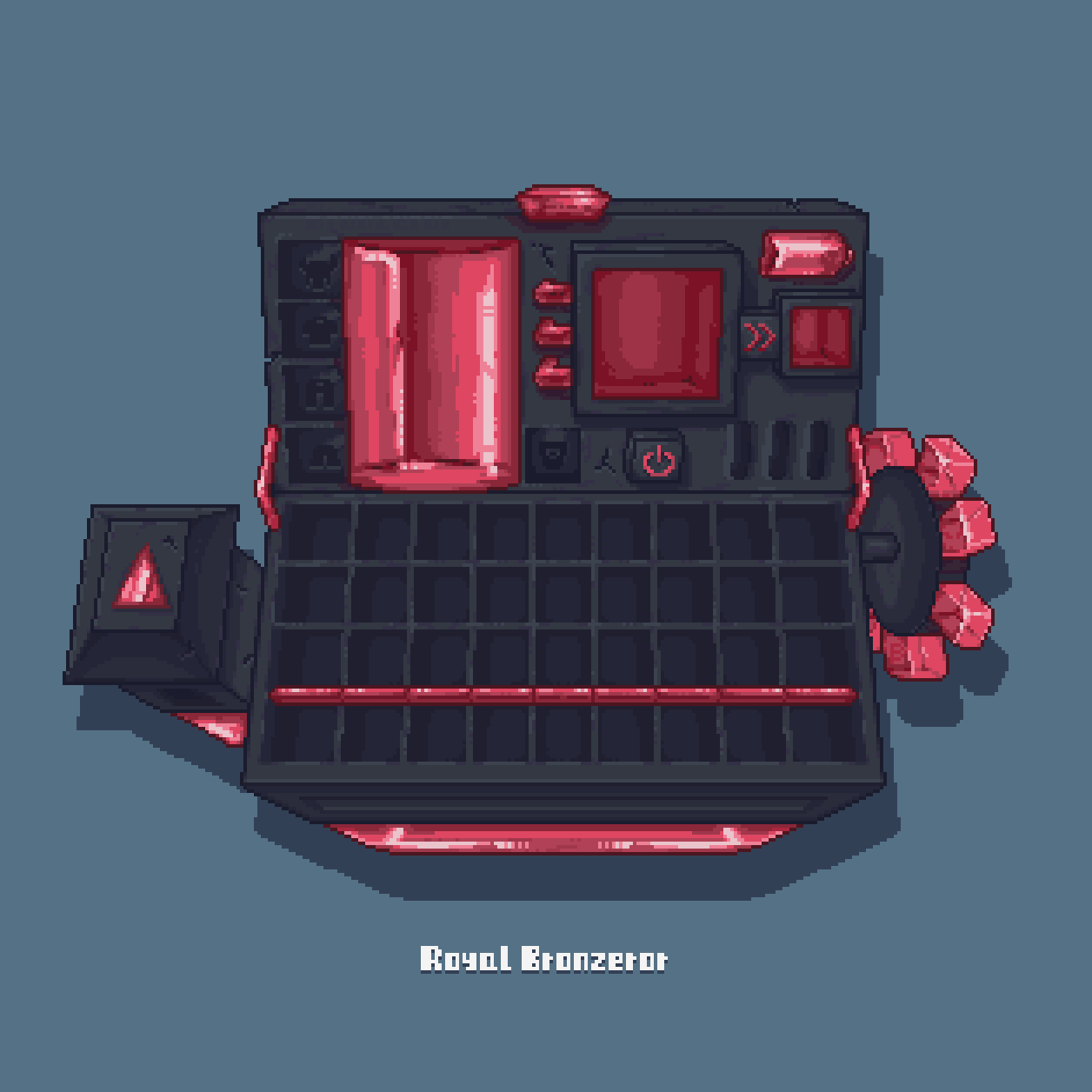
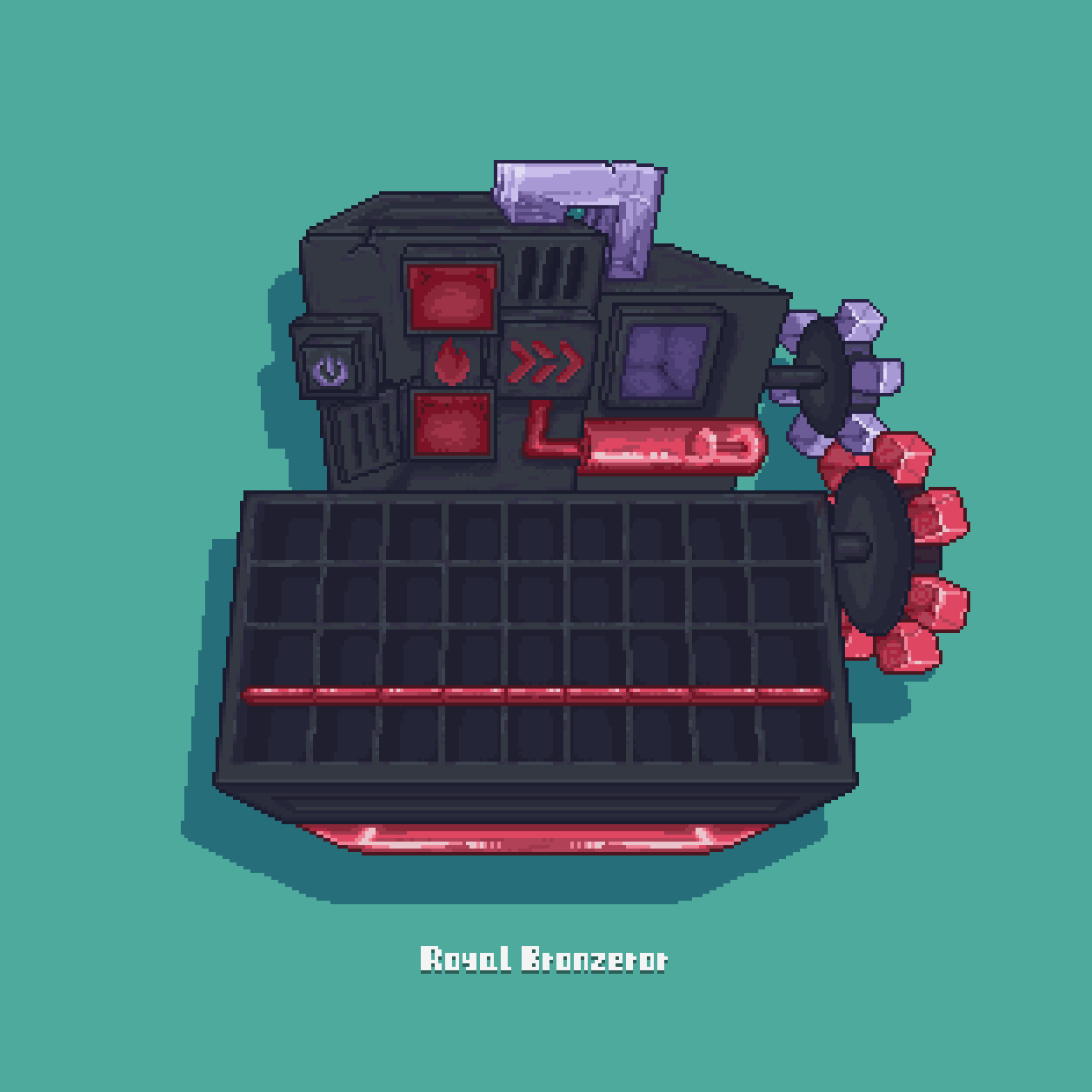
A GUI resource pack that redefines your Minecraft interface with deep hues, intricate machinery, gears, conduits, and ethereal glows.This resource pack gives you a different feel with an immersive dark mechanical GUI.
截图

介绍
Gloom Gear
_——The Precision Soul pulsating in the Shadows._
Step into a world where gears whisper and steel breathes. The GloomGear resource pack completely overhauls Minecraft’s UI, merging a gothic gloom aesthetic with the hardcore functionalism of industrial machinery. Every pixel is meticulously crafted to make you feel like you’re not just clicking menus, but operating a vast, complex, and ancient machine brimming with latent power.
_Installation & Feedback:_
- Download the GloomGear resource pack file.
- Place it into your Minecraft game’s resourcepacks folder.
- Activate it in-game via “Options” -> “Resource Packs”.
- Immerse yourself in the world of gloom and gears!
_Just keep in mind:_
- _Make sure to credit, and don’t claim Gloom Gear as your own creation._
- _You may create or edit assets in the pack for compatibility with other mod’s UIs._
- _Gloom Gear GUI updates slowly. If you want to download the latest version, please click here. You can also report issues here._
常见问题
Gloom Gear 支持哪些 Minecraft 版本?
Gloom Gear 支持 Minecraft Java 版 1.21–1.21.4,共 5 个版本。下载时注意选择和你游戏版本一致的文件。
Gloom Gear 怎么安装?
把下载的 .zip 文件(不用解压)放进游戏目录的 resourcepacks 文件夹,进游戏后在「选项 → 资源包」里把它移到右边启用。
Bronzeror 的其他作品
查看全部 →
Mechanical equation GUI Add-on for Shulker Box Tooltip mod
This is an add-on for Mechanical Equation GUI pack,It made unique textures for most of the GUI images of Shulker Box Tooltip mod.

Mechanical Equation GUI pack
Mechanical Equation GUI is full of mechanical style themes, each functional block has a unique texture.

Mechanical equation GUI Add-on for Sophisticated Backpack mod
This is an add-on for Mechanical Equation GUI pack,It made unique textures for most of the GUI images of Sophisticated Backpack mod.

Mechanical equation GUI Add-on for Mod Menu
This is an add-on for Mechanical Equation GUI pack,It made unique textures for most of the GUI images of Mod Menu.
评论
登录后评论和评分