截图


介绍
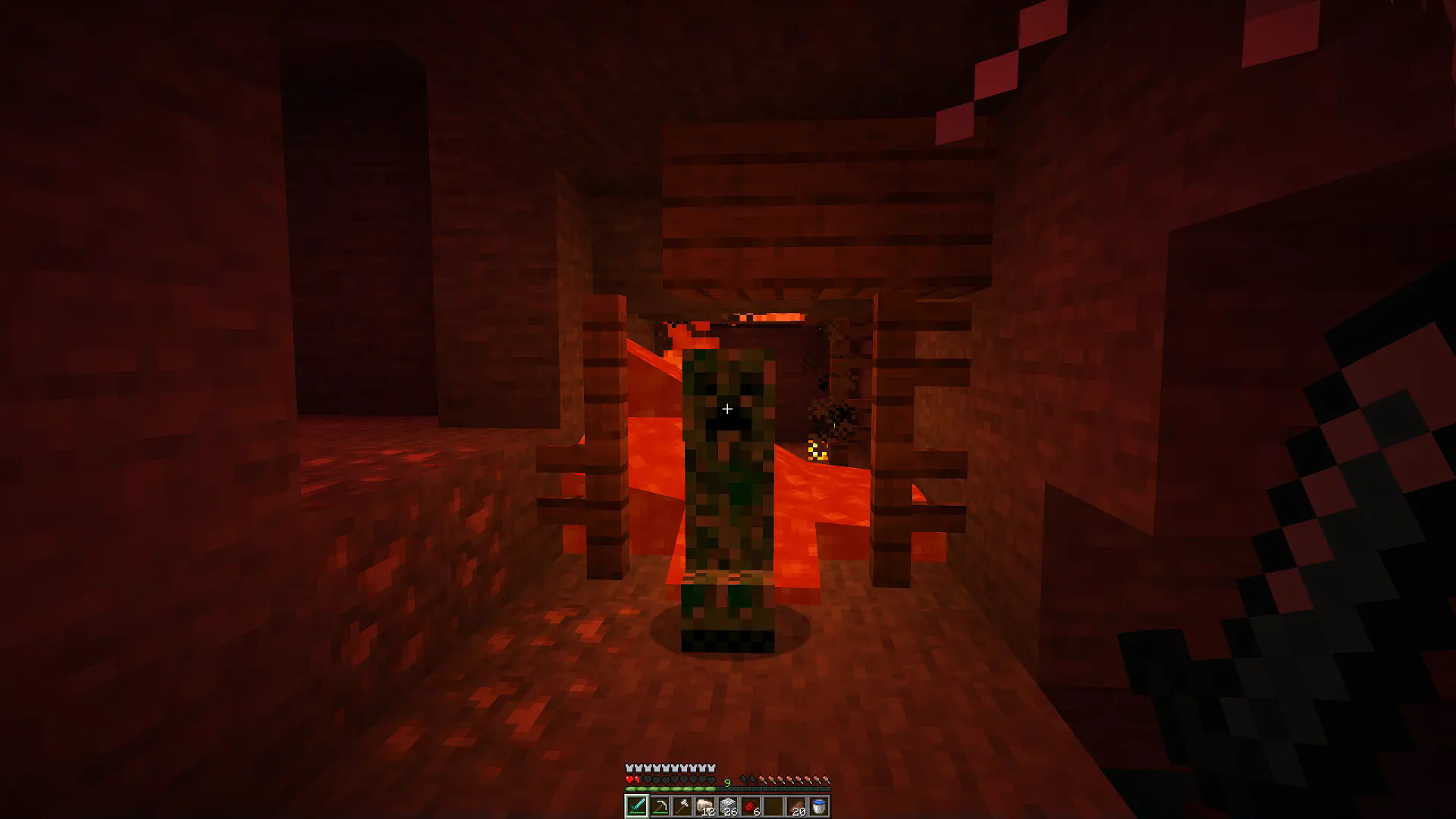
The mod adds colored lighting to the game. Other mods that add colored lights can use it as a dependency.
Warning
The mod is not compatible with Sodium!
Features
- Different blocks can emit different light colors
- Light that passes through stained glass is also colored
- Emitted colors and filtered colors can be customized in resource packs
- The mod is client side – you can play with it on any server and you won’t have any problems removing it from your world
Resource Pack Tutorial
In your resourcepack’s namespace folder (where folders like textures and models are located) create a light folder. There, you can create an emitters.json file, which defines what light colors blocks emit. Example:
\
_assets\\example\\light\\emitters.json_
{
	"minecraft:torch": "#00FF00", // color in hex
	"minecraft:red_candle": "red", // dye name
	"minecraft:redstone_lamp": [ 0, 255, 255 ],
	"minecraft:soul_torch": "purple;5", // override light level emission
	"minecraft:oak_leaves": "light_blue;F" // value after ';' is a hex number from 0 to F
}
You can also create filters.json, where you define what light color passes through a given block. Example:\
_assets\\example\\light\\filters.json_
{
	"minecraft:red_stained_glass": "#00FF00", // color in hex
	"minecraft:green_stained_glass": "red", // dye name
	"minecraft:glass": [ 0, 255, 255 ]
}
Example Resource Packs
Colorful Candles: colorful-candles.zip
常见问题
Colorful Lighting 支持哪些 Minecraft 版本?
Colorful Lighting 支持 Minecraft Java 版 1.20.1–26.2,共 14 个版本,可用的加载器:Forge / NeoForge。下载时注意选择和你游戏版本一致的文件。
Colorful Lighting 怎么安装?
先用 PCL2 或 HMCL 启动器安装对应版本的 Forge / NeoForge,再把下载的 .jar 文件放进游戏目录的 mods 文件夹,重新启动游戏即可。开启了版本隔离的,mods 文件夹在 versions/版本名 下面。运行环境:仅客户端。

评论
登录后评论和评分