
TMWIN
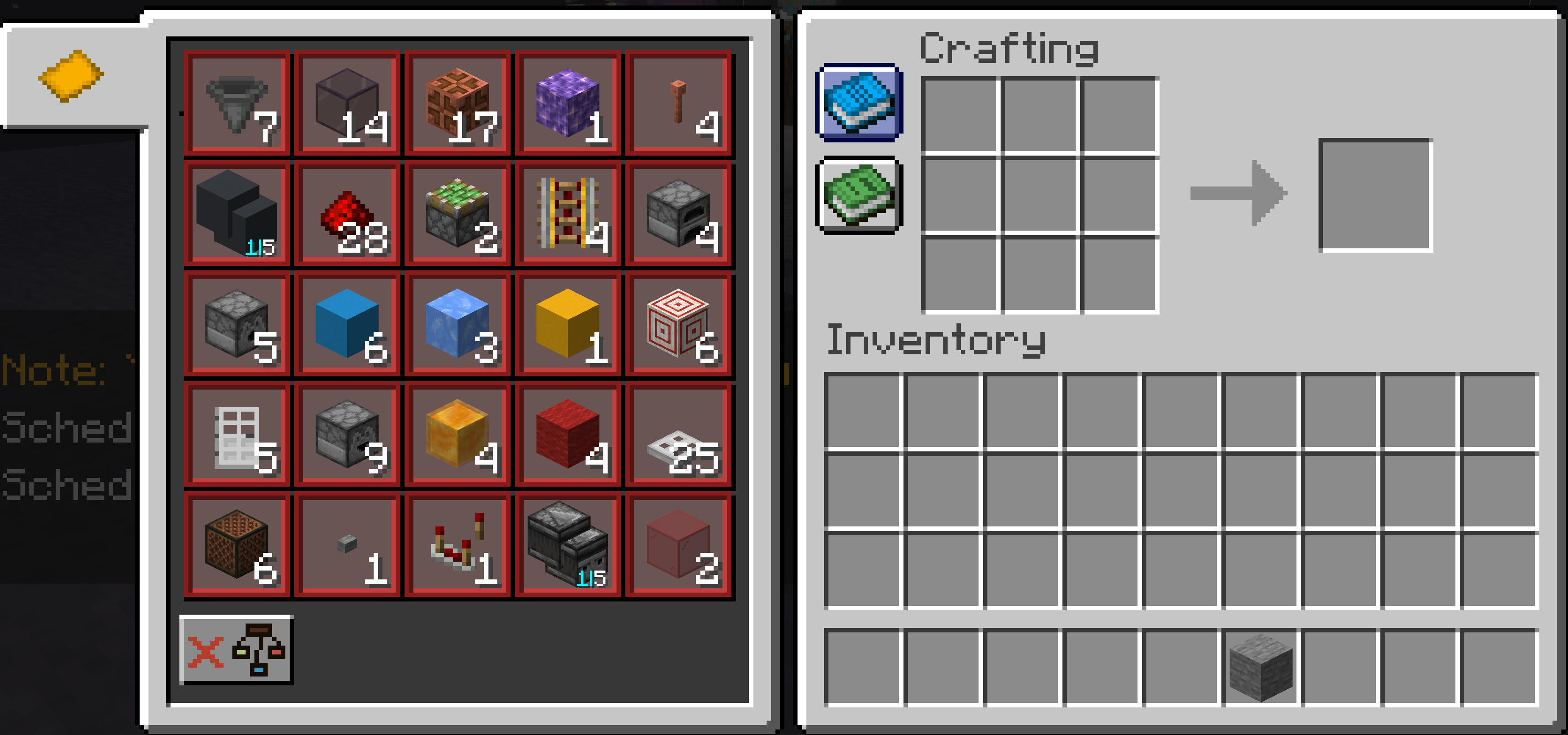
Tell Me What I Need : Display the litematica material list in the crafting table screen.
截图

介绍
TMWIN: TellMeWhatINeed

A Handy Little Helper for Litematica Projections!
Overview
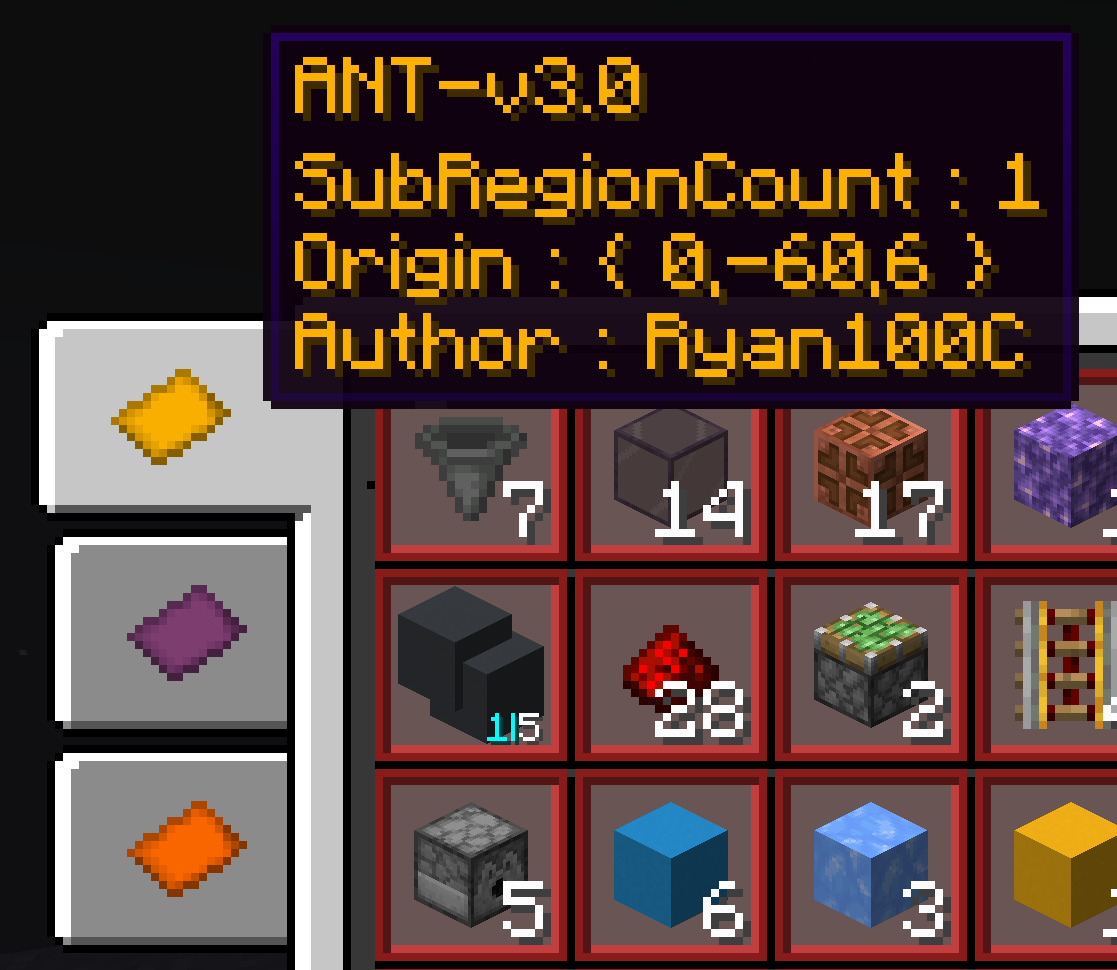
TMWIN: TellMeWhatINeed is a simple yet powerful Minecraft mod designed for players using Litematica. It automatically reads Schematic placements within your render distance and displays their material list right in the crafting table, making it easier than ever to gather resources!~~~~
Mod Showcase Video
Key Features
- Auto-Scan: Detects Litematica projections in your render distance in real-time.
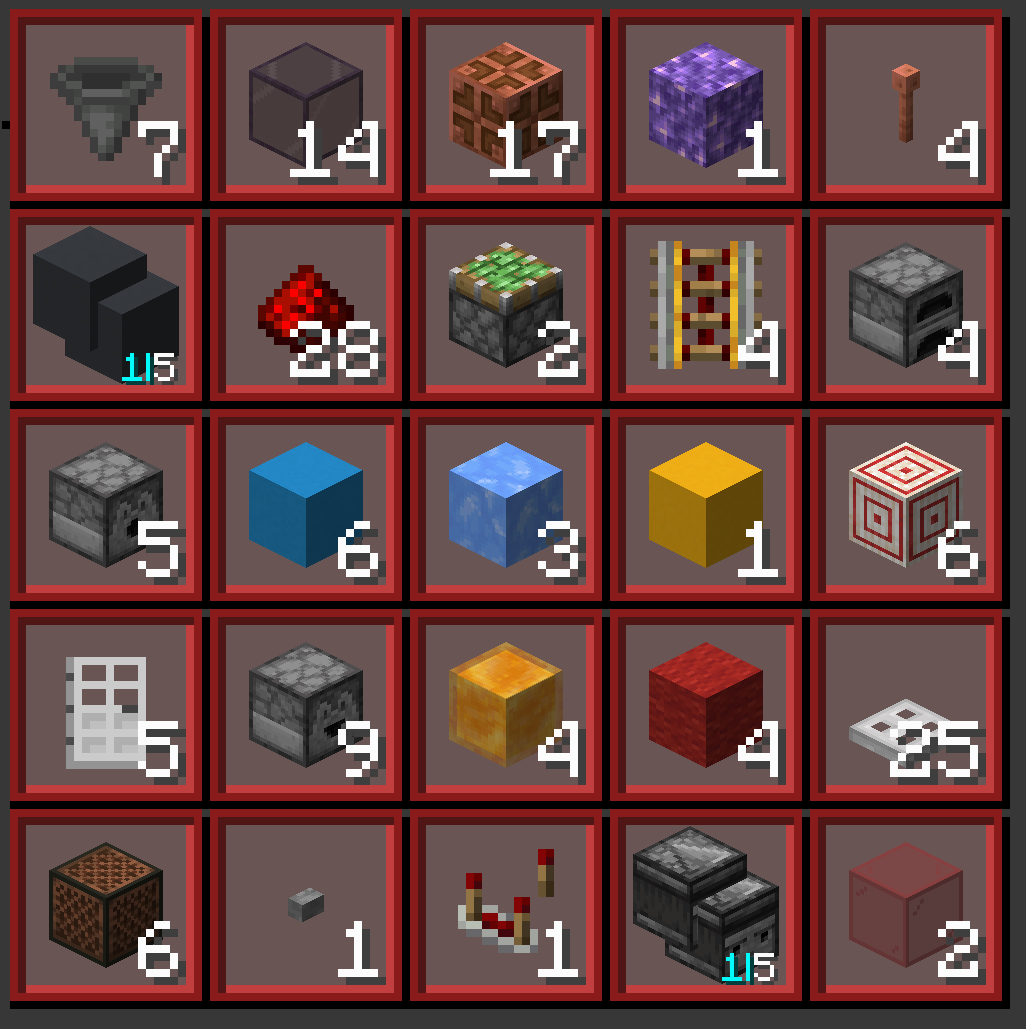
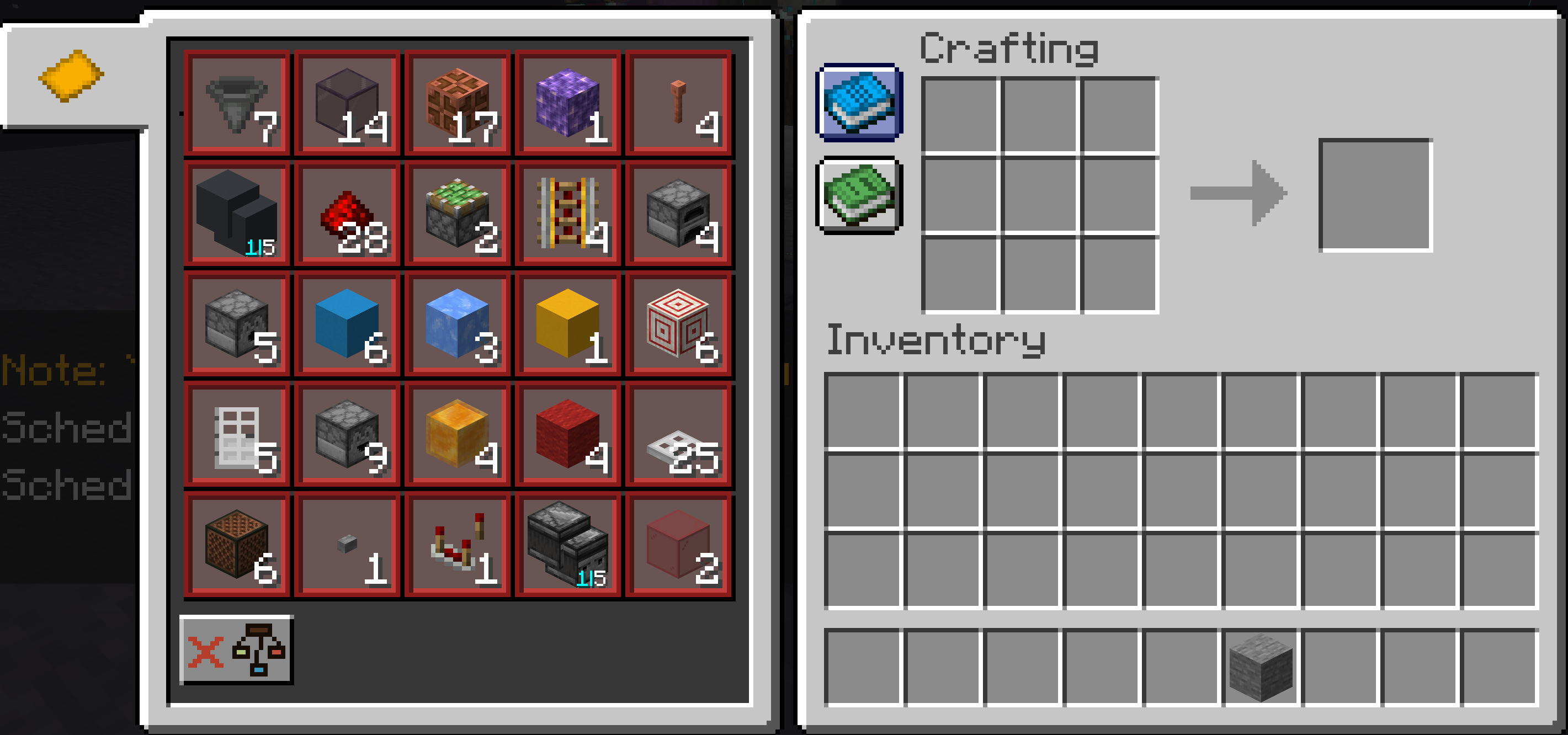
- Material Display: Shows a complete material list directly in the crafting table interface.
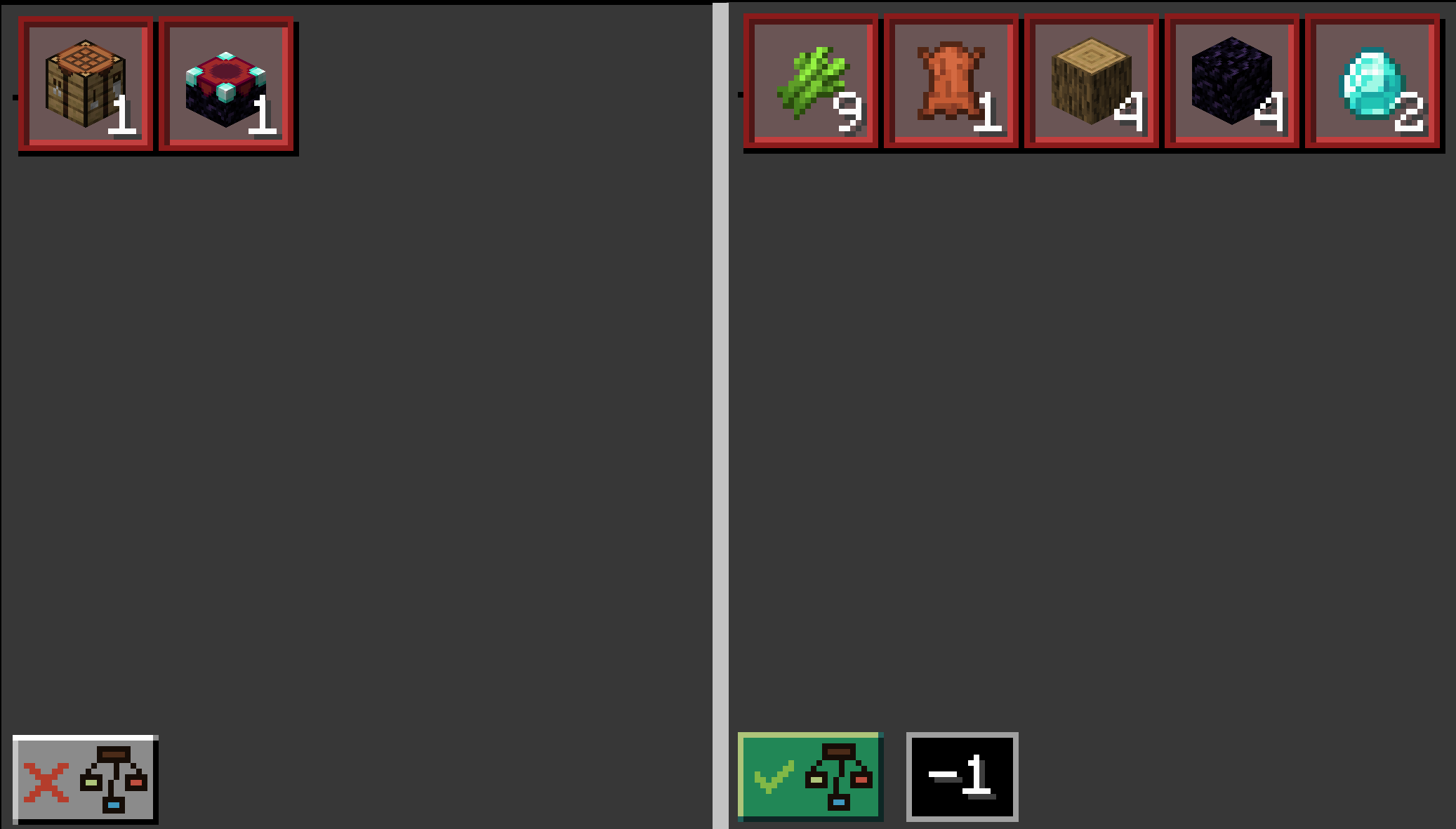
- Material Breakdown: Breakdown material into its base material.
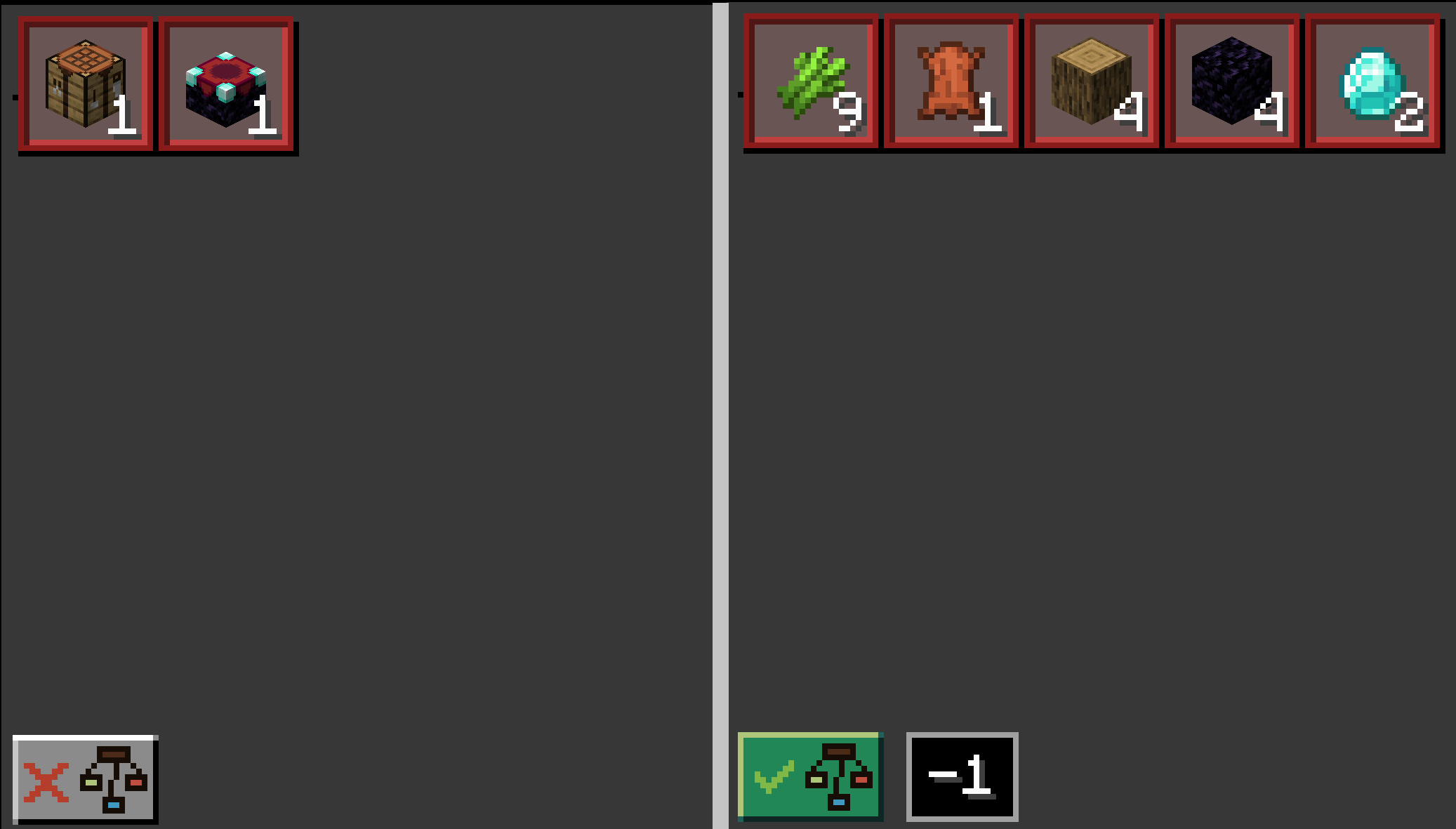
How to Use
- Load a Litematica projection in-game.
- Open a crafting table.
- Click the button with a blue book icon.
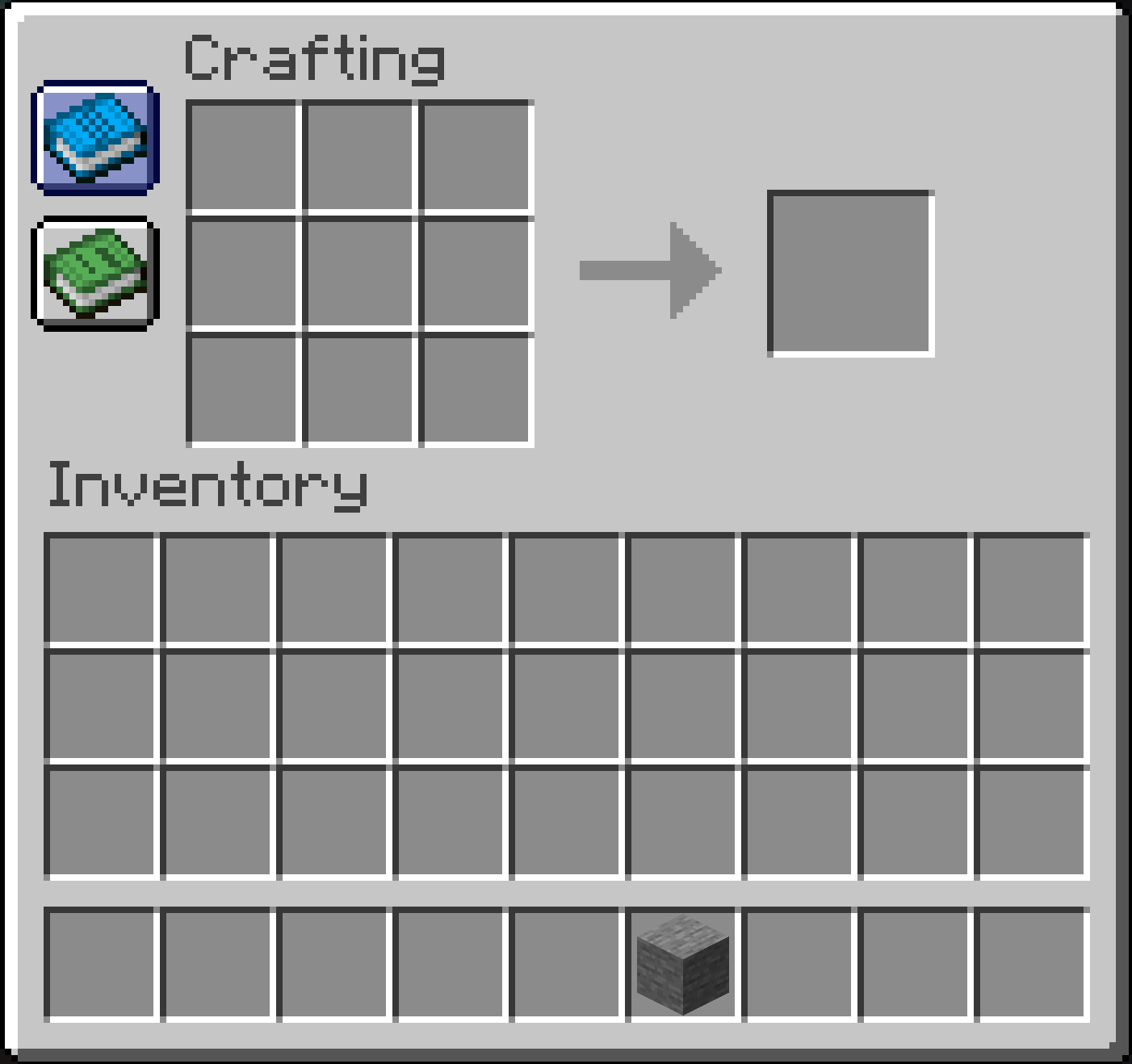
TMWINwill automatically display the materials needed for the projection.
Compatibility
- Minecraft Version: 1.20.6 ~ 1.21.4 (More versions in development)
- Required Mods: Litematica, Fabric API
- Loader: Fabric
常见问题
TMWIN 支持哪些 Minecraft 版本?
TMWIN 支持 Minecraft Java 版 1.20.2–26.3,共 19 个版本,可用的加载器:Fabric。下载时注意选择和你游戏版本一致的文件。
TMWIN 怎么安装?
先用 PCL2 或 HMCL 启动器安装对应版本的 Fabric,再把下载的 .jar 文件放进游戏目录的 mods 文件夹,重新启动游戏即可。开启了版本隔离的,mods 文件夹在 versions/版本名 下面。运行环境:仅客户端。
ryan100c 的其他作品
查看全部 →
CarpetGUI
An easy to use GUI for CarpetMod

Flashback-Iris-SkyColorOverrideCompat
Flashback sky color override compat for IrisShaders.
Flashback-Iris-SkyColorOverrideCompat
Flashback sky color override compat for IrisShaders.

KeepMyModMenuScroll(KMMMS)
This mod keeps your mod menu page scroll after you leave the mod menu screen
评论
登录后评论和评分