
Polar Bear Hotbar Selector
作者:eisbear13
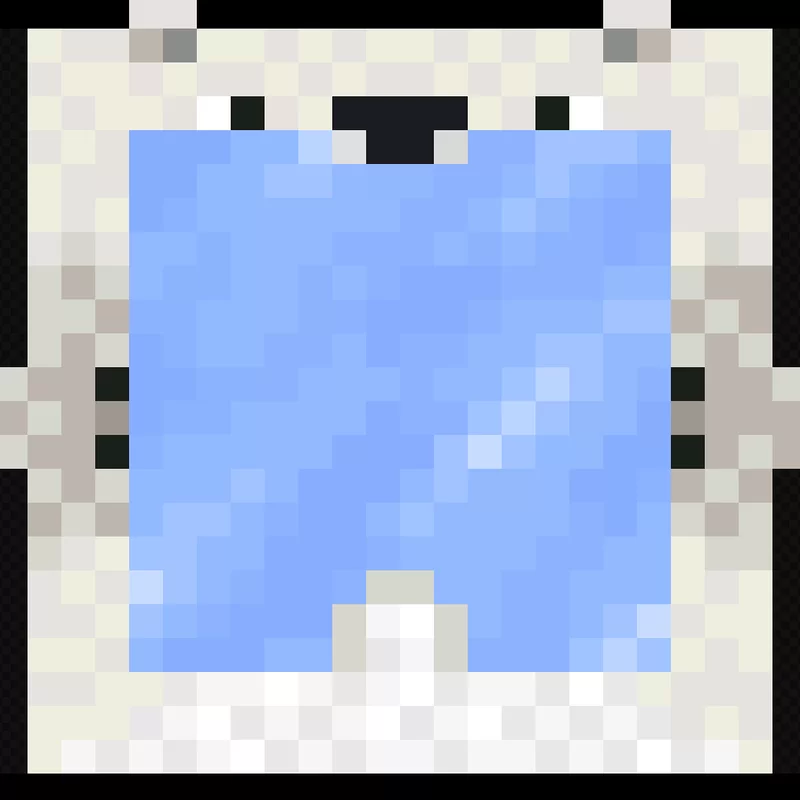
Cute & aesthetic polar bear hotbar selector for modern Minecraft (16x vanilla-friendly GUI)
截图


介绍
中文介绍正在准备中,下面暂时显示原文。
🐻❄️ Polar Bear Hotbar Selector
Give your Minecraft HUD an adorable, arctic touch! This lightweight GUI tweak replaces the default vanilla hotbar selection box with a cute Polar Bear that slides across your hotbar as you switch items.
📦 How to Install
- Download the version corresponding to your Minecraft release.
- In Minecraft, open Options -> Resource Packs -> Open Pack Folder.
- Drop the downloaded
.zipfile into the folder. - Move Polar Bear Hotbar Selector to the right column and place it at or near the top of your active packs list.
📜 Credits & Attribution
- Original Creator & Artist: Tgw Creeper
- Original Project: original version
The original pack was designed for legacy Minecraft versions. This project updates the pack structure, metadata, and asset layout to ensure compatibility with modern Minecraft Java releases. All original pixel art belongs to Tgw Creeper.
常见问题
Polar Bear Hotbar Selector 支持哪些 Minecraft 版本?
Polar Bear Hotbar Selector 支持 Minecraft Java 版 1.20.2–26.3,共 22 个版本。下载时注意选择和你游戏版本一致的文件。
Polar Bear Hotbar Selector 怎么安装?
把下载的 .zip 文件(不用解压)放进游戏目录的 resourcepacks 文件夹,进游戏后在「选项 → 资源包」里把它移到右边启用。
评论
登录后评论和评分