RebindMyKeys
Allows you to rebind more keybindings. Furthermore, adds an unbind button and allows escape to be rebound!
截图


介绍
RebindMyKeys allows you to rebind normally hard-coded keybindings. It also allows escape to be used in keybindings and adds a button to allow unbinding of keys.
Why do I want this mod?
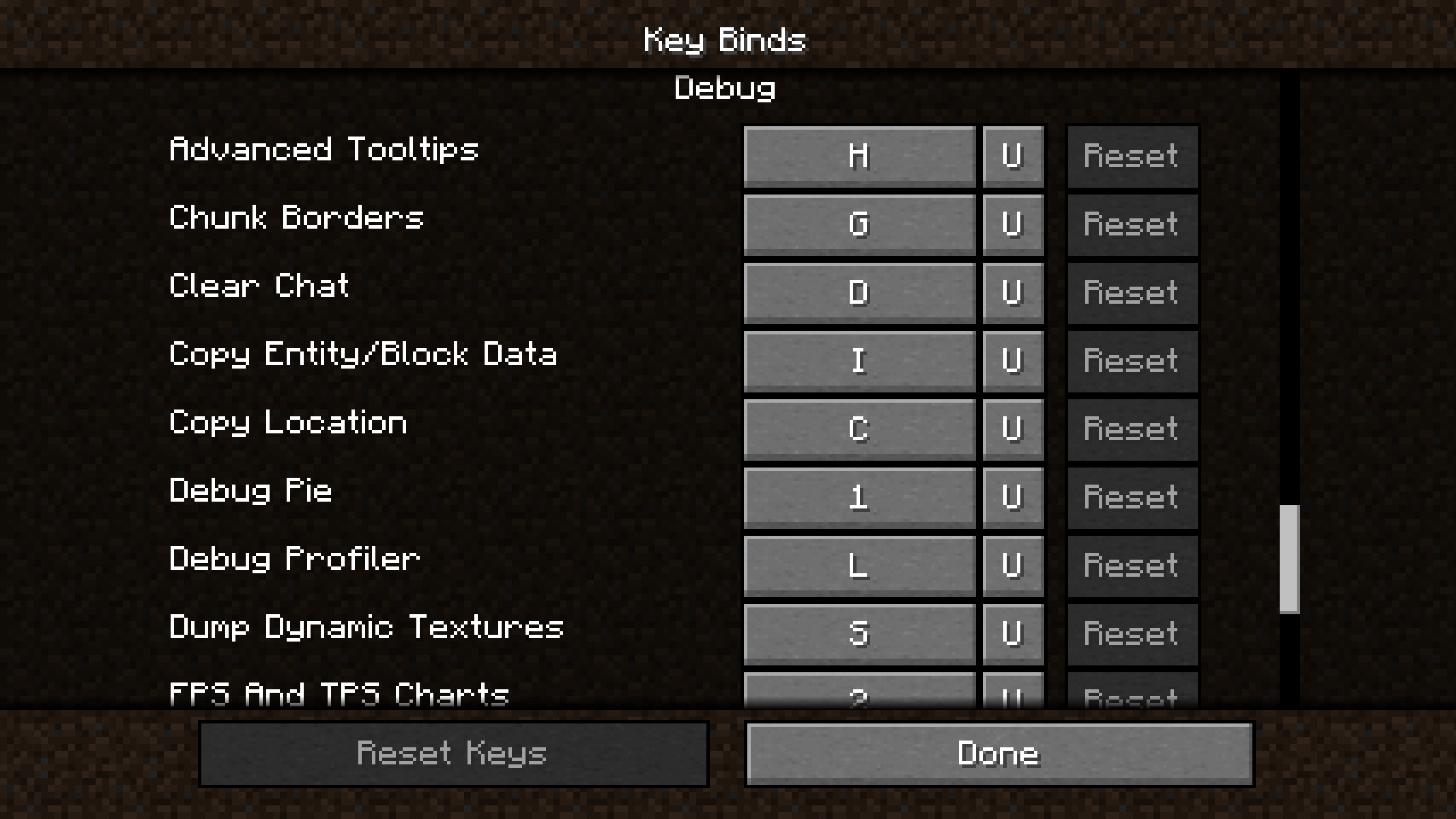
You don’t like the Debug Menu being F3 or having to press F1 to hide your HUD? Then this mod is for you. With RebindMyKeys you can rebind the Debug Menu, HUD and more!
KeyBindings added for
- Pause / Close Menu
- Narrator
- Debug Menu
- Toggle HUD
- Debug Combinations (e.g. Show Hitboxes) (1.20.1 or lower is unable to rebind the f3 menu charts)
- Dismount (suggested by @tadm12)
- Refresh Server List (suggested by @BioTechproject27)
If you want me to add a KeyBinding please create an Issue on my GitHub!
Usage
Rebind
The additional KeyBindings function just like normal KeyBindings. KeyBindings which are used with a key combination only conflict with keys using the same combination. This mod also allows the vanilla fullscreen and screenshot KeyBindings to be bound to mouse keys.
Unbind
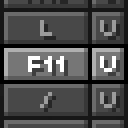
To unbind a KeyBinding simply press the “U” button. This mod removes the vanilla function of unbinding a key when you try to bind it to escape and instead allows binding keys to escape. (thanks to @syorito-hatsuki)
Rebranded from UnbindMyKeys.
常见问题
RebindMyKeys 支持哪些 Minecraft 版本?
RebindMyKeys 支持 Minecraft Java 版 1.20–1.20.4,共 5 个版本,可用的加载器:Fabric。下载时注意选择和你游戏版本一致的文件。
RebindMyKeys 怎么安装?
先用 PCL2 或 HMCL 启动器安装对应版本的 Fabric,再把下载的 .jar 文件放进游戏目录的 mods 文件夹,重新启动游戏即可。开启了版本隔离的,mods 文件夹在 versions/版本名 下面。运行环境:仅客户端。


评论
登录后评论和评分